 Warden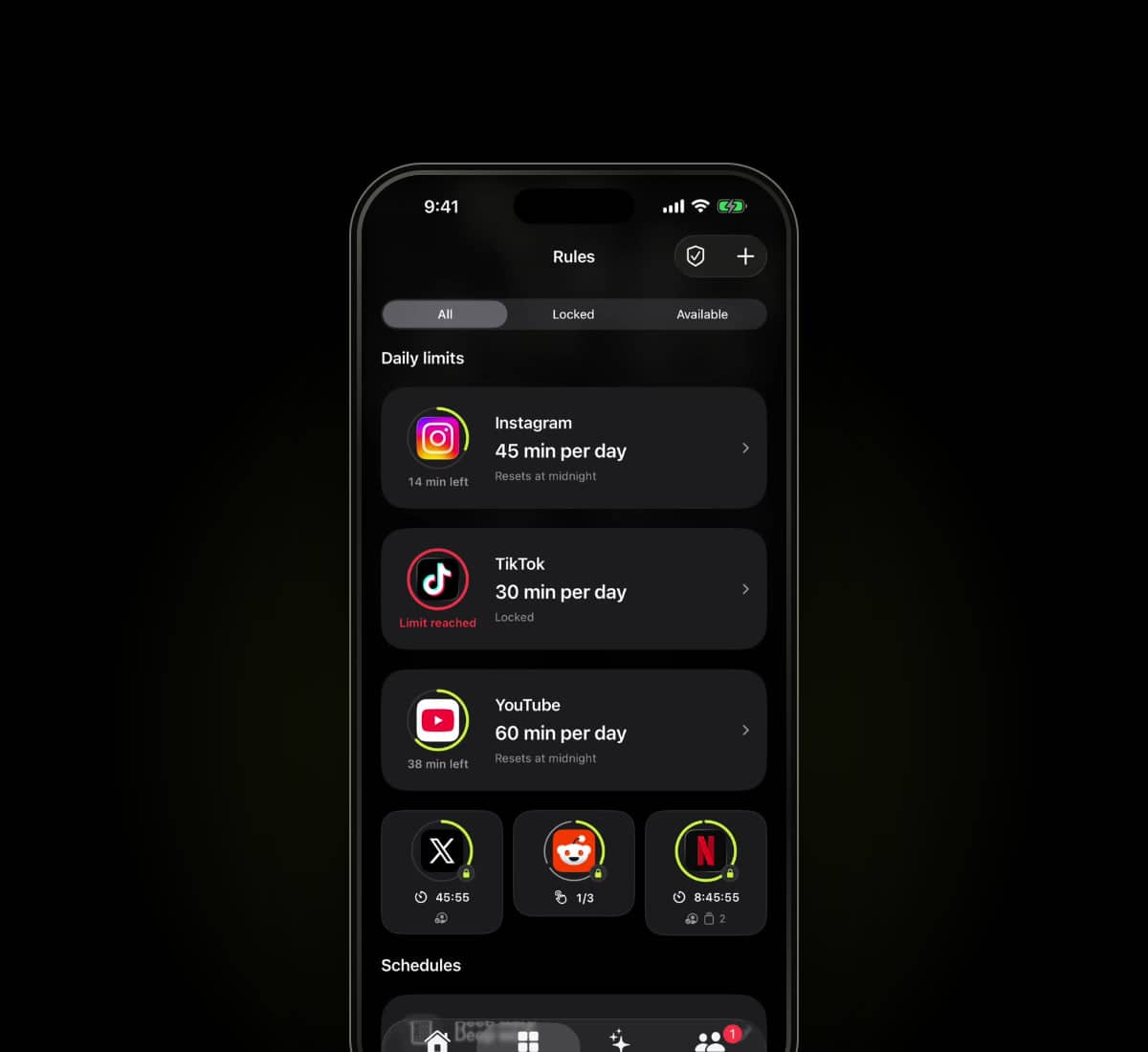
Sources checked
Written by Warden from the providers' published information. We have not hands-on tested every app in this comparison.
What ScreenZen offers
ScreenZen offers daily limits and scheduled blocks for selected apps and websites. Its official site also describes a lock mode intended to make limits harder to bypass.
The app is free with optional donations. ScreenZen also sells a separate device called halo. Check the app on the device you plan to use; its website lists iOS, macOS, Windows and Android.
The useful differences to inspect
Scroll to compare
| Consideration | Warden | ScreenZen |
|---|---|---|
| App limits and schedules | Daily limits, schedules and focus sessions | Daily limits and scheduled app and website blocks |
| Cost model | Free plan with paid Pro features | Free app with optional donations; halo is separate |
| Device coverage | iPhone | The provider lists iOS, macOS, Windows and Android |
| Stricter access | Lockdown blocks ordinary early access; emergency access stays available | Lock mode aims to prevent common ways of bypassing limits |
| What to test | Send an early unlock request and check approval, denial and expiry | Check selected apps, schedules and lock settings on your device |
This is a focused description, not an exhaustive feature checklist. An option not listed here is not necessarily absent. Check current plan and platform details with each provider.
Which arrangement fits your day?
Try ScreenZen first if your main requirement is a free blocker with daily limits and schedules. Test the lock settings and the way you get back into a blocked app before deciding that you need a different product.
Warden is worth testing when you want a friend or partner to review early unlock requests on iPhone. Both people agree to the connection. Standard and Lockdown also work without a partner; emergency access remains available.
Try the scenario that matters
Choose one nonessential app, a short period and a normal exception. Test starting the rule, keeping a needed tool available and returning to the block after access ends. Review any purchase and renewal terms before subscribing.
See Warden's current tools and limitations
Other app blocker comparisons
ScreenZen alternatives for iPhone in 2026
ScreenZen is free and has a lock mode. If you want another person involved, a physical stopping point or structured focus sessions, compare these alternatives.