 Warden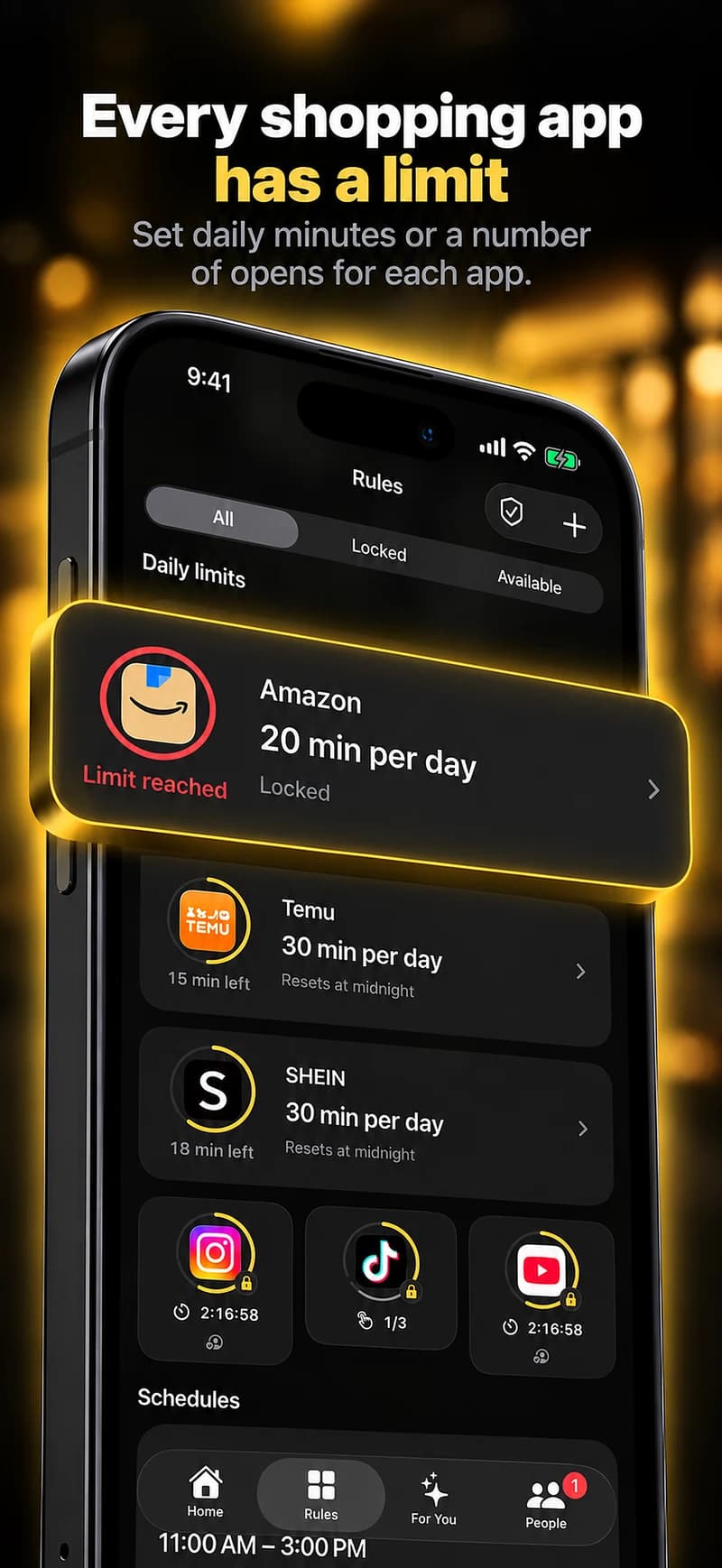
Choose the moment you want to interrupt.
Checking a delivery, making a planned purchase and browsing recommendations may happen in the same app. Warden does not infer which activity is necessary or inspect what you buy.
A daily allowance can fit accumulated browsing, while an evening window can keep shopping apps out of a period you want for something else. Pick the rule that describes the pattern, not an arbitrary spending judgment.
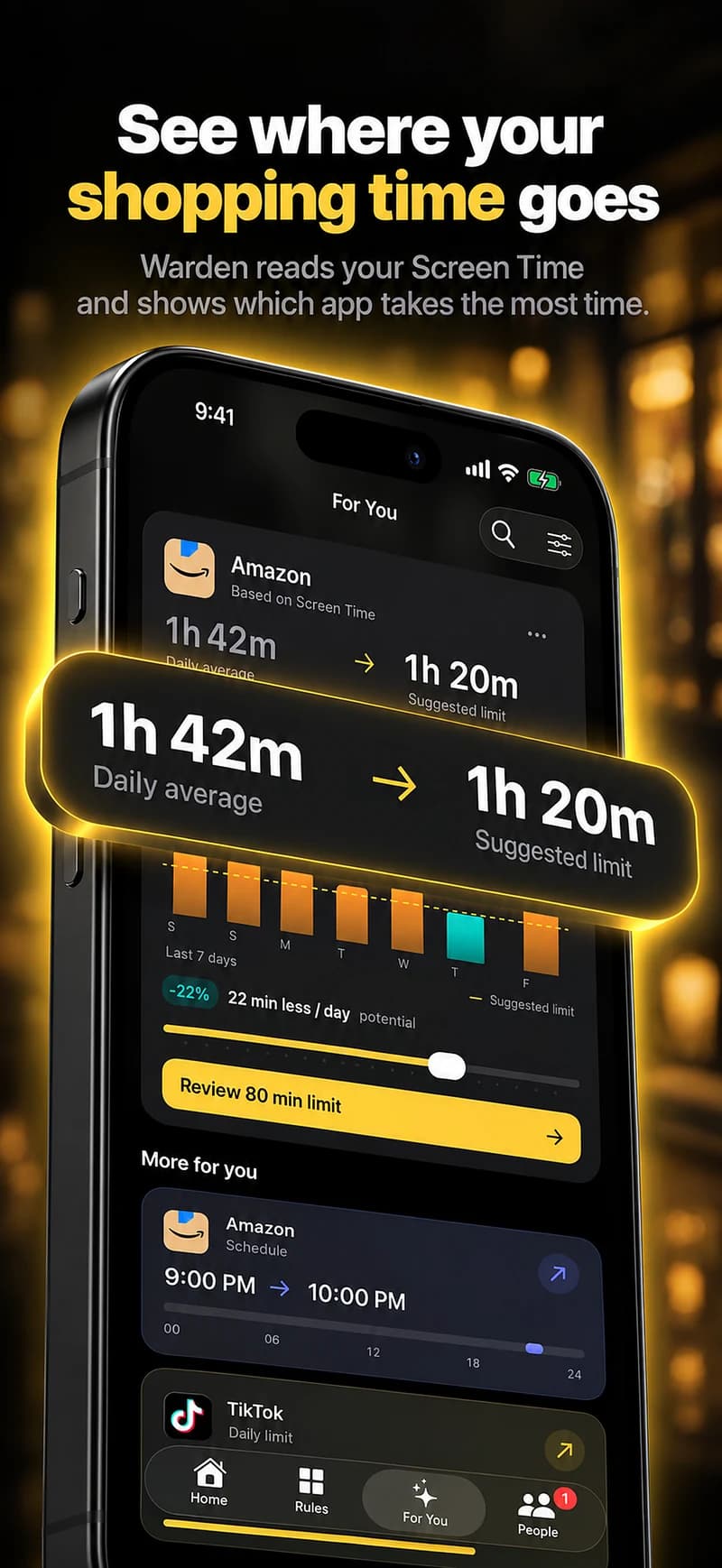
A starting point to make your own
| Routine | Example time | Purpose |
|---|---|---|
| An evening boundary | 8 PM – 8 AM | An example schedule for the shopping apps you select. |
| Check with intention | 15 minutes | A daily allowance you can adjust. Warden does not track what you buy. |
Warden for iPhone
Set it up without adding unnecessary rules
Daily limits, schedules and focus sessions
Install Warden and connect Screen Time when iOS asks. Then open Rules and tap the plus button.
Choose the apps or scope involved in this particular interruption. Use an allowance for total use, a schedule for recurring hours, or a session for a one-off task.
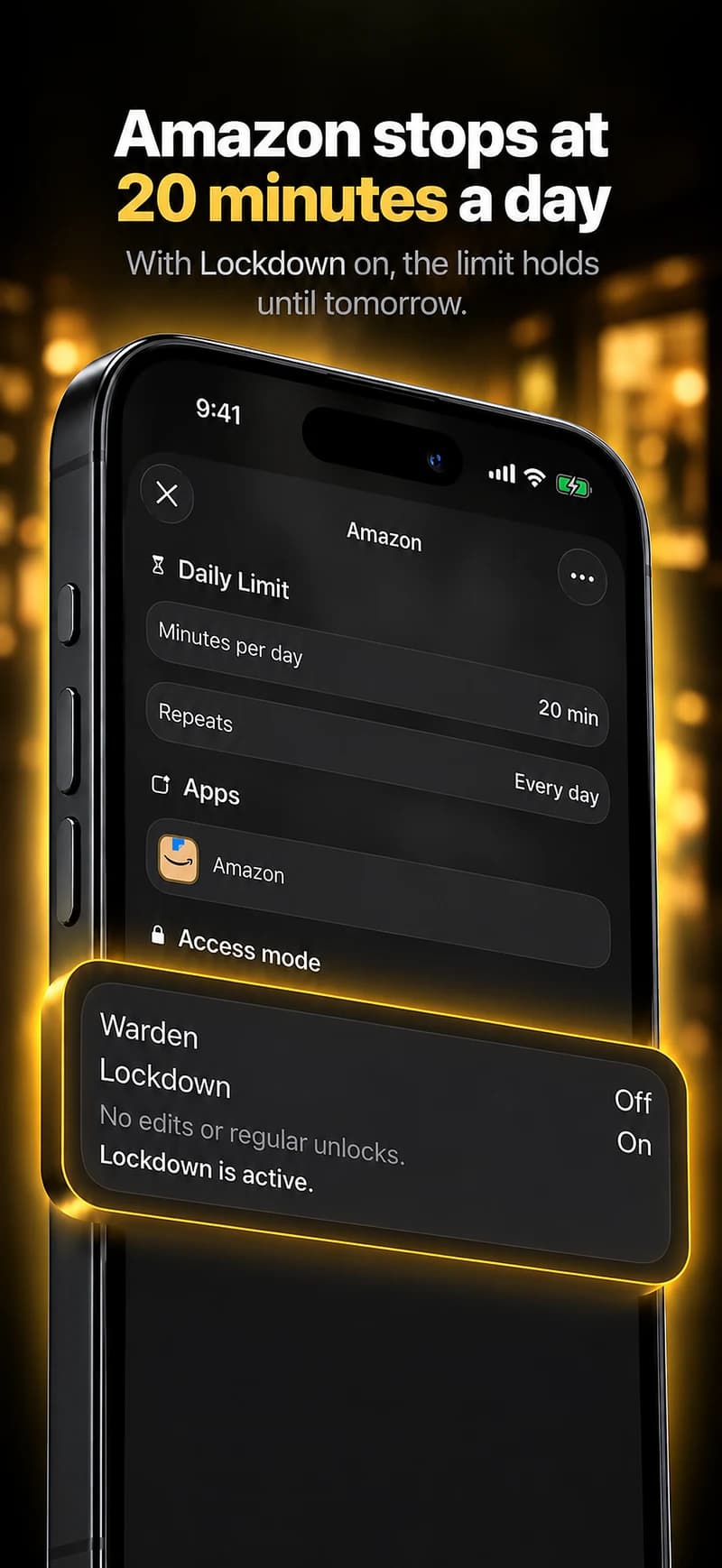
What Standard, Warden and Lockdown do
Choose Standard when you want to manage the limit yourself. Choose Warden when a person you trust should review early-access requests. Choose Lockdown to keep ordinary early unlocks off until the block ends.
Choose the access mode, then hold the save button to set the rule. Try a short block before using a long one. Emergency access remains separate from ordinary unlock requests.
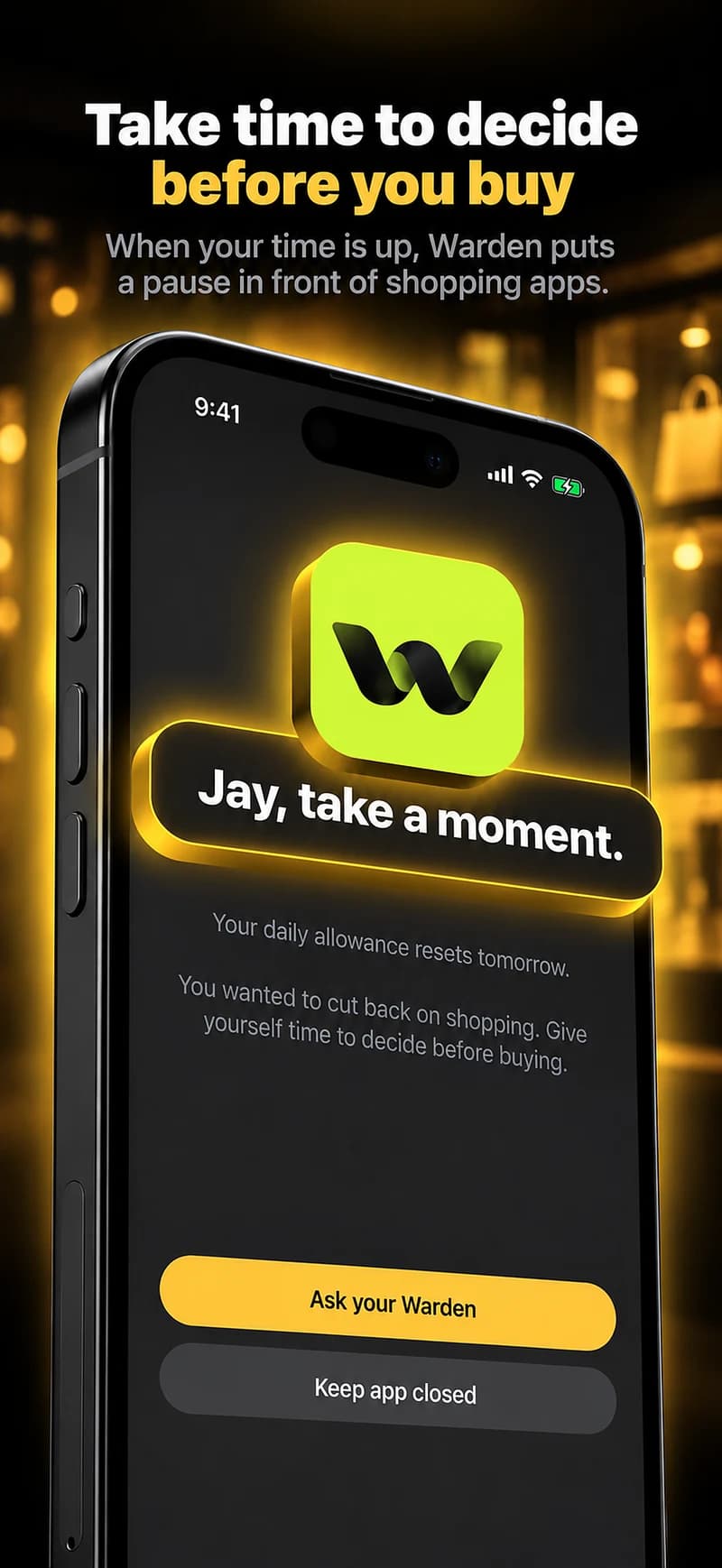
How Warden approval works
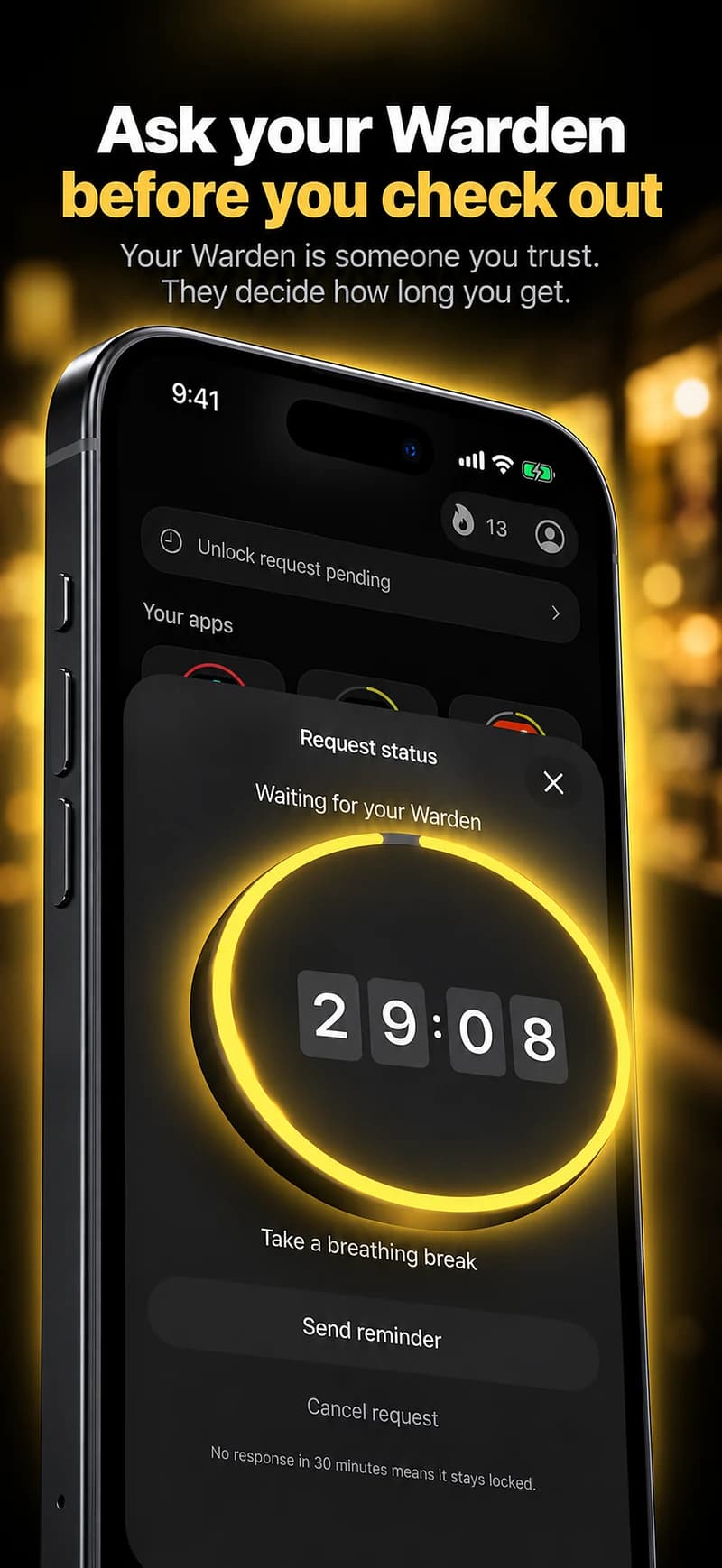
Choose how many minutes you need, add a note and hold to send. If nobody answers within 30 minutes, the request expires and the app stays locked.
An approval applies to the scope and time shown in the app. A declined or unanswered request does not lift the block. Emergency access remains a separate option on your device.

Plan legitimate access before the block.
Check tickets, delivery details or a needed order before a recurring window where practical. For a genuine one-off task, use the supported temporary-access arrangement rather than rewriting the whole routine.
If shopping starts through a social feed or browser, review those routes separately. An app restriction is not a payment control, a purchase limit or a guarantee that every shop is covered.