Warden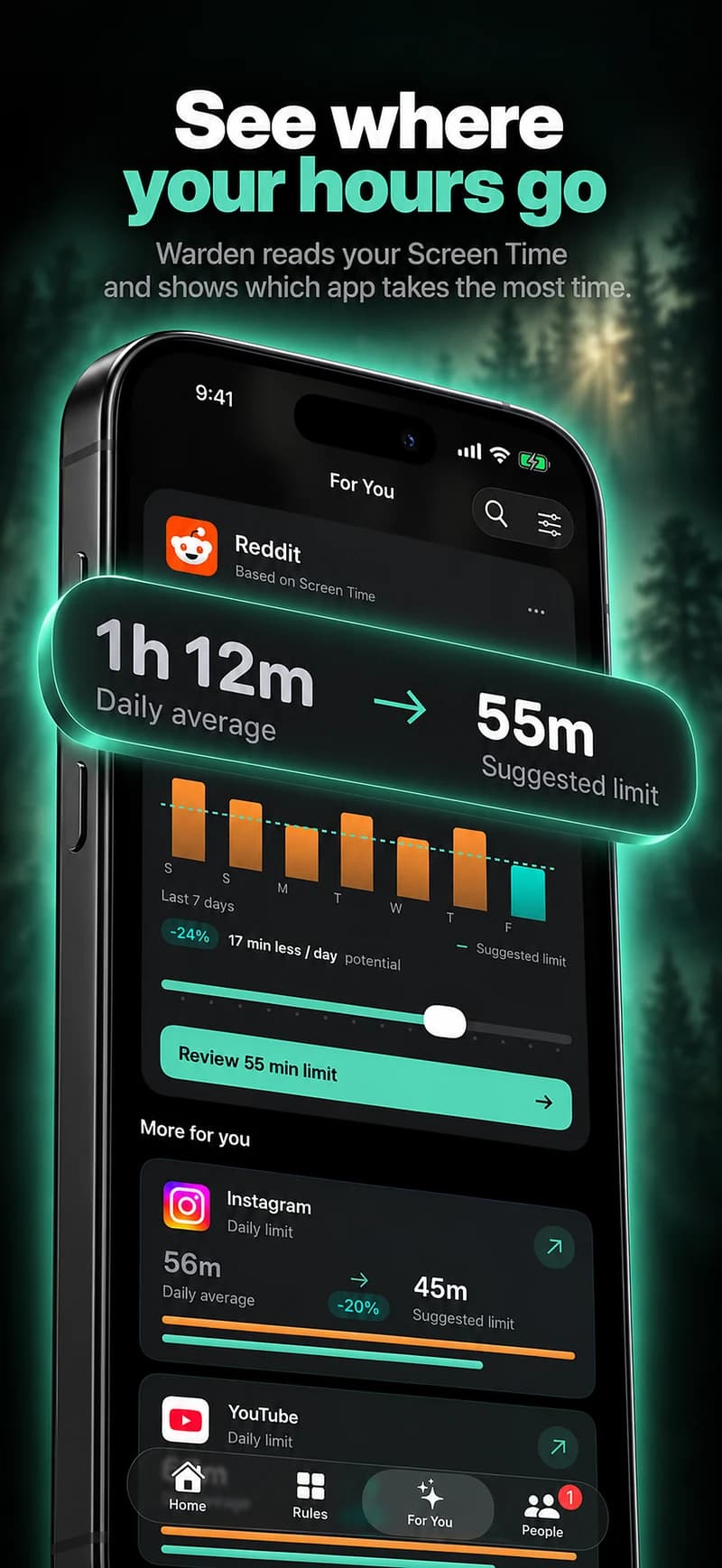
Before the week: choose a single change
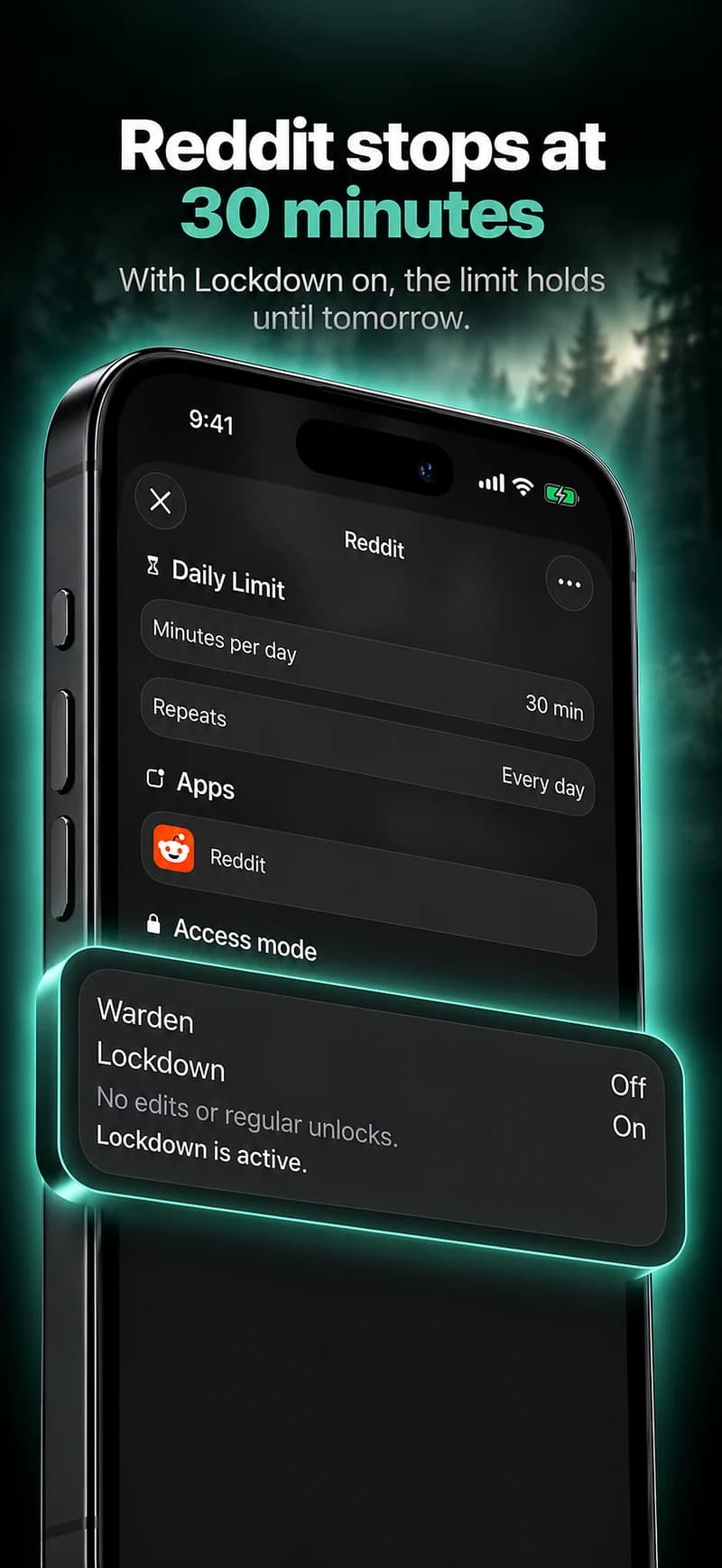
Pick one recurring situation, such as feeds during study or shopping after dinner. Decide the selected apps, the hours, what remains available and how a reasonable exception works. Keep the experiment small enough that you can tell what caused a result.
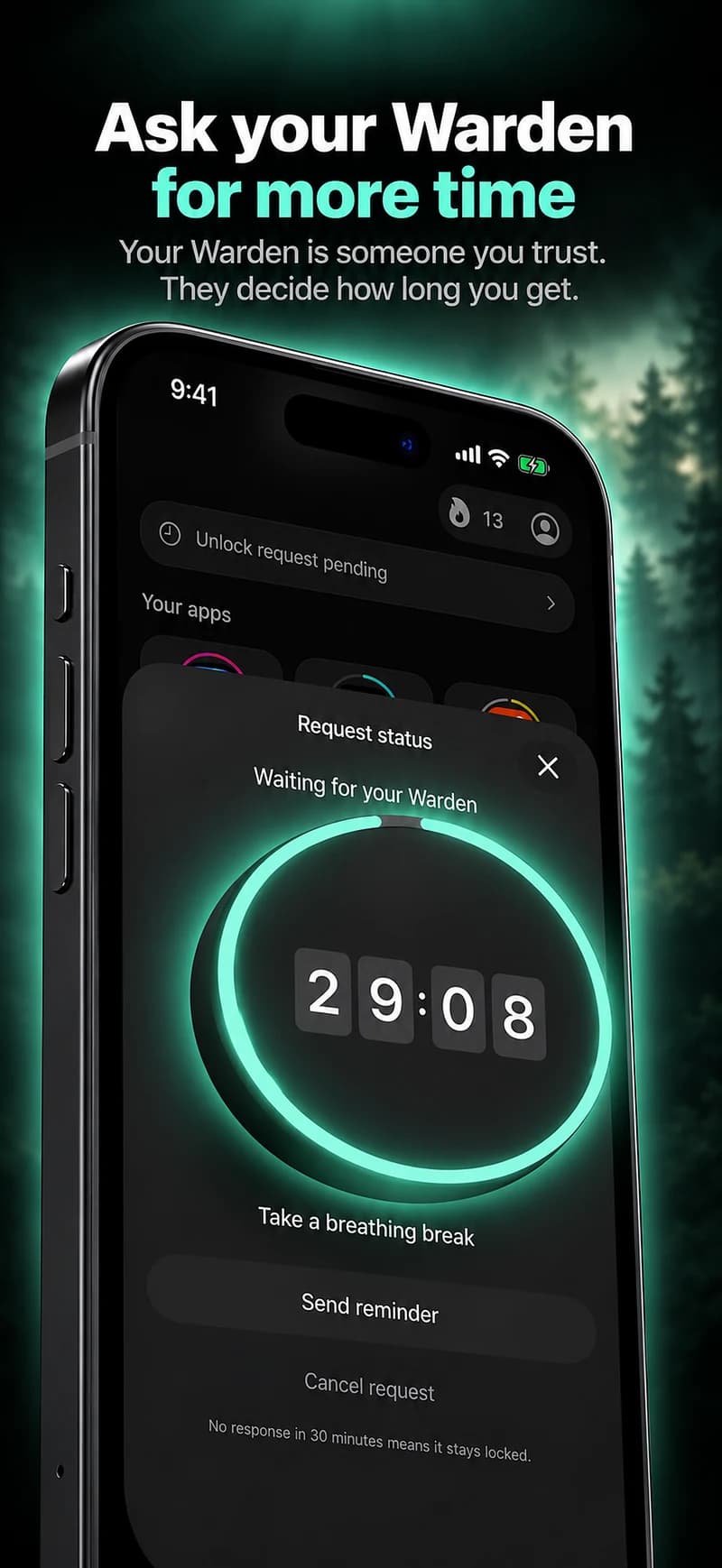
Each person can have different hours and app selections. A shared experiment does not require identical schedules or a mutual approval role. Ask whether you want simple check-ins, self-managed rules or one person reviewing requests.
Days one and two: test the setup
Use the rule and look for practical mistakes: a necessary app included, an overnight window on the wrong days, an unexpected shared allowance or a missing notification exception. Correct those before treating the experience as a test of commitment.
Keep notes short: the planned window, whether the target distraction was covered and anything that needed changing. Do not collect private message contents or monitor another person’s activity to make the experiment seem more rigorous.
During the week: keep the routine comparable
Avoid changing every setting after a difficult day. If you make an adjustment, note what changed so you can interpret the rest of the week. A work deadline or travel day may explain different use without implying that the plan failed.
Use supported reports where available, but keep missing data distinct from zero activity. Compare similar windows, not an entire weekend with a workday. The goal is understanding your chosen situation, not producing an impressive percentage.
At the end: choose what to keep
Discuss whether the arrangement fit, whether exceptions were reasonable and whether it made room for the activity you intended. Keep the helpful part, revise the difficult part or stop the experiment. A seven-day period does not establish a permanent habit by itself.
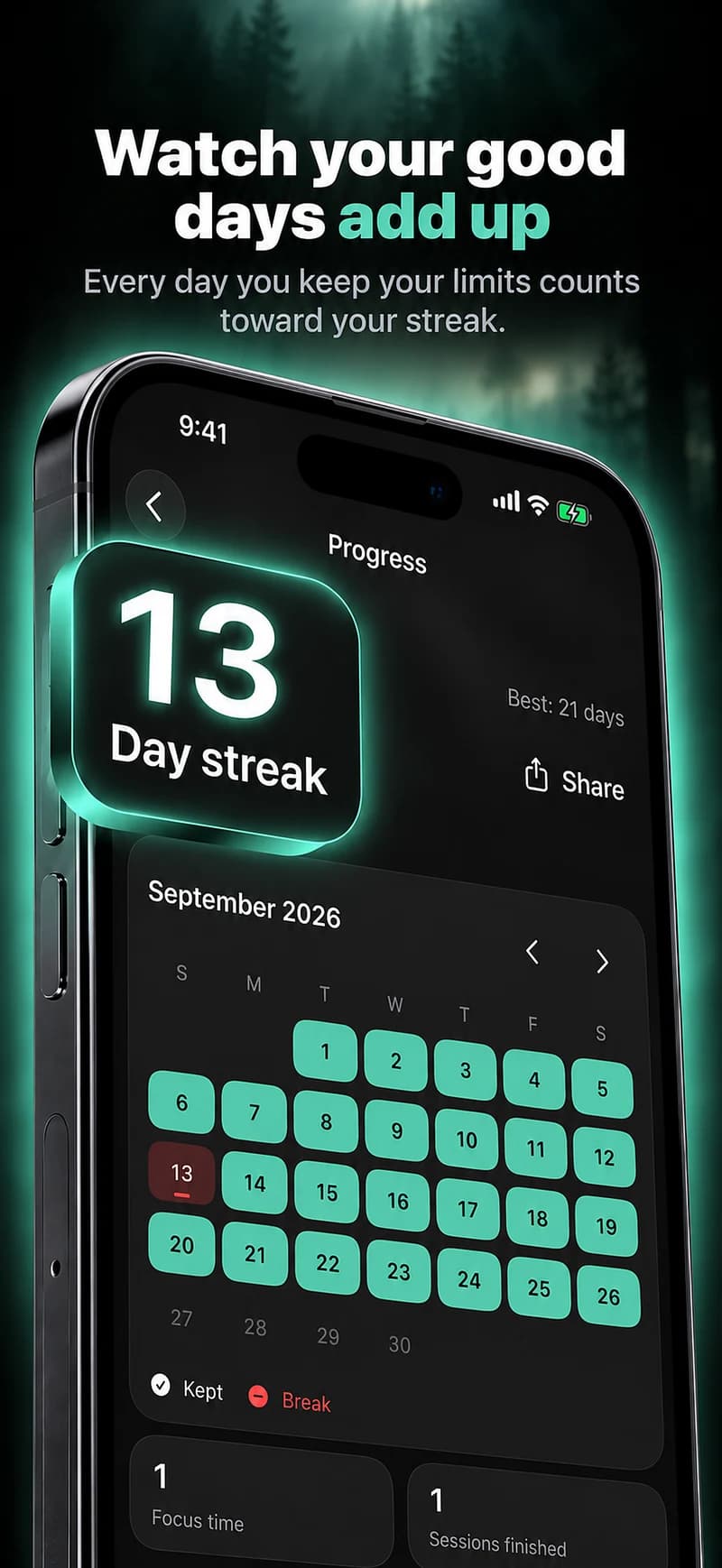
Warden can show recorded protection and available app readings. It does not verify that a workout, meal or project was completed unless that information is actually supplied. Review those outcomes yourselves rather than letting the counter decide the meaning of the week.
A seven-day review plan
On day one, agree on one window and check the selected apps together. For the next few days, note only a useful observation: what interrupted the plan, which exceptions were necessary and whether the time suited the activity. Keep those notes about your own experience, not a contest over whose total is lower.
Halfway through, fix an obvious scope or scheduling error rather than insisting on an unsuitable rule. On day seven, review what you want to continue, change or stop. Reported protection and usage can inform the conversation, but neither is proof that the relationship improved or that a permanent habit was formed.