 Warden
Warden for iPhone
Choose your Warden.
Invite someone who understands the limit you want to keep. They review early-access requests, without a view into your private messages or browsing.
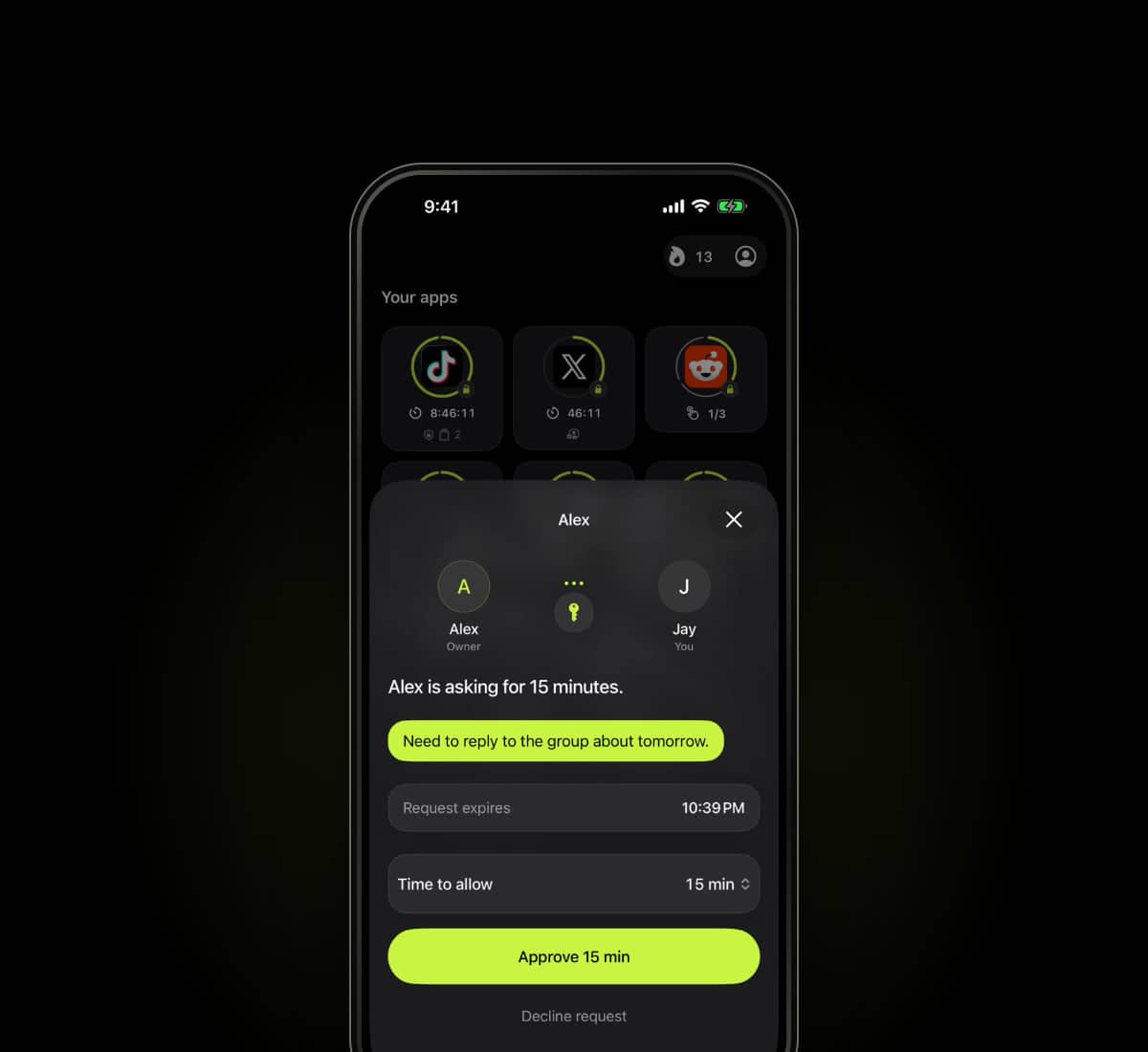
Agree on when to help.
Choose a friend, partner or family member you can talk to about the apps you are trying to use less. Agree on what the limit is for and when an exception makes sense.
Your Warden does not need to monitor you or stay available all day. The arrangement is voluntary, and being the person who responds to requests is free.
Choosing the right personConnect through an invitation.
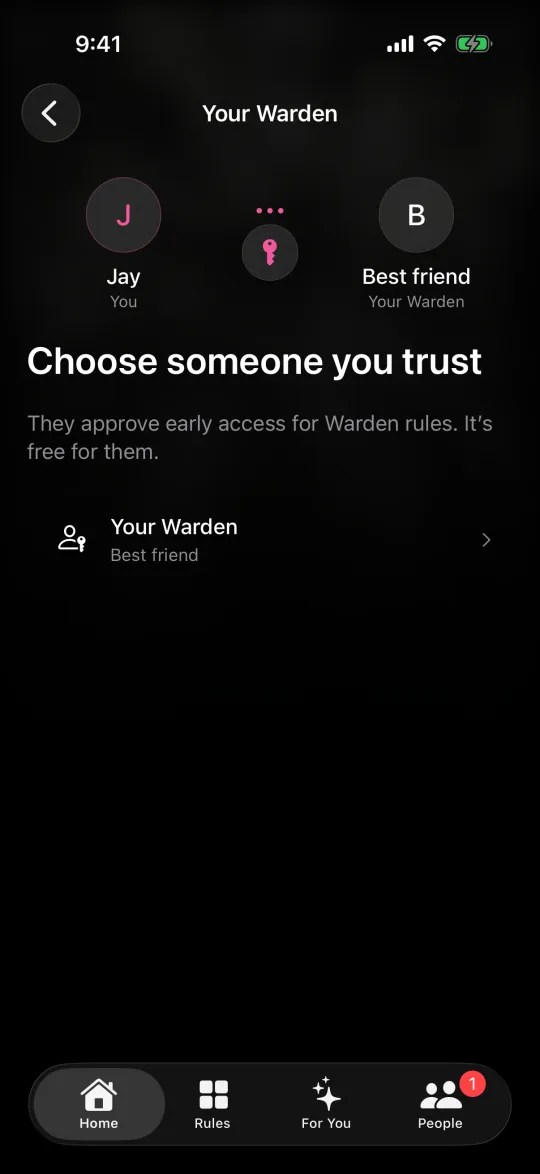
Send an invitation by link, code or QR from Warden. Your chosen person installs Warden on a compatible iPhone or iPad and accepts it in the app. They can join as a guest without a separate sign-up or sign-in, or use an existing Warden account. Being your Warden is free.
Check that the connection is active before using it for a block. Sending an invitation is not the same as receiving an acceptance.
Review requests in the app.
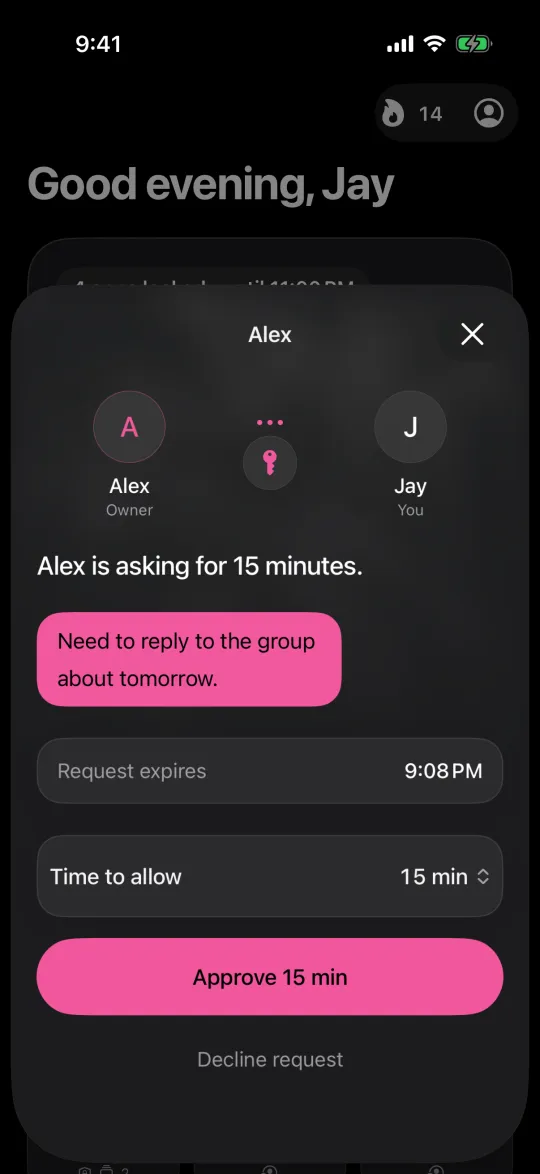
When you need a blocked app early, request temporary access and add a note if it helps explain the exception. Your Warden reviews the requested access and chooses whether to approve it.
An approval applies to the scope and time shown in the app. A declined or unanswered request does not lift the block. Emergency access remains a separate option on your device.
- Approved
- The granted access follows the duration and scope shown in the app.
- Declined
- The requested ordinary exception is not granted.
- Unanswered
- Silence does not count as approval.
You cannot see their messages.
You can see the relationship and request information shared in the app, not their screen, messages or browsing.
Requests need an internet connection and delivery can be delayed. The owner has separate emergency access when you are unavailable.
What Warden stores and shares