 Warden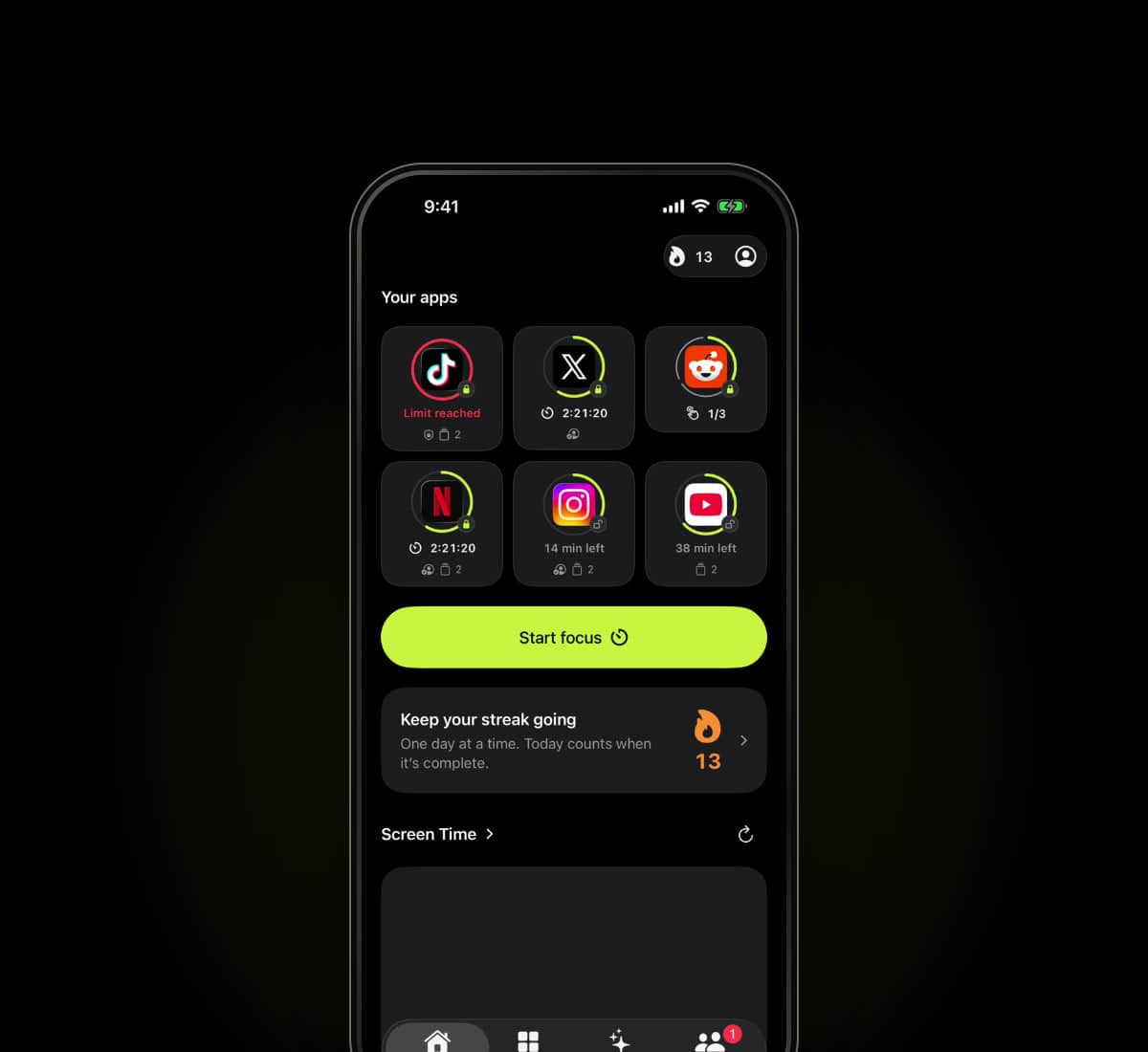
Set up your first block
Choose apps, hours and how early access works.
Billing & refunds
Manage subscriptions and find the right refund route.
Your information
Account deletion, launch emails and privacy choices.
What is Lockdown mode?
Warden uses Apple's Screen Time system to block selected apps. Lockdown prevents ordinary early unlocks and edits to active rules until the block ends or the daily limit resets. No accountability partner is needed.
What does usage intelligence recommend?
Warden uses your goals and available Screen Time patterns to recommend which apps to limit, a daily allowance, recurring block times and a suitable protection mode. Each suggestion explains its reasoning. You review and approve every rule.
Can I use Warden on my own?
Yes. Use Standard for flexible limits or Lockdown for a firmer commitment on your own. A trusted person is optional, only for rules where you choose Warden approval.
Can Lockdown be bypassed?
Emergency access remains available. Lockdown makes an active rule harder to bypass in Warden; it does not prevent you changing iOS permissions.
What do usage-based recommendations need?
Usage-based recommendations need iOS 26.4 or later, supported Screen Time data access and enough history. Without that access, you can still use goal-based suggestions and create manual rules.
An app is still open after its daily limit. What should I check?
Check the actual selected app, today's allowance, whether the rule is enabled, and any active temporary access, emergency override or Always Allowed exception. A saved rule and an applied shield are different states. Try a short nonessential test and report the rule, local time and observed result if it repeats.
A schedule crosses midnight. Which days should I inspect?
Review the start time, end time and selected days on the actual rule. An overnight window crosses a date boundary, so note the local date and the displayed status when testing it. Avoid adding overlapping rules until you understand the first one.
The report has not updated. Does that mean blocking stopped?
Not necessarily. Reporting and enforcing saved restrictions have different paths. Missing or stale report data is not zero use and does not independently establish whether a shield is active. Check the target app and its current rule separately.
How do I review a personalized suggestion?
Open the suggestion and inspect the selected apps, allowance or schedule, and early-access arrangement. Confirm the draft before it becomes a rule. Usage-based suggestions depend on supported access and sufficient history; you can create a manual rule instead.
Why does Warden ask about Screen Time or app usage access?
Normal Screen Time authorization and separately supported app-and-website usage access serve different purposes. The permissions available depend on the platform and setup. A public web page does not read your Screen Time simply because you visit it.
My invited Warden has not connected yet. Can they approve?
A pending invitation is not an active connection. Both people should complete the supported app flow and confirm that the relationship is connected before relying on early-access approval.
What happens when a Warden does not answer?
An unanswered request does not count as approval. Agree on availability in advance. Remote requests depend on online services; emergency access is a separate path on the owner's device.
How does emergency access affect my streak?
The first two recorded uses in a week preserve the streak. Later emergency access remains available but can restart it. Check the count shown in the app; do not delay urgent communication to protect a streak.
What works without internet?
Saved local rules, schedules, focus timers and local settings do not need a server decision for every block. Sign-in, purchases, account synchronization and a remote person's approval use online services.
What happens when I sign out?
Successful sign-out clears the saved rules and app selections on that phone. It does not cancel an App Store subscription or erase all server history. Ordinary sign-out can be restricted while an active protected commitment is in place; account deletion and emergency access are separate.
Does deleting Warden cancel my subscription?
No. Manage an App Store subscription in your Apple Account. Account deletion, app removal, renewal cancellation and a refund request are separate actions.
How can I leave the launch list or request my data?
Use the contact form with the appropriate subject, or email contact@warden.to from the address associated with the request where possible. Do not send your password or sensitive account documents.
17 answers
Need something else? Contact Warden.