Warden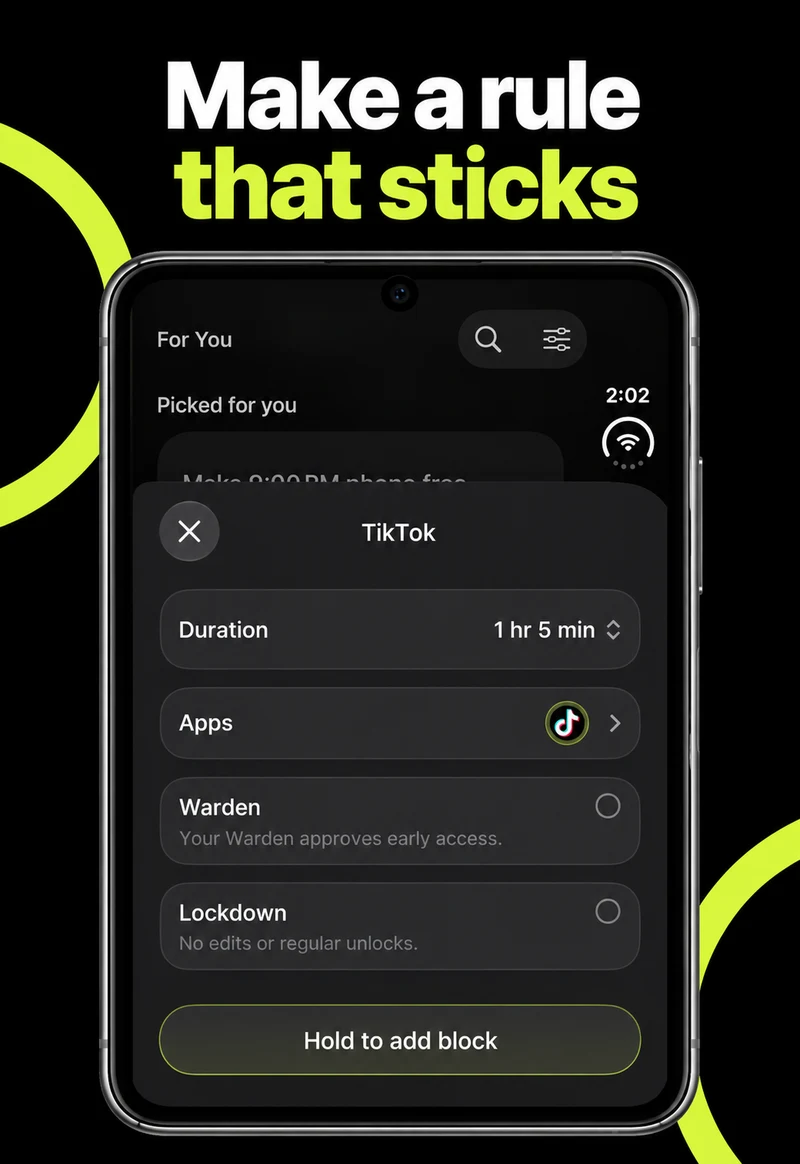
Plan your setup before your phone arrives
Apple lists October 23, 2026 as the start of iPhone Duo availability. Before moving to your new phone, note the apps you want to limit and the settings you want to keep.
Use that list when you set up Screen Time. Begin with a short restriction you can check, then extend it once essential apps and contacts work as expected.
Reference: Apple: iPhone Duo
Choose a daily allowance or a recurring window
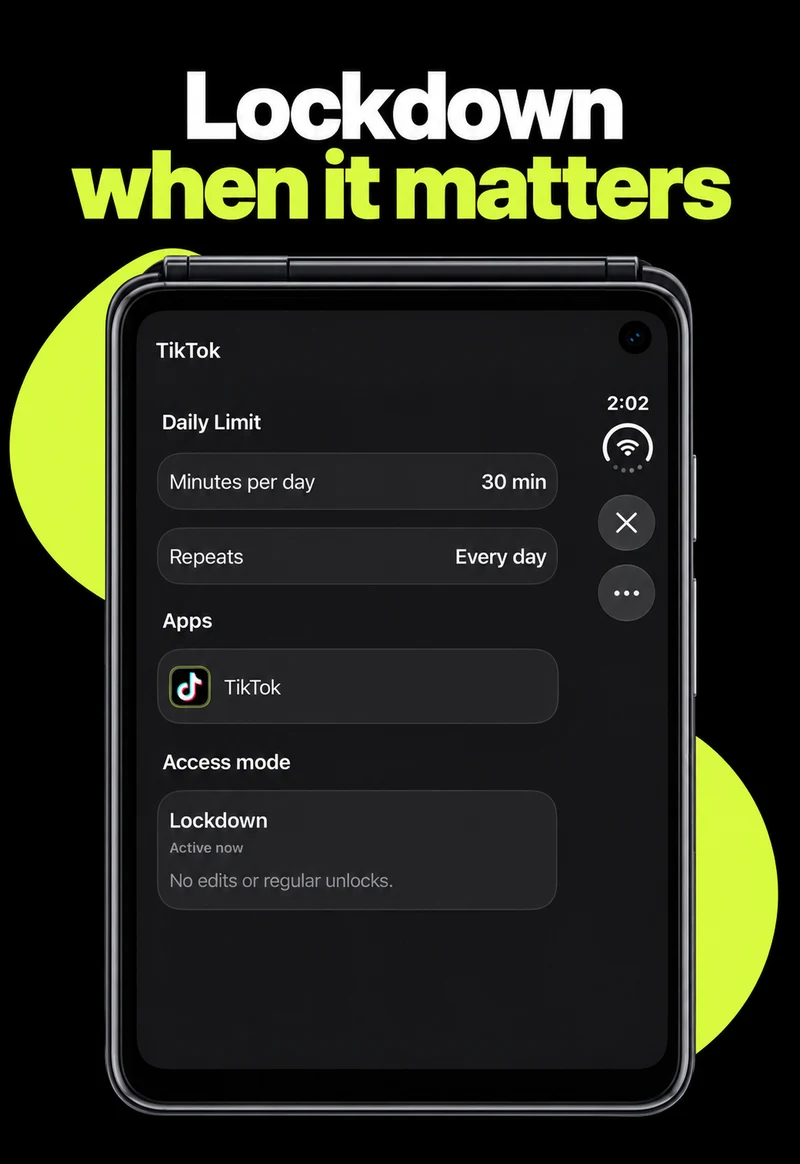
On iOS 27, start in Settings > Screen Time. Time Allowances controls the daily budget for categories of apps. Screen Time Schedule controls the windows in which categories are available. Pick the tool that matches the interruption you want to change.
For a daily budget, open Time Allowances and adjust the relevant category. Use Manage Categories when you need a different grouping. For recurring hours, open Screen Time Schedule, enable Schedule, and add the days and time windows you need. Review the categories allowed within each window.
Apple says these new features require version 27 or later across the relevant Apple devices, including the devices in a Family Sharing setup. Older instructions that say App Limits or Downtime describe a different version; check the version selector in Apple’s guide.
The full iOS 27 Screen Time guide
Reference: Apple: Screen Time schedules and time allowances on iPhone
Keep necessary access separate from entertainment
Before tightening a rule, list the apps you rely on for messages, travel, authentication and the task itself. Review Settings > Screen Time > Always Allowed for the apps and contacts that should remain available.
A reading app and a video feed can both be useful, but they do not need the same rule. Choose the smallest category or selection that solves the actual interruption. A blanket restriction makes predictable exceptions harder to handle.
Check the setup when your phone arrives
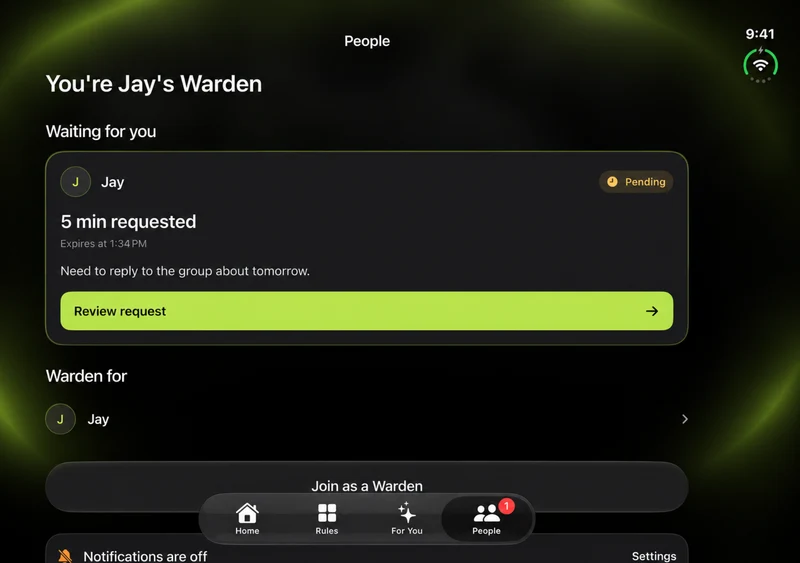
After restoring your phone and updating your apps, confirm Screen Time settings on the new device. If you use Warden, open it and check its Screen Time connection before relying on an existing rule. Do not assume that moving an account also verifies its permissions.
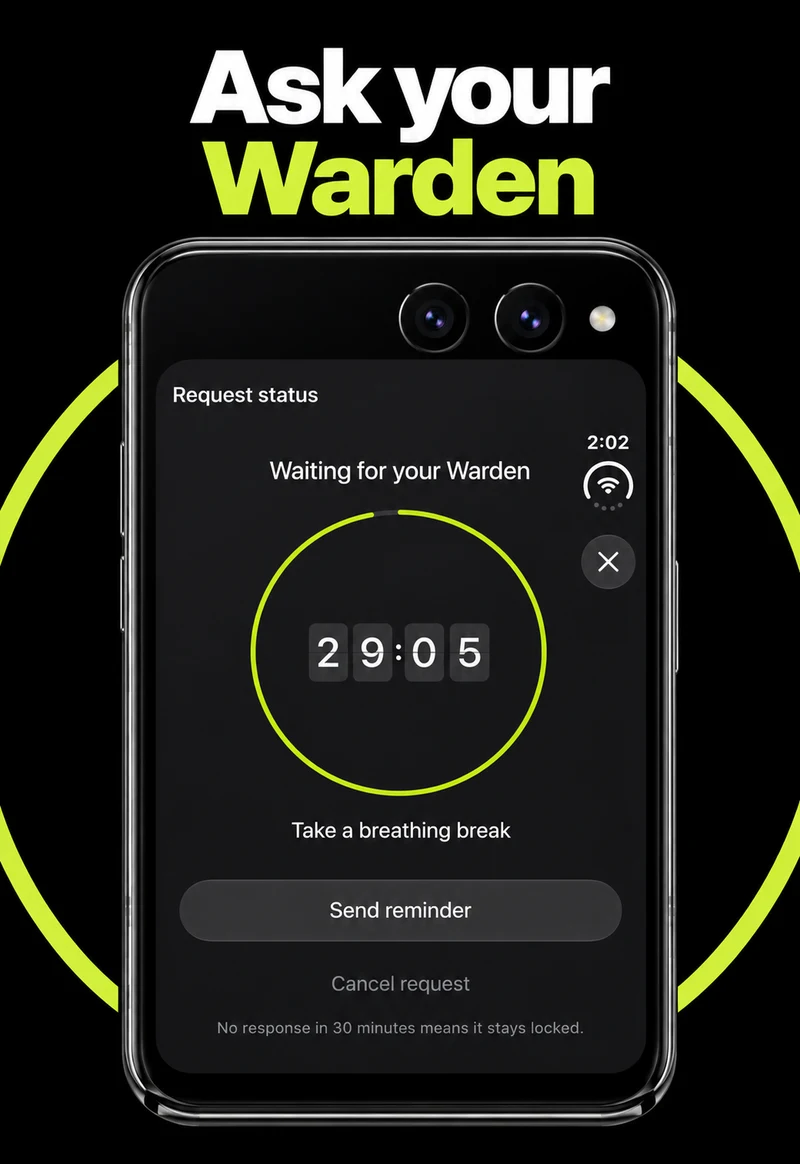
Use a short, low-risk test. Try opening a selected app while the rule is active, then check an essential app that should remain available. Repeat the checks with the Duo open and closed. If you use trusted-person approval, confirm that a request reaches that person and that their response arrives.
Keep a note of anything unexpected and resolve it before using a long or strict restriction.
A first reading session on the larger display
Suppose you want to read a chapter for twenty minutes. Keep your book and notes available, and select only the feed that usually interrupts you. Start with a short rule while you can still check the result calmly.
When you finish, review whether you could read and take notes without reopening that feed. Adjust the app selection before extending the duration. Folding the phone is a change of layout, not evidence that a limit has started, stopped or reset.