 Warden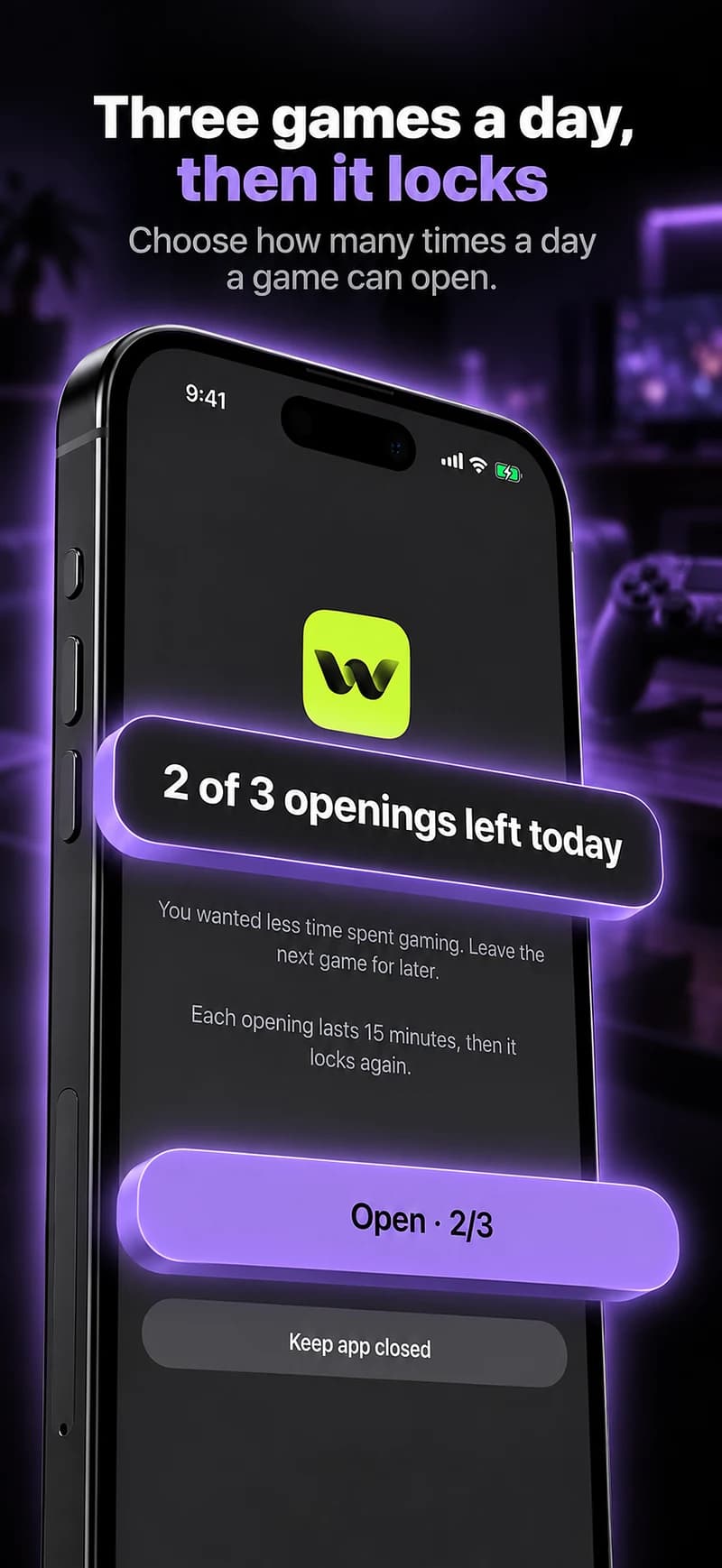
Set the stopping point before the session.
A daily allowance can address the total for selected games; a clock-based routine can keep a study or bedtime window clear. Decide which problem you are trying to solve before choosing the number.
Inspect whether several games share a limit or have separate allowances. A category label alone does not tell you whether each game receives the full budget.
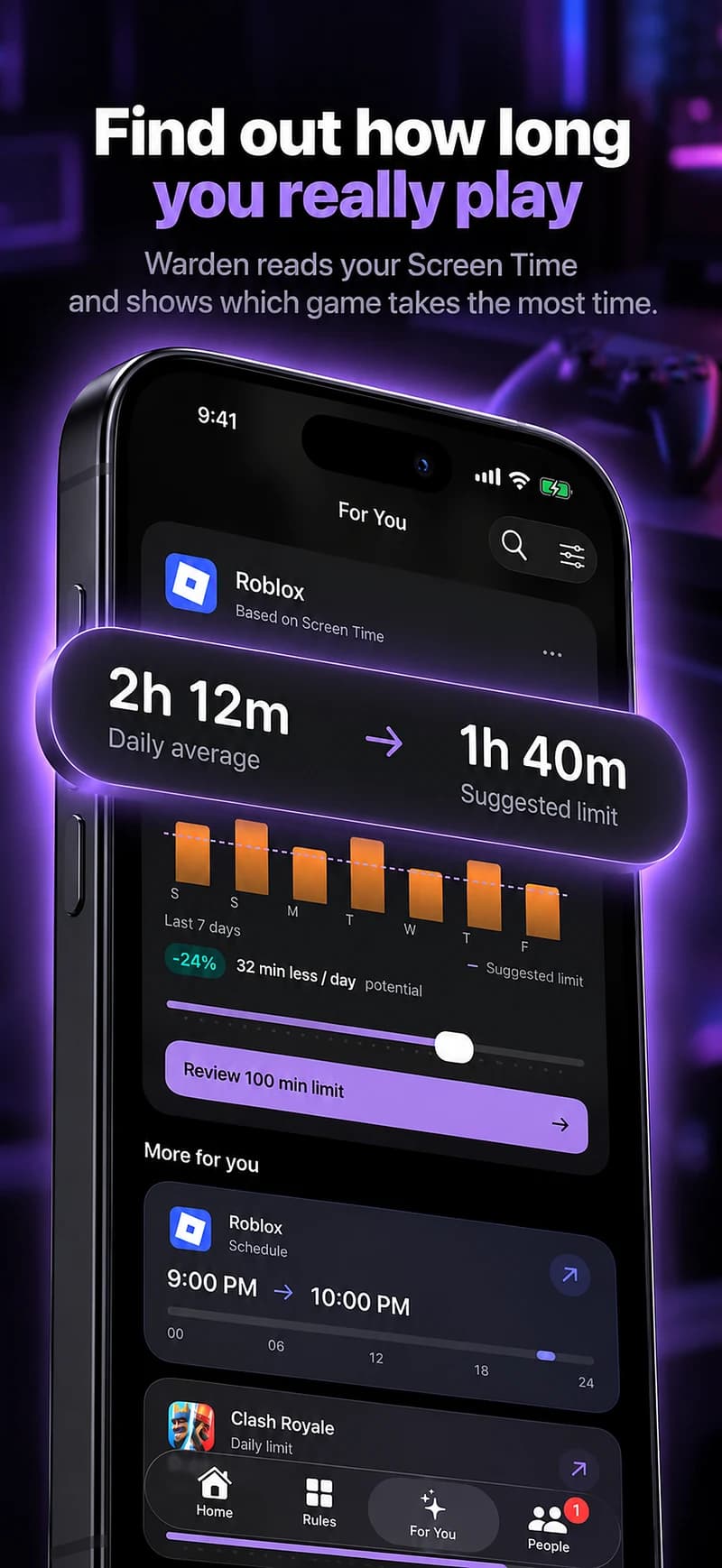
A starting point to make your own
| Routine | Example time | Purpose |
|---|---|---|
| After the last round | 10 PM – 7 AM | A scheduled stopping point for selected games. |
| Work before play | 45 minutes | A focus session with distracting games set aside. |
Warden for iPhone
Set it up without adding unnecessary rules
Daily limits, schedules and focus sessions
Install Warden and connect Screen Time when iOS asks. Then open Rules and tap the plus button.
Choose the apps or scope involved in this particular interruption. Use an allowance for total use, a schedule for recurring hours, or a session for a one-off task.
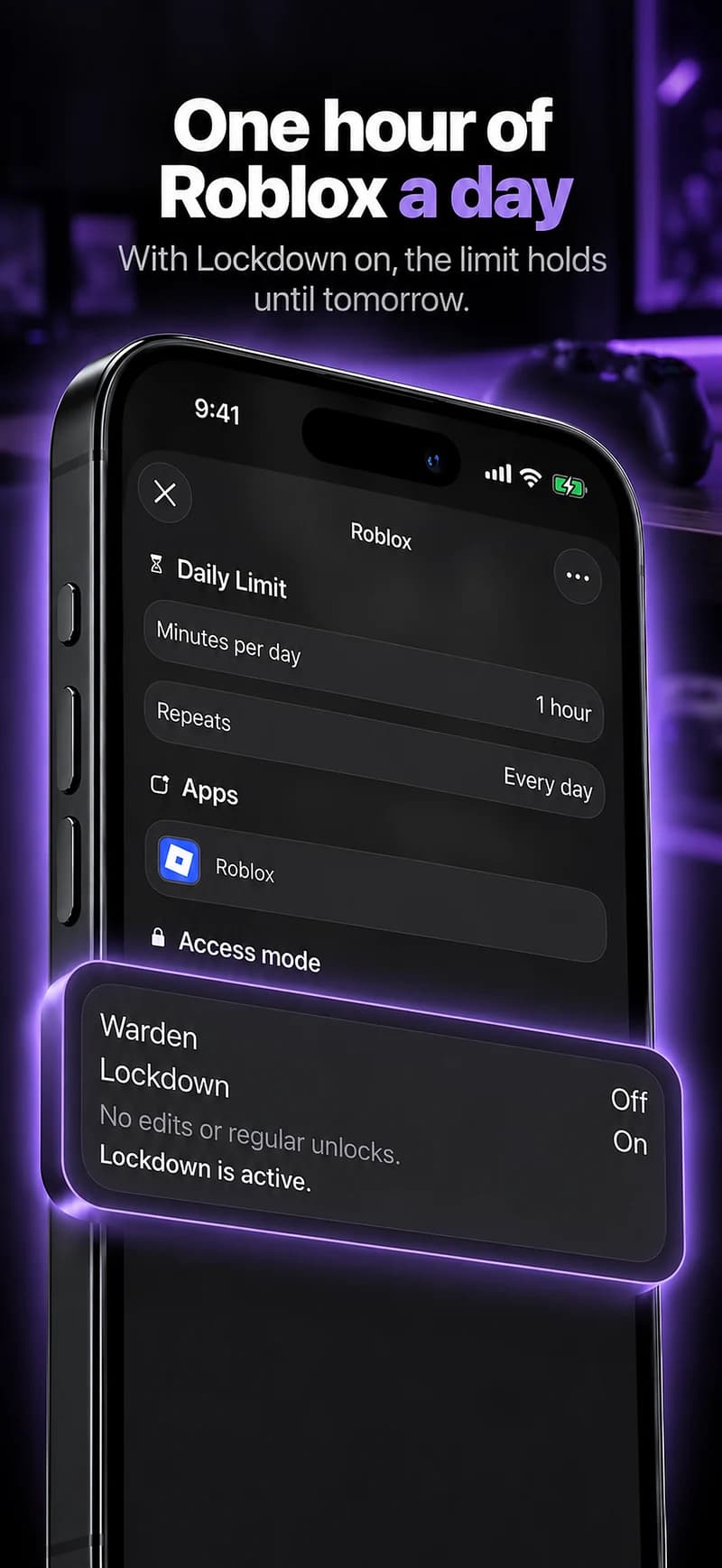
What Standard, Warden and Lockdown do
Choose Standard when you want to manage the limit yourself. Choose Warden when a person you trust should review early-access requests. Choose Lockdown to keep ordinary early unlocks off until the block ends.
Choose the access mode, then hold the save button to set the rule. Try a short block before using a long one. Emergency access remains separate from ordinary unlock requests.
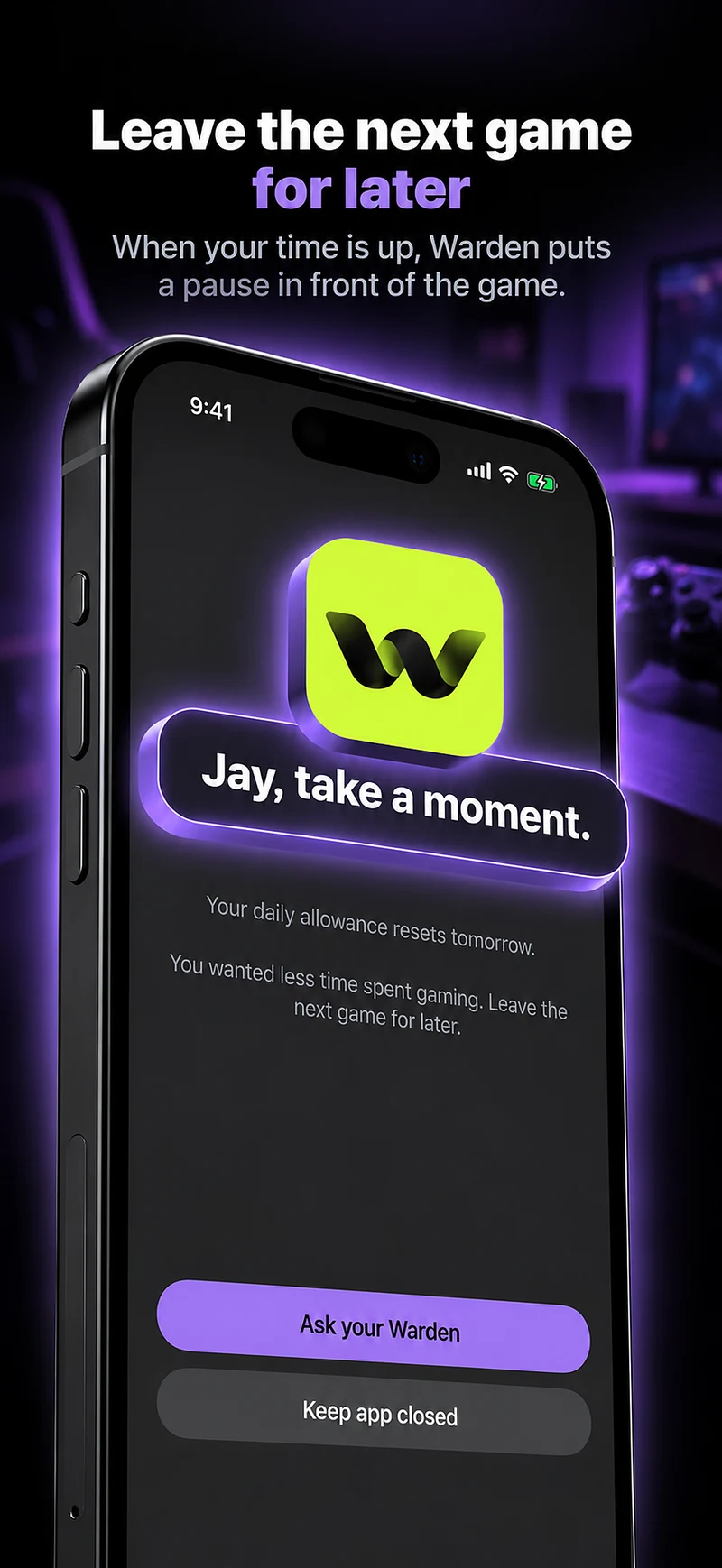
How Warden approval works
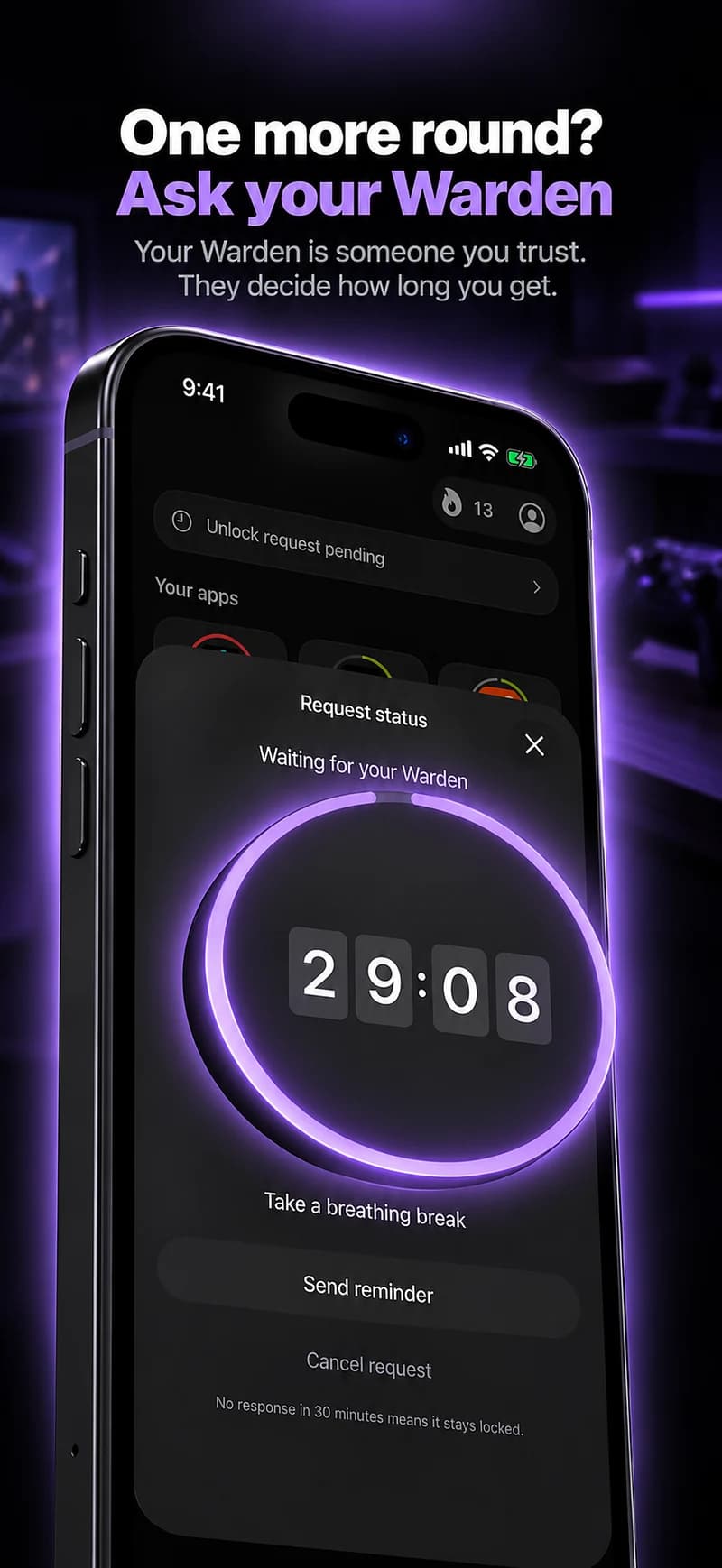
Choose how many minutes you need, add a note and hold to send. If nobody answers within 30 minutes, the request expires and the app stays locked.
An approval applies to the scope and time shown in the app. A declined or unanswered request does not lift the block. Emergency access remains a separate option on your device.

Test a small rule and keep the rest of the day intact.
Start with a short test outside an important session. Confirm the selected game, the end time and the normal early-access behavior before using a longer commitment.
Warden can support ordinary self-management, a connected person's approval or a hard stop. Stronger restrictions are optional; emergency access remains a separate safety path.