 Warden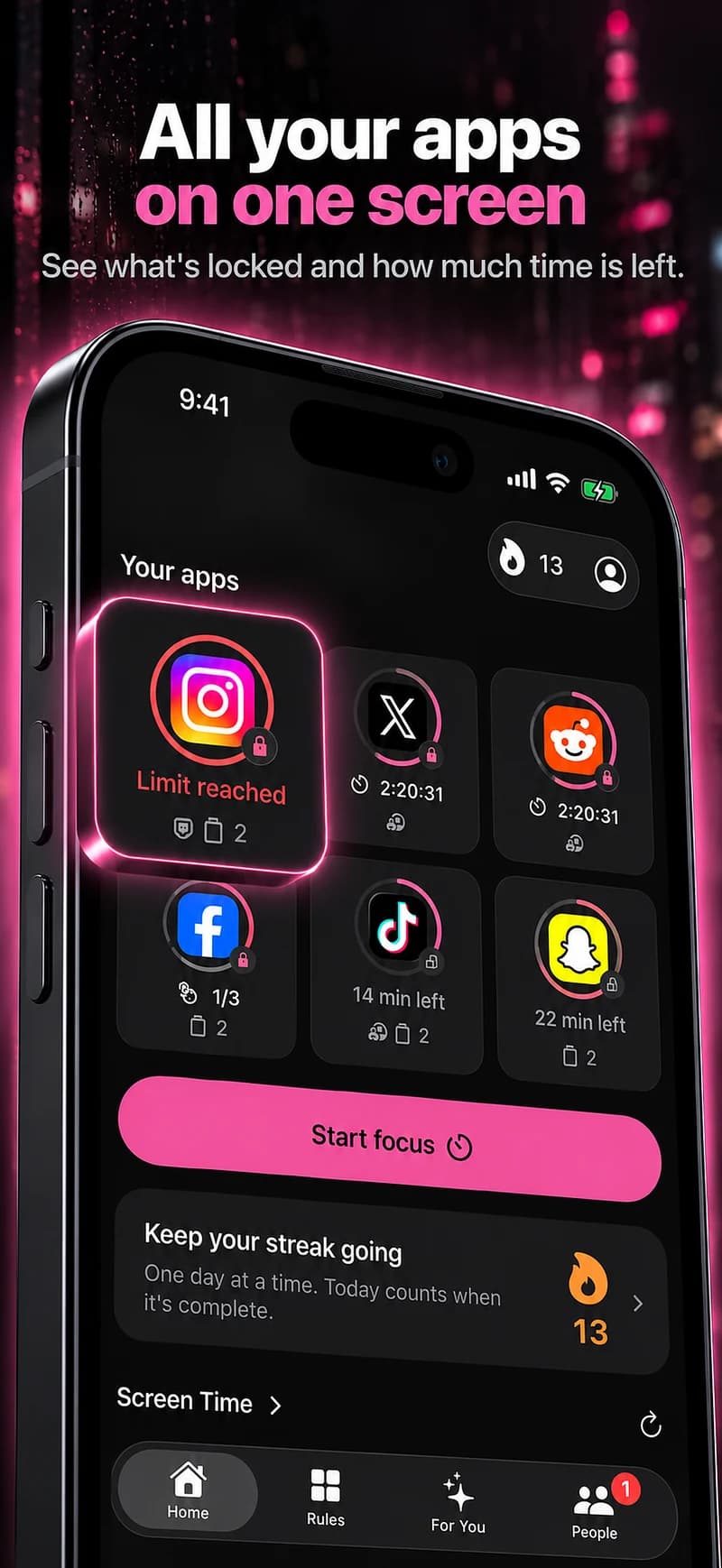
Separate checking in from the open-ended feed.
A direct conversation, a work post and a long feed session may happen inside the same app. A simple app-level block does not automatically distinguish them, so timing and an agreed exception can matter more than selecting a broad category.
Use a daily allowance when short sessions accumulate across the day. Use a schedule or focus session when a particular hour needs fewer interruptions.
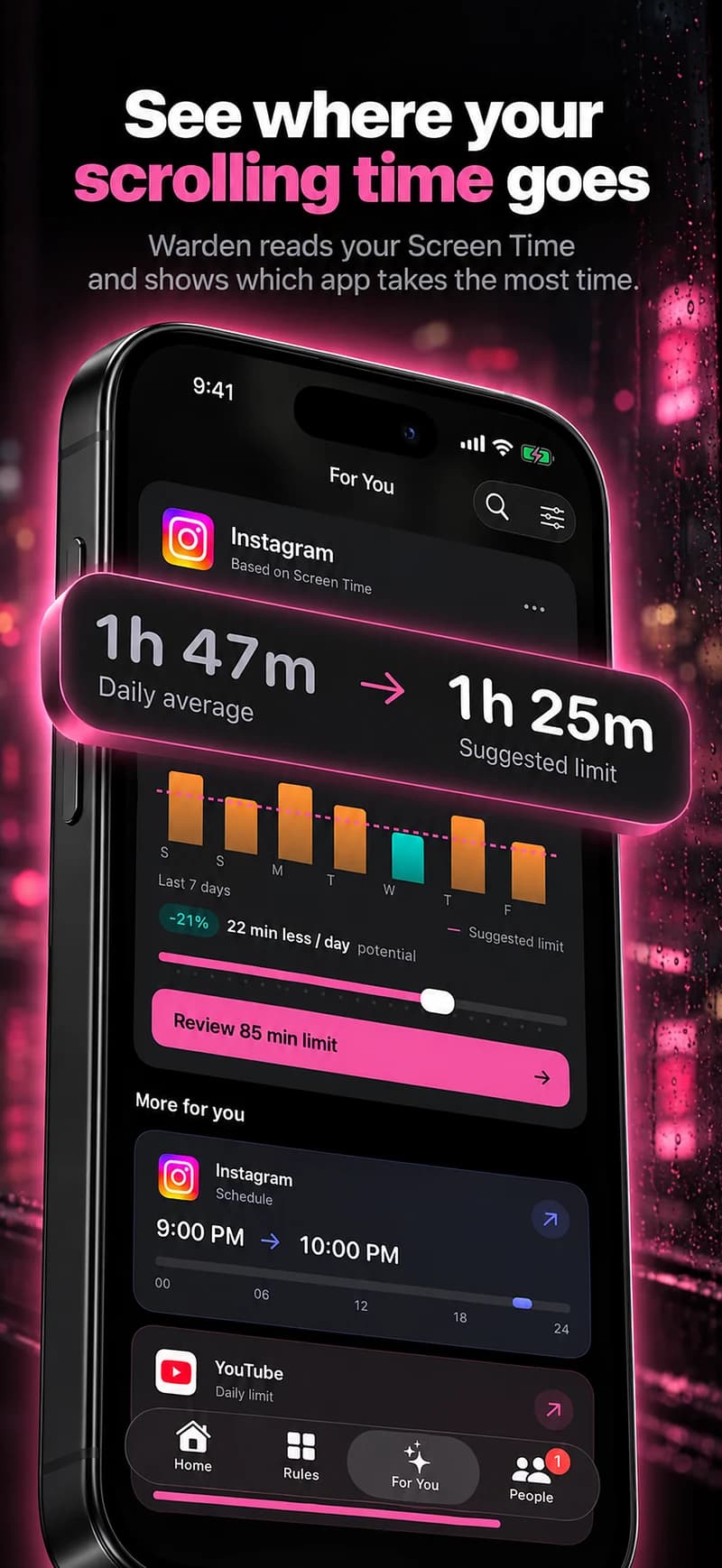
A starting point to make your own
| Routine | Example time | Purpose |
|---|---|---|
| Evenings back | 7 PM – 10 PM | A suggested window, not a claim about your current habits. |
| A daily allowance | 30 minutes | An editable starting point for the app you keep reopening. |
Warden for iPhone
Set it up without adding unnecessary rules
Daily limits, schedules and focus sessions
Install Warden and connect Screen Time when iOS asks. Then open Rules and tap the plus button.
Choose the apps or scope involved in this particular interruption. Use an allowance for total use, a schedule for recurring hours, or a session for a one-off task.
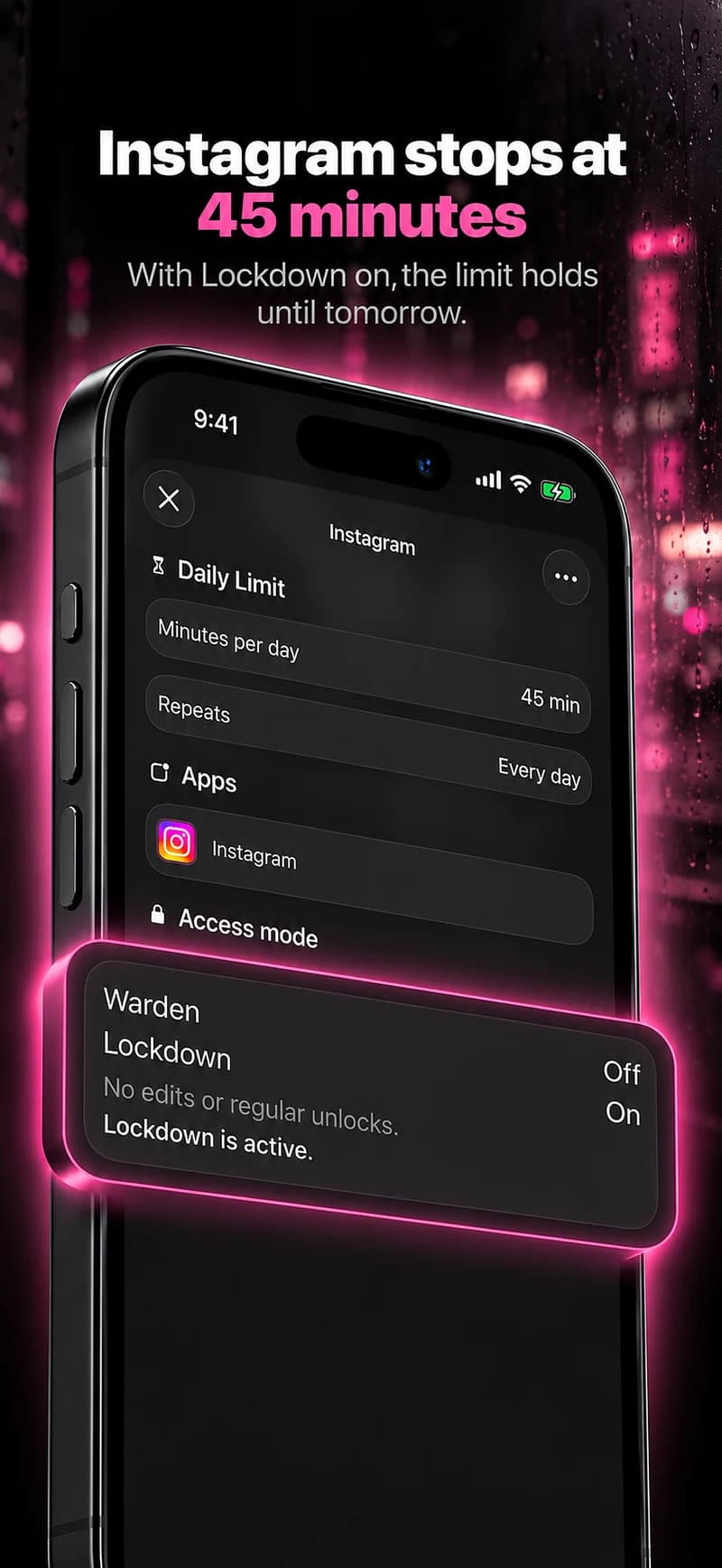
What Standard, Warden and Lockdown do
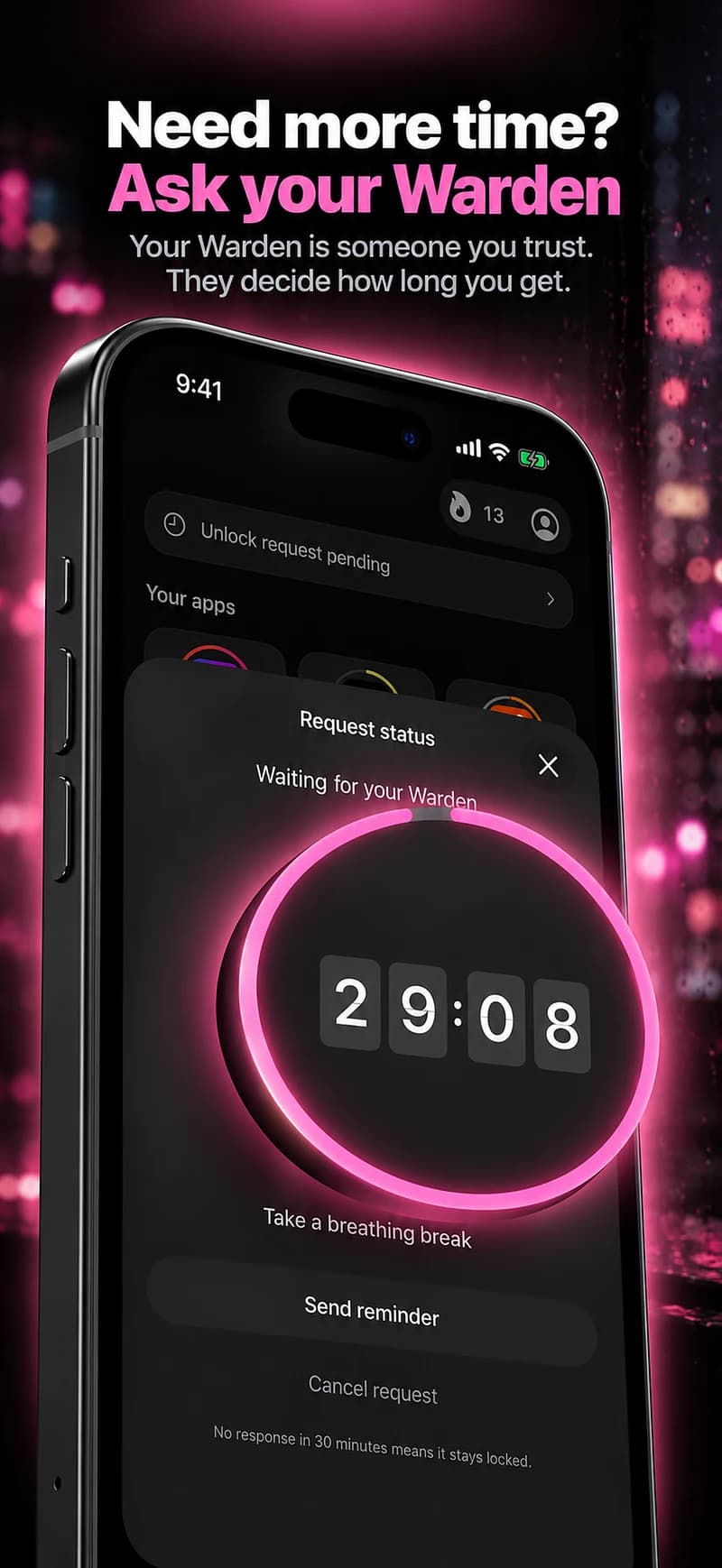
Choose Standard when you want to manage the limit yourself. Choose Warden when a person you trust should review early-access requests. Choose Lockdown to keep ordinary early unlocks off until the block ends.
Choose the access mode, then hold the save button to set the rule. Try a short block before using a long one. Emergency access remains separate from ordinary unlock requests.
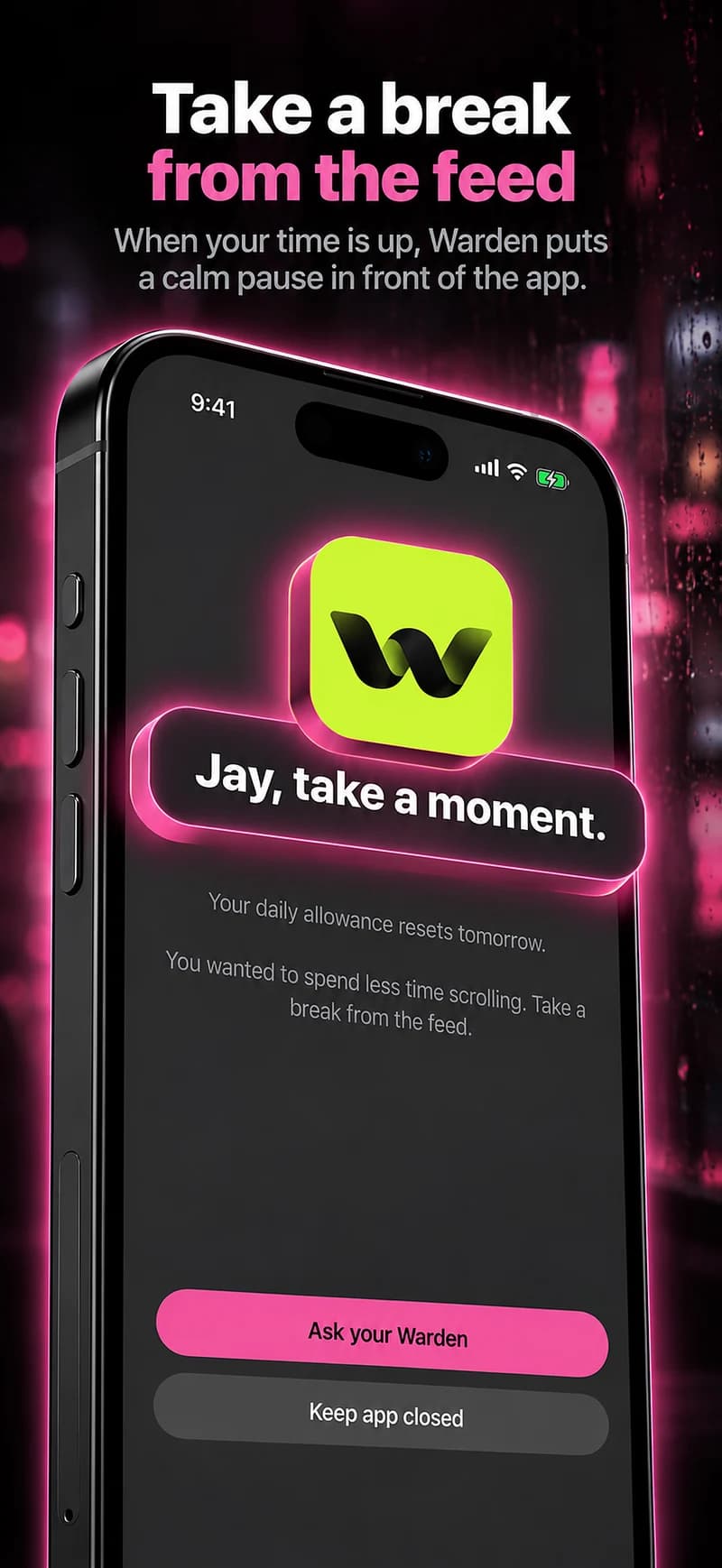
How Warden approval works
Choose how many minutes you need, add a note and hold to send. If nobody answers within 30 minutes, the request expires and the app stays locked.
An approval applies to the scope and time shown in the app. A declined or unanswered request does not lift the block. Emergency access remains a separate option on your device.

Review the whole route into the distraction.
If you switch from one blocked feed to another, review whether the selected scope still describes the pattern. Do not automatically label every social or communication app a problem.
Consider browser versions separately, and keep necessary contact available. A useful boundary makes the next decision clearer without demanding that you abandon the conversations you value.