 Warden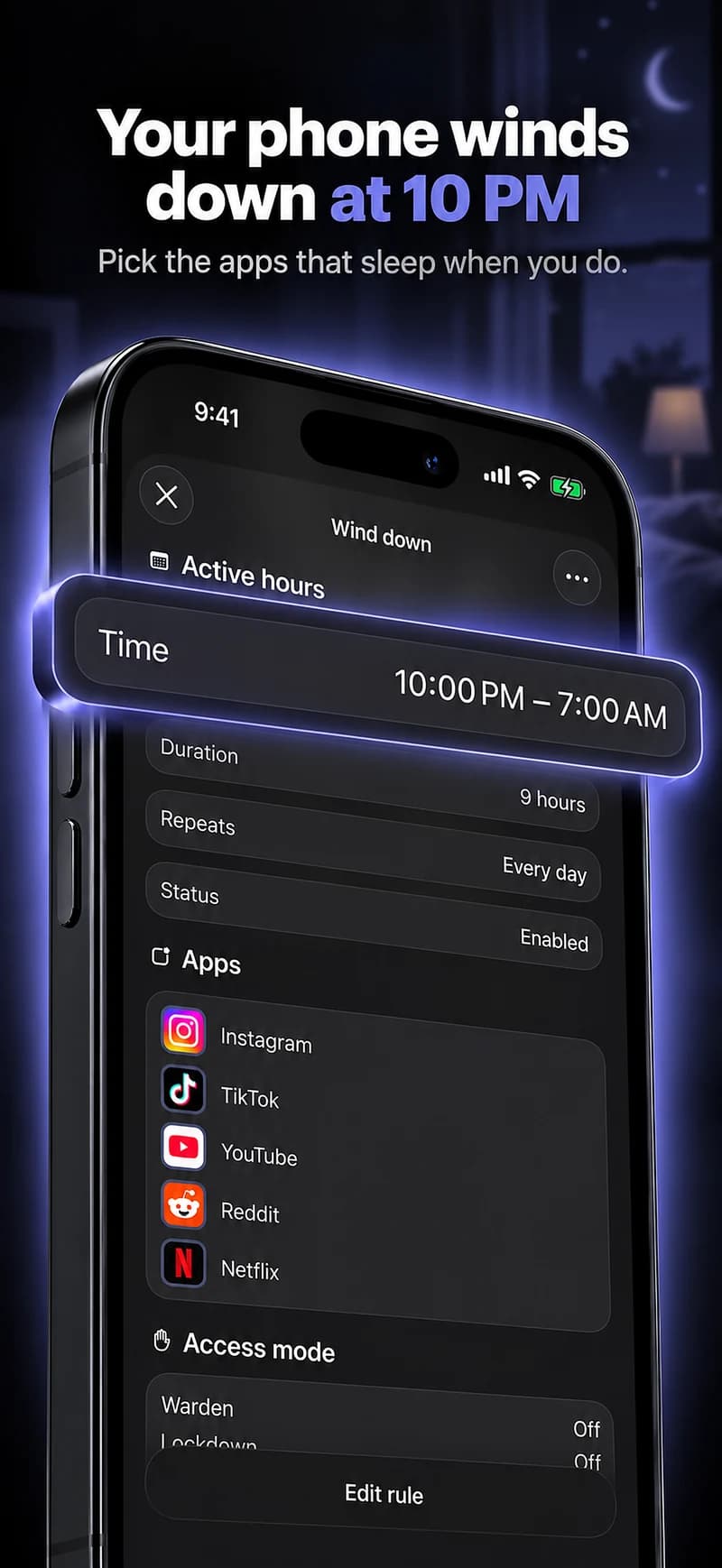
Set a limit in Apple Screen Time
The settings depend on your iOS version. These steps are for your own iPhone; use Apple’s family setup when managing a child’s device.
iOS 27: Time Allowances
Open Settings > Screen Time > Time Allowances. Turn on App & Website Activity if asked.
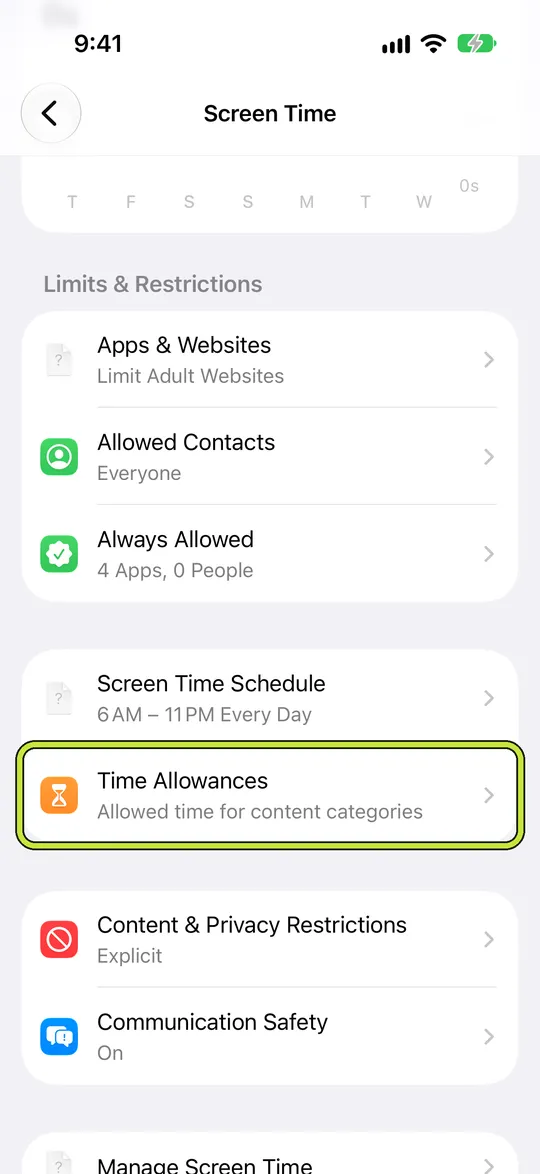
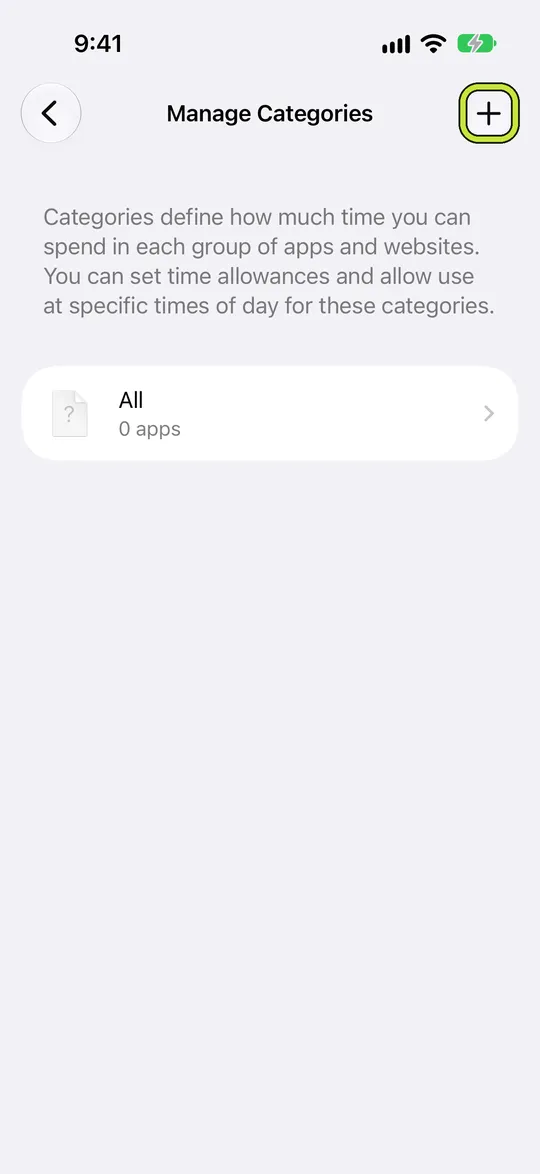
Set the daily total, then open the relevant category and set its allowance. Use Manage Categories to add a category.
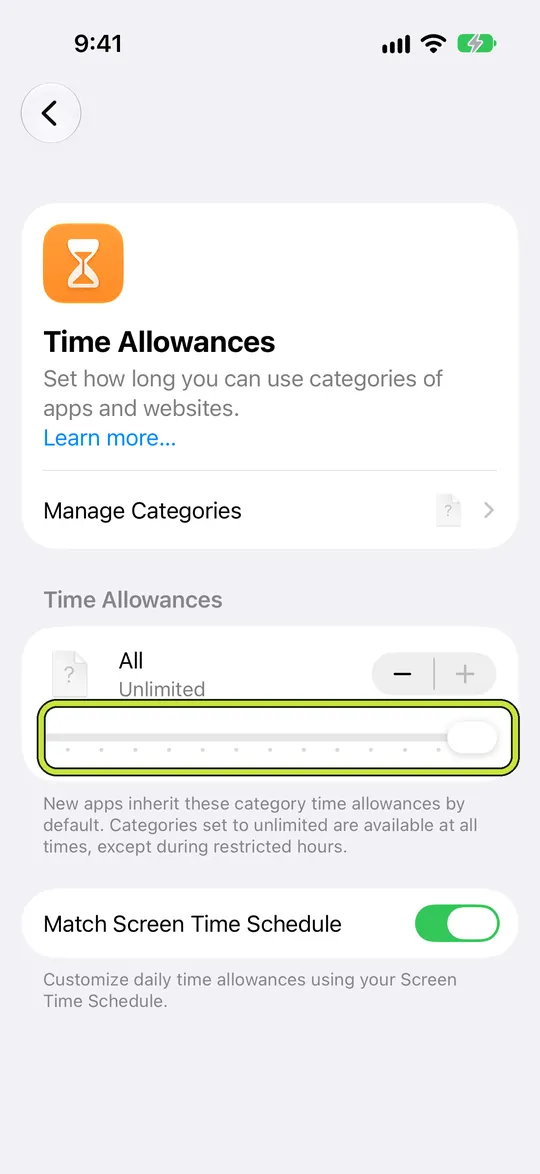
Check which apps are included. A category allowance is shared across its apps, not granted separately to each one.
For specific hours, use Screen Time Schedule. Keep essential apps and contacts in Always Allowed.
iOS 26: App Limits
- Open Settings > Screen Time > App Limits, then tap Add Limit.
- Expand a category to select an individual app, or select the category to limit it as a group.
- Tap Next, choose the time, and use Customize Days for different daily limits. Confirm with the Done button.
When several apps share one limit, they share the time too. Check how your setup grants extra time before relying on the block.
Warden for iPhone
Set it up without adding unnecessary rules
Daily limits, schedules and focus sessions
Install Warden and connect Screen Time when iOS asks. Then open Rules and tap the plus button.
Choose the apps or scope involved in this particular interruption. Use an allowance for total use, a schedule for recurring hours, or a session for a one-off task.
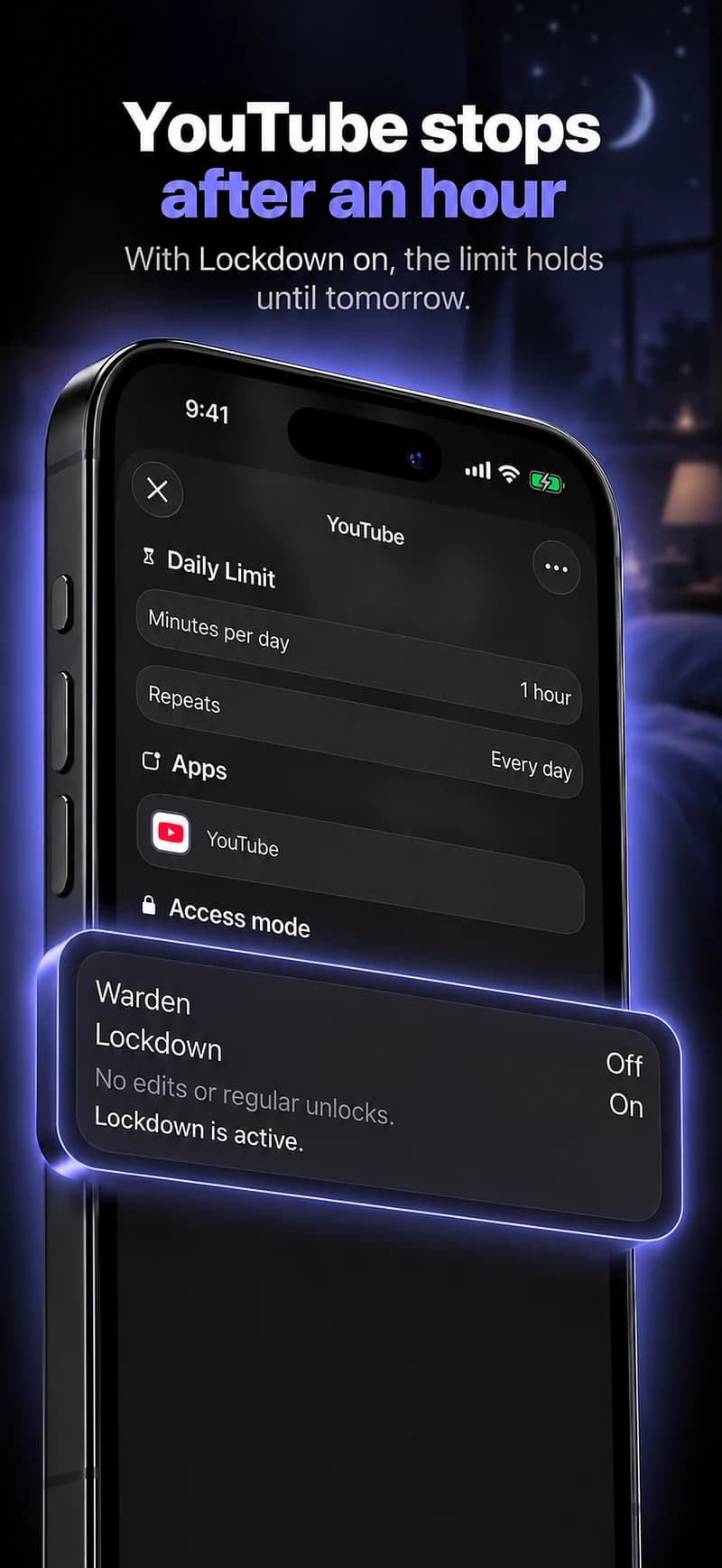
What Standard, Warden and Lockdown do
Choose Standard when you want to manage the limit yourself. Choose Warden when a person you trust should review early-access requests. Choose Lockdown to keep ordinary early unlocks off until the block ends.
Choose the access mode, then hold the save button to set the rule. Try a short block before using a long one. Emergency access remains separate from ordinary unlock requests.
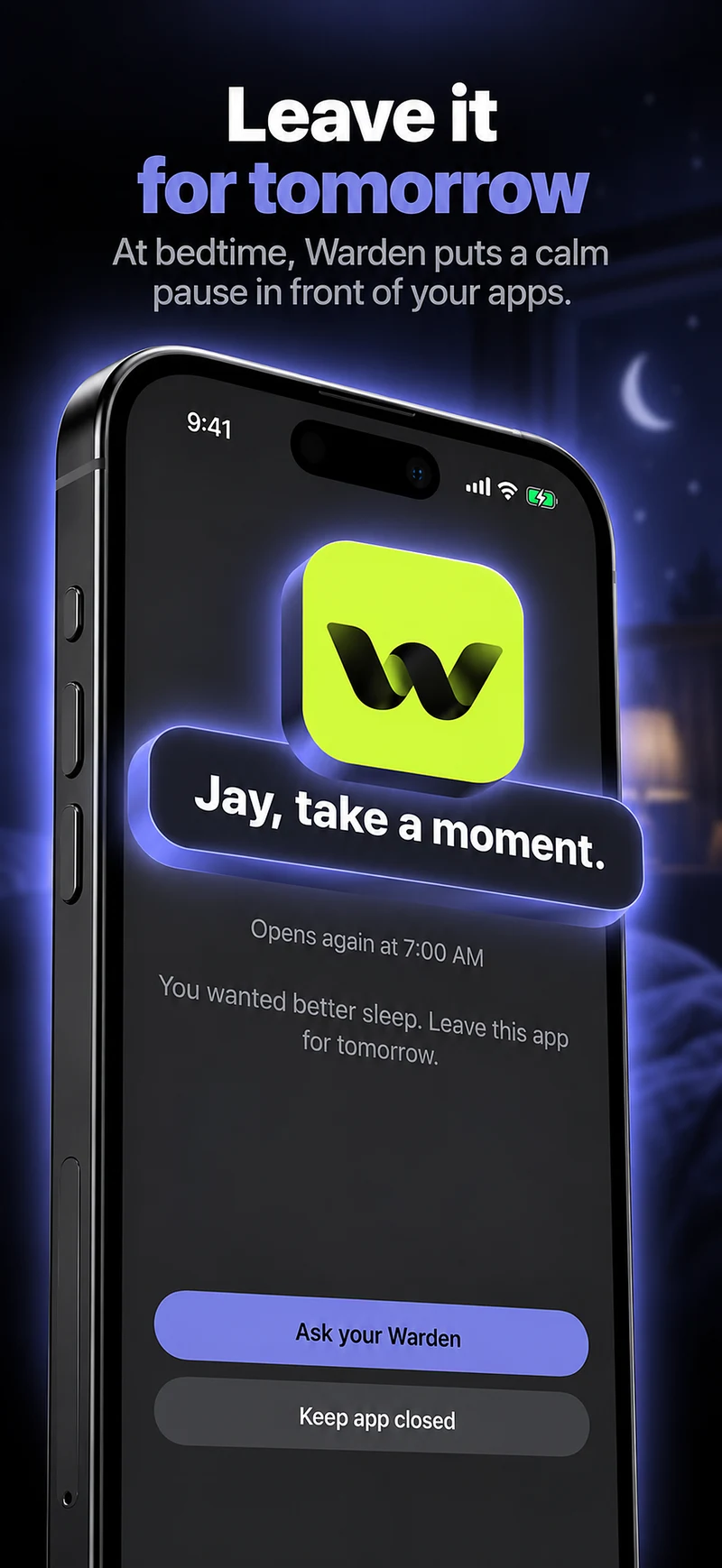
How Warden approval works
Choose how many minutes you need, add a note and hold to send. If nobody answers within 30 minutes, the request expires and the app stays locked.
An approval applies to the scope and time shown in the app. A declined or unanswered request does not lift the block. Emergency access remains a separate option on your device.
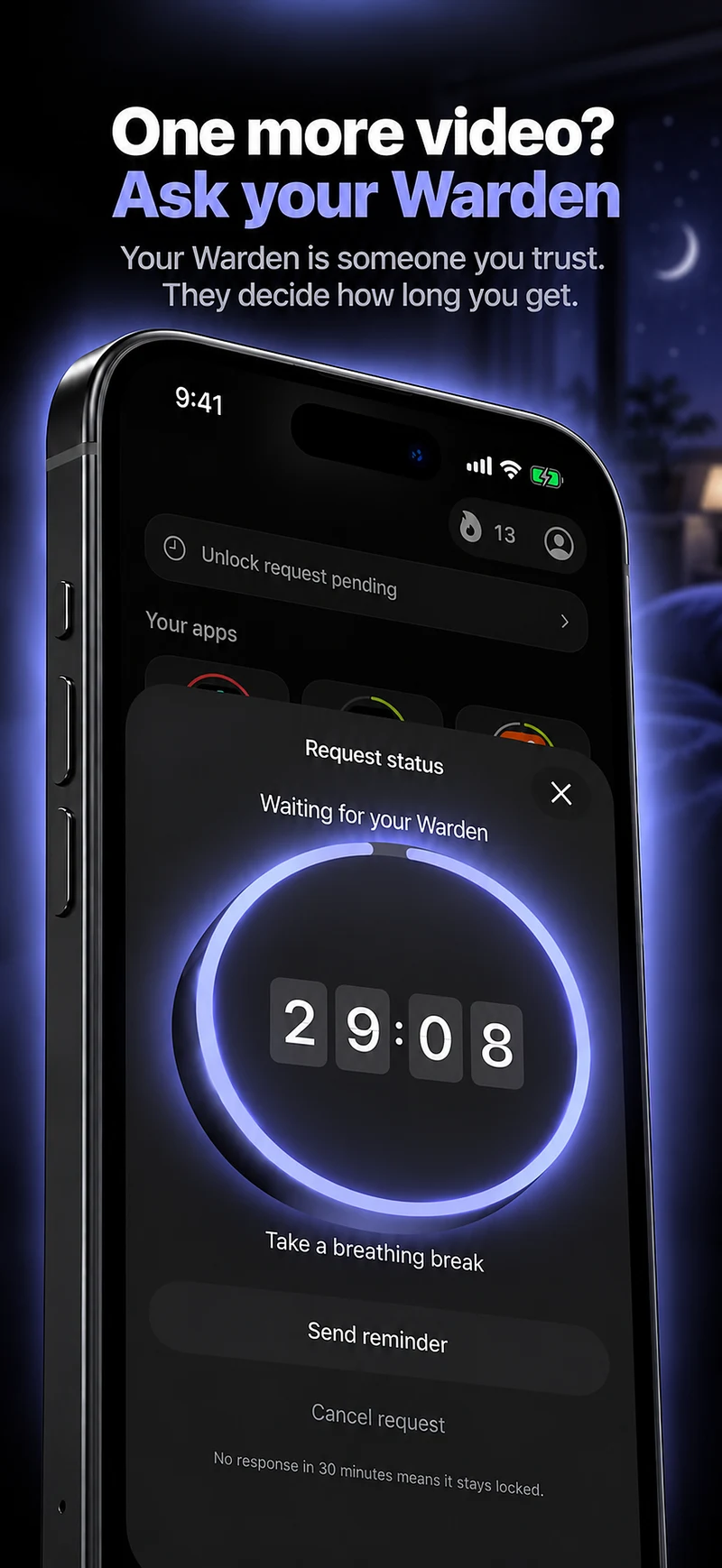

Compare the options
Apple Screen Time
A YouTube allowance limits viewing time, including tutorials you meant to watch. Check whether a total-time limit or a particular blocked window fits your use.
Deleting the app
Deleting the app leaves browser viewing available unless you restrict it separately. Check any lessons or saved downloads you need before uninstalling.
Warden
Warden adds a choice about early access: manage it yourself in Standard, ask a trusted person in Warden mode, or use Lockdown to keep ordinary early unlocks off while the rule is active. Emergency access is separate.
Example: no YouTube during the first work task
Block YouTube from 9 AM to 11 AM on workdays. Read the instructions you need before the block or choose a different window if the task requires a video.
Check app and browser access separately.
If you move between the app and a browser, review both scopes in the blocker. The website is not necessarily included because the installed app is selected.
A broad video category may include more tools than intended. Inspect its selection and keep educational or work resources available in the way your chosen rule supports.