 Warden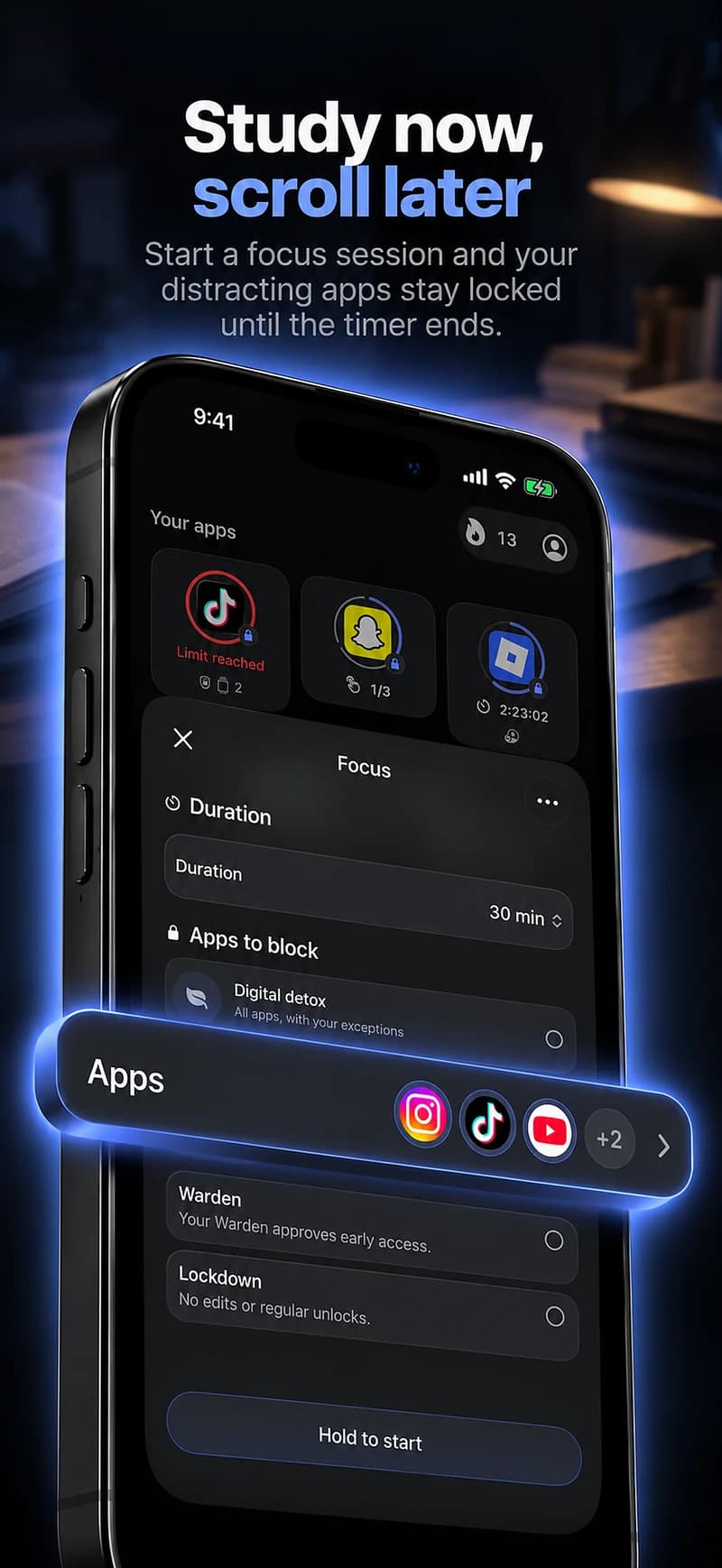
Start with the next piece of work.
Choose a chapter, a problem set or a revision topic, then set an allowance or focus window around it. The app should support that task rather than replace it with a long setup or a competition over minutes.
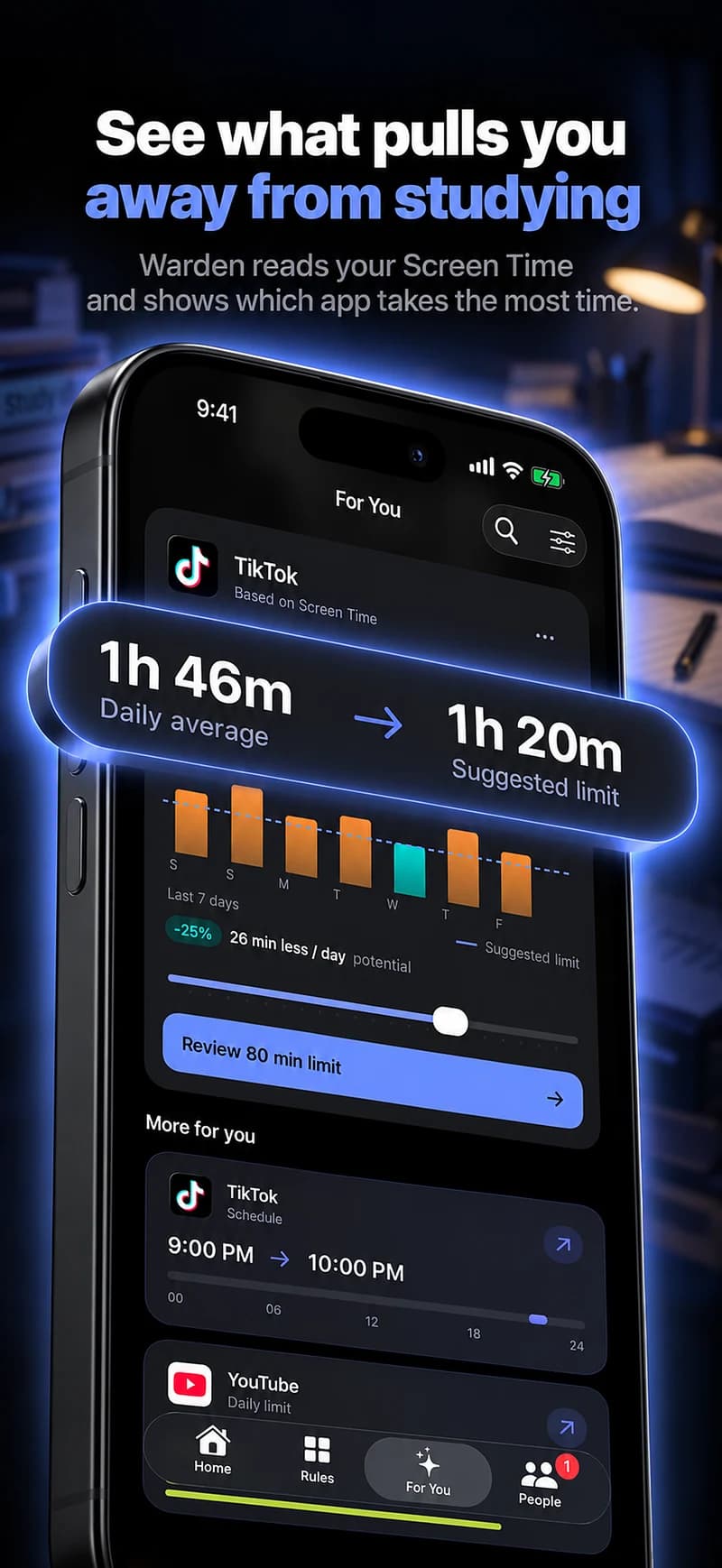
A daily limit alone may leave its entire budget available during the study hour. A schedule or session directly describes the period you want clear.
A starting point to make your own
| Routine | Example time | Purpose |
|---|---|---|
| Study hour | 6 PM – 7 PM | Keep study resources available and block the apps you picked as distractions. |
| One chapter | 30 minutes | A focus target for the next piece of work, not the whole semester. |
Warden for iPhone
Set it up without adding unnecessary rules
Daily limits, schedules and focus sessions
Install Warden and connect Screen Time when iOS asks. Then open Rules and tap the plus button.
Choose the apps or scope involved in this particular interruption. Use an allowance for total use, a schedule for recurring hours, or a session for a one-off task.
What Standard, Warden and Lockdown do
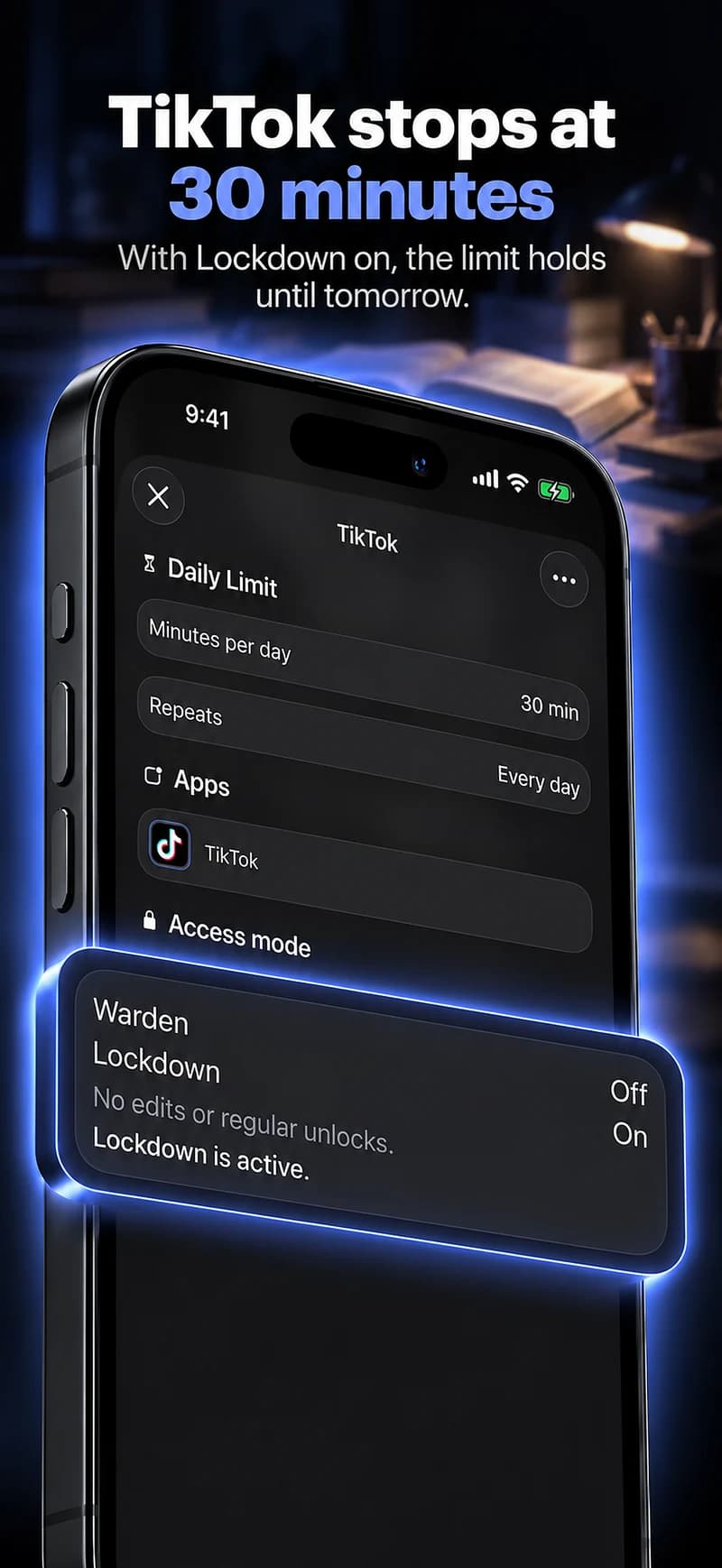
Choose Standard when you want to manage the limit yourself. Choose Warden when a person you trust should review early-access requests. Choose Lockdown to keep ordinary early unlocks off until the block ends.
Choose the access mode, then hold the save button to set the rule. Try a short block before using a long one. Emergency access remains separate from ordinary unlock requests.
How Warden approval works
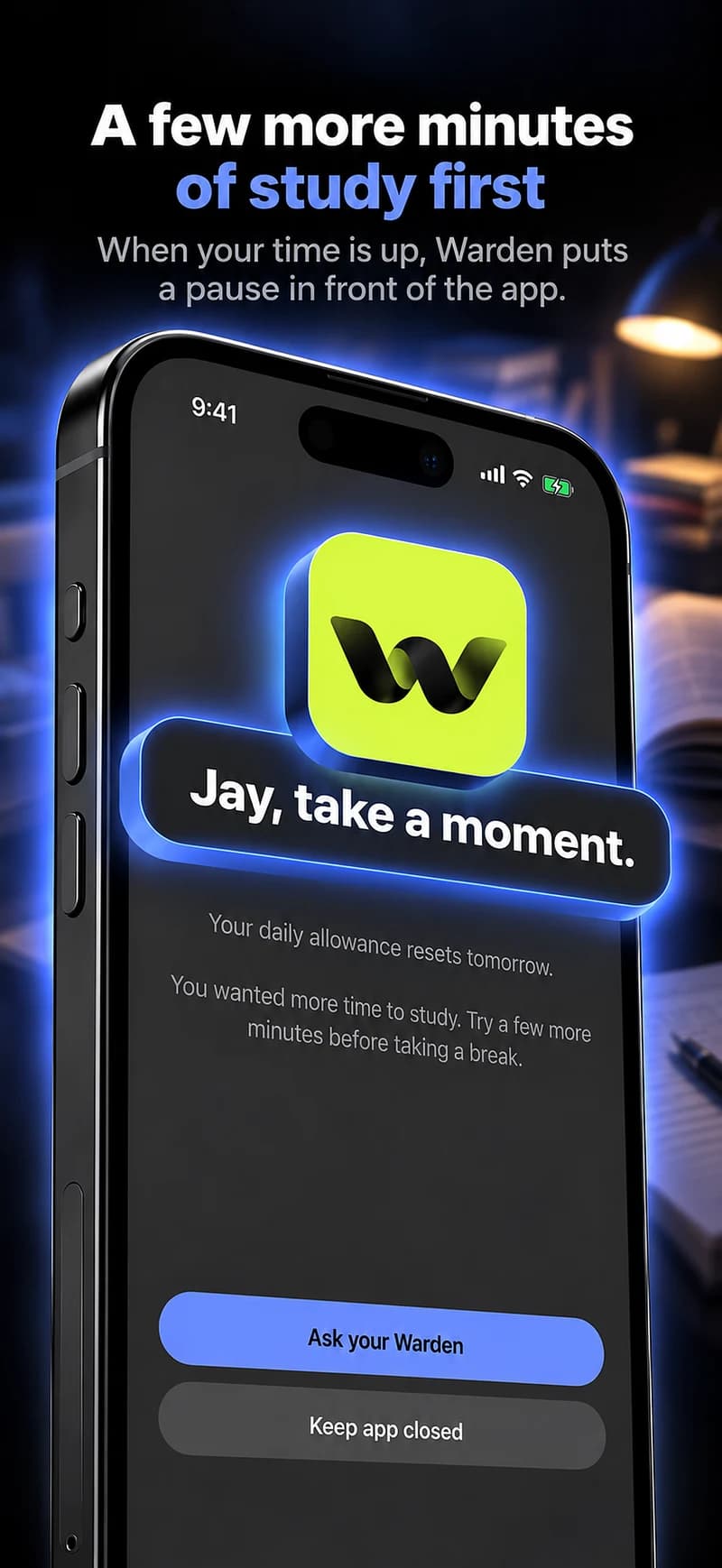
Choose how many minutes you need, add a note and hold to send. If nobody answers within 30 minutes, the request expires and the app stays locked.
An approval applies to the scope and time shown in the app. A declined or unanswered request does not lift the block. Emergency access remains a separate option on your device.
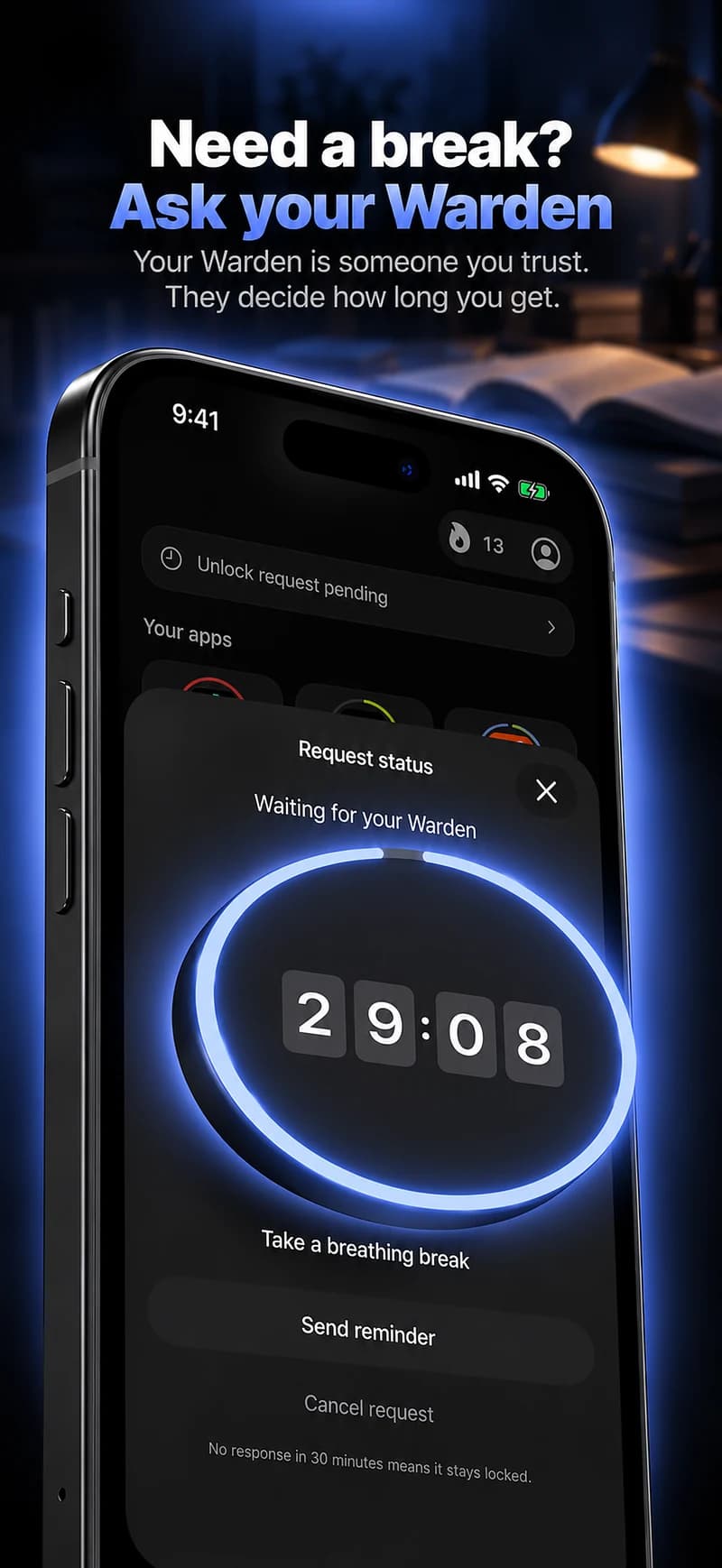

Keep resources and exceptions specific.
A lesson on YouTube or a class conversation may be useful, even if the same app is distracting at other times. App-level restrictions may not distinguish those activities, so choose the timing carefully.
In Warden, create a schedule or focus session for the study window and select the distracting apps. Keep class resources and authentication tools available. Standard allows a short self-managed unlock; choose Pro's Lockdown only when ordinary early access should be unavailable. A trusted person is optional, and recorded protection does not prove that studying happened.