Warden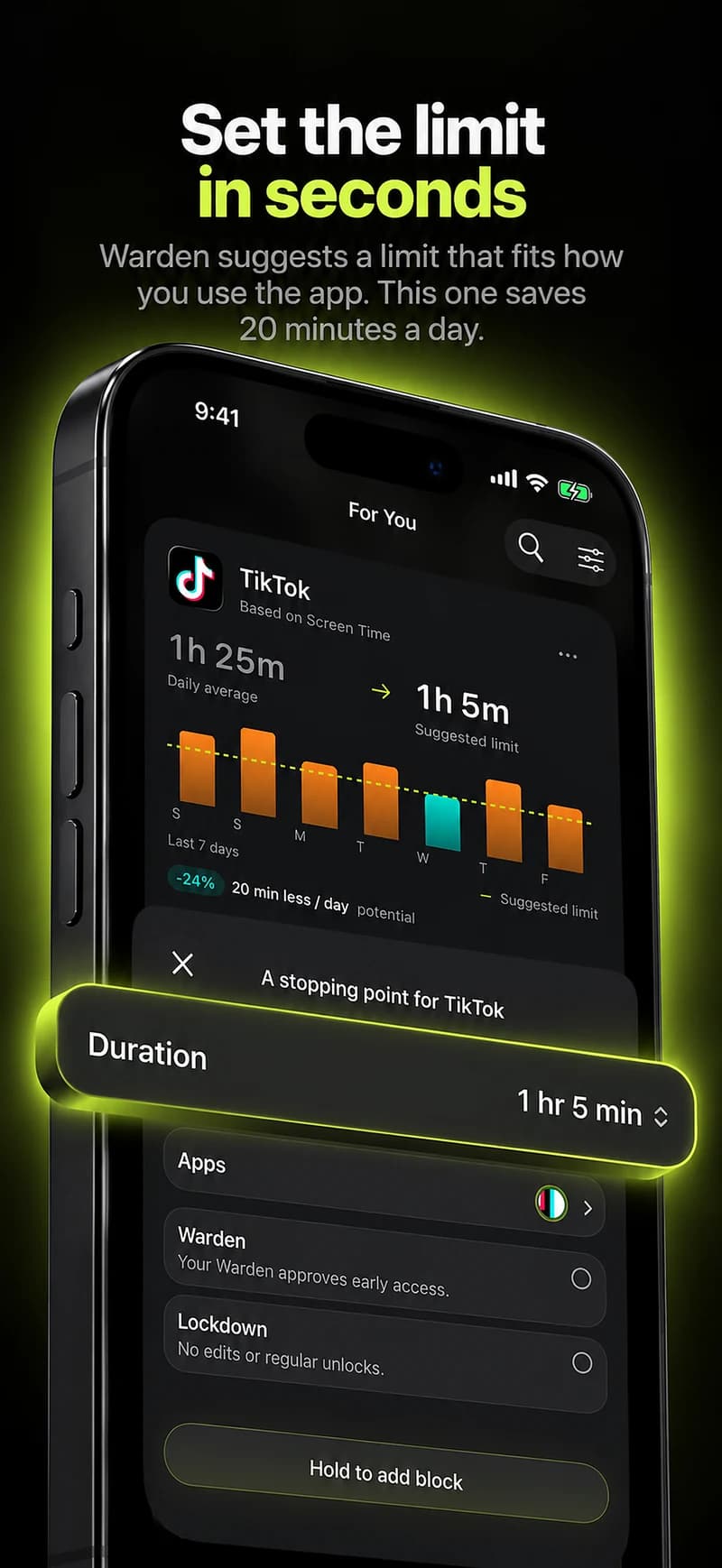
Prepare a small test
Write down your iPhone model, iOS version and blocker version. Pick an app you can leave closed for a few minutes. Keep calling, transport, banking and other essential tools out of the test.
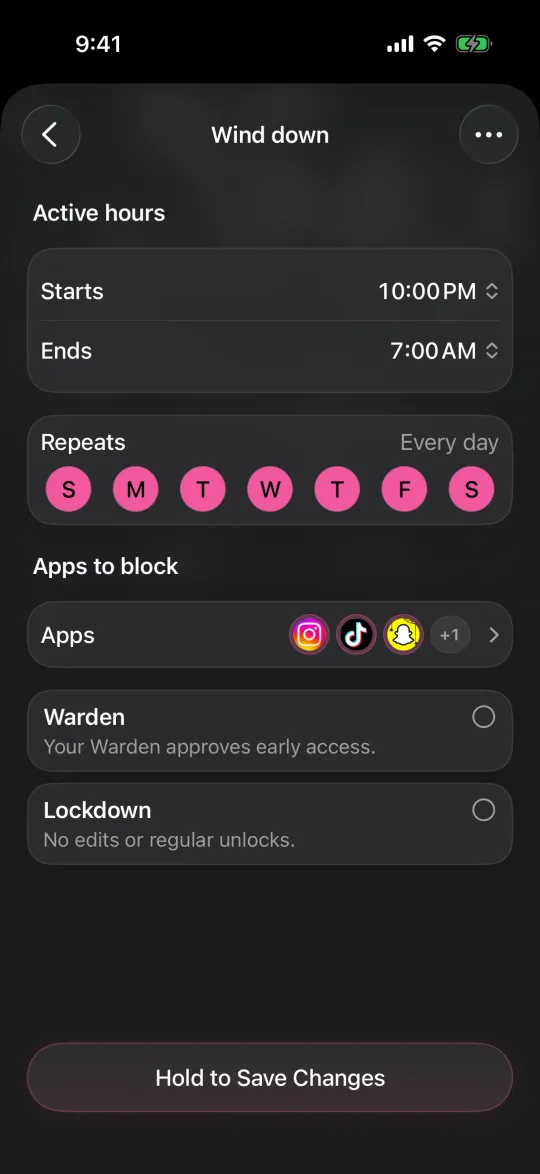
Read how to stop the test before starting it. Check permissions and save a rule with a short end time. Do not begin with an overnight Lockdown or a rule you do not know how to leave safely.
Check when the block starts and ends
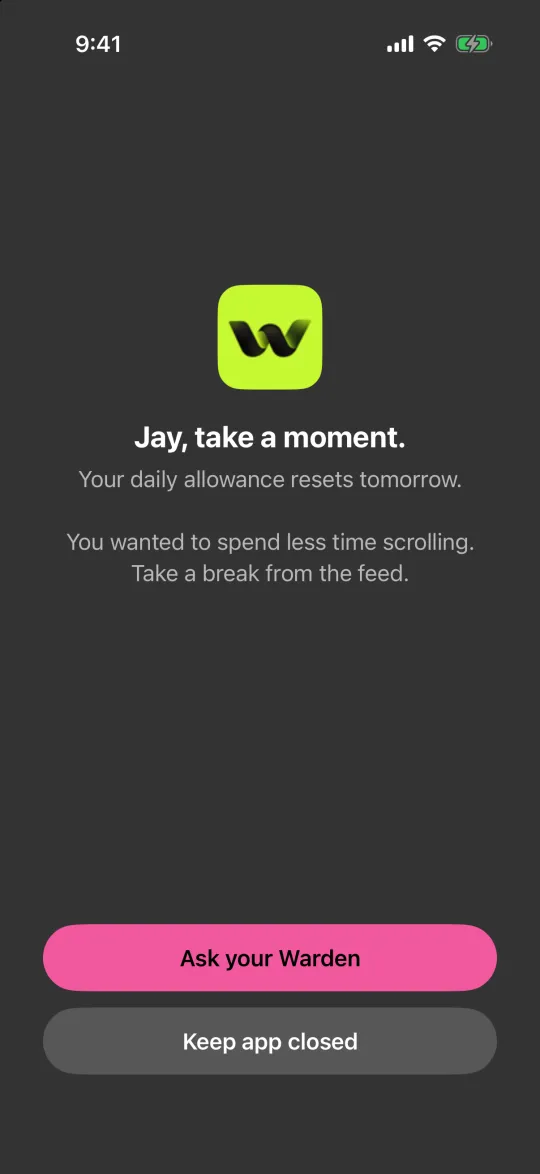
A blocked interval proves that access was restricted during the test. It does not prove that you studied, slept or completed another activity.
- Open the selected app before the scheduled start. Note whether it is available.
- Open it again after the start, then after the end. Compare the result with the saved rule, including its selected days.
- For a daily limit, use a small allowance. Check whether several selected apps spend one shared budget or have separate limits.
Do iPhone app blockers work offline?
Reference: Apple: Screen Time schedules and allowances
Reference: Try the Instagram blocking guide
Test approval with another person
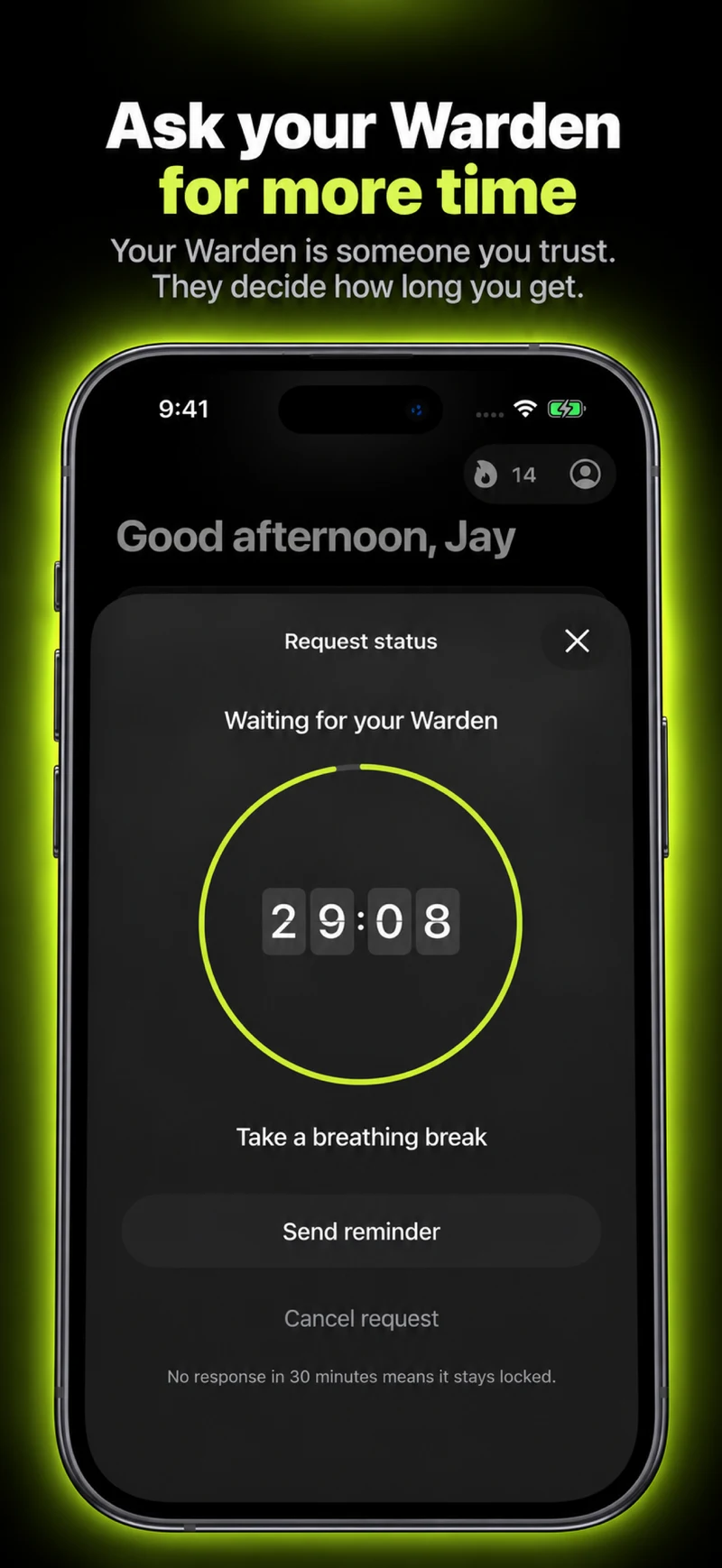
For Warden mode, ask someone who agrees to help. Both of you need the iPhone app and a working connection for remote requests. Use a harmless test note, not a private message or account detail.
- Send a request and have the other person decline it. Check that the app remains blocked.
- Send a new request and have it approved. Check the allowed duration and what happens when that allowance ends.
- Leave one request unanswered. In Warden, silence is not approval. Check that the ordinary block stays in place; emergency access is a separate action.
Reference: How Warden approval works
Check the other ways you use the app
Try the service in your usual browser as well as its app. Inspect the rule’s app and website selections rather than assuming they cover each other. Do not report a browser gap as fixed until you have retested it.
Repeat the short test after restarting the phone. When it is safe to disconnect briefly, test the saved block offline, then reconnect before testing remote approvals. Note the difference between local blocking and an online request.
Record a useful bug report
Record the selected apps, rule mode, local time and time zone, expected result and actual result. Include the shortest steps that reproduce the problem. Redact names, messages and other private information from screenshots.
Keep a simple pass, fail or not-tested note for each check. Retest after a fix or a major iOS update. Passing a short test is useful evidence for that setup, not a guarantee that a blocker can never fail.
Reference: Send a Warden bug report
Example: a report you can fill in
Rule: [mode, apps, days and hours]. Expected: [what should happen]. Actual: [what happened]. Steps to reproduce: [the shortest sequence]. Device, iOS and app version: [values]. Local time and time zone: [values].