Warden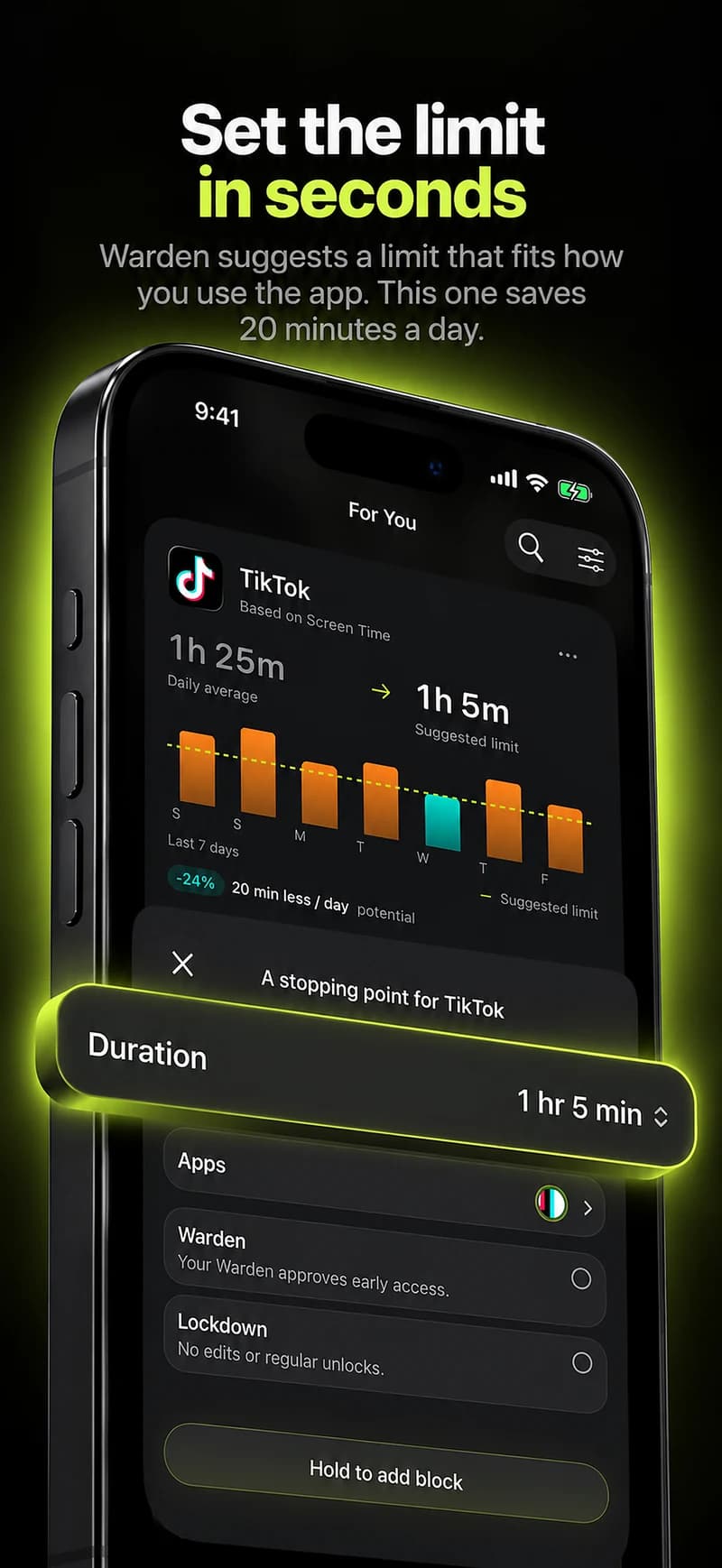
How we chose, and our bias
We make Warden, so read our entry with that in mind. Every other description comes from the provider's own website as reviewed in September 2026, not from our testing, and there are no scores or star ratings here.
Features, prices and platforms change. A feature missing from this page is not necessarily missing from the product. Check each provider's current documentation before you pay for anything.
The short answer
- Apple Screen Time: the best free starting point, and the right tool for a child's iPhone through Family Sharing.
- Opal: a good fit if you want focus sessions, scores and one app across iPhone, Mac and Android.
- one sec: a good fit if you open apps on autopilot, because it puts a pause before the app opens.
- Freedom: a good fit if distractions move between your phone and your computer.
- Brick: a good fit if you want a physical object to start and end a block.
- Jomo: a good fit if you want rules tied to set times, allowances or actions across iPhone, iPad and Mac.
- Warden: a good fit if you want usage-based suggestions, a Lockdown mode that holds your own commitment, or a trusted person to approve early access.
Apple Screen Time: free and already on your phone
Screen Time is built in and costs nothing. In iOS 27, Apple's guide describes Time Allowances for how long you use categories such as Social Media or Games, Screen Time Schedules for when apps are available, and an Always Allowed list for people and apps you never want blocked.
Its limit for an adult is the passcode. If you set it for yourself, you know it. That is fine for a gentle reminder and weaker when the problem is overriding the limit late at night. For a child, Family Sharing puts the passcode with the parent, which is the arrangement it was designed for.
Opal, one sec and Jomo: three kinds of friction
Opal's site describes Focus Rules, a Focus Timer, an Opal Score and milestone rewards, on iPhone, Mac and Android. Its Deep Focus option restricts ending a session early. It suits people who like a structured, measured system on more than one device.
one sec interrupts the reach itself. Its site describes a breathing pause and other actions before a selected app opens, plus scheduled blocking and time limits. It suits the habit of opening an app without deciding to.
Jomo lists iPhone, iPad and Mac, and describes blocks at set times, after a limit or until you complete an action, with different block strengths. It suits people who want to write precise rules.
Reference: Opal
Reference: one sec
Reference: Jomo
Freedom and Brick: when the phone is not the whole problem
Freedom describes app and website blocking across supported phones and computers, with blocklists, advance and recurring schedules, and a Locked Mode meant to stop you quitting a running session. If your distractions move from laptop to phone, cross-device coverage matters more than any single phone feature.
Brick adds a physical device. You choose apps and start a session by tapping your phone against the Brick. Its site lists iOS and Android support, a strict option and emergency unbricks. It suits people who want the stopping point to live somewhere other than the phone, and it adds an object to keep track of.
Reference: Freedom
Reference: Brick
Where Warden fits
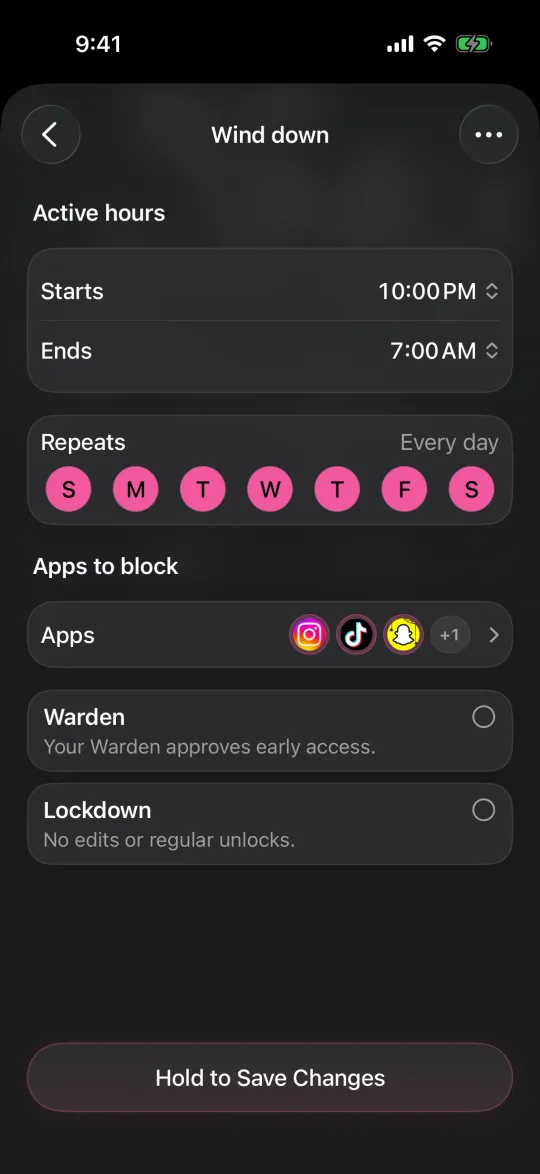
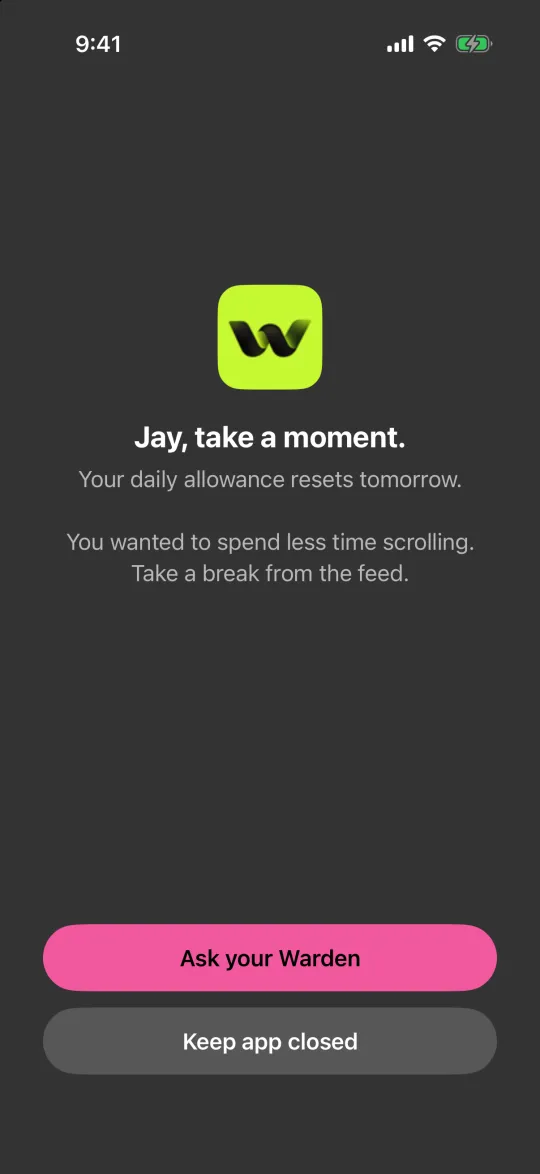
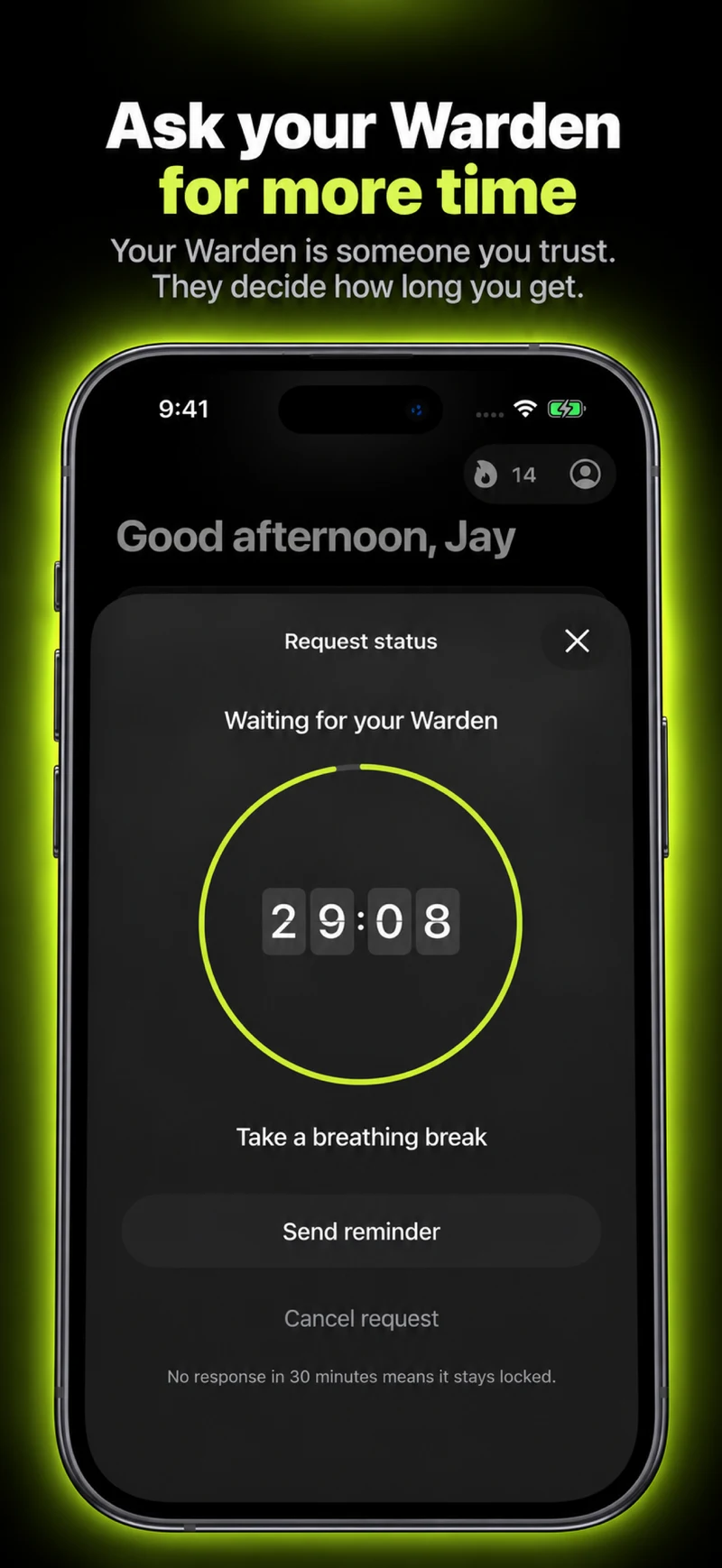
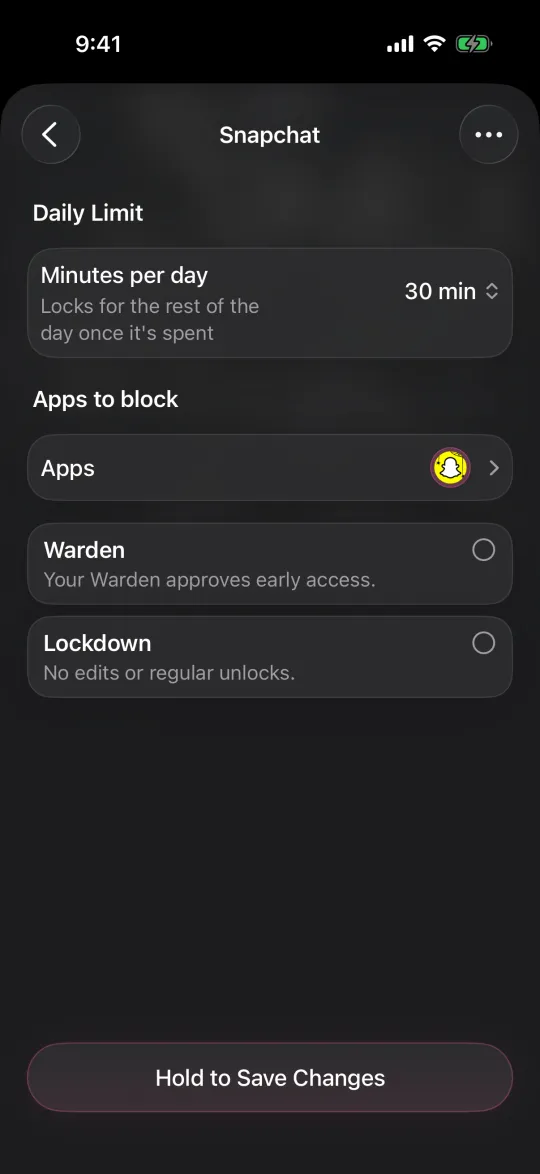
Warden is an iPhone app blocker. It can suggest which apps to limit, a daily allowance and block times from your goals and available Screen Time patterns, and you approve every rule. Lockdown prevents ordinary early unlocks and edits to active rules until the block ends. You can also connect a trusted person, your Warden, to approve early access for the rules you choose.
Warden supports iPhone and iPad. It does not support Mac or Android. A partner is optional: Standard rules and Lockdown work on your own, and emergency access remains available.
Match the tool to the moment that breaks your plan
If you open Instagram before you have decided to, a pause like one sec targets that exact moment. If you set a sensible limit and then extend it at 11 pm, the problem is the override, so look at a stronger mode such as Opal's Deep Focus, Freedom's Locked Mode, Warden's Lockdown or a trusted person's approval. If the laptop is where the hours go, start with Freedom.
Try one rule for one week before adding more. The best blocker is the one you still use on day eight, not the strictest one you uninstall on day three.