 Warden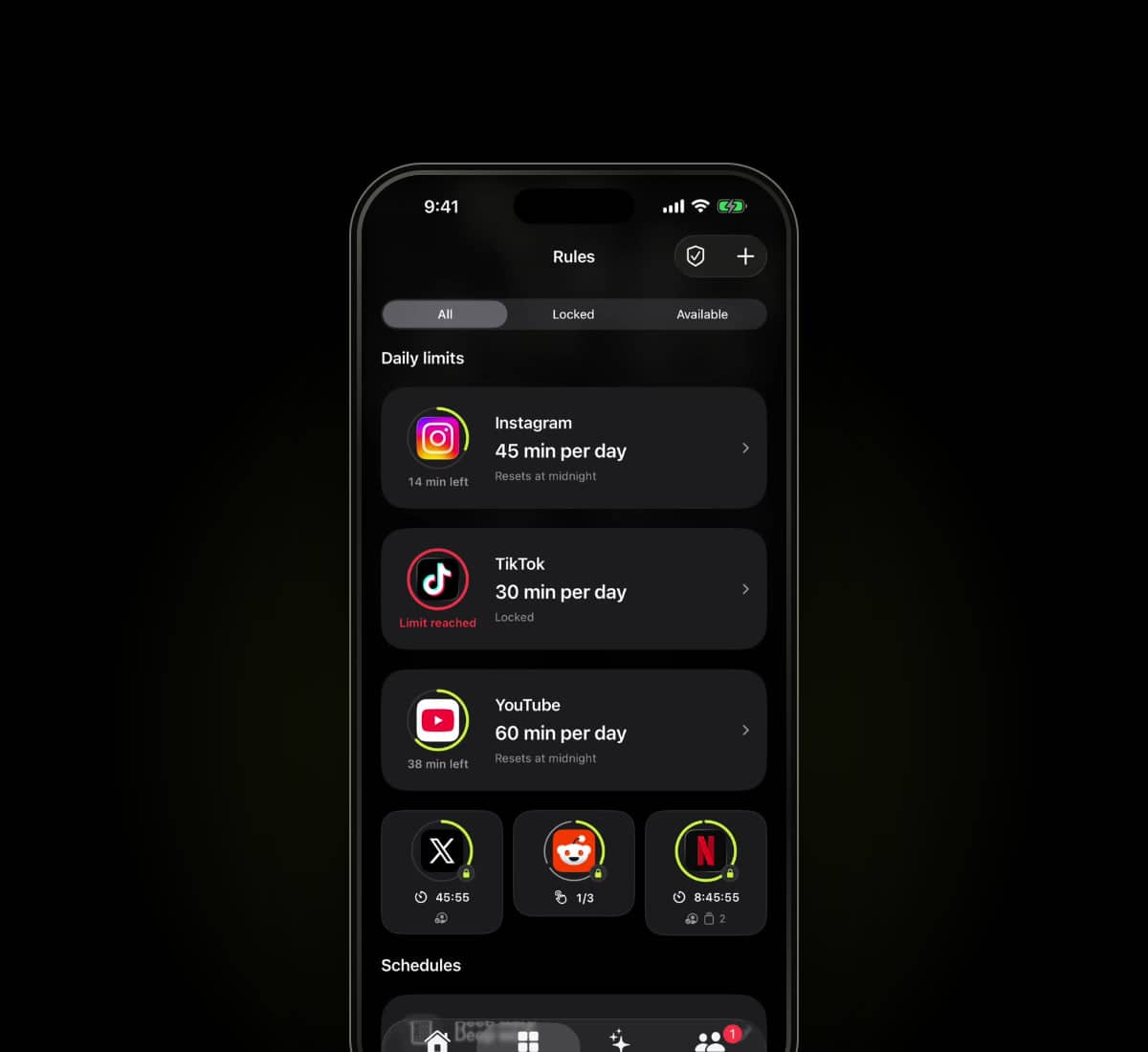
Sources checked
Written by Warden from the providers' published information. We have not hands-on tested every app in this comparison.
What Opal offers
Opal's official site describes Focus Rules, a Focus Timer, an Opal Score and milestone rewards. It lists iPhone, Mac and Android versions. These give you concrete areas to inspect rather than comparing products only by a screen-time headline.
Check the particular platform's controls and current plan. A feature on a provider's main page does not automatically establish that every setting behaves identically on every device.
The useful differences to inspect
Scroll to compare
| Consideration | Warden | Opal |
|---|---|---|
| Published approach | Usage intelligence, system-level Lockdown and trusted-person approval | Focus Rules, timers, scores and milestones |
| Device scope described here | iPhone | iPhone, Mac and Android |
| Usage insights | App-use comparisons and recommendations for apps, limits and schedules; supported access and history required | Focus Reports, scores and progress insights |
| Stronger blocking | Lockdown prevents ordinary early unlocks and active rule edits; emergency access remains available | Deep Focus restricts early session cancellation; check current emergency options |
| Using it alone | Standard and Lockdown work without a partner | Self-managed focus rules and sessions |
| Useful evaluation | Do the recommendations and chosen protection mode fit? | Do the rules, device coverage and progress tools fit? |
This is a focused description, not an exhaustive feature checklist. An option not listed here is not necessarily absent. Check current plan and platform details with each provider.
Which arrangement fits your day?
If your routine spans a phone and computer, device coverage is a material part of the decision. If your main difficulty is making an early exception, inspect that workflow directly rather than treating a score or a timer as the answer.
Choose Warden for recommendations that turn available usage patterns into apps, limits and schedules, with Lockdown to keep your own commitment. A partner is optional. Compare Opal's current reports, blocking settings and device coverage against the way you want to focus.
Try the scenario that matters
Choose one nonessential app, a short period and a normal exception. Test starting the rule, keeping a needed tool available and returning to the block after access ends. Review any purchase and renewal terms before subscribing.
See Warden's current tools and limitations
Other app blocker comparisons
Opal alternatives for iPhone in 2026: 7 options
Why switch from Opal? Compare Apple Screen Time, ScreenZen, one sec, Freedom, Brick, Jomo and Warden by the reason Opal is not working for you.