 Warden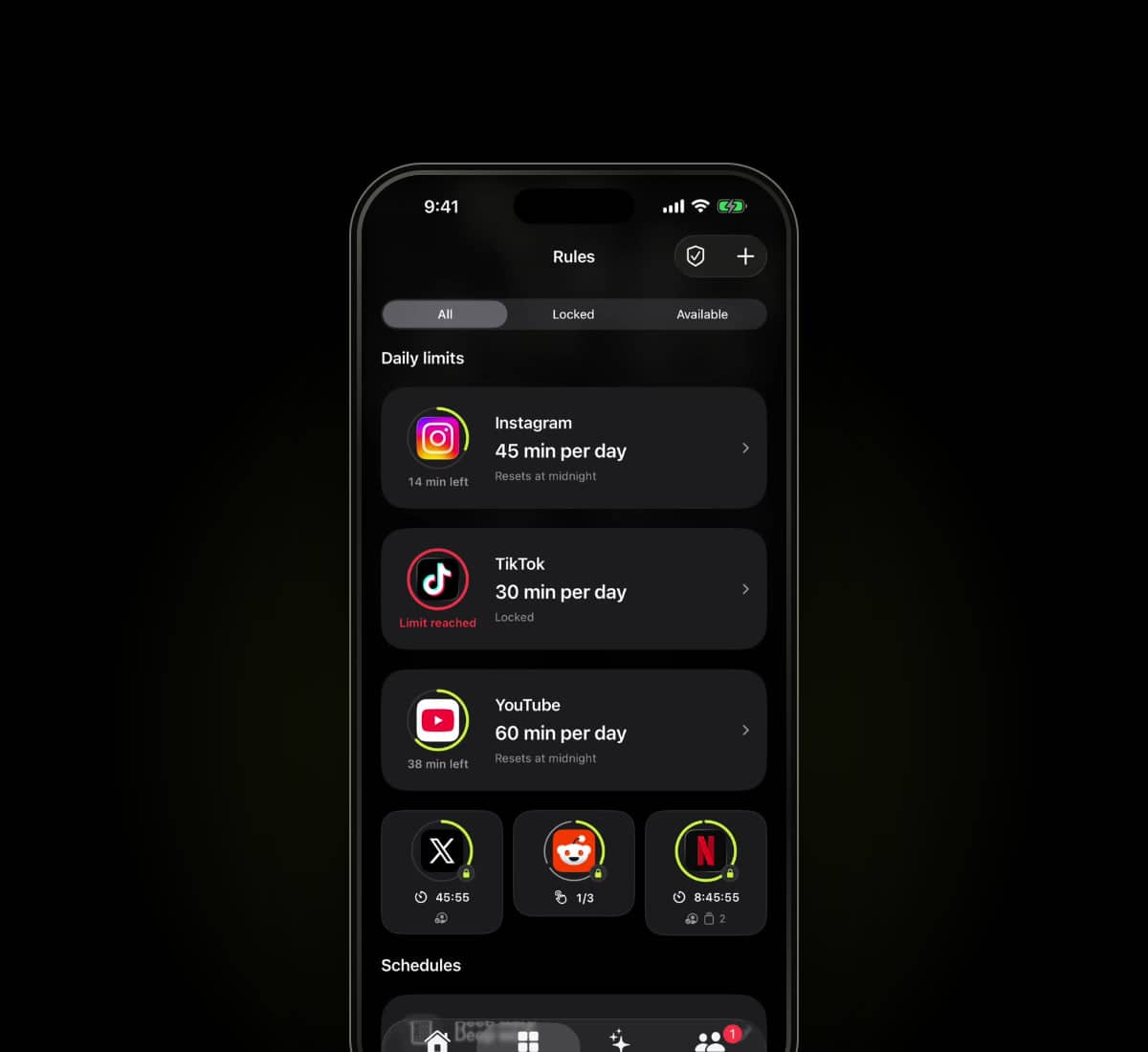
Sources checked
Written by Warden from the providers' published information. We have not hands-on tested every app in this comparison.
What Jomo offers
Jomo's official site lists iPhone, iPad and Mac and describes blocking at set times, after a limit or until an action. It also presents different block strengths and screen-time reflection tools.
Read the current rule and strict-setting documentation for the platform you use. It would be misleading to assume every strict control is only a delay or that an unlisted behavior is unavailable.
The useful differences to inspect
Scroll to compare
| Consideration | Warden | Jomo |
|---|---|---|
| Scope described here | iPhone | iPhone, iPad and Mac |
| Published rule approach | Daily limits, schedules and focus sessions | Set-time, allowance and action-related rules |
| What to inspect | The reviewed plan and chosen early-access agreement | The exact rule type and selected block strength |
This is a focused description, not an exhaustive feature checklist. An option not listed here is not necessarily absent. Check current plan and platform details with each provider.
Which arrangement fits your day?
Write down the actual rule you need before comparing settings. A recurring study window, an app-use allowance and a task-related condition are different requirements. Identify which ones matter and whether the relevant devices are supported.
Warden offers reviewed suggestions and manual rules, plus optional trusted-person early access and hard-stop commitments. Choose based on whether that support model fits, and inspect the privacy and emergency paths as carefully as the blocking screen.
Try the scenario that matters
Choose one nonessential app, a short period and a normal exception. Test starting the rule, keeping a needed tool available and returning to the block after access ends. Review any purchase and renewal terms before subscribing.
See Warden's current tools and limitations
Other app blocker comparisons
When your app-blocking routine stops helping
When a blocker stops helping, inspect the rule before adding friction. The problem may be the apps, the timing, the exception process or a technical failure.