 Warden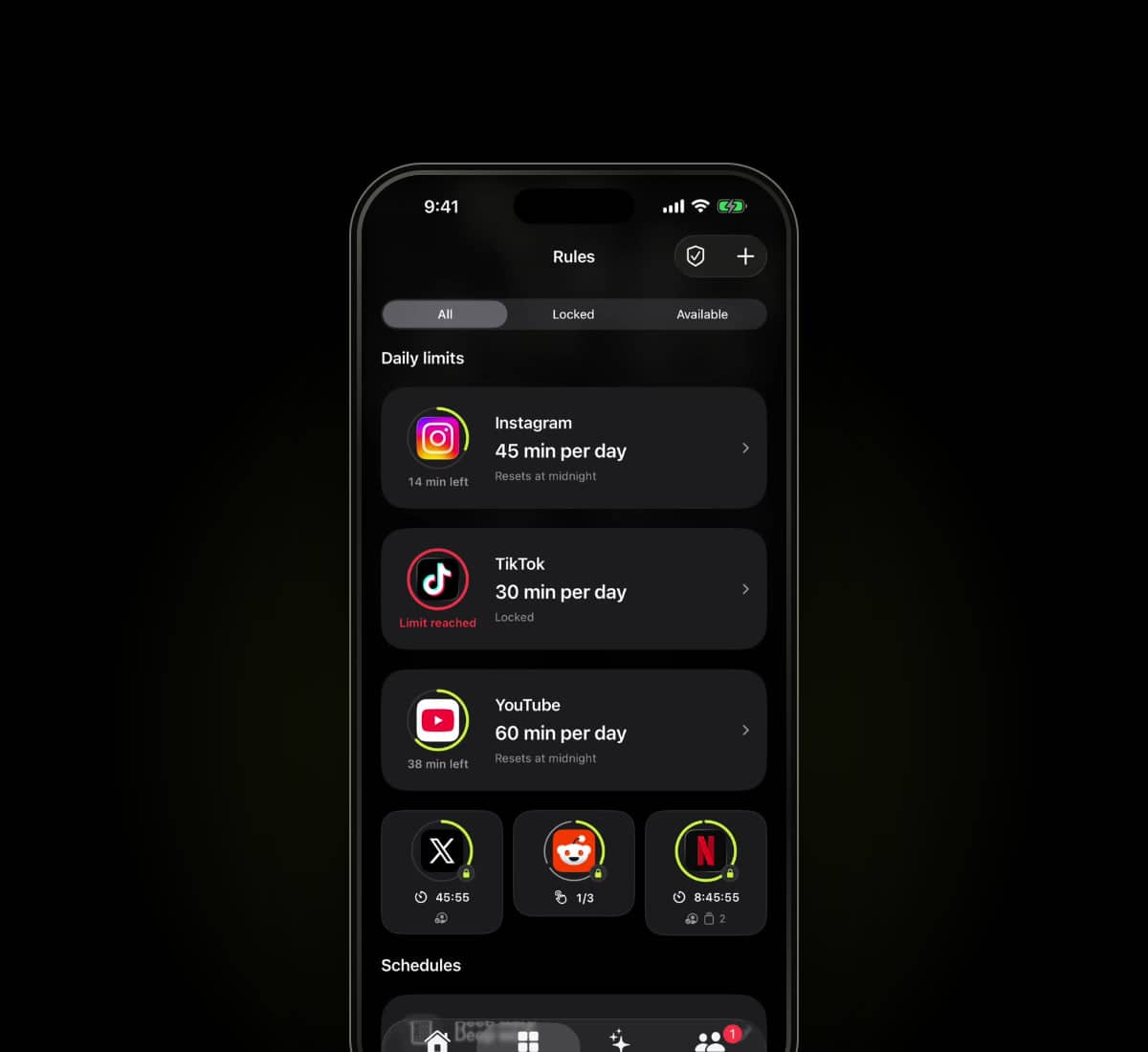
Sources checked
Written by Warden from the providers' published information. We have not hands-on tested every app in this comparison.
What one sec offers
one sec's official site describes interruptions before opening selected apps, including a breathing pause and other actions. It also describes scheduled app blocking, time limits and intention-related tools.
It would be inaccurate to describe one sec as only a reminder with no blocking. Review the current features you intend to use and the requirements on your device.
The useful differences to inspect
Scroll to compare
| Consideration | Warden | one sec |
|---|---|---|
| Published approach | Reviewed limits and recurring blocks | Opening interruptions and scheduled blocking |
| Moment to evaluate | The rule and an ordinary early-access request | The pause before opening and the configured block |
| Questions to ask | Who helps, what do they see, and what happens offline? | Which intervention fits, and how does the selected block behave? |
This is a focused description, not an exhaustive feature checklist. An option not listed here is not necessarily absent. Check current plan and platform details with each provider.
Which arrangement fits your day?
If the issue is an automatic opening, a deliberate pause may be a useful starting point. If a particular hour needs fewer interruptions, inspect the scheduling and access rules. The best test is the moment that currently breaks your plan.
Warden combines daily limits and routines with supported suggestions and optional connected approval. It can be worth considering when a person reviewing ordinary early access is part of the arrangement you want, rather than assuming more friction is always better.
Try the scenario that matters
Choose one nonessential app, a short period and a normal exception. Test starting the rule, keeping a needed tool available and returning to the block after access ends. Review any purchase and renewal terms before subscribing.
See Warden's current tools and limitations
Other app blocker comparisons
iPhone Focus modes versus app blockers
Use Focus to manage interruptions and app blocking to manage access. They work together, but changing notifications is not the same boundary as a limit.