 Warden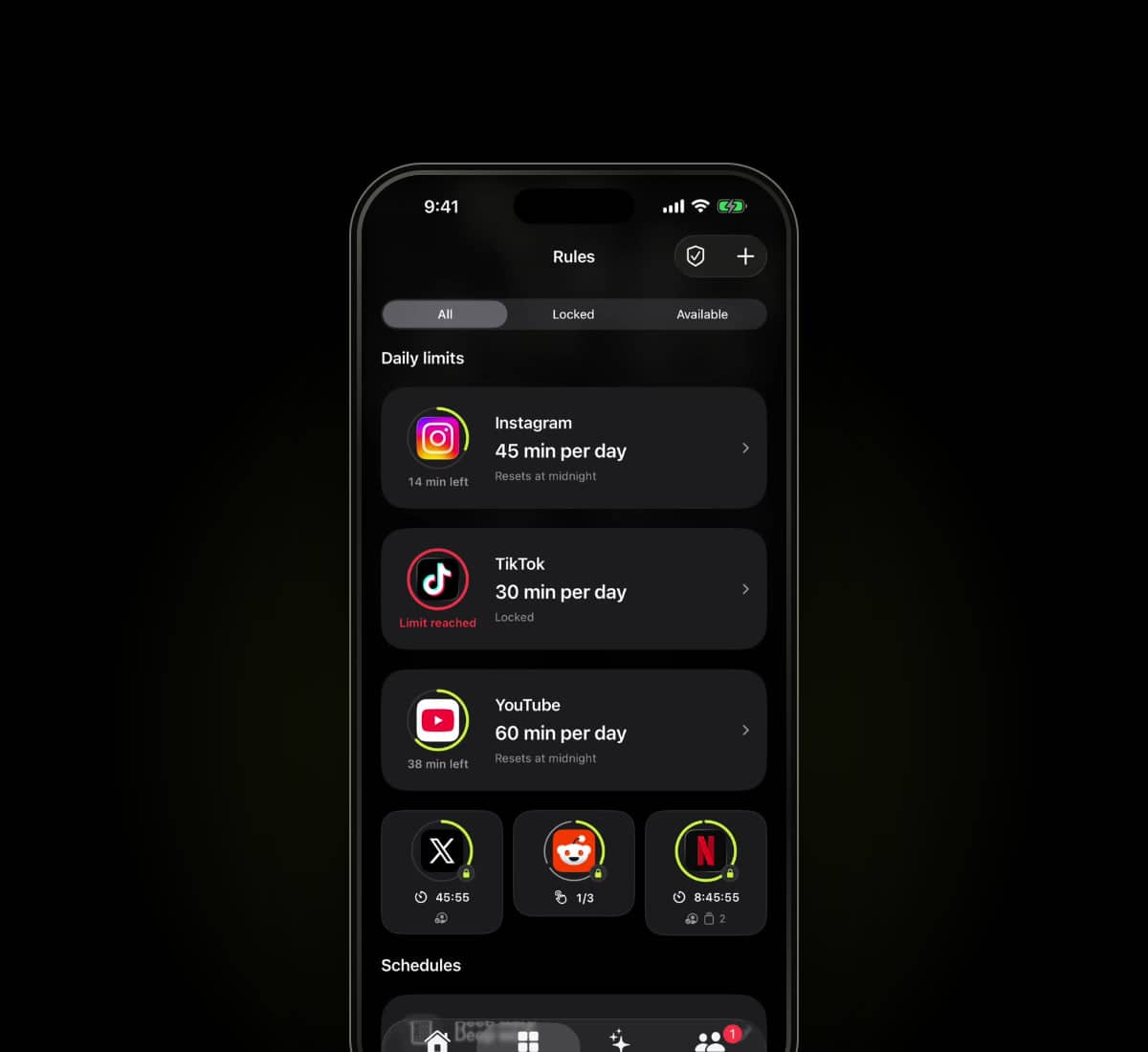
Sources checked
Written by Warden from the providers' published information. We have not hands-on tested every app in this comparison.
What Apple Screen Time offers
Apple Screen Time has built-in usage reports and restrictions. iOS 27 uses Time Allowances and Screen Time Schedule; iOS 26 uses App Limits and Downtime. Child accounts have a separate family setup.
Try the actual built-in behavior before assuming it cannot help. Review the selected apps, shared allowances, passcode arrangement and exception process on your device.
The useful differences to inspect
Scroll to compare
| Consideration | Warden | Apple Screen Time |
|---|---|---|
| Starting point | Review suggestions or create manual rules | Configure the built-in limits and schedules for your iOS version |
| Another person's involvement | Optional connected Warden for early access | Family controls for supported child accounts |
| What to test | The chosen rule, access arrangement and emergency path | The selected limit, blocking options and passcode/family setup |
This is a focused description, not an exhaustive feature checklist. An option not listed here is not necessarily absent. Check current plan and platform details with each provider.
Which arrangement fits your day?
Identify what is missing from your current setup: remembering a routine, reviewing an exception, or seeing a clearer connection between a rule and your day. Those needs point to different tools.
Warden combines manual rules, supported personal suggestions and a connected Warden for selected early-access arrangements. It does not replace Apple's authorization requirements or make every platform restriction impossible to change.
Try the scenario that matters
Choose one nonessential app, a short period and a normal exception. Test starting the rule, keeping a needed tool available and returning to the block after access ends. Review any purchase and renewal terms before subscribing.
See Warden's current tools and limitations
Other app blocker comparisons
Apple Screen Time alternatives for iPhone in 2026
Screen Time is free, but an adult knows their own passcode. Compare alternatives by what is missing: another person, a pause, a locked session or a device.