Warden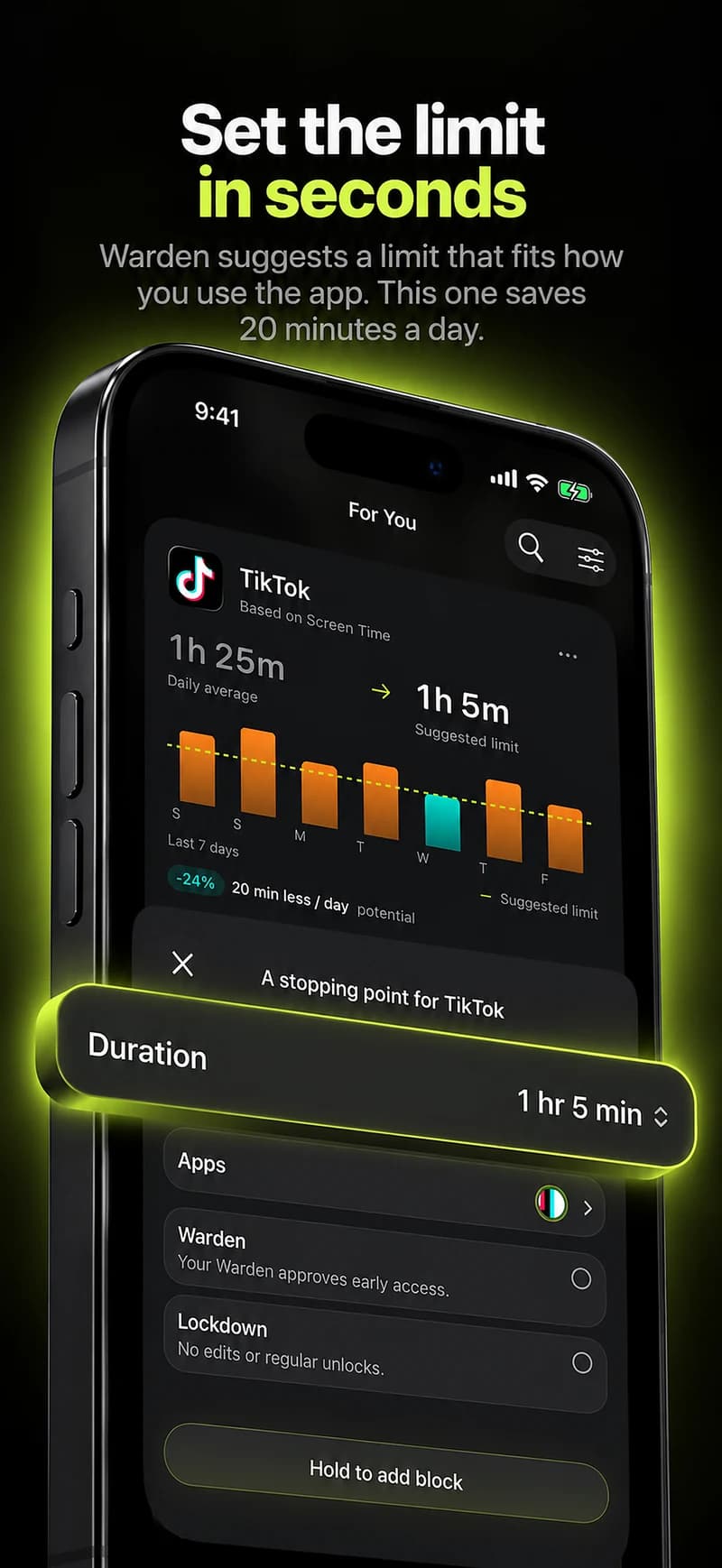
What Screen Time already does well
Before replacing it, check what you already have. In iOS 27, Apple describes Time Allowances for how long you use apps or categories, Screen Time Schedules for when they are available, and an Always Allowed list. In iOS 26 the same controls are App Limits and Downtime. For a child's iPhone, Family Sharing puts the passcode with the parent, which is the arrangement it was built for.
If a gentle reminder is all you need, Screen Time may be enough. The alternatives below matter when the reminder appears and you dismiss it anyway.
Why adults look for something else
- You know the passcode, so ignoring a limit takes one tap and a code you remember.
- A daily allowance can be spent in one late session, which a total alone does not prevent.
- Nobody else is involved unless you share the passcode, and sharing it hands over more than one rule.
- Screen Time covers Apple devices, so a Windows laptop or an Android phone sits outside it.
If you want someone else involved: Warden
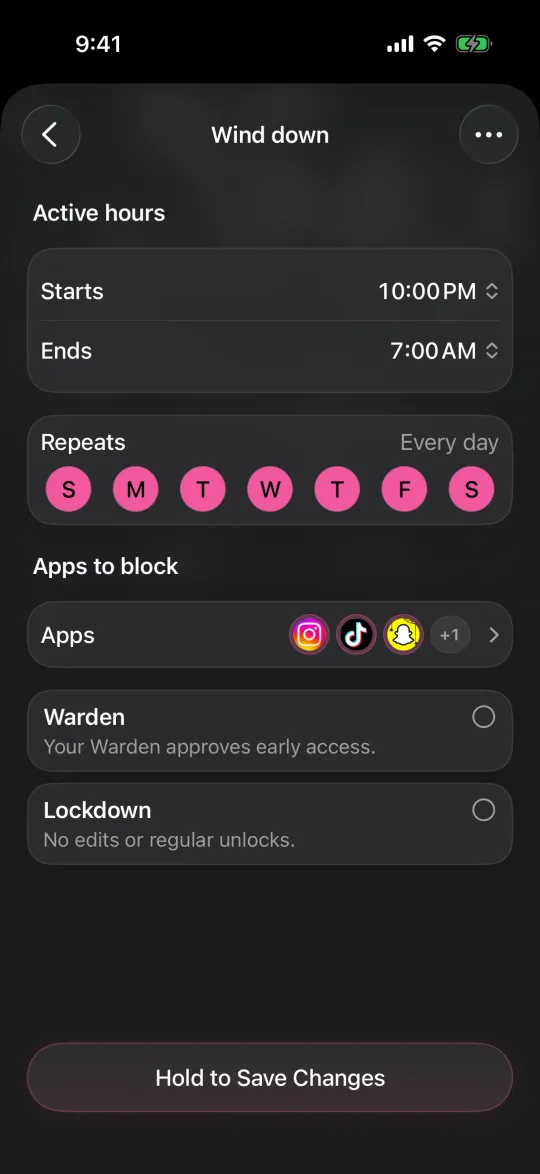
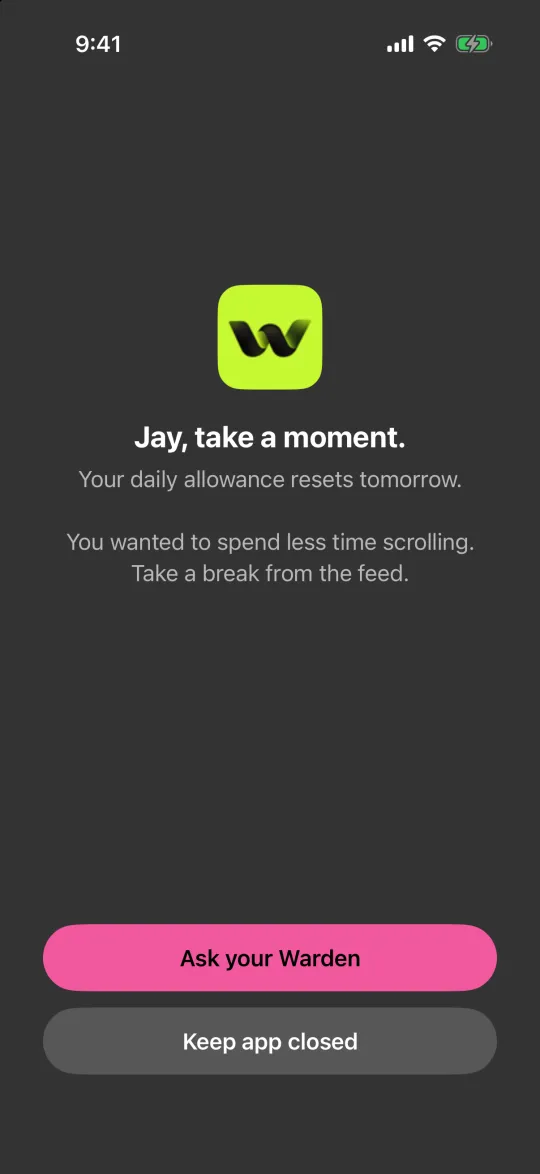
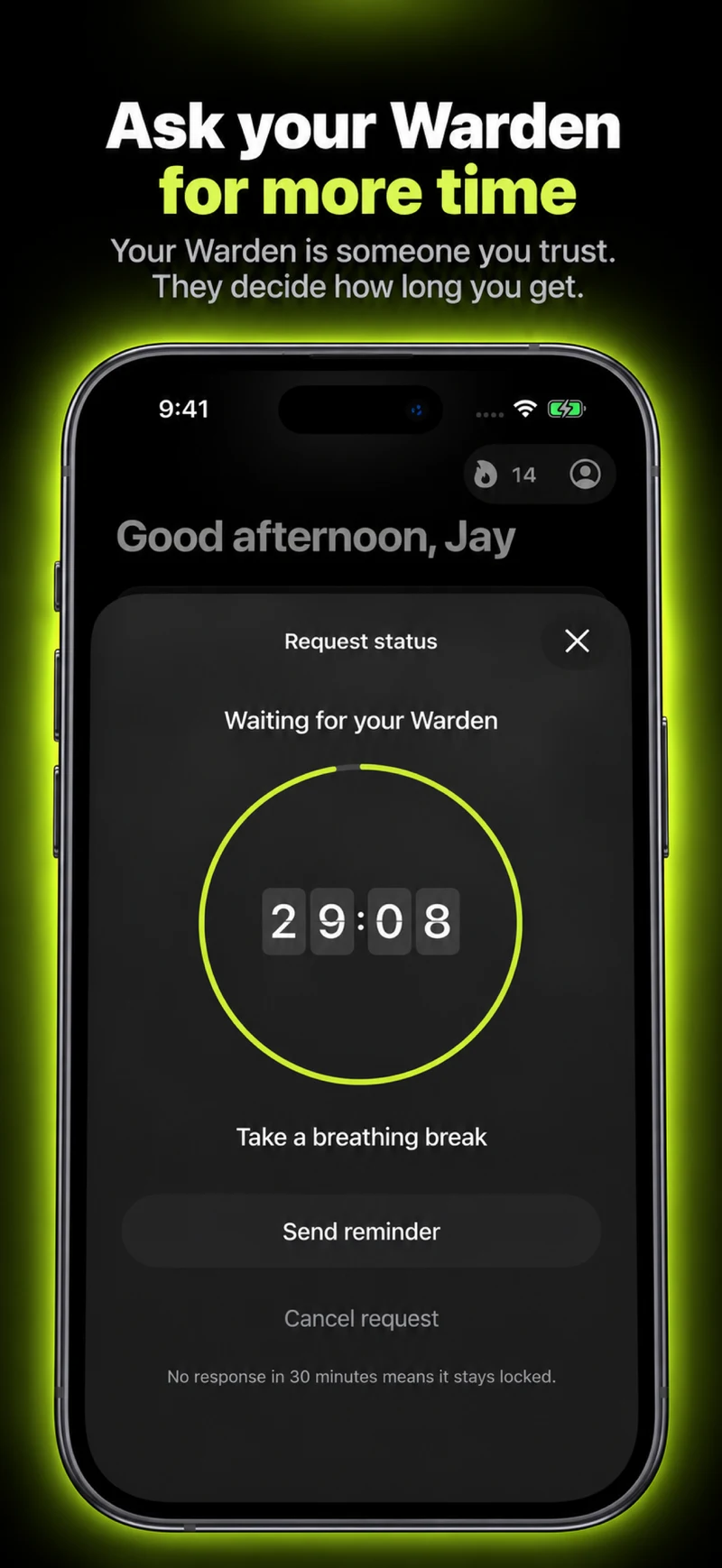
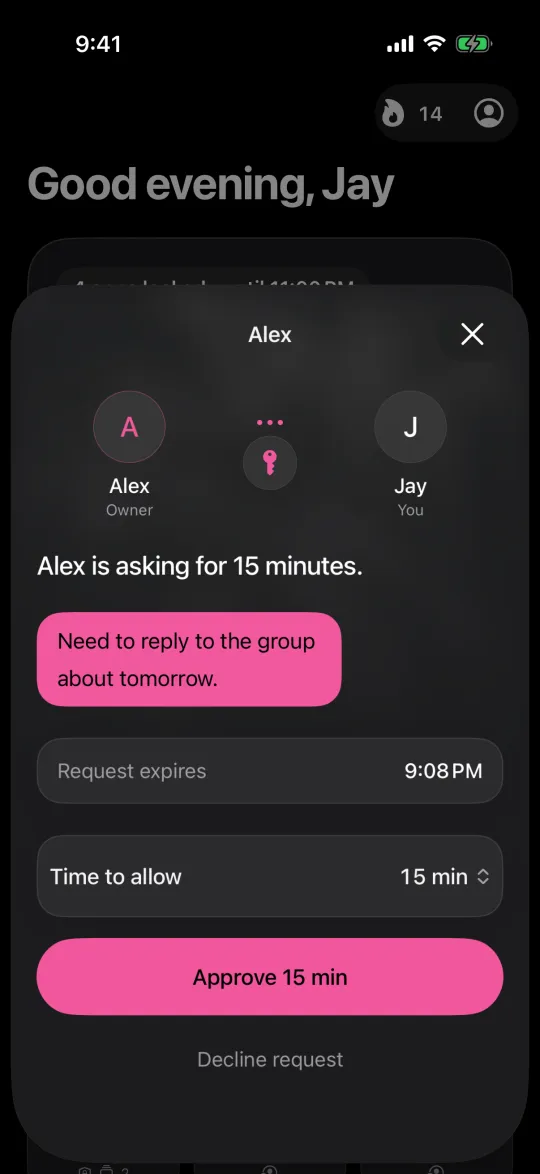
Warden is an iPhone app blocker built around the moment you override a limit. Its rules can use Lockdown, which prevents ordinary early unlocks and edits to active rules until the block ends, or a trusted person, your Warden, who approves early access for the rules you choose. It can also suggest apps, allowances and block times from your goals and available Screen Time patterns, and you approve every rule.
Standard rules and Lockdown work without a partner, and emergency access stays available. Warden has a free plan.
If you want a pause or a stricter session
one sec interrupts the reach itself. Its site describes a breathing pause and other actions before a selected app opens, plus scheduled blocking and time limits. It suits opening apps on autopilot.
Opal describes Focus Rules, a Focus Timer and a Deep Focus option that restricts ending a session early, on iPhone, Mac and Android. ScreenZen offers daily limits and scheduled blocks with a lock mode intended to make limits harder to bypass, and describes itself as free with optional donations.
Reference: one sec
Reference: Opal
Reference: ScreenZen
If the problem is not only your iPhone
Freedom describes app and website blocking across supported phones and computers, with recurring schedules and a Locked Mode for running sessions. Jomo lists iPhone, iPad and Mac, with rules tied to set times, allowances or actions.
Brick moves the stopping point off the phone entirely: you start a session by tapping your phone against a physical device, and its site lists a strict option and emergency unbricks.
Reference: Freedom
Reference: Jomo
Reference: Brick
Example: the 11 PM limit you always extend
You set a one-hour allowance for social apps and reach it by 10 PM. At 11 PM you tap past it with the passcode you chose. Changing the number will not help; changing who controls the override will. Try Lockdown for the late window, or ask a friend to approve extra time for a week, and keep Screen Time for the gentle daytime reminder.
Review the week honestly. If the override was the only problem, the fix may be less about a new app and more about a passcode you no longer know.