Skip to content

App limits

Opal vs Brick: which app blocker fits you?

Opal and Brick are often compared, but they solve the same problem in opposite ways. Opal is software built around focus rules, sessions and progress. Brick adds a physical object that starts and ends your block. The better choice depends on where your plan usually breaks.

In this guide

How we compare, and our bias

We make Warden, which is neither of these, so we have a view on blockers generally. Everything below comes from each provider's own website as reviewed in September 2026, not from our testing, and there are no scores.

Warden vs Opal

Warden vs Brick

Opal in short

Opal's site describes Focus Rules, a Focus Timer, an Opal Score and milestone rewards, with Focus Reports and progress insights. It lists iPhone, Mac and Android versions, and a Deep Focus option restricts ending a session early.

Reference: Opal

Brick in short

Brick's site describes choosing apps and starting a session by tapping your phone against a physical Brick. It lists iOS and Android support, a strict option and emergency unbricks. The object is the point: ending the session means going back to it.

Reference: Brick
The differences that matter

  • Where the stop lives: in software on your devices for Opal, in an object you keep somewhere for Brick.
  • Devices: Opal lists iPhone, Mac and Android; Brick lists iOS and Android phones.
  • Stopping early: Opal's Deep Focus restricts it in software; Brick asks you to return to the device, with emergency unbricks available.
  • Feedback: Opal describes scores, reports and milestones; check Brick's current site for what it shows.

Which fits which person

Choose Opal if you like structure, measurement and one tool across phone and computer. Choose Brick if you want the stopping point outside the phone, and you are happy to keep track of an object, including when you travel.

If your plan breaks because you override your own limit, a third route is another person: Warden lets a trusted person approve early access for the rules you choose.

How Warden unlock approval works

Example: two people, two different breaks

One person loses the afternoon to their laptop and phone together; a session that covers both devices and shows progress suits them, so Opal fits. Another only struggles at home in the evening, and walking to a Brick on the hallway shelf is exactly the friction they need.

Neither is the stricter app in general. Each is stricter at a different moment.
Set it up without adding unnecessary rules

Daily limits, schedules and focus sessions

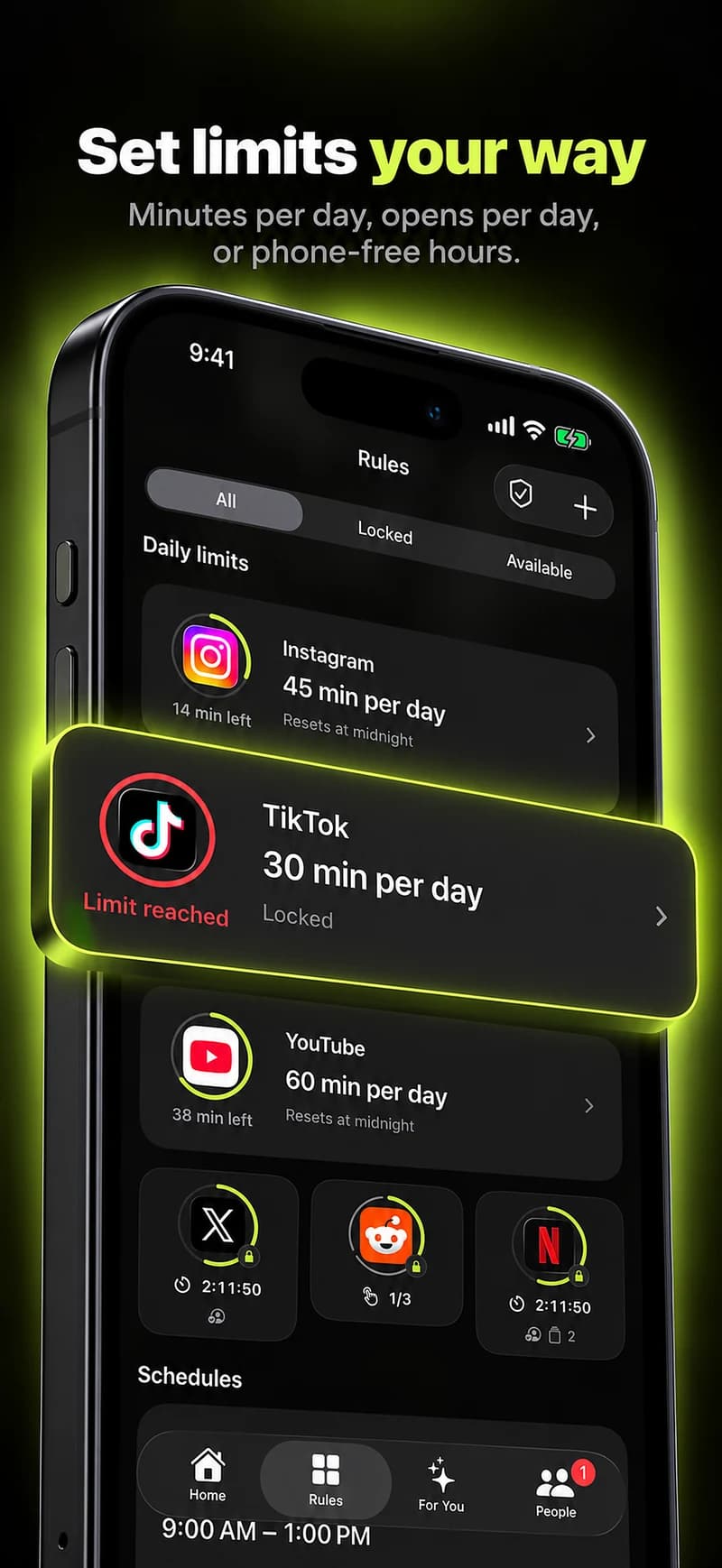
Install Warden and connect Screen Time when iOS asks. Then open Rules and tap the plus button.

Choose the apps or scope involved in this particular interruption. Use an allowance for total use, a schedule for recurring hours, or a session for a one-off task.

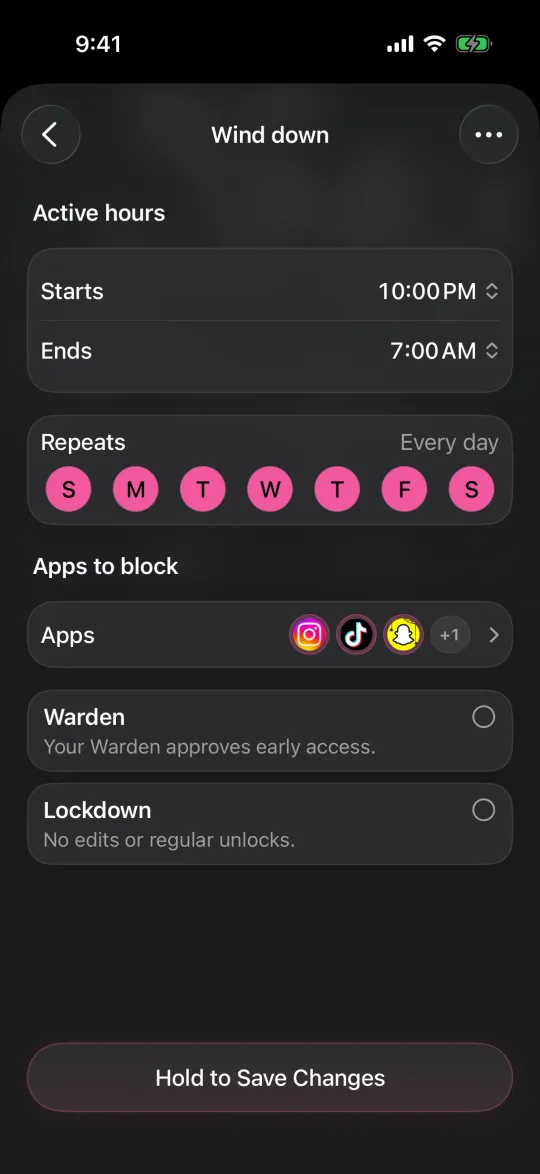
Editing a schedule that blocks apps from 10:00 PM to 7:00 AM every day

What Standard, Warden and Lockdown do

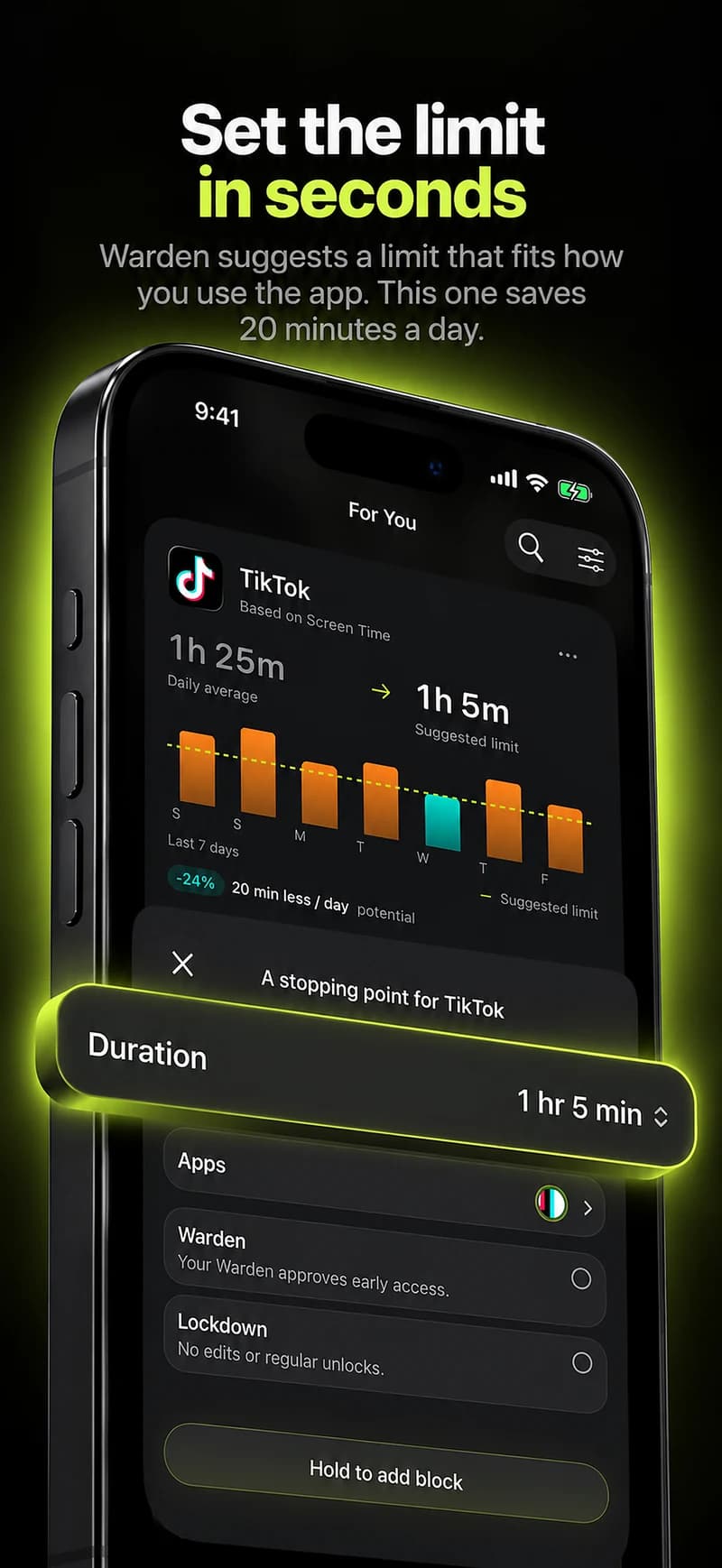
Choose Standard when you want to manage the limit yourself. Choose Warden when a person you trust should review early-access requests. Choose Lockdown to keep ordinary early unlocks off until the block ends.

Choose the access mode, then hold the save button to set the rule. Try a short block before using a long one. Emergency access remains separate from ordinary unlock requests.

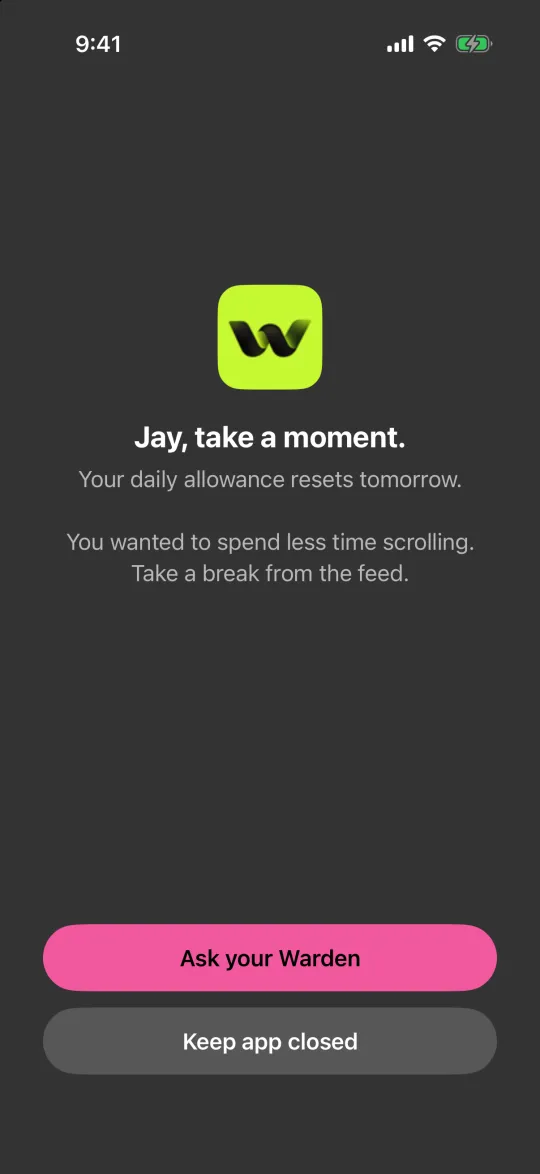
The block screen with Ask your Warden and Keep app closed buttons

How Warden approval works

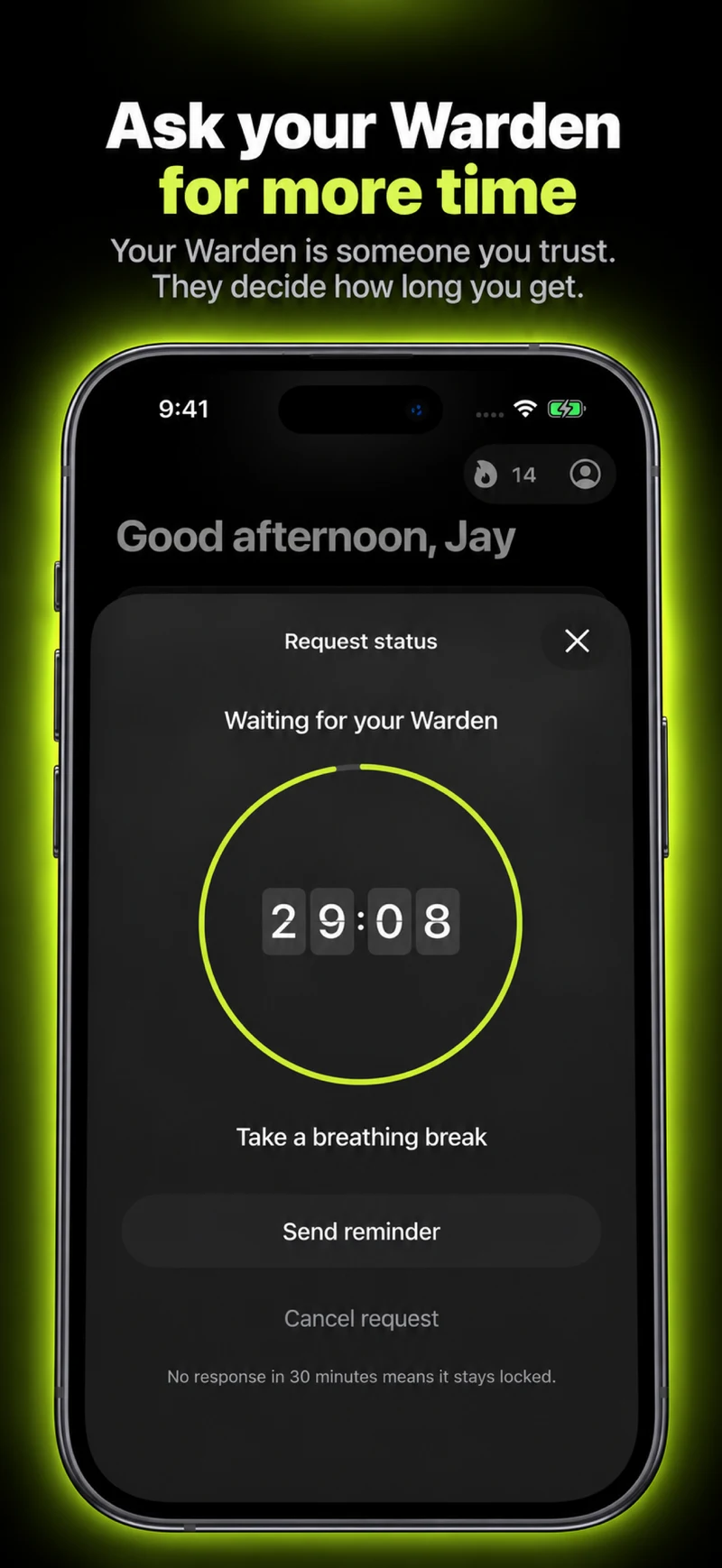
Choose how many minutes you need, add a note and hold to send. If nobody answers within 30 minutes, the request expires and the app stays locked.

An approval applies to the scope and time shown in the app. A declined or unanswered request does not lift the block. Emergency access remains a separate option on your device.

Common questions

Is Opal or Brick harder to bypass?
They make quitting harder in different ways. Opal's Deep Focus restricts ending a session early in software; Brick asks you to go back to a physical device, with emergency unbricks available. Check each provider's current documentation.
Does Brick work without the device?
Brick's workflow is built around tapping the physical Brick to start and end a session. Check its site for the current emergency and travel options.
Is there an option with another person involved?
Yes. With Warden you can connect a trusted person who approves early access for the rules you choose. Standard rules and Lockdown also work on your own.