Warden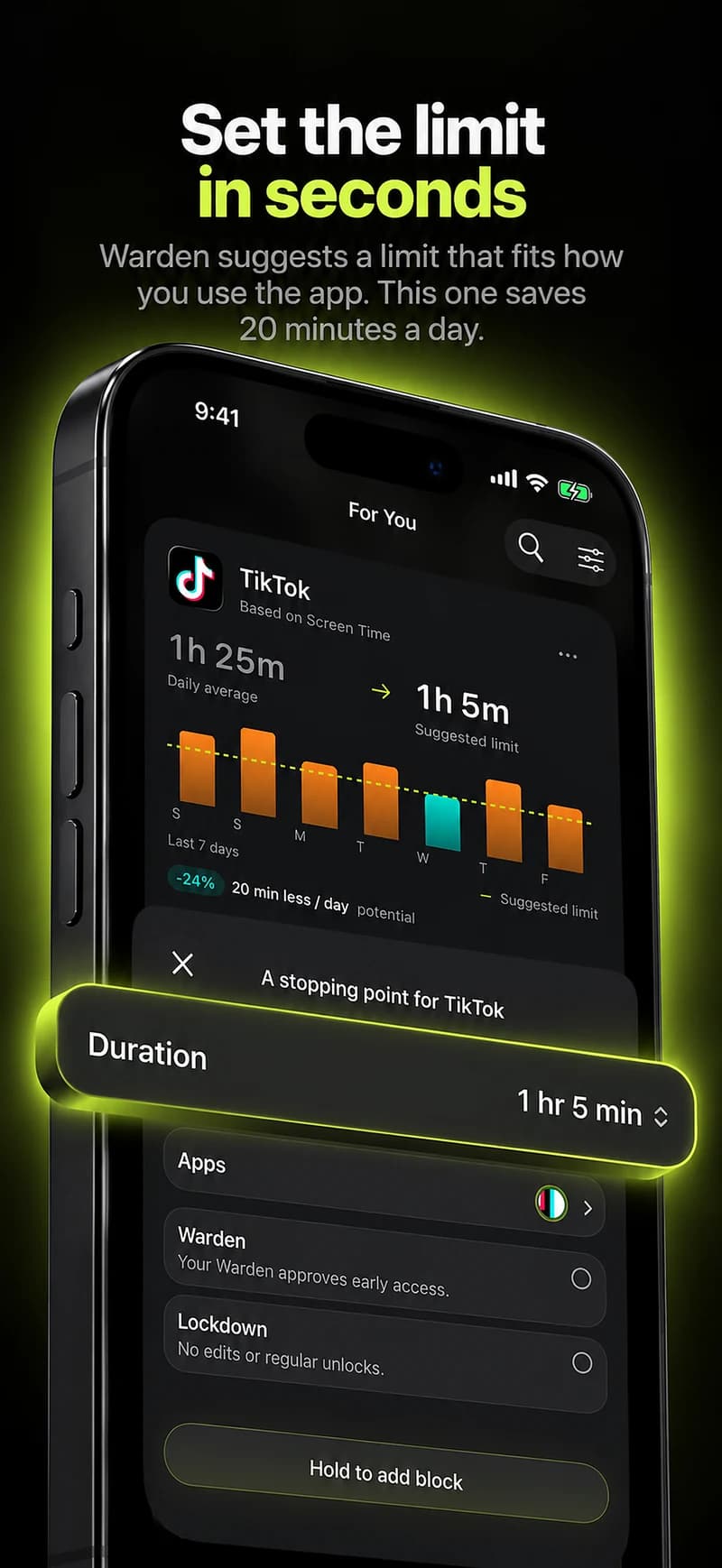
Confirm the exact day and selected scope
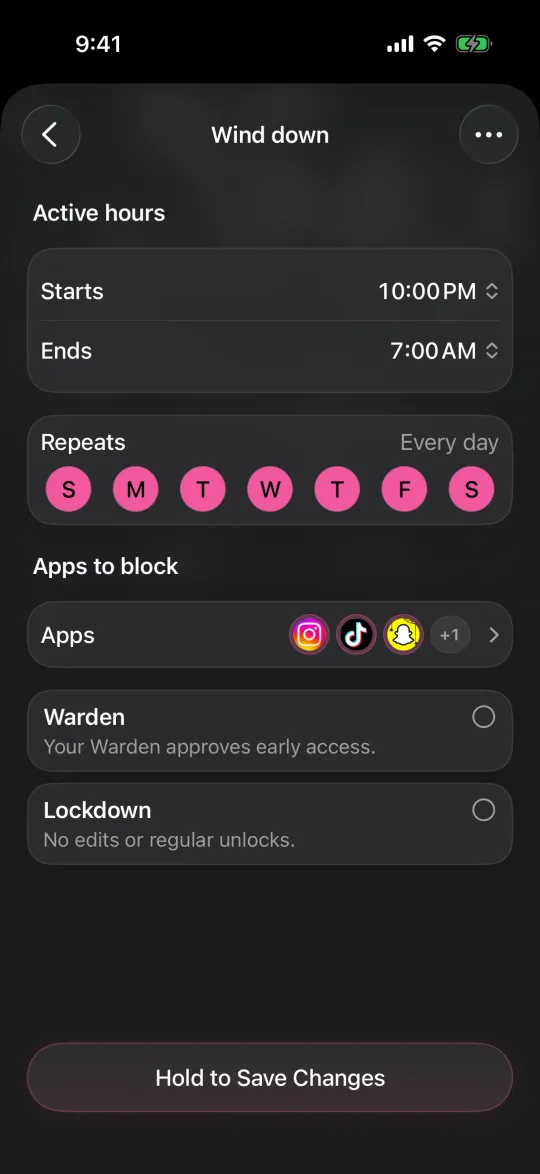
Start with the app that remained open. Check whether it belongs to the saved selection, whether the limit is enabled for today and whether the allowance is shared with other apps. In a recurring schedule, inspect the start, end and selected weekdays.
Midnight-spanning schedules deserve special care: a block beginning at 10 PM and ending at 7 AM crosses into another date. A screenshot of the visible rule and the local time is more helpful than “it stopped working yesterday.” Do not send private account credentials.
Check authorization and allowed access
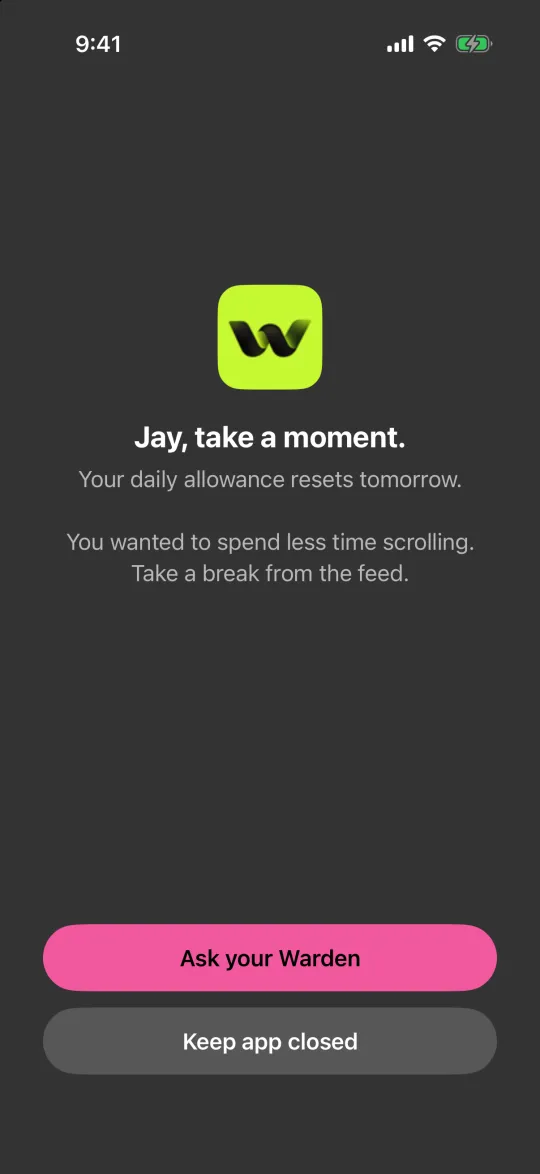
Review Screen Time authorization in the blocker and iPhone settings. Then look for an active temporary unlock, emergency override or Always Allowed exception. Those can deliberately change what is blocked even when the rule still appears in your list.
Apple’s built-in Screen Time and a third-party blocker are not necessarily the same configuration. A limit in one app does not prove another service is monitoring the same selection. Identify which rule should have acted before changing unrelated settings.
Reference: Apple: schedules and app allowances
Separate delayed information from failed enforcement
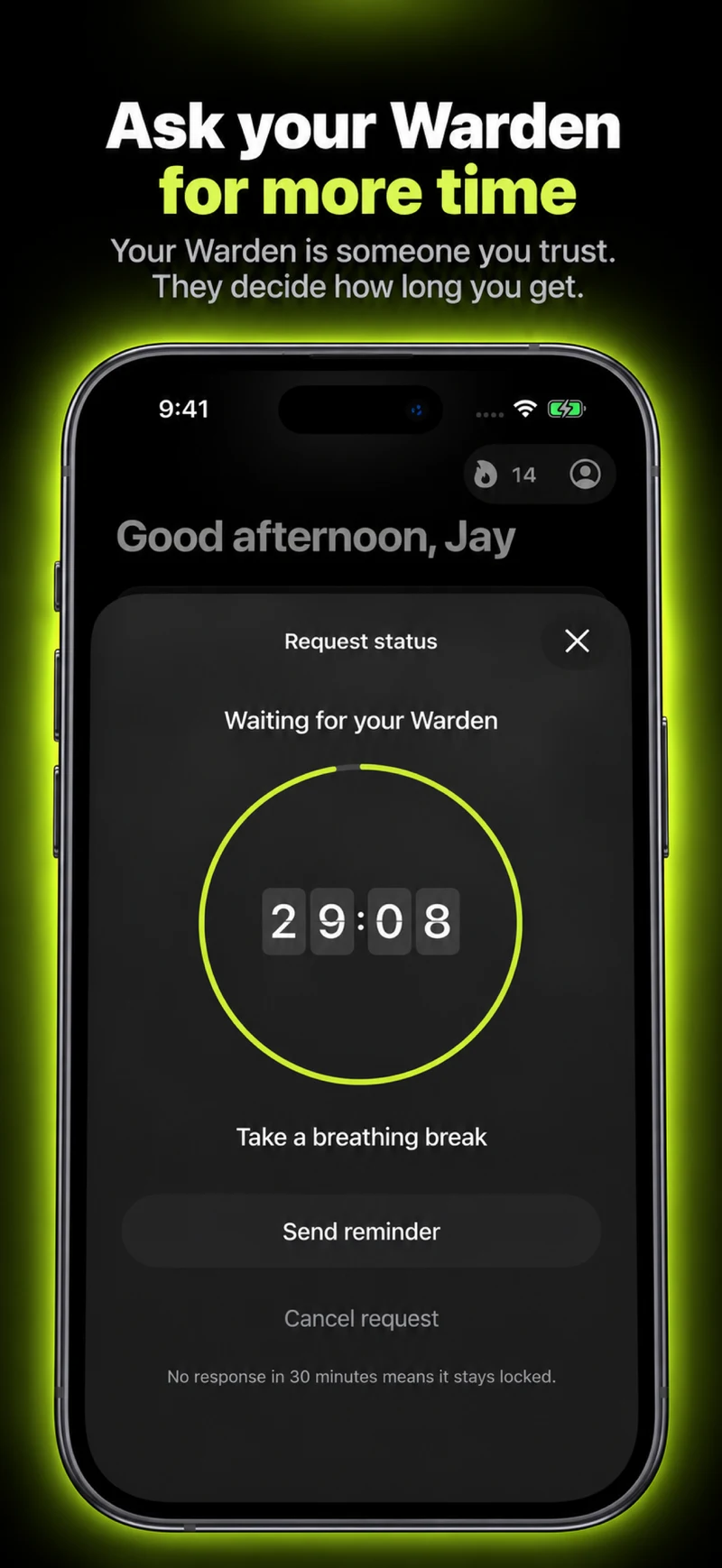
A chart can show an older report while a local restriction remains active. Conversely, a saved timer or progress ring is not proof that a system shield has been applied. Note what you can actually observe: whether the target app opens and the state of the relevant rule.
Use a short, nonessential test with a known allowance. Avoid running several new test rules at the same time; overlapping settings make it harder to identify the cause. Do not use an essential communication app as the test target.
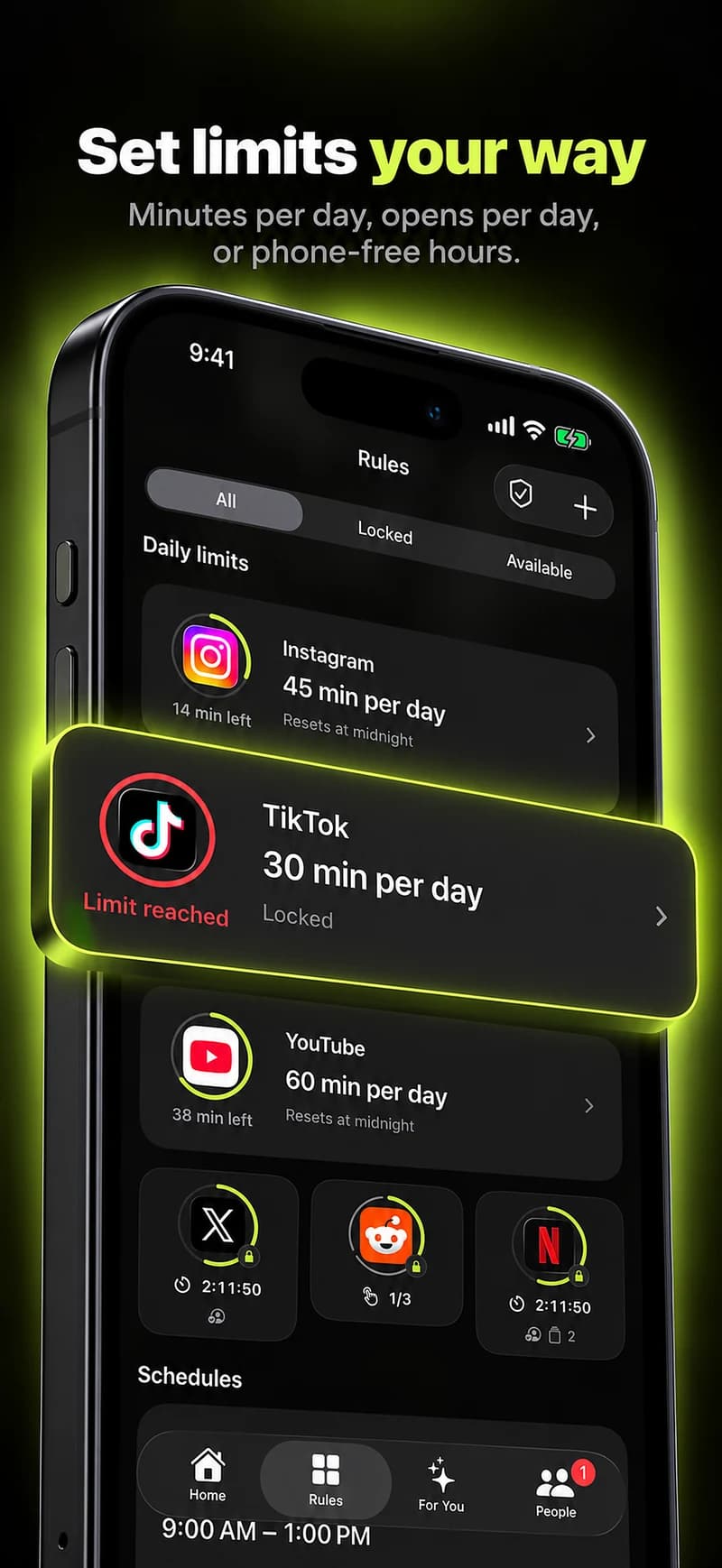
Give support a useful reproduction
Include the phone’s software version, the rule type, the selected day, the allowance or schedule, the local time, and whether temporary access was active. Explain what you expected and what appeared instead.
Keep the report focused on one example. A support request does not need your password, full browsing history or sensitive message contents. After any fix, repeat the same small test so you can tell whether the problem was actually resolved.
What to include in a support report
A useful report might read: “Tuesday at 8:40 PM, this phone showed a 30-minute daily limit for the selected app. The rule was enabled, and I could still open the app. No temporary access or emergency override was shown. Here is the software version and a screenshot of that rule with unrelated details hidden.”
Include how you measured that the allowance was used up and whether the figure covers this device, this app and today. A cumulative weekly total or another device’s activity does not establish that the current daily threshold was reached. After a proposed fix, repeat the same test before changing more settings.