Skip to content

Screen Time

Do iPhone app blockers work offline?

A saved restriction and a remote approval are different operations. Warden’s saved local blocks do not require a server decision every time an app is restricted, while sign-in, purchases, synchronization and another person’s decision use online services. Prepare the rule before you lose connectivity.

In this guide

Prepare while you still have a connection

Sign in, finish the Screen Time authorization and save your chosen rule before leaving coverage. Confirm the selected apps, days and hours on the phone. A draft you never saved is not an offline plan. Keep a copy of essential travel details through the provider’s supported offline options, and confirm those tools are outside the block selection.
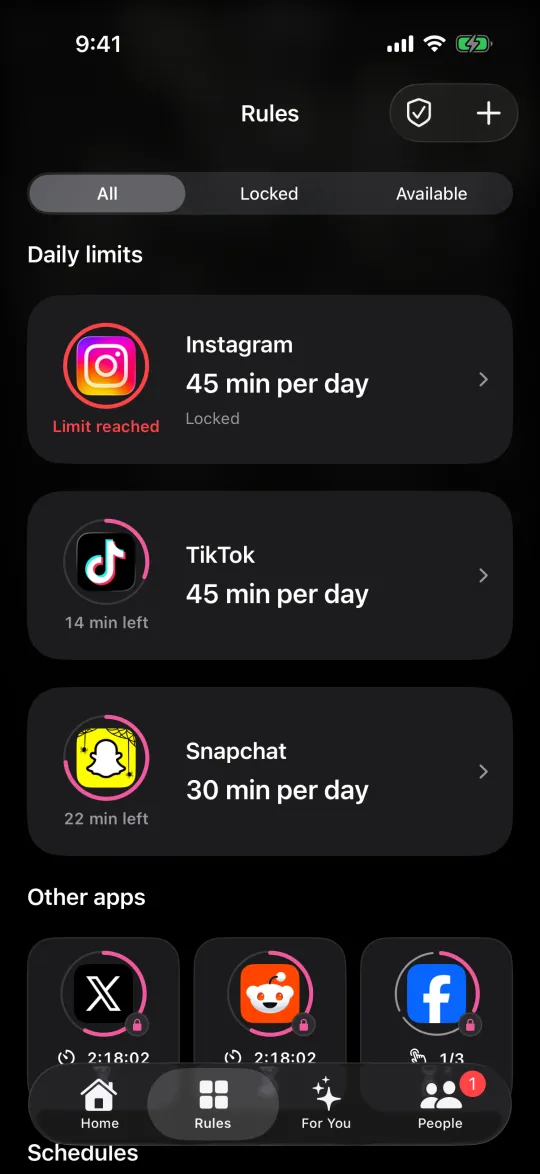
The Rules screen listing daily limits for Instagram, TikTok and Snapchat

Separate blocking from remote actions

A local block can remain in place while a request cannot reach your Warden. An unanswered request is not approval. A notification on another device also does not prove that your phone received and applied an approved grant. Inspect the owner phone’s actual access state after reconnecting. Do not promise that a request will succeed during an outage or that saved rules synchronize instantly.

Run a short offline rehearsal

Use a brief Standard rule for a nonessential app. Confirm it blocks while connected, temporarily disconnect network access, and try the same selected app. Separately check a necessary offline tool. Reconnect and inspect the rule again. Do not test this by removing Screen Time authorization, signing out or deleting the app; those change the setup rather than just its network connection.

Example: a train ride with patchy coverage

Before boarding, save the video-app rule and check your ticket provider’s offline ticket instructions. Test opening the ticket and a downloaded document without network access. Do not make reading your ticket depend on a friend receiving an unlock request. If the video block fails in the rehearsal, record the app, rule and time and resolve that case before relying on it during the journey.

Have an access plan that does not depend on a reply

Leave essential communication and navigation outside the selected scope. Review Warden’s separate emergency-access path in advance; another person being online is not the emergency plan. If an offline test differs from the saved rule, collect a reproducible example for support. This guide does not guarantee every browser, device or third-party blocker behaves like Warden.
When your Screen Time accountability partner is unavailable

How to test an iPhone app blocker before you rely on it

Set it up without adding unnecessary rules

Daily limits, schedules and focus sessions

Install Warden and connect Screen Time when iOS asks. Then open Rules and tap the plus button.

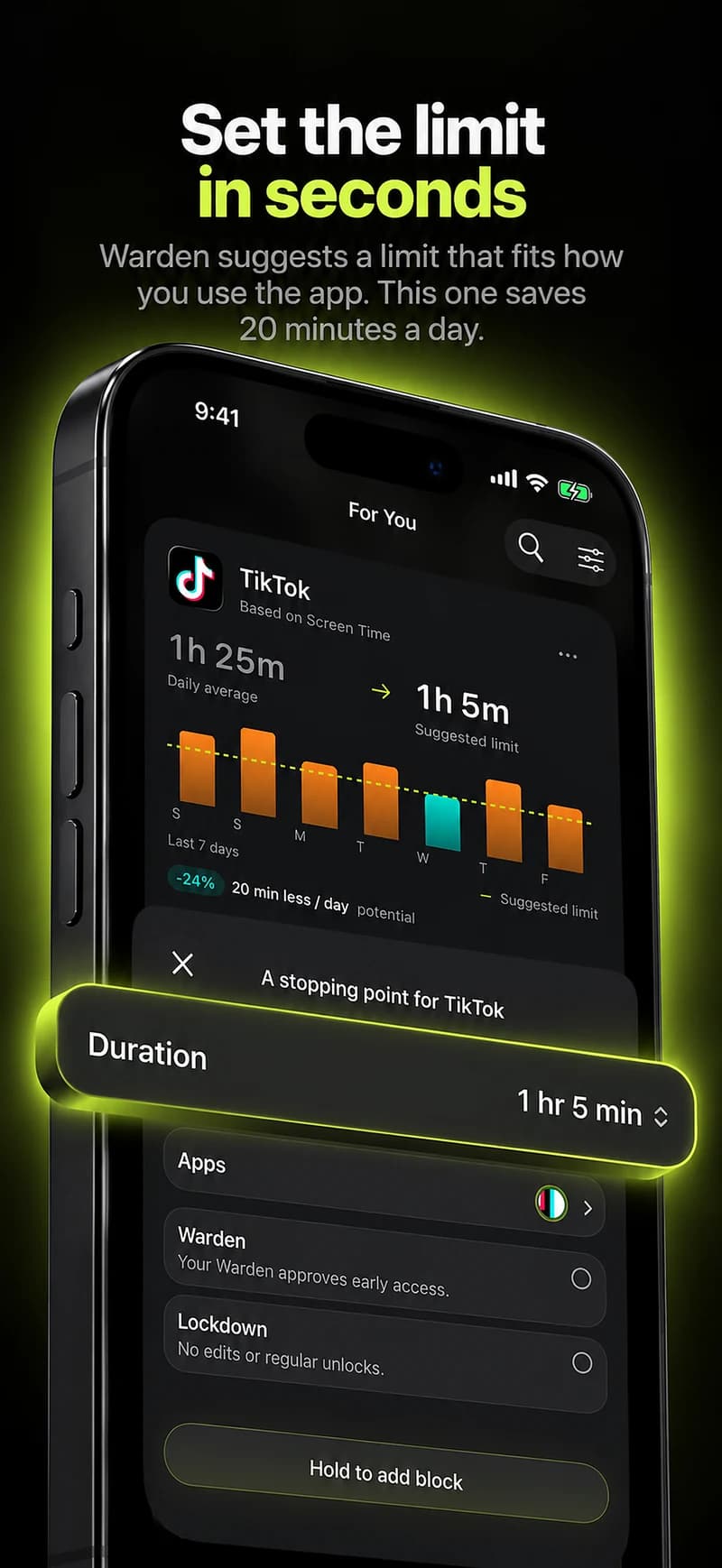
Choose the apps or scope involved in this particular interruption. Use an allowance for total use, a schedule for recurring hours, or a session for a one-off task.

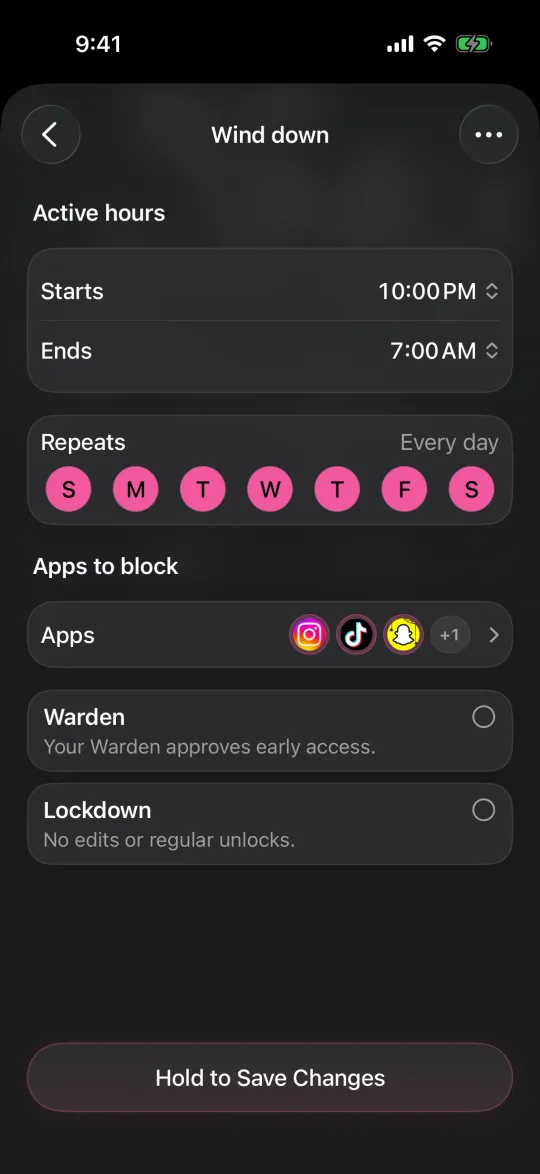
Editing a schedule that blocks apps from 10:00 PM to 7:00 AM every day

What Standard, Warden and Lockdown do

Choose Standard when you want to manage the limit yourself. Choose Warden when a person you trust should review early-access requests. Choose Lockdown to keep ordinary early unlocks off until the block ends.

Choose the access mode, then hold the save button to set the rule. Try a short block before using a long one. Emergency access remains separate from ordinary unlock requests.

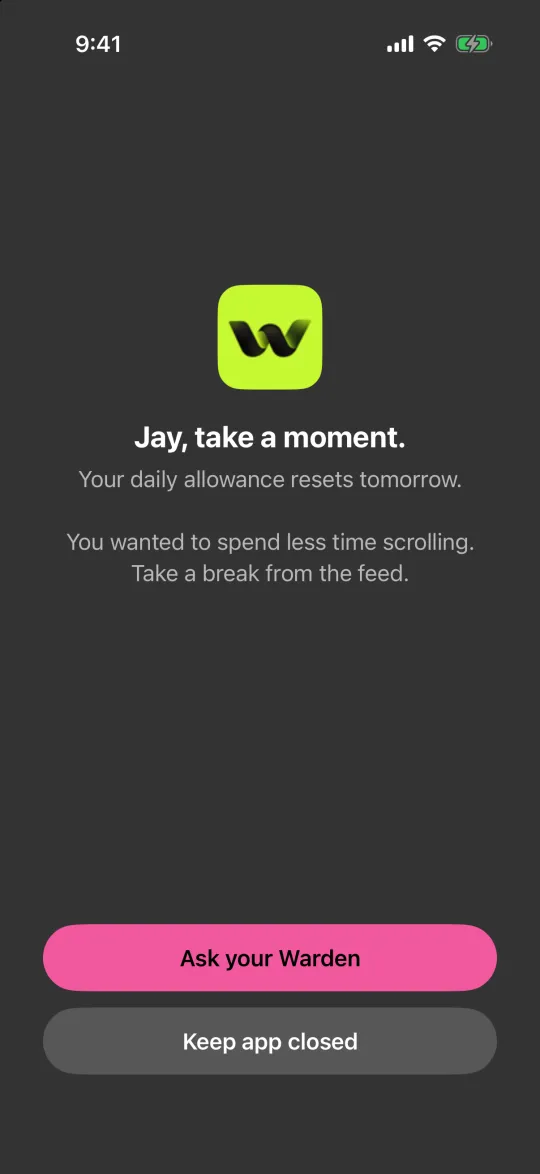
The block screen with Ask your Warden and Keep app closed buttons

How Warden approval works

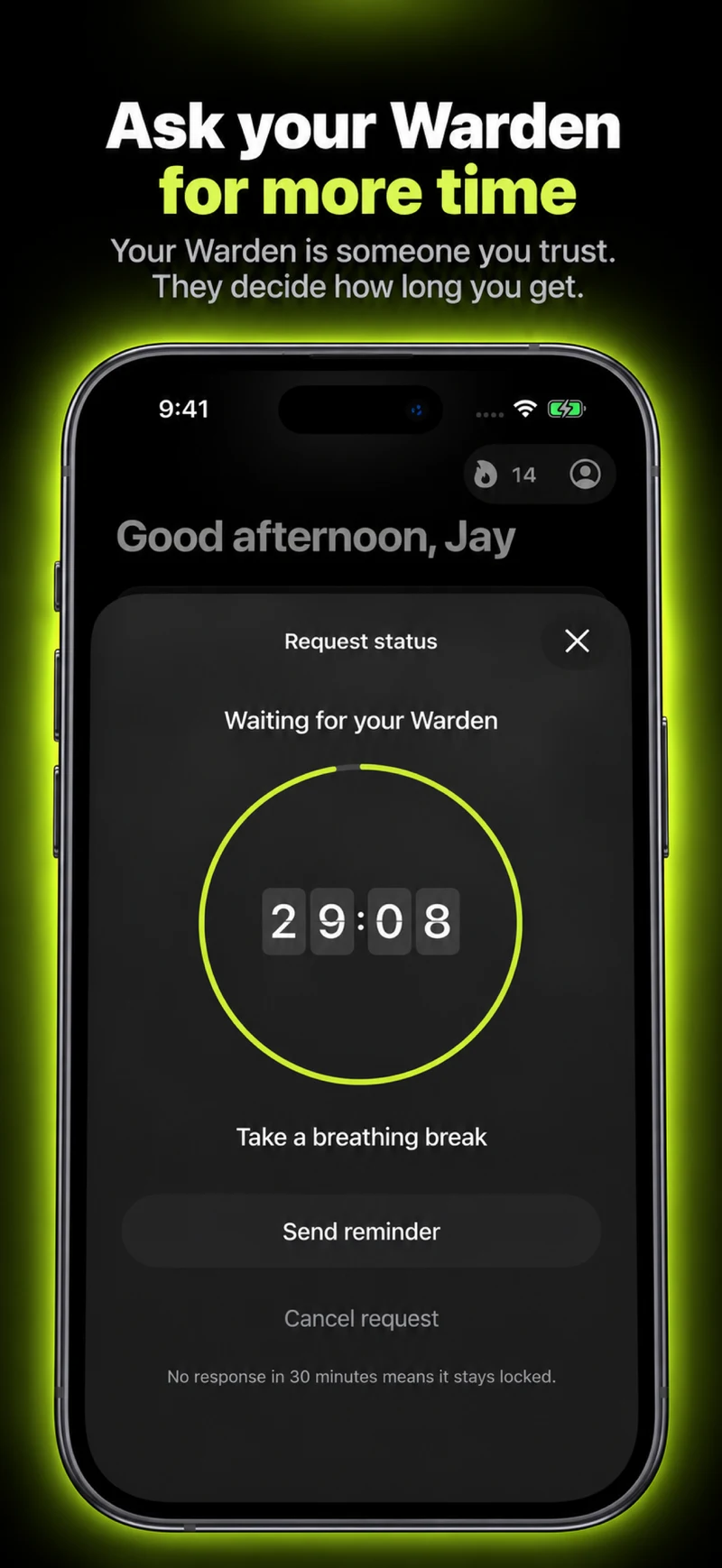
Choose how many minutes you need, add a note and hold to send. If nobody answers within 30 minutes, the request expires and the app stays locked.

An approval applies to the scope and time shown in the app. A declined or unanswered request does not lift the block. Emergency access remains a separate option on your device.

Common questions

Will my Warden be able to approve while I am offline?
Remote requests and decisions need their online services, and your phone must receive the result. Do not depend on that exchange when connectivity is unavailable.
Does offline mean all features work without internet?
No. Local saved blocking is separate from sign-in, purchases, account synchronization and remote approval. Test the particular operation you intend to use.