Skip to content

Everyday focus

Can you leave your phone at home with an Apple Watch?

Yes, and how much you can do depends on the model. A cellular Apple Watch keeps calls, messages and maps almost anywhere. A watch without cellular keeps them only on a Wi-Fi network your iPhone has used before. Apple Pay, workouts and downloaded music work with no connection at all.

In this guide

Cellular or not: what decides it

A watch with a cellular plan uses the best connection it has: your iPhone when it's nearby, a Wi-Fi network your iPhone has joined before, or the cellular network. The plan is with the same carrier as your iPhone, and Apple notes it isn't available in every area or with every carrier.

A watch without cellular has the first two and nothing else. Check which one you have in the Apple Watch app on your iPhone: My Watch, then Cellular.

Reference: Apple: Set up and use cellular service on Apple Watch

What works with Wi-Fi or cellular

  • Making and answering phone calls. Over Wi-Fi this needs Wi-Fi calling; otherwise use FaceTime audio.
  • Sending and receiving messages.
  • Siri, Maps, weather and email.
  • Streaming music and podcasts.

Reference: Apple: Use your Apple Watch without your iPhone nearby

What works with no connection

Apple notes that not every feature is on every model or in every country.

  • Workouts, using the watch's own GPS on outdoor runs and walks.
  • Alarms, timers and the stopwatch.
  • Apple Pay and the cards and passes in Wallet.
  • Music, podcasts and audiobooks downloaded to the watch.
  • Heart rate and sleep tracking.

What changes without the iPhone

  • Notifications from apps like WhatsApp reach a cellular watch only while your iPhone is switched on and connected to Wi-Fi or cellular. It doesn't need to be with you.
  • In Low Power Mode, incoming calls go to voicemail when the iPhone isn't nearby.
  • Some apps don't update without a connection to the iPhone.

Using the watch as a dumbphone

Some people use a cellular watch as their only phone for evenings or weekends: calls, messages and directions, with very little to scroll. It costs a watch plan rather than a second phone, and the iPhone is still there when you need it. A separate basic phone is a different trade-off.

Dumbphone or app blocker: which do you need?

Lock the phone you leave behind

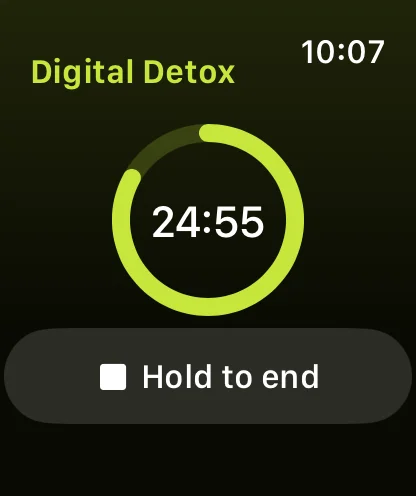
The phone you leave at home is waiting when you get back, with every app on it. To keep the break going after you return, start a Warden digital detox from the watch or the iPhone before you leave. It keeps running while you're away, and apps outside Always Allowed stay blocked until the timer ends, for up to 4 hours.
How to block iPhone apps from your Apple Watch

A digital detox running on Apple Watch, with the time left in a ring

A Saturday morning with only the watch

Say you walk to a Saturday market with a cellular watch and leave the iPhone at home. The night before, download a playlist to the watch and check your card is in Wallet on the watch. You can pay, take calls and follow Maps. WhatsApp messages still arrive because the iPhone at home is on and connected to Wi-Fi.
Set it up without adding unnecessary rules

Daily limits, schedules and focus sessions

Install Warden and connect Screen Time when iOS asks. Then open Rules and tap the plus button.

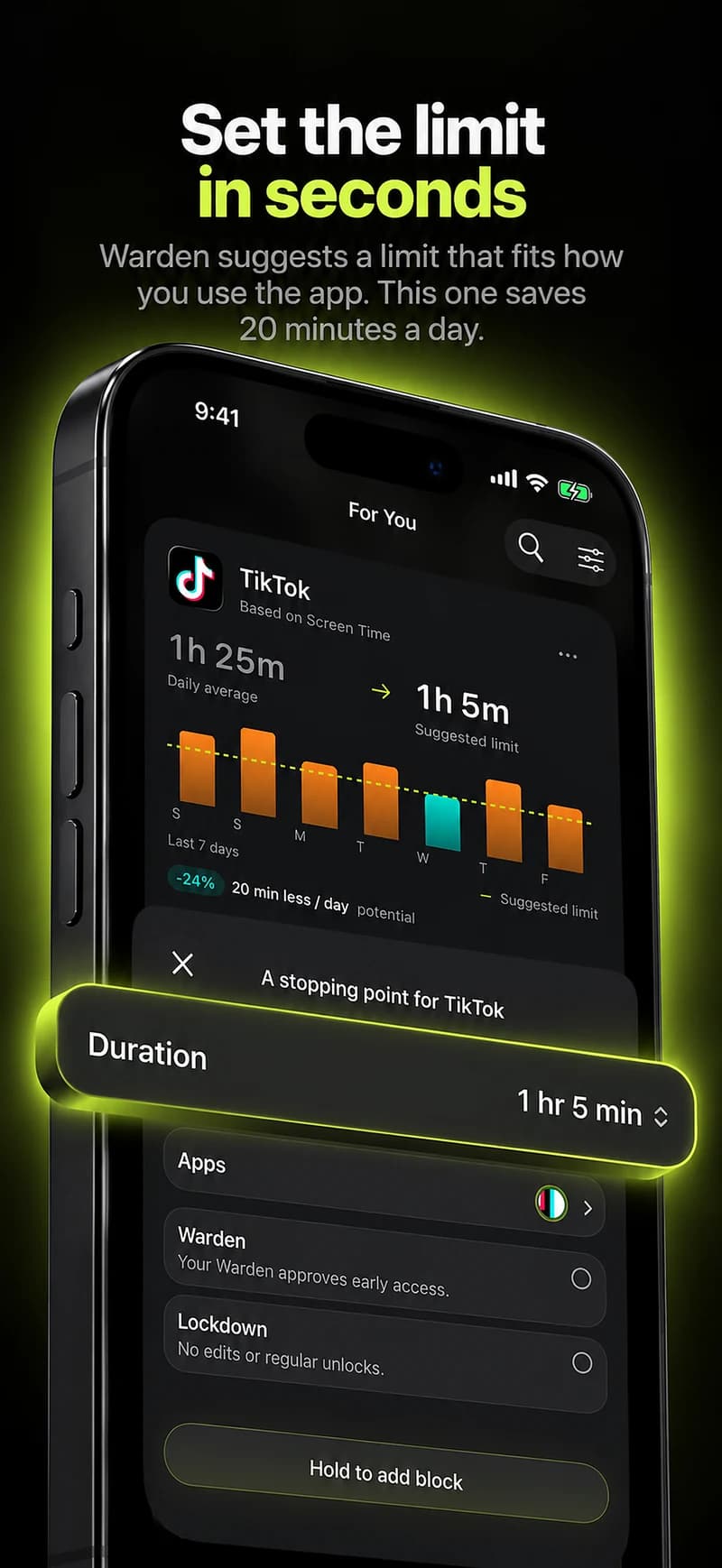
Choose the apps or scope involved in this particular interruption. Use an allowance for total use, a schedule for recurring hours, or a session for a one-off task.

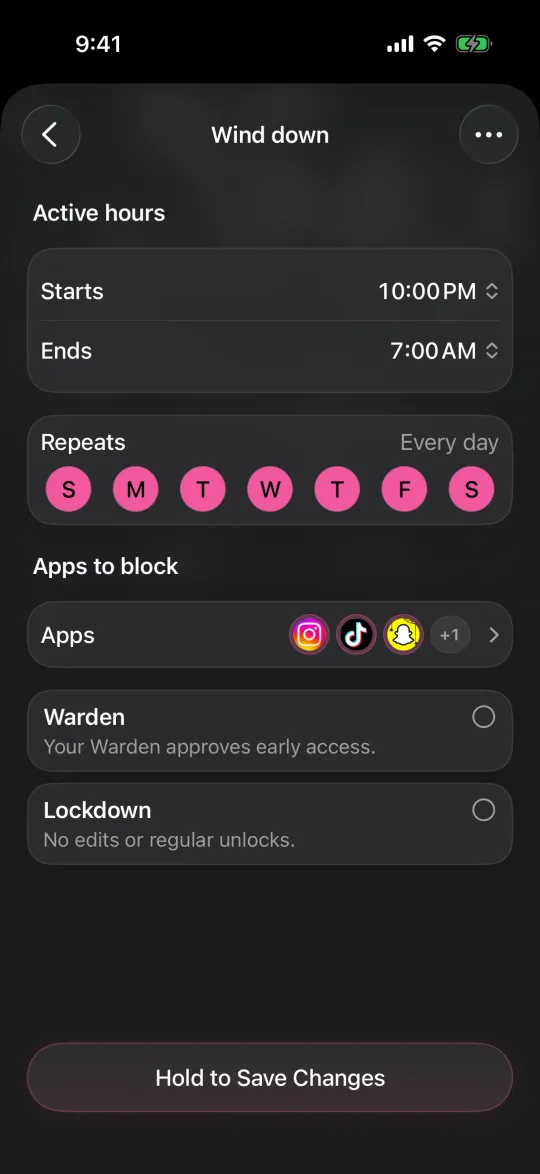
Editing a schedule that blocks apps from 10:00 PM to 7:00 AM every day

What Standard, Warden and Lockdown do

Choose Standard when you want to manage the limit yourself. Choose Warden when a person you trust should review early-access requests. Choose Lockdown to keep ordinary early unlocks off until the block ends.

Choose the access mode, then hold the save button to set the rule. Try a short block before using a long one. Emergency access remains separate from ordinary unlock requests.

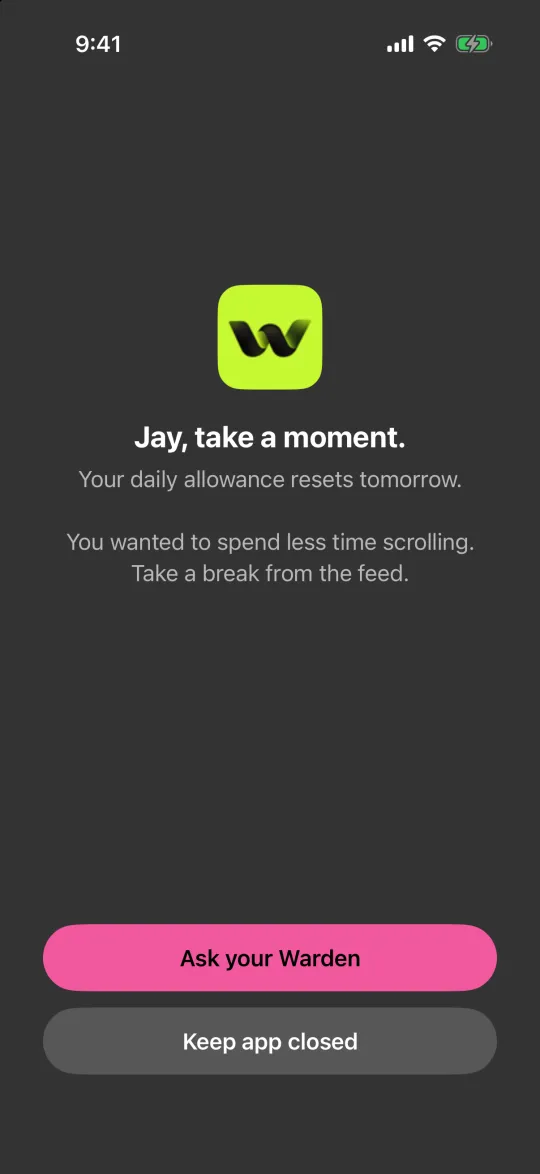
The block screen with Ask your Warden and Keep app closed buttons

How Warden approval works

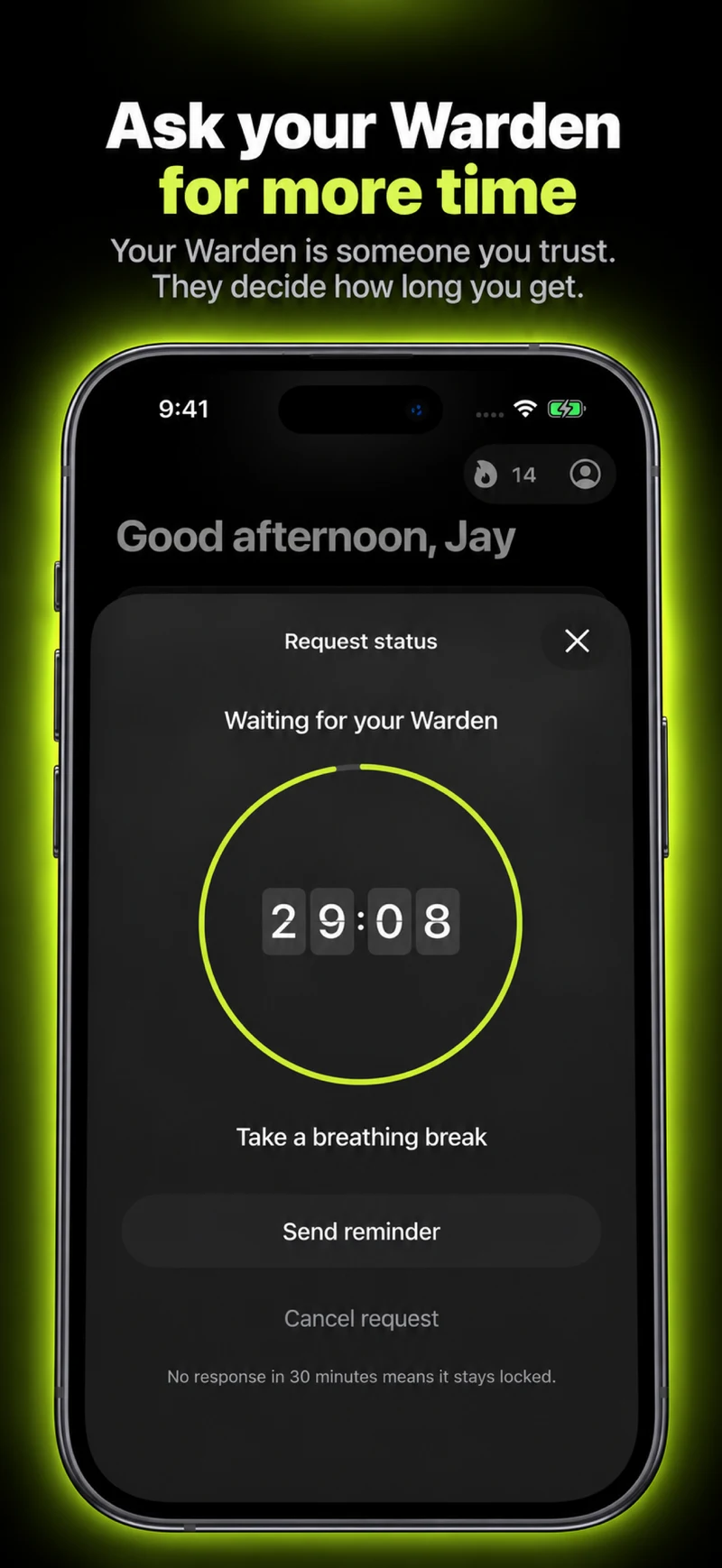
Choose how many minutes you need, add a note and hold to send. If nobody answers within 30 minutes, the request expires and the app stays locked.

An approval applies to the scope and time shown in the app. A declined or unanswered request does not lift the block. Emergency access remains a separate option on your device.

Common questions

Can I make calls on my Apple Watch without my phone?
Yes on a cellular watch with an active plan. On a watch without cellular, only on a Wi-Fi network your iPhone has joined before, with Wi-Fi calling turned on, or with FaceTime audio.
Do I need a separate plan for a cellular Apple Watch?
You add the watch to a cellular plan with the same carrier as your iPhone, in the Apple Watch app under My Watch, then Cellular. Check the cost with your carrier.
Will I get WhatsApp messages on my Apple Watch without my phone?
On a cellular watch, yes, as long as your iPhone is switched on and connected to Wi-Fi or cellular. The iPhone doesn't need to be with you.