Warden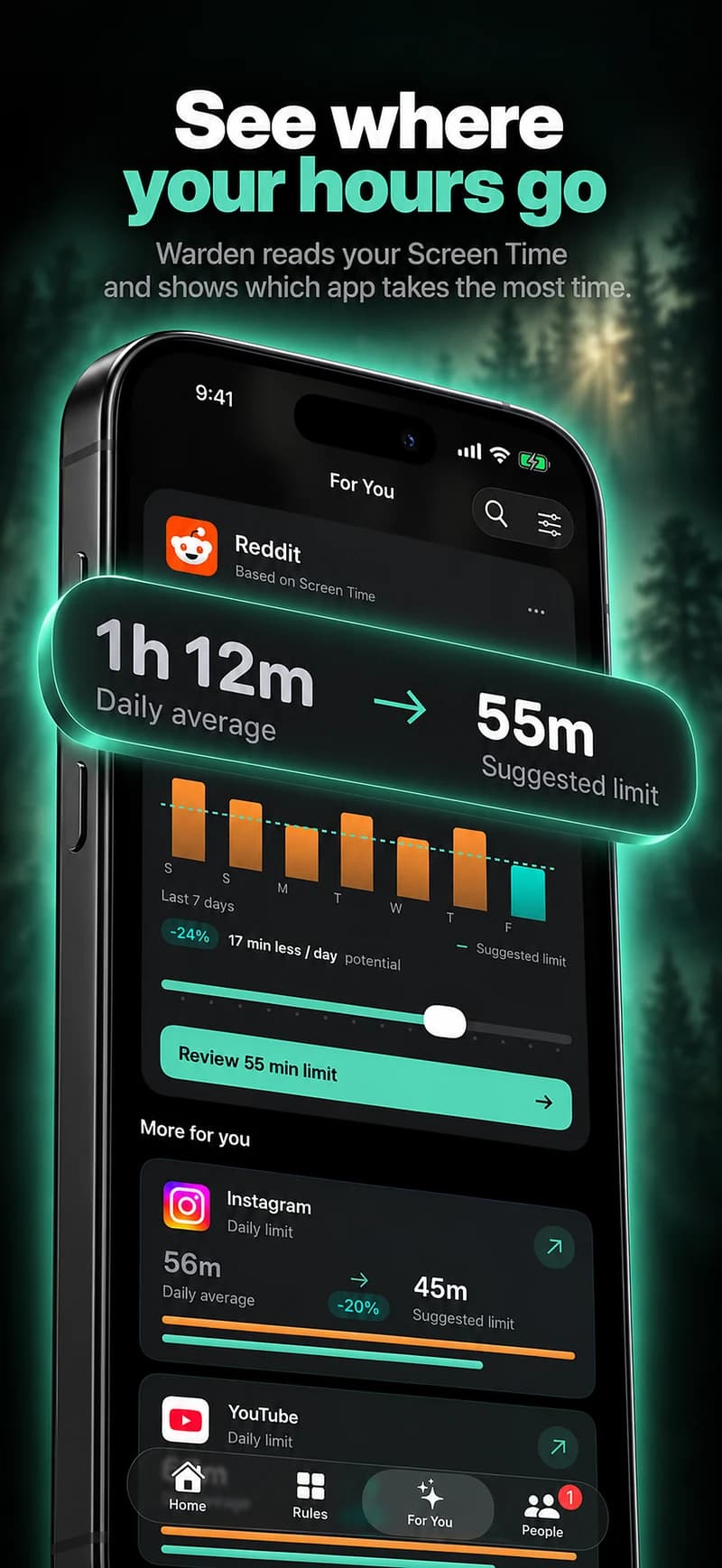
Ask what the streak actually counts
A streak needs a clear event definition. It might count completed sessions, days within a limit, or days without a particular override. These are not interchangeable, and a long streak does not by itself describe how the rest of someone’s day went.
Read the product’s explanation before comparing numbers. A timer that ran for an hour does not prove an hour of studying, and a gap in a report is not automatically a broken commitment. Useful records name the behavior they can verify.
Keep a difficult day in context
A missed day can reflect illness, changing work, necessary access or a rule that did not fit. Review the actual reason rather than treating the number as a verdict. If the same legitimate exception recurs, change the setup instead of repeatedly accepting a mismatch.
One practical review is to look at the last few sessions: which window was useful, which apps interrupted it and whether the next step was clear. That gives you something to change even when a streak has restarted.
Do not ration emergency access to protect a number
Warden’s first two recorded emergency uses within a week preserve the streak. Later emergency access is still available, but can restart it. That accounting should be visible in the app rather than guessed from an old screenshot.
The allowance is about streak treatment, not permission to get help. Do not delay urgent communication because you are protecting a badge. A product should keep emergency access distinct from an ordinary request for another few minutes.
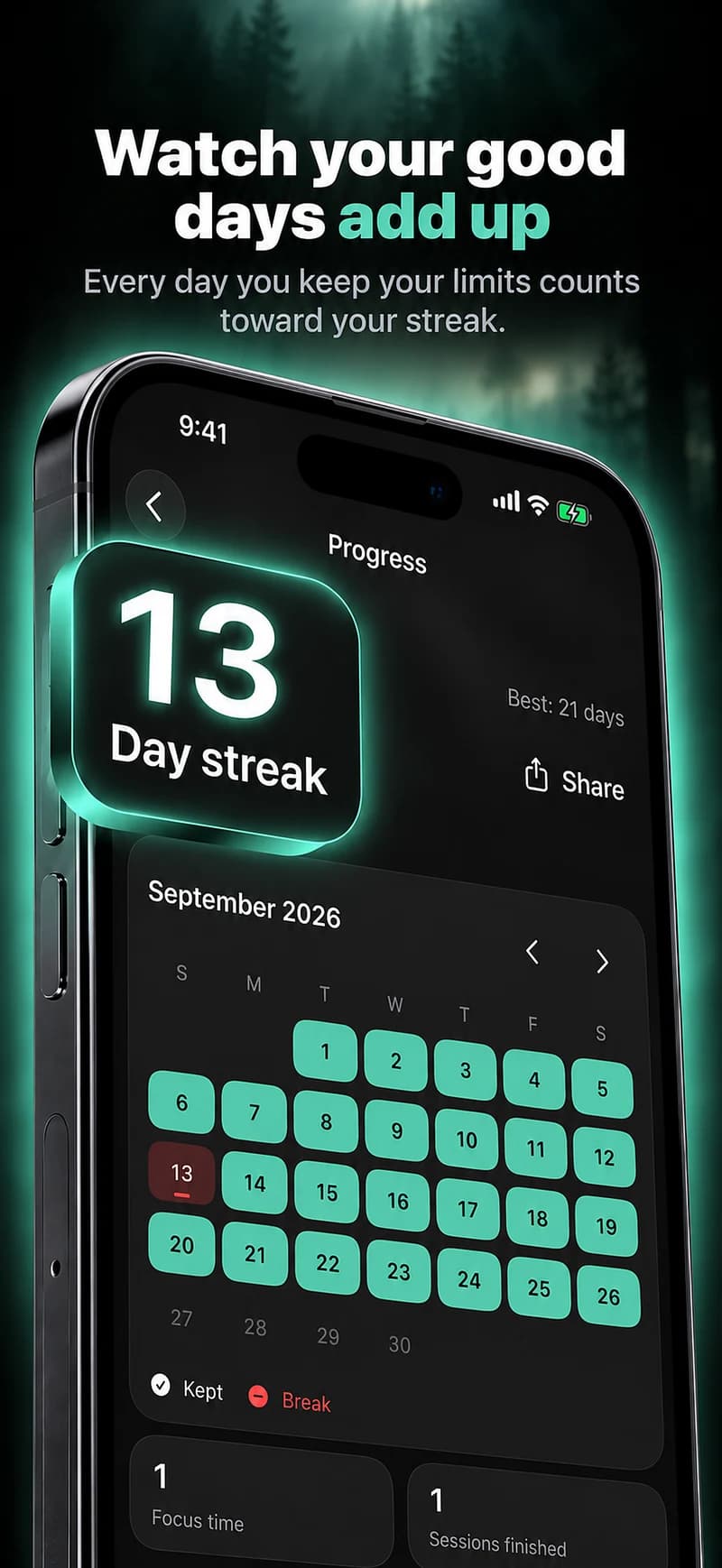
Pair the streak with more informative evidence
Look at your chosen routine and available app-use comparisons alongside the streak. A consistent work-hour block may be valuable even if the whole-phone total stays high because your job uses the phone.
Use the number as a reminder of the arrangement you chose. If it encourages hiding exceptions, changing the definition or turning off that emphasis may be more useful than making the commitment harsher. The desired result is a workable routine, not an unbeatable score.
Read the events behind the number
A streak is useful only if you understand what keeps it going and what restarts it. Review the app’s actual rules before interpreting the number. In Warden, the first two recorded emergency uses in a week preserve the streak, while later emergency use remains available but can restart it.
Separate an emergency from an ordinary early unlock and from a reporting gap. If protecting the number starts to matter more than an urgent need, use the emergency route. At the next review, consider the routine you kept and the time it made available, rather than treating a reset as proof that all previous effort disappeared.