Skip to content

Everyday focus

Why do I keep checking my phone? How to stop

Most checks are not decisions. A notification, a pause in a conversation, a moment of boredom or waiting for a reply sends your hand to the phone before you have thought about it. You will not stop that by trying harder; you stop it by changing the cues and making the most-checked apps less available.

In this guide

Notice what sends you to the phone

For two days, notice what happens just before you pick the phone up: a buzz, a lull, a hard moment in a task, a queue, or wondering whether someone has replied. You do not need a diary; a rough sense of your top two cues is enough.

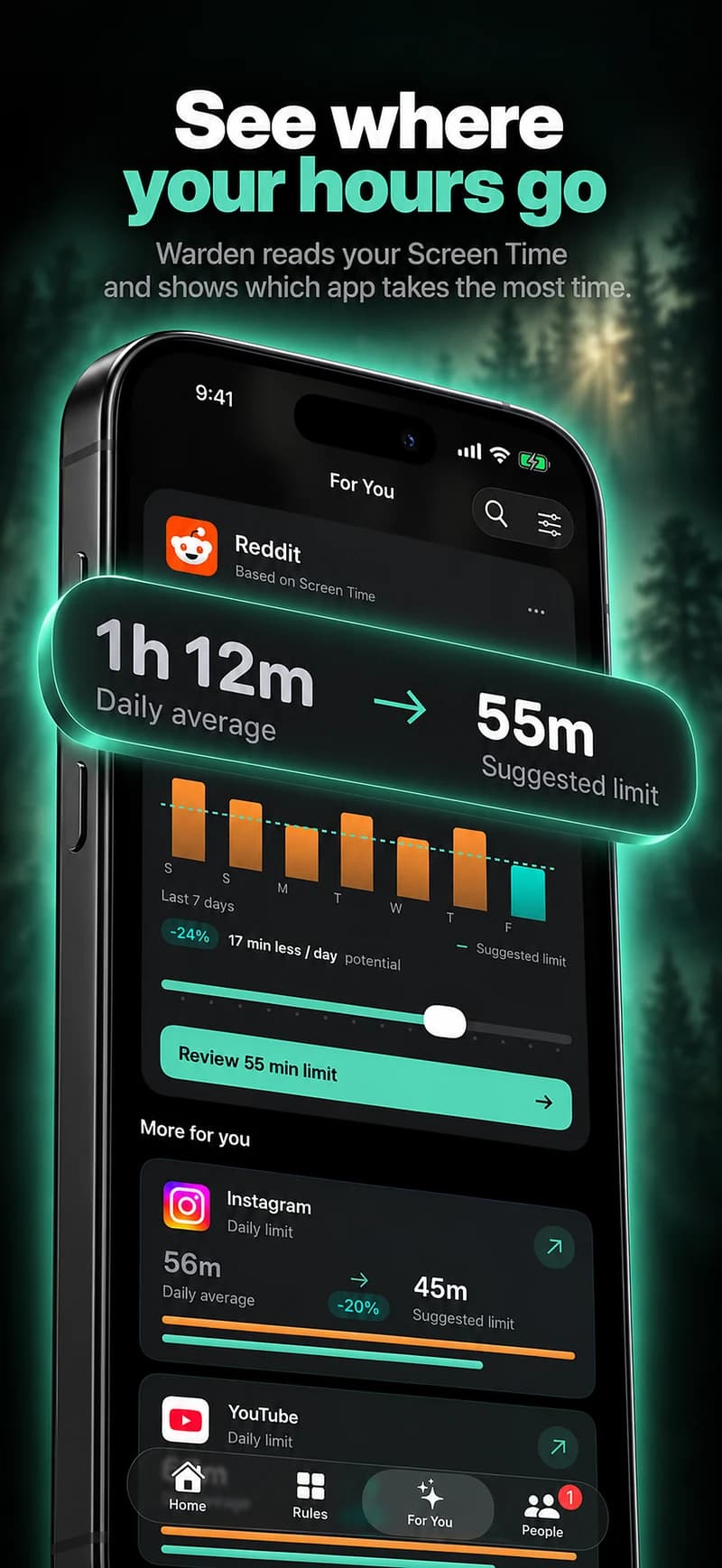
Screen Time's pickups and notifications figures can show which apps pull you back most. Treat them as a map, not a score.

How to limit app openings on iPhone

Turn down the cues you do not need

  • Turn off notifications from apps that are not people, such as shopping, games and most social feeds.
  • Use a Focus during work or evenings so only chosen people and apps can reach you.
  • Keep the phone out of reach, face down or in another room when you want a stretch without it.

Reference: Apple: Set up a Focus

When you are waiting for a reply

If you keep checking to see whether someone has texted, the check is really about the wait. Decide when you will look, for example on the hour, and let a Focus allow that person's messages through so you know you will not miss them.

If the waiting itself feels hard to manage, say so to someone you trust rather than turning it into a stricter phone rule.

Make the most-checked apps less available

Cues matter less when the app is not there to open. Pick the two or three apps you check most and give them a schedule or a daily allowance. A schedule protects set hours; an allowance caps the total.

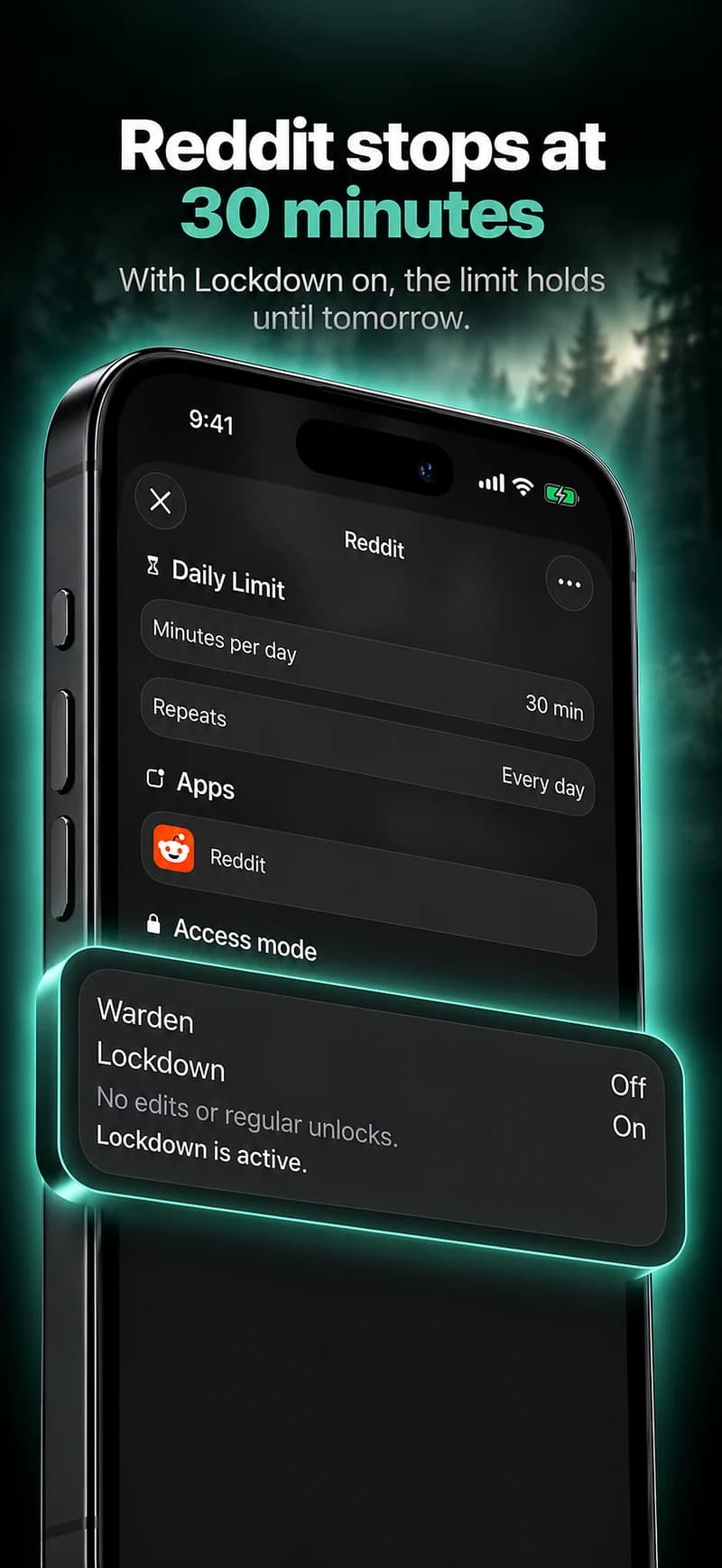
In Warden, Lockdown keeps ordinary early unlocks off until the block ends, and a trusted person can approve early access if you would rather someone else decided.
How to limit Instagram time on iPhone

How Warden unlock approval works

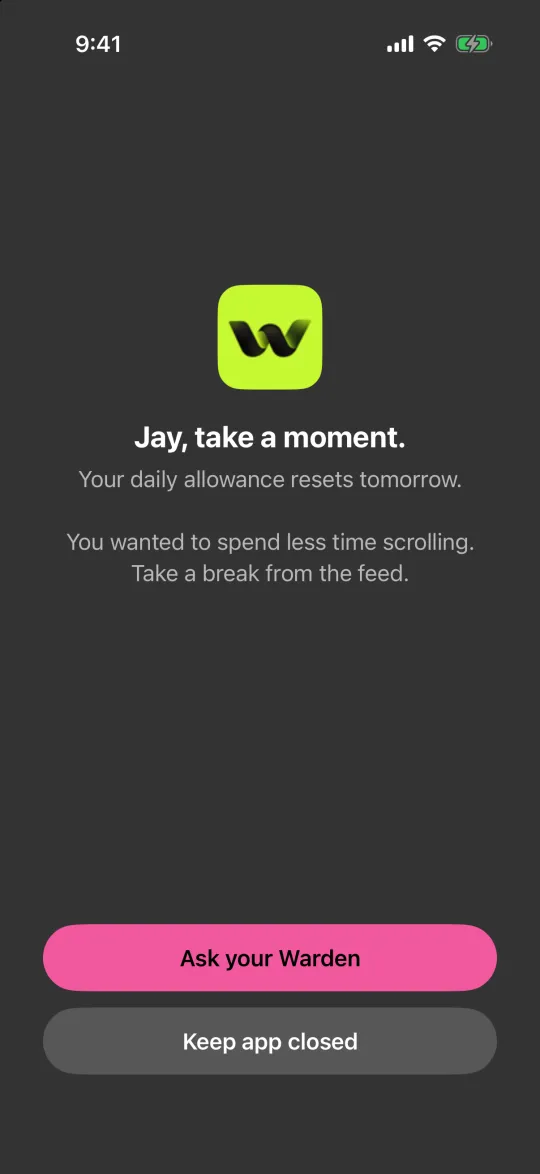
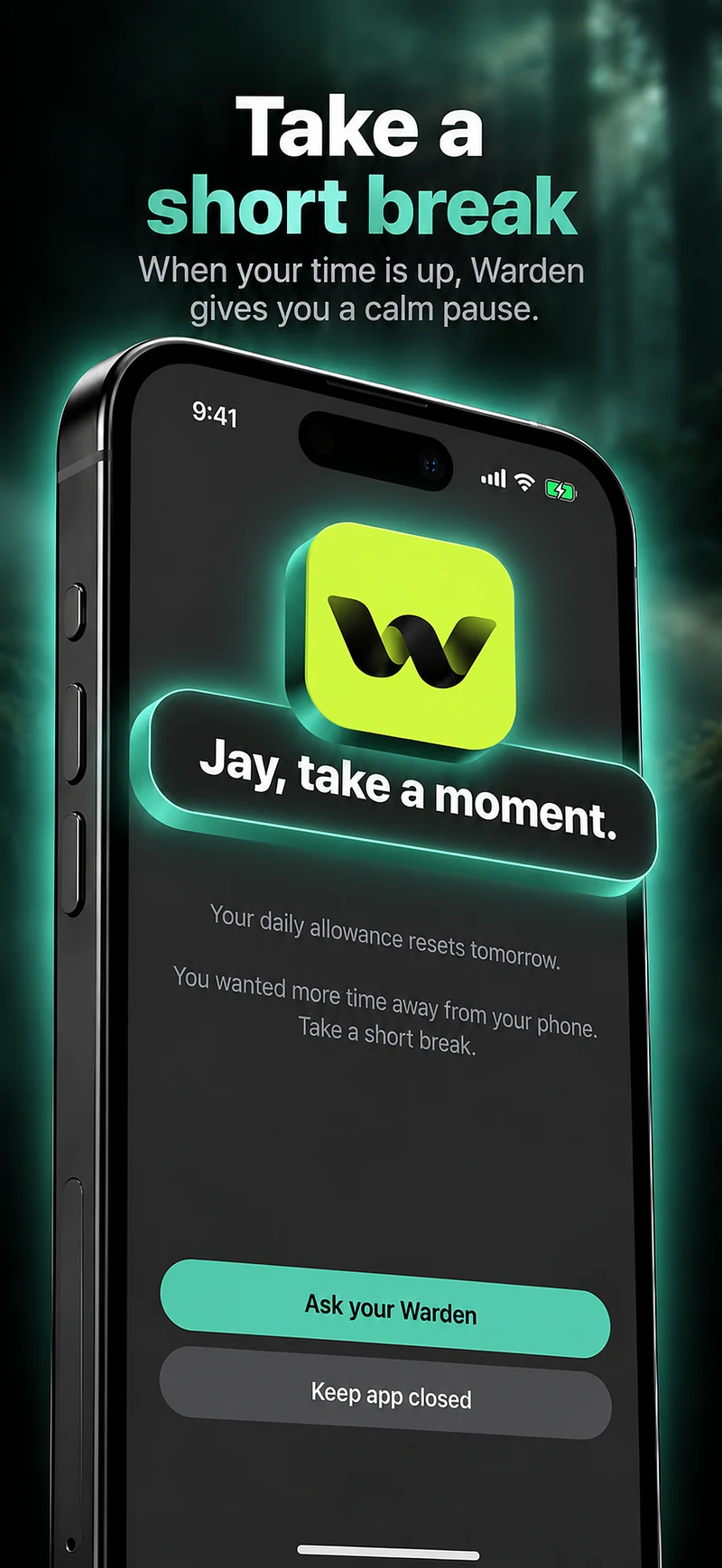
The block screen with Ask your Warden and Keep app closed buttons

Replace the check with something small

A check usually fills a gap. Have one small thing ready for the gaps you noticed: a page of a book, a glass of water, a stretch or simply looking up. It does not need to be better than the phone, only easier to start than unlocking it.

Example: a check every few minutes all afternoon

Between 2 PM and 5 PM you pick up the phone every few minutes, mostly for email and one social app. The plan: turn off the social app's notifications, set a work Focus for those hours, and schedule the social app in Lockdown from 2 PM to 5 PM. Email stays, because the work needs it.

At the end of the week, compare how the afternoons felt with and without the rule, and whether any check was actually needed.
Set it up without adding unnecessary rules

Daily limits, schedules and focus sessions

Install Warden and connect Screen Time when iOS asks. Then open Rules and tap the plus button.

Choose the apps or scope involved in this particular interruption. Use an allowance for total use, a schedule for recurring hours, or a session for a one-off task.

What Standard, Warden and Lockdown do

Choose Standard when you want to manage the limit yourself. Choose Warden when a person you trust should review early-access requests. Choose Lockdown to keep ordinary early unlocks off until the block ends.

Choose the access mode, then hold the save button to set the rule. Try a short block before using a long one. Emergency access remains separate from ordinary unlock requests.

How Warden approval works

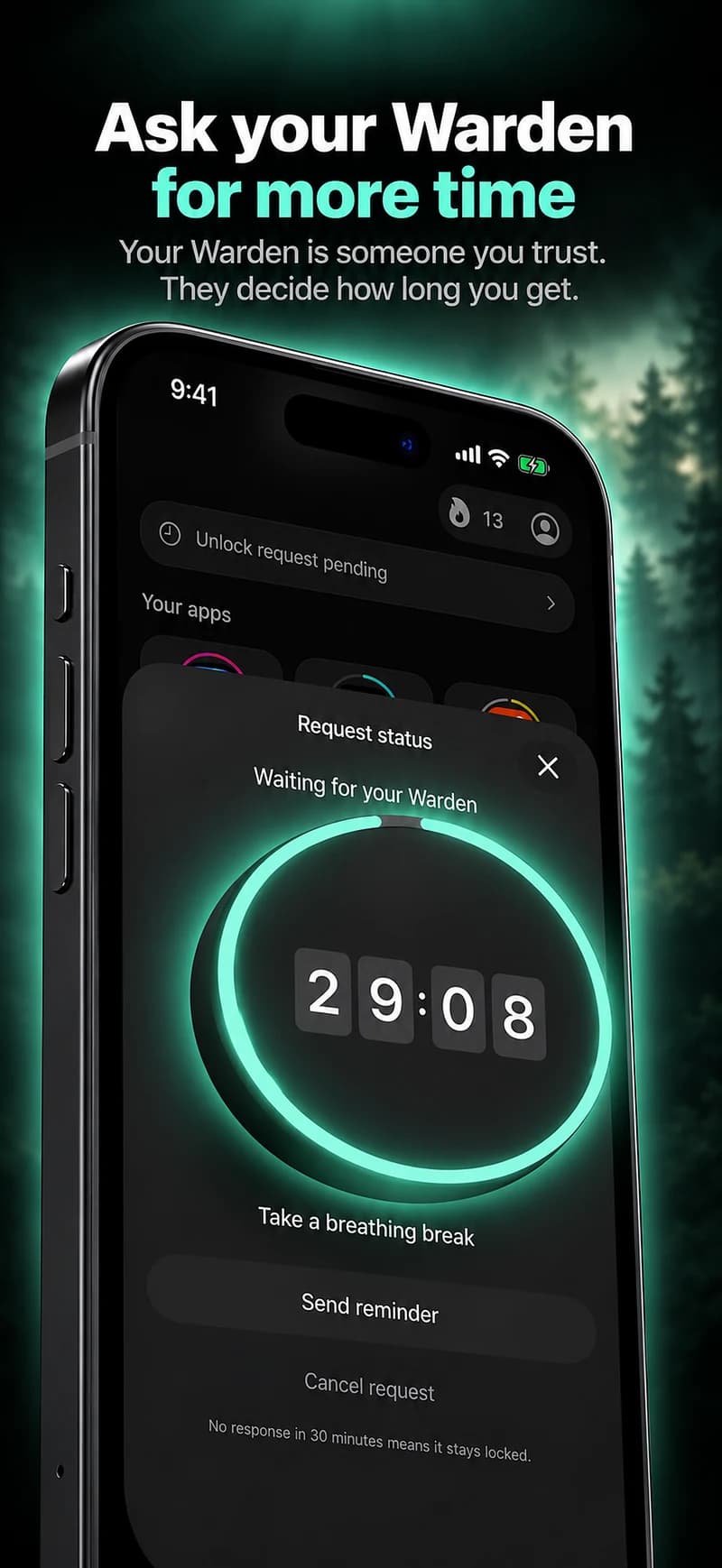
Choose how many minutes you need, add a note and hold to send. If nobody answers within 30 minutes, the request expires and the app stays locked.

An approval applies to the scope and time shown in the app. A declined or unanswered request does not lift the block. Emergency access remains a separate option on your device.

Common questions

Why do I keep checking my phone for no reason?
There is usually a reason, just not a deliberate one: a notification, a lull, boredom or waiting for a reply. Noticing the cue is the first step, because it tells you what to change.
How do I stop checking my phone to see if someone texted?
Choose set times to look, and let that person's messages through a Focus so you know nothing urgent will be missed. The aim is to make the wait easier, not to police yourself.
Does turning off notifications help?
It removes many of the cues that start a check, especially from apps that are not people. It will not stop checks you start yourself, which is where a schedule or limit helps.