Skip to content

Everyday focus

I spend too much time on my phone: where to start

If you feel you spend too much time on your phone, the daily total is the least useful place to start. Those hours are spread across messages, maps, work and the feeds you actually mind. Start with the one app and the one part of the day that bother you most, and build from there.

In this guide

Find the part of the day you mind

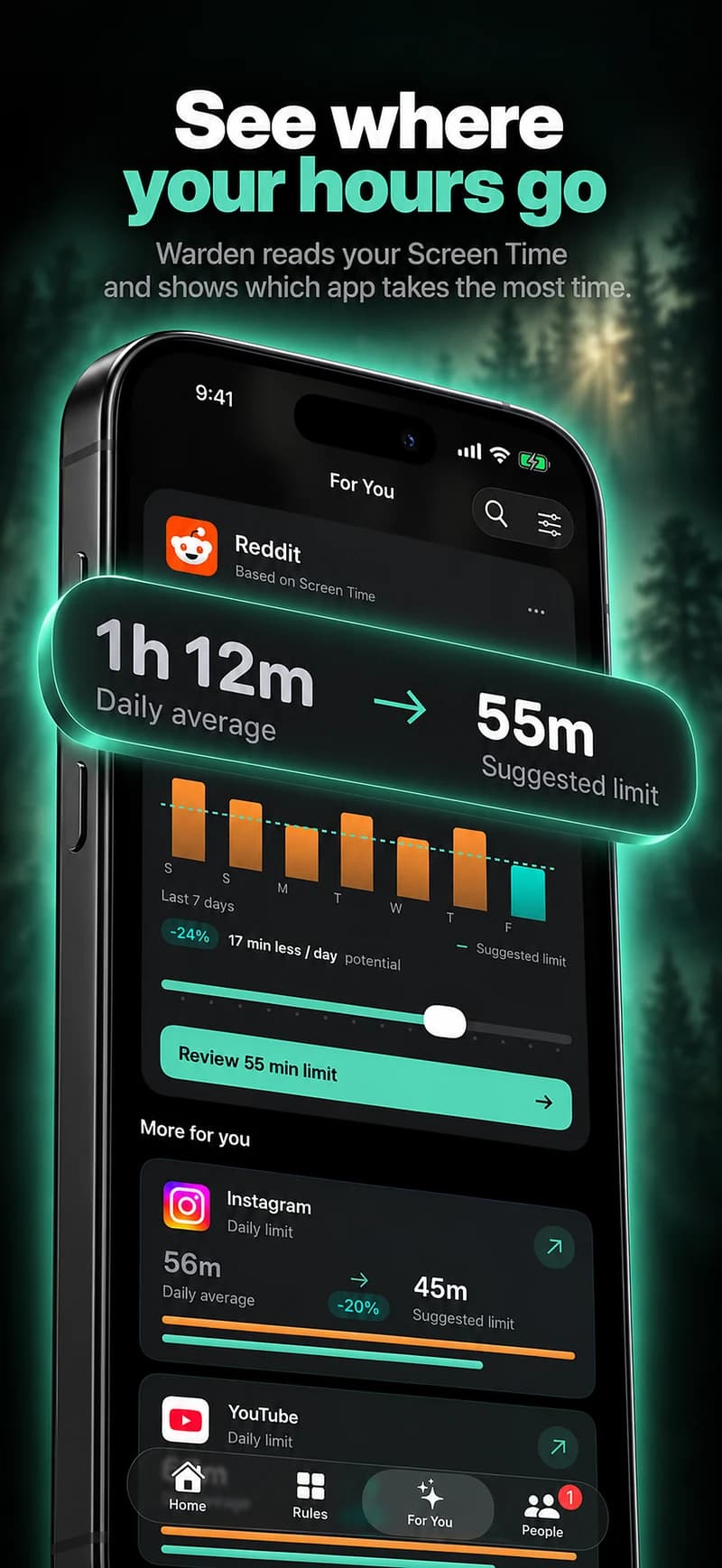
Open Screen Time and look at the week, not a single day. Which two or three apps take the most time, and when? A long total that is mostly maps, music and calls may not be a problem at all.

Then ask which hour you would most like to change: the first hour after waking, the gaps between tasks, the evening or bedtime. That hour is where the first rule goes.

Choose a limit or a schedule

A daily allowance caps total time on selected apps, but it can be spent in one sitting. A schedule makes them unavailable at set times. If the problem has a clear time, start with a schedule; if it is spread across the day, start with an allowance.

Apple Screen Time offers both: Time Allowances and Screen Time Schedules in iOS 27, App Limits and Downtime in iOS 26.

Where App Limits and Downtime went in iOS 27

Reference: Apple: Screen Time Schedules and Time Allowances

Decide who can override it

Most limits fail at the moment you tap past them. Decide in advance what happens then: you manage it yourself, a locked mode keeps it closed until the block ends, or someone you trust approves extra time.

In Warden, these are Standard, Lockdown and Warden mode, and emergency access stays available in all of them.
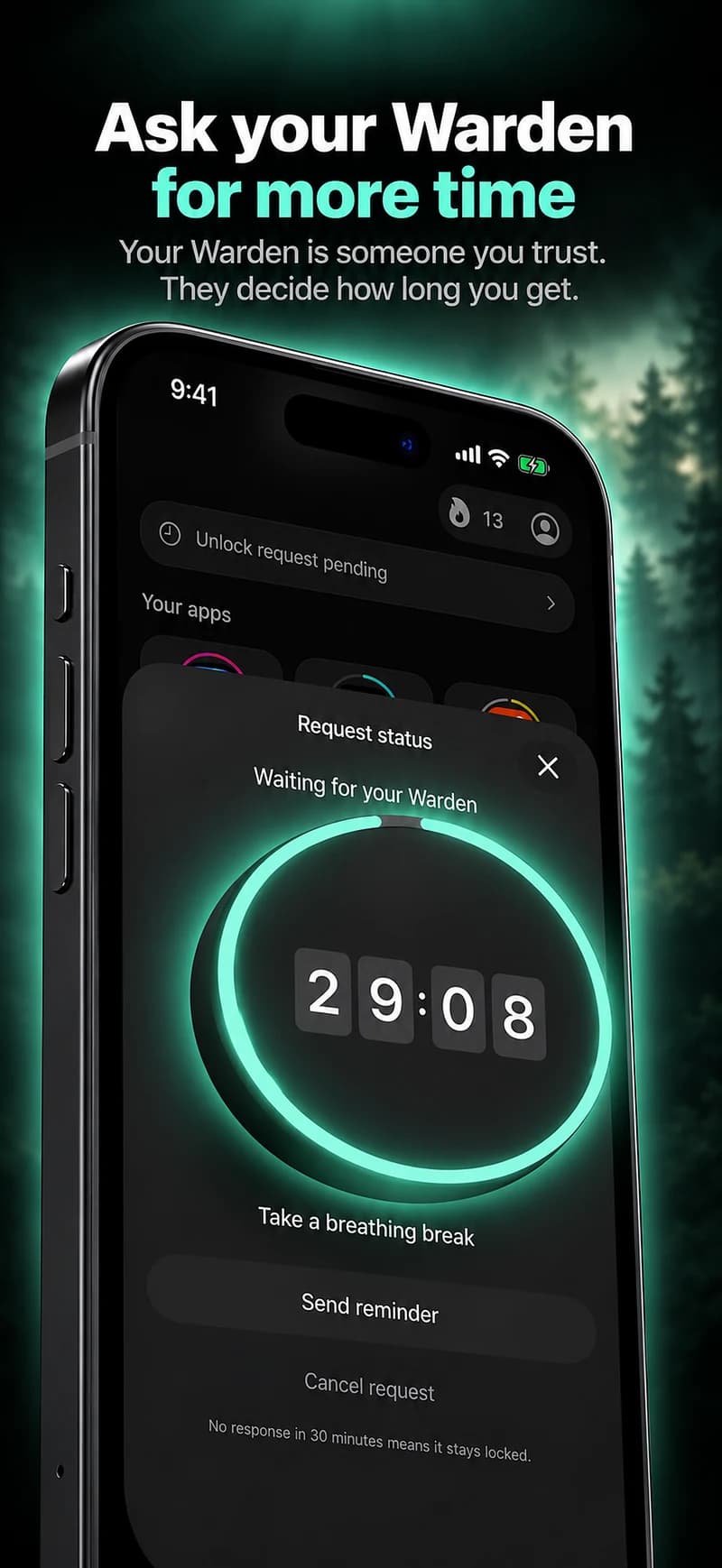
How Warden unlock approval works

How to lock yourself out of apps on iPhone

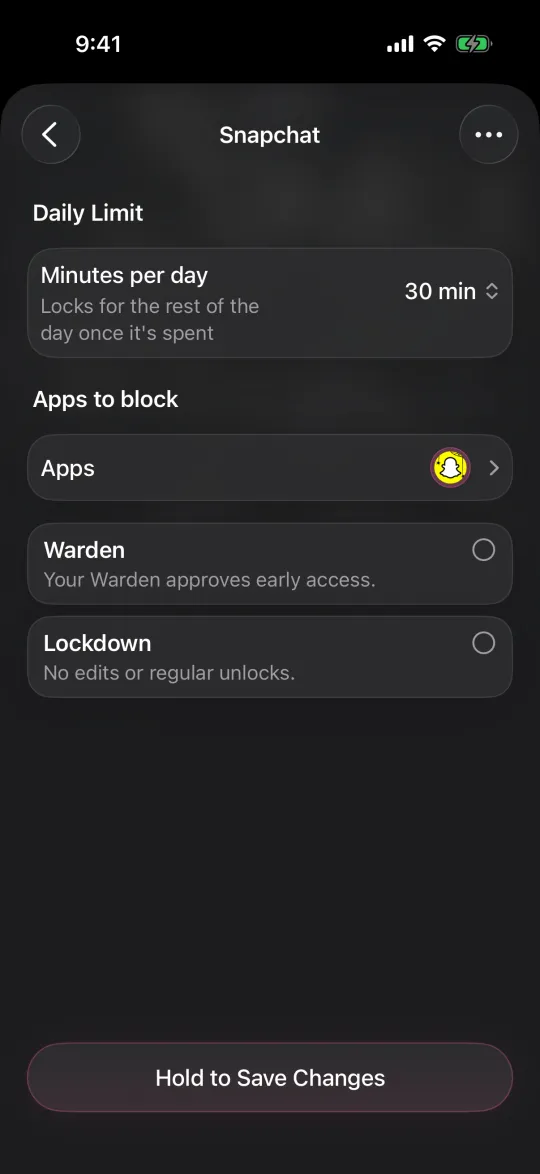
Editing a 30-minute daily limit, with Warden and Lockdown options

Reduce the pull before you add rules

  • Turn off notifications from apps that are not people.
  • Move the apps you mind off the Home Screen.
  • Charge the phone outside the bedroom if evenings are the problem.
  • Keep one easy alternative ready for the moment a block appears.

Why do I keep checking my phone? How to stop

How to stop doomscrolling

Review after a week, then add one thing

After seven days, look at the window you protected rather than the daily total. Did the rule hold, and did you need any genuine exceptions? Keep what worked, move the time if it was unrealistic, and only then add a second rule.

For specific apps, the guides for Instagram, TikTok, YouTube and others go app by app.

How to block apps on iPhone

Example: three hours a day, one hour that matters

Screen Time shows about three hours a day, but an hour of that is navigation and podcasts on the commute. The part that bothers you is 10 PM to midnight on short videos. The first rule is a schedule for two video apps from 10 PM to 7 AM in Lockdown, and nothing else.

The daily total may barely move, and that is fine. The measure of success is whether the late window stayed clear.
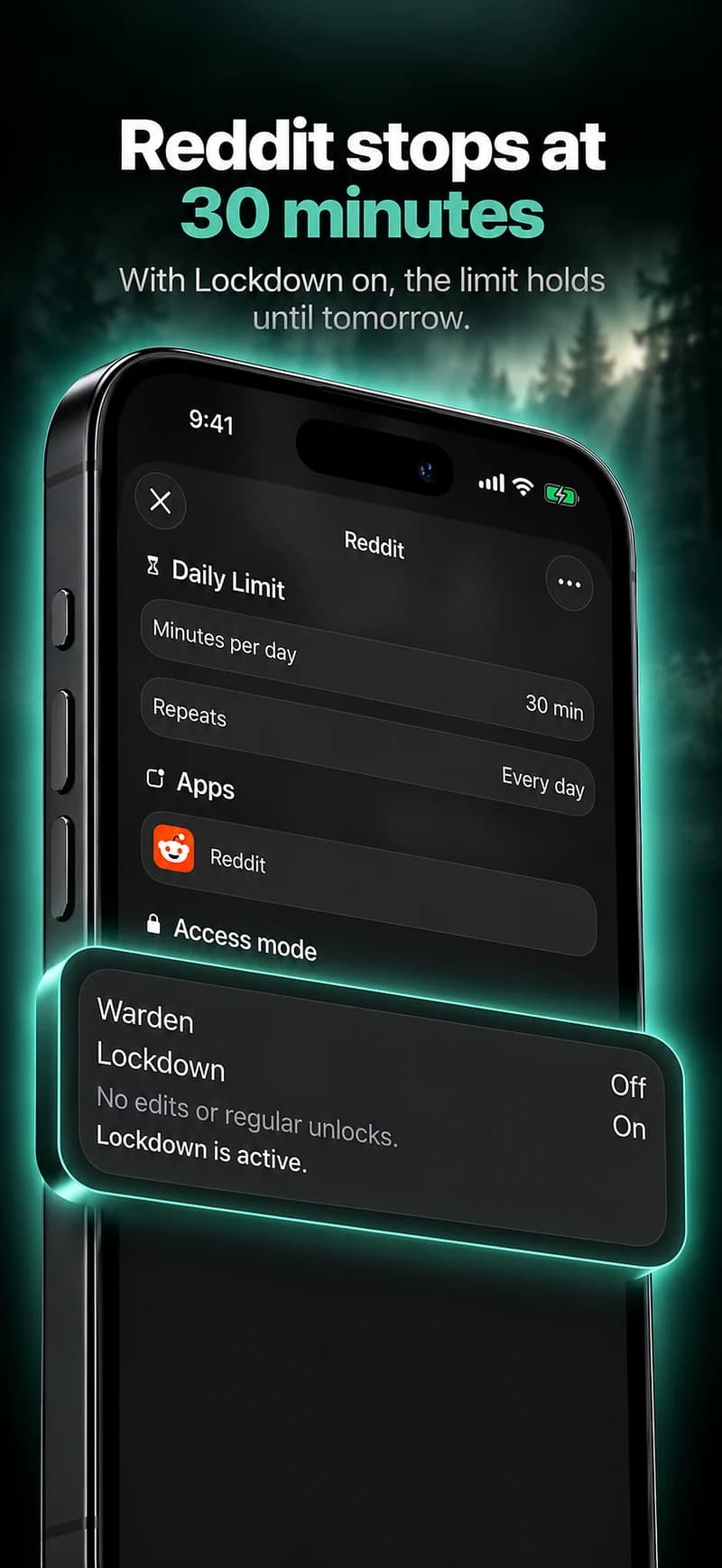
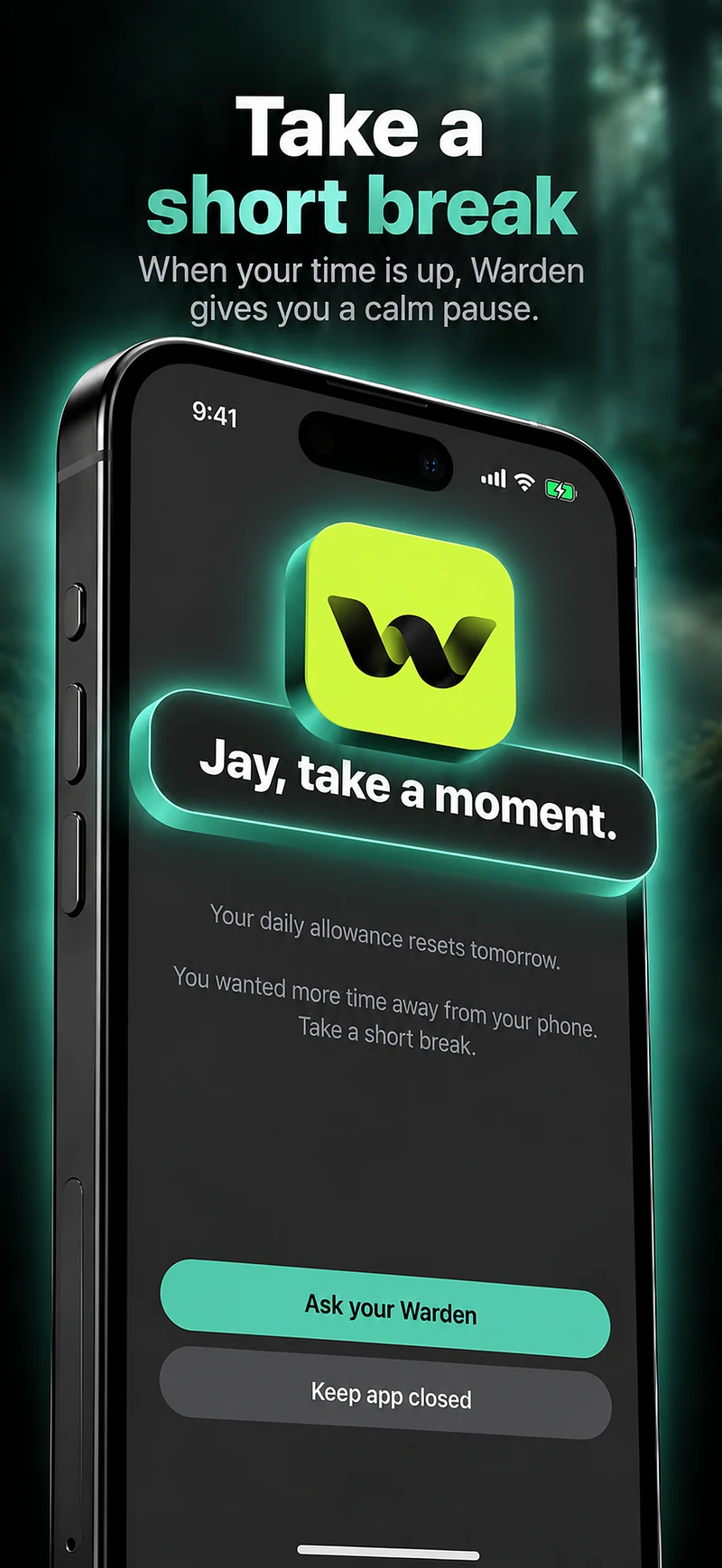
Set it up without adding unnecessary rules

Daily limits, schedules and focus sessions

Install Warden and connect Screen Time when iOS asks. Then open Rules and tap the plus button.

Choose the apps or scope involved in this particular interruption. Use an allowance for total use, a schedule for recurring hours, or a session for a one-off task.

What Standard, Warden and Lockdown do

Choose Standard when you want to manage the limit yourself. Choose Warden when a person you trust should review early-access requests. Choose Lockdown to keep ordinary early unlocks off until the block ends.

Choose the access mode, then hold the save button to set the rule. Try a short block before using a long one. Emergency access remains separate from ordinary unlock requests.

How Warden approval works

Choose how many minutes you need, add a note and hold to send. If nobody answers within 30 minutes, the request expires and the app stays locked.

An approval applies to the scope and time shown in the app. A declined or unanswered request does not lift the block. Emergency access remains a separate option on your device.

Common questions

How much time on my phone is too much?
There is no single number that fits everyone. A more useful test is what the time replaces: work you meant to do, time with people or winding down. Start with the hour you would most like to change.
Should I delete the apps I use most?
Deleting stops quick taps, but you can reinstall the app or use the website. A schedule or limit keeps the app for the times you want it.
Do I need an accountability partner?
No. Standard rules and Lockdown work on your own. A trusted person helps most when overriding your own limit is the problem.