Warden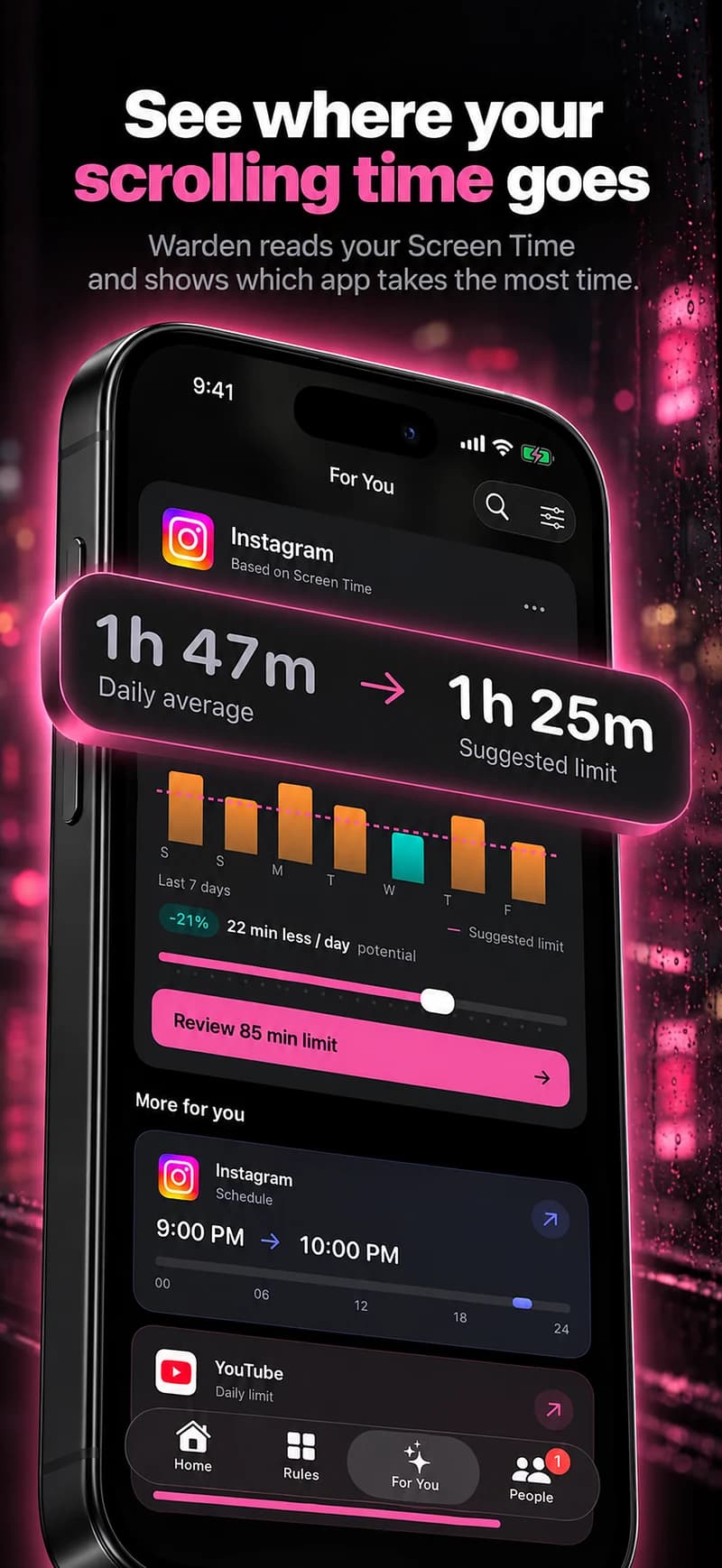
What deleting does
Deleting removes your profile, photos, videos, comments, likes and followers permanently. Instagram's Help Center says you can cancel within a window after requesting deletion, 30 days in many regions, and that the process can take up to 90 days to complete.
Reference: Instagram: Delete or deactivate your profile
What deactivating does
Temporarily deactivating hides your profile, photos, comments and likes until you log back in. Nothing is removed, so it suits a break you might end.
The catch is that logging in reactivates the account, so the break lasts only as long as you stay logged out.
The third option: keep it and limit it
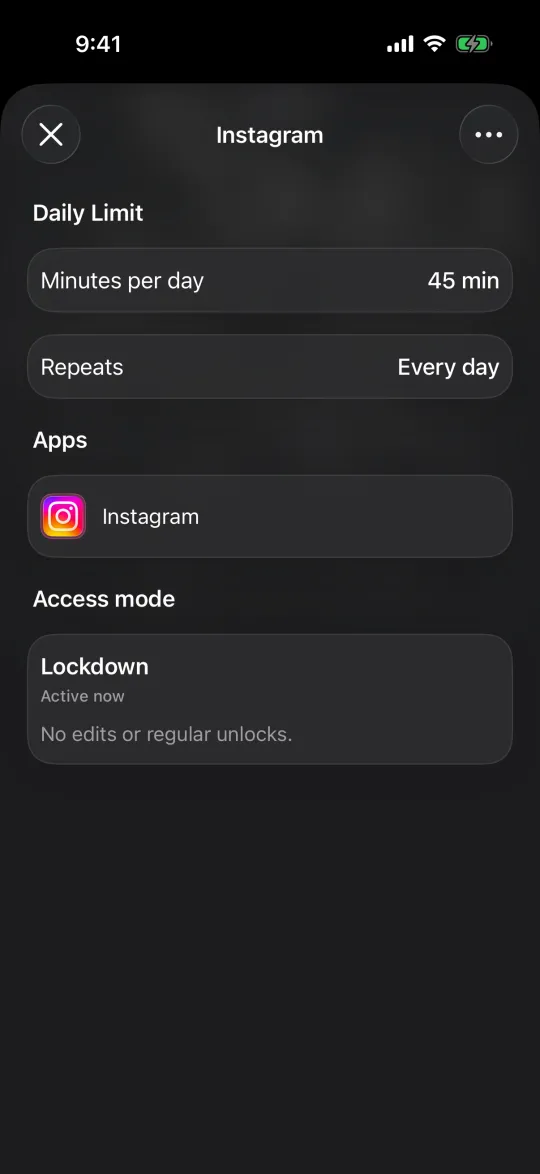
If you would miss messages, groups or friends' updates, you may not need to leave at all. Limiting keeps the account and closes the app during the hours it costs you most, such as late evenings, or caps total time with a daily allowance.
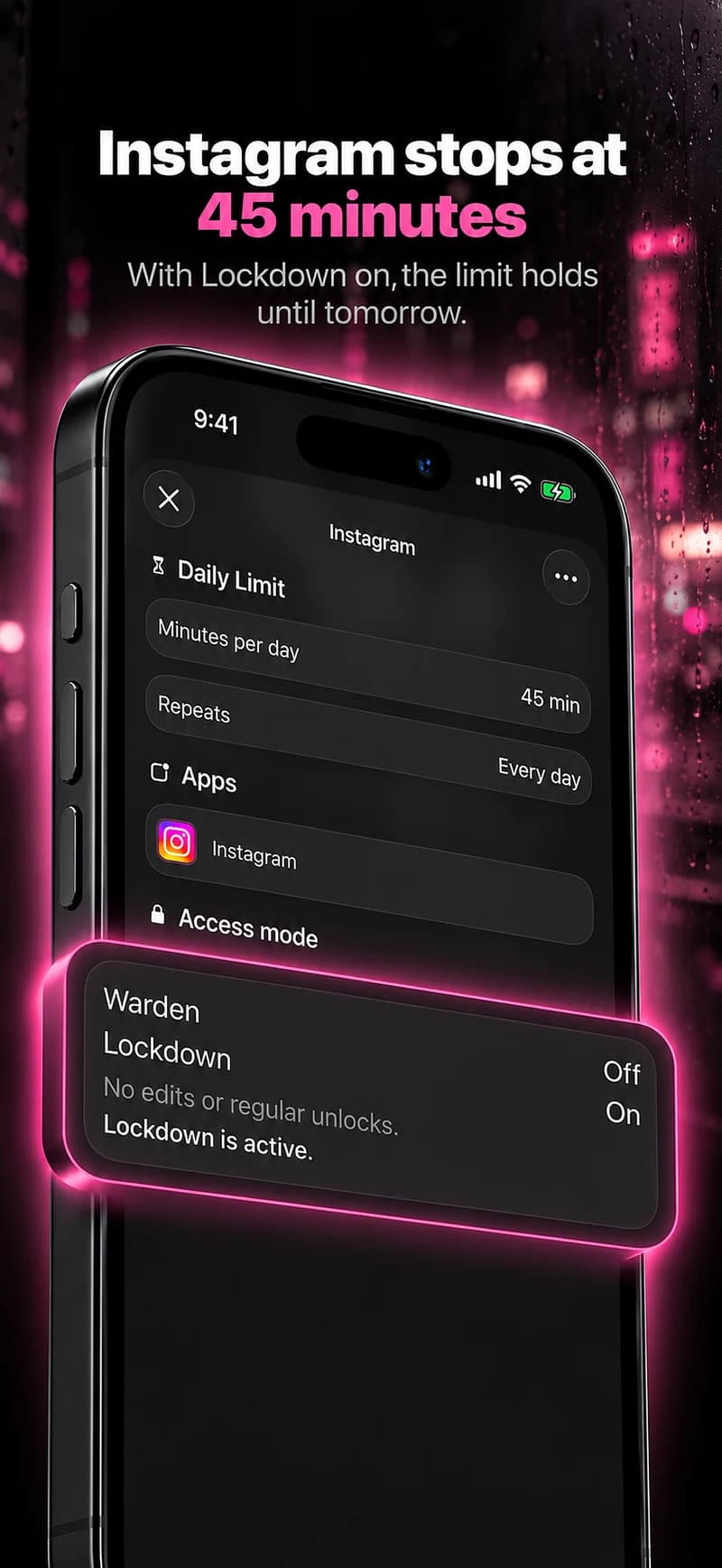
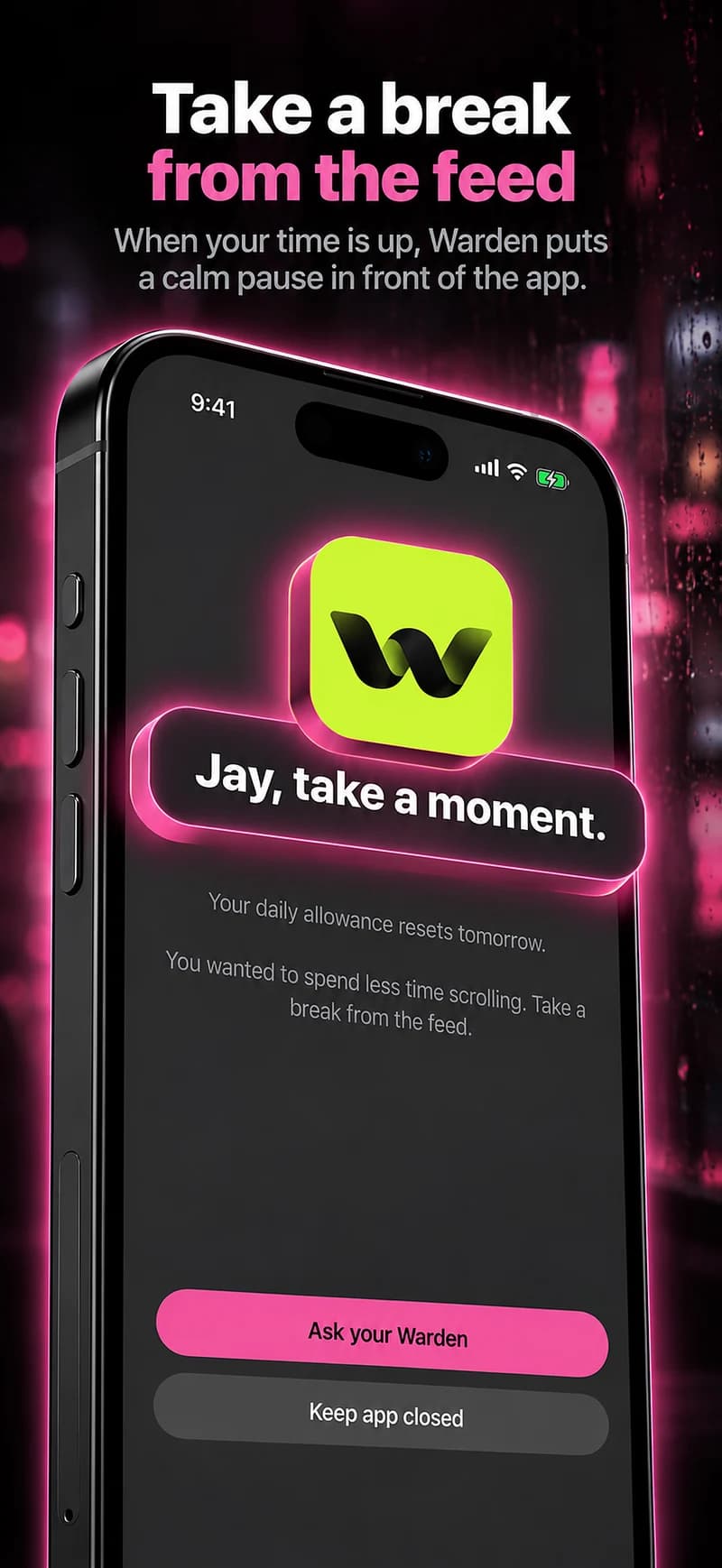
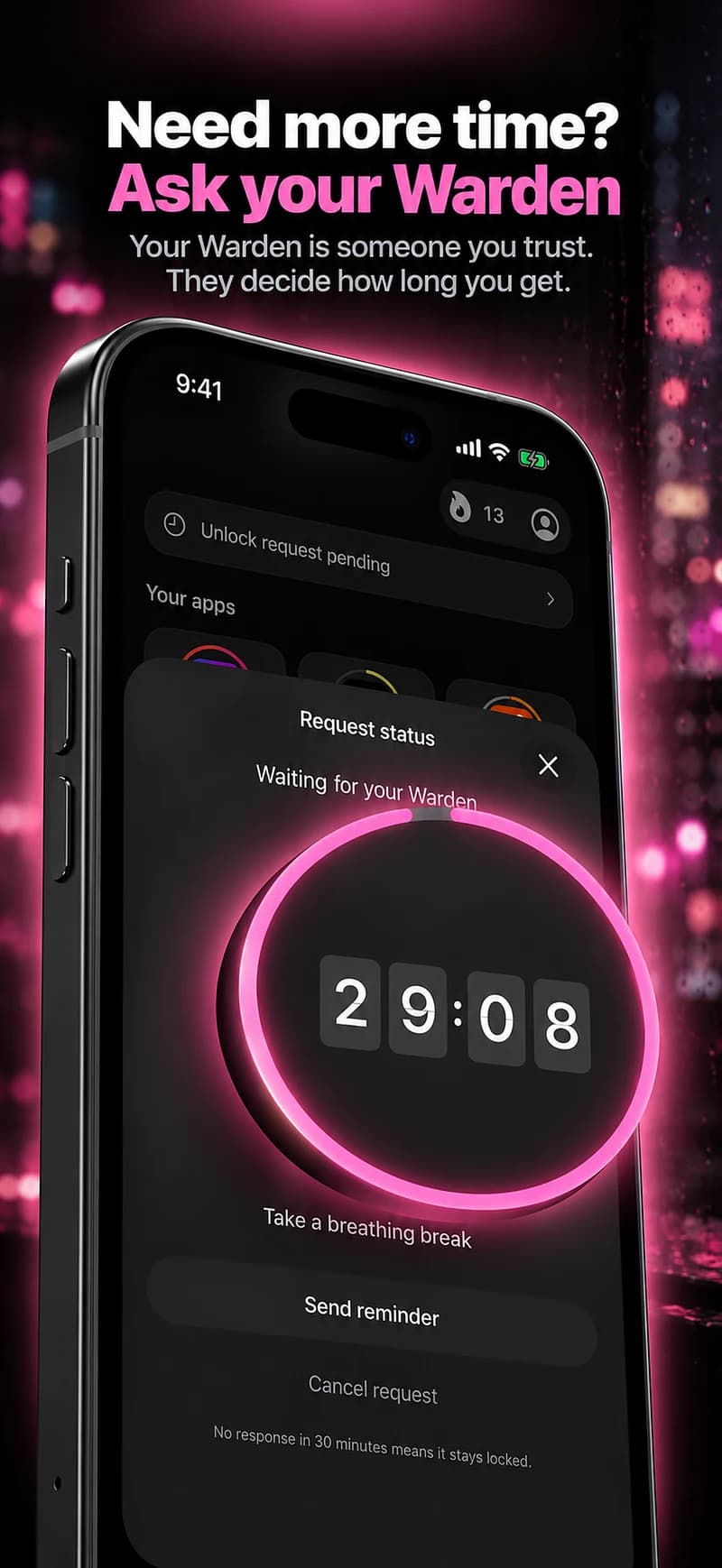
Instagram's own daily limit shows a reminder when you reach it. A Screen Time schedule or an app blocker such as Warden can close the app itself for set hours, with Lockdown or a trusted person's approval if you tend to dismiss reminders.
How to limit Instagram time on iPhone
Reference: Instagram: Set a daily time limit
How to choose
- Delete if you are sure you will not want the account, posts or contacts back.
- Deactivate for a clean break you might end, knowing a single login undoes it.
- Limit if the problem is when and how long you use it, not whether you use it at all.
Example: a month off the feed without losing messages
You want a month without the feed, but friends message you there. Instead of deactivating, you schedule Instagram to be closed except from 6 PM to 7 PM each day, in Lockdown. You reply to messages in that hour and skip the feed the rest of the time.
At the end of the month, decide with real experience: keep the window, widen it, or take the step to deactivate.