Warden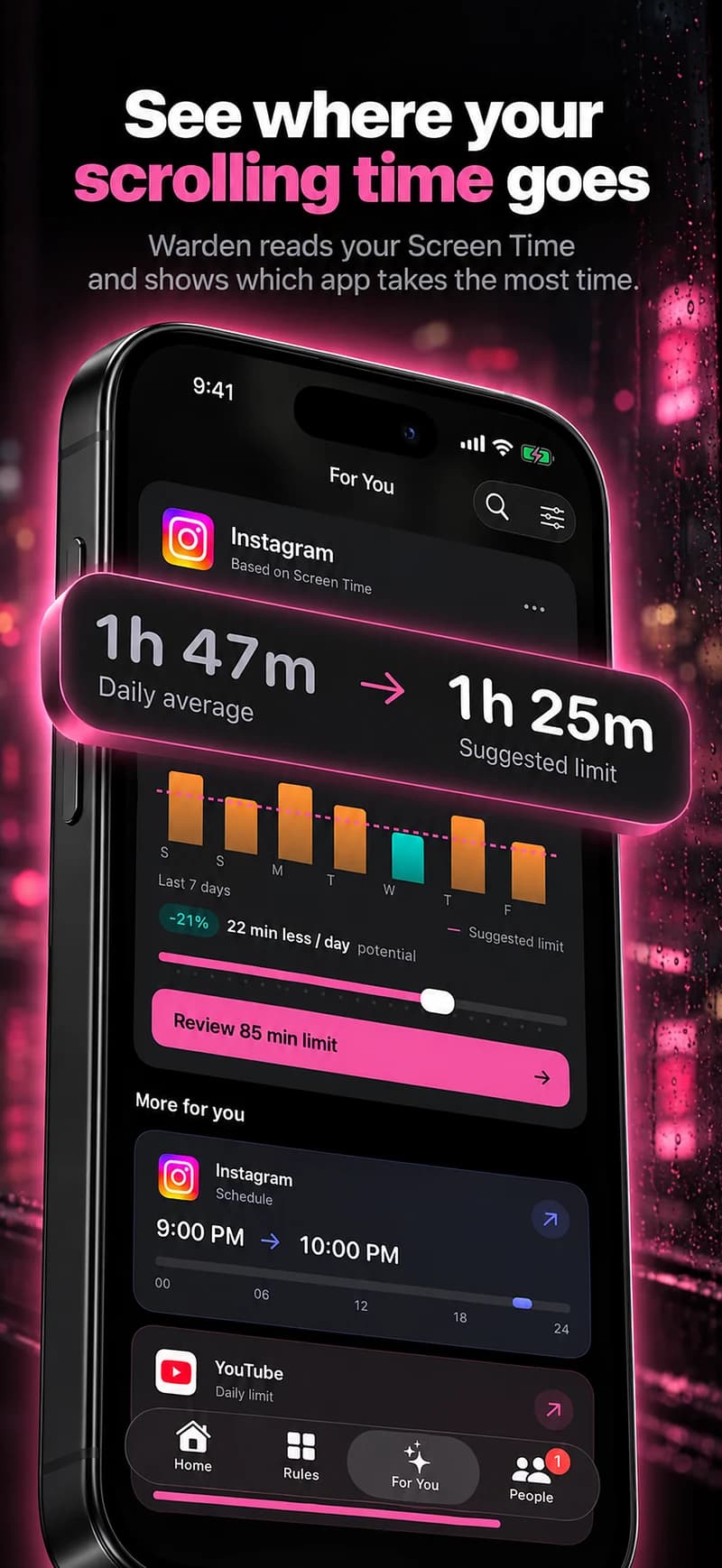
Why app blockers cannot separate Reels
iPhone app blockers work through Apple's Screen Time controls, which act on apps, categories and websites. Reels live inside the Instagram app, so a rule either covers Instagram or it does not. The same goes for Shorts inside YouTube.
Be careful with any app that promises to remove Reels from inside Instagram. Check exactly how it works before you give it access to your account.
Use Instagram's own daily limit
Instagram has a daily time limit in its settings. When you reach it, Instagram shows a reminder; it does not lock the app, so treat it as a nudge rather than a block.
It counts all of Instagram, not only Reels, but if most of your time goes to Reels it still marks the point where you meant to stop.
Reference: Instagram: Set a daily time limit
Choose the option that fits your messages and scrolling
If you need messages during a blocked period, agree on another way to reach you. Also check Instagram in the browsers and on the devices you actually use: an iPhone app rule is not an account-wide restriction.
| Instagram reminder | Keeps Reels, posts and messages available. Useful for noticing time spent; you can continue after the reminder. |
|---|---|
| Daily app allowance | Caps time across Instagram, including messages and Reels. It does not reserve your minutes for one feature. |
| Scheduled whole-app block | Makes Instagram unavailable during chosen hours. Plan when you will reply to messages before the block starts. |
| Delete the app | Removes the iPhone app. It does not delete your Instagram account or prevent access from a browser or another device. |
Schedule the whole app for Reels hours
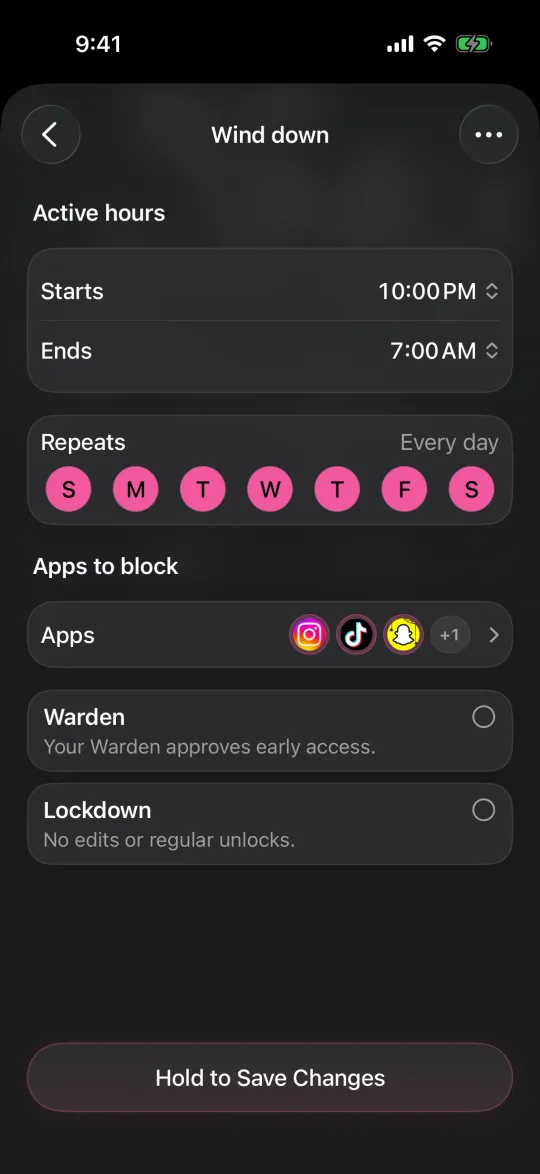
If Reels take over at predictable times, such as late evening or straight after work, block Instagram for those hours and leave it open the rest of the day. You keep messages and posting in the daytime and lose only the window where scrolling runs on.
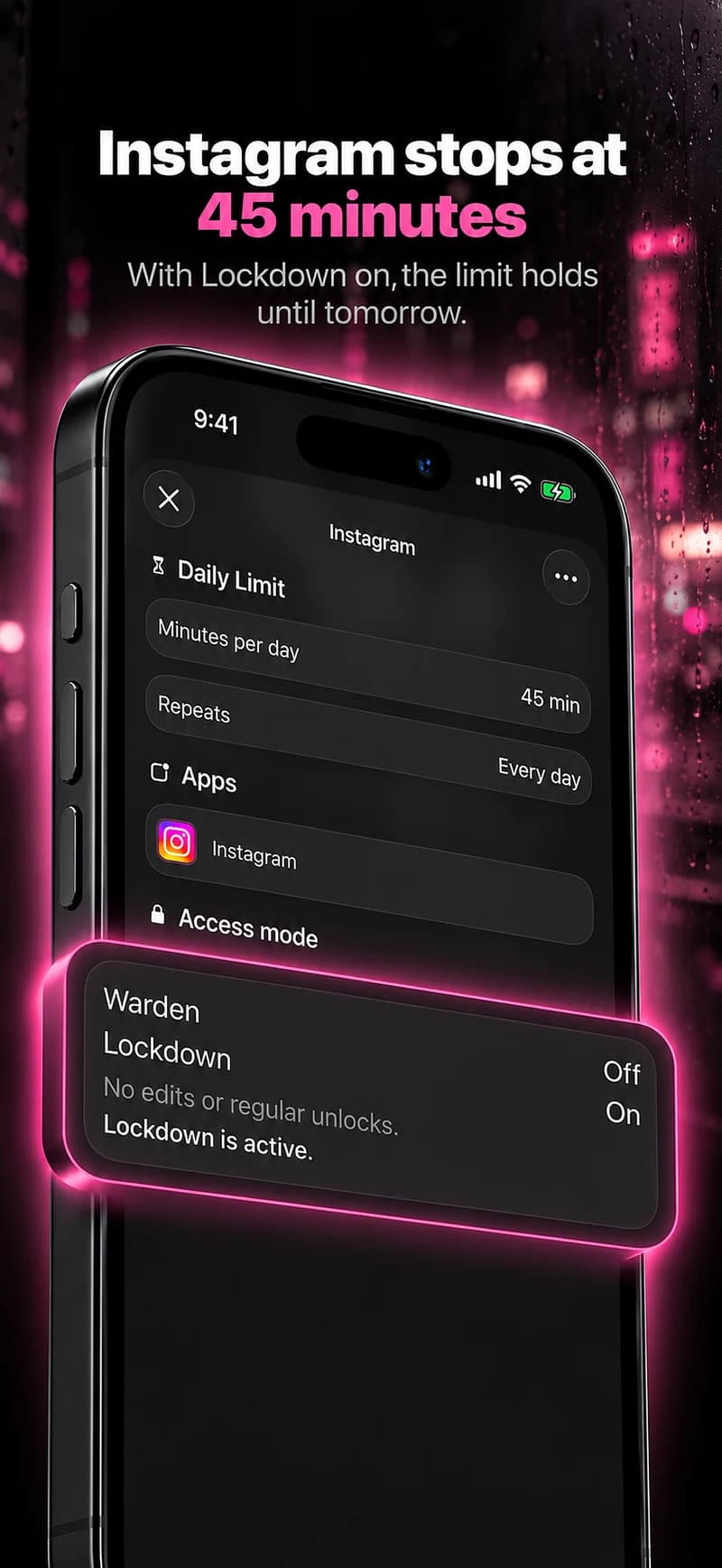
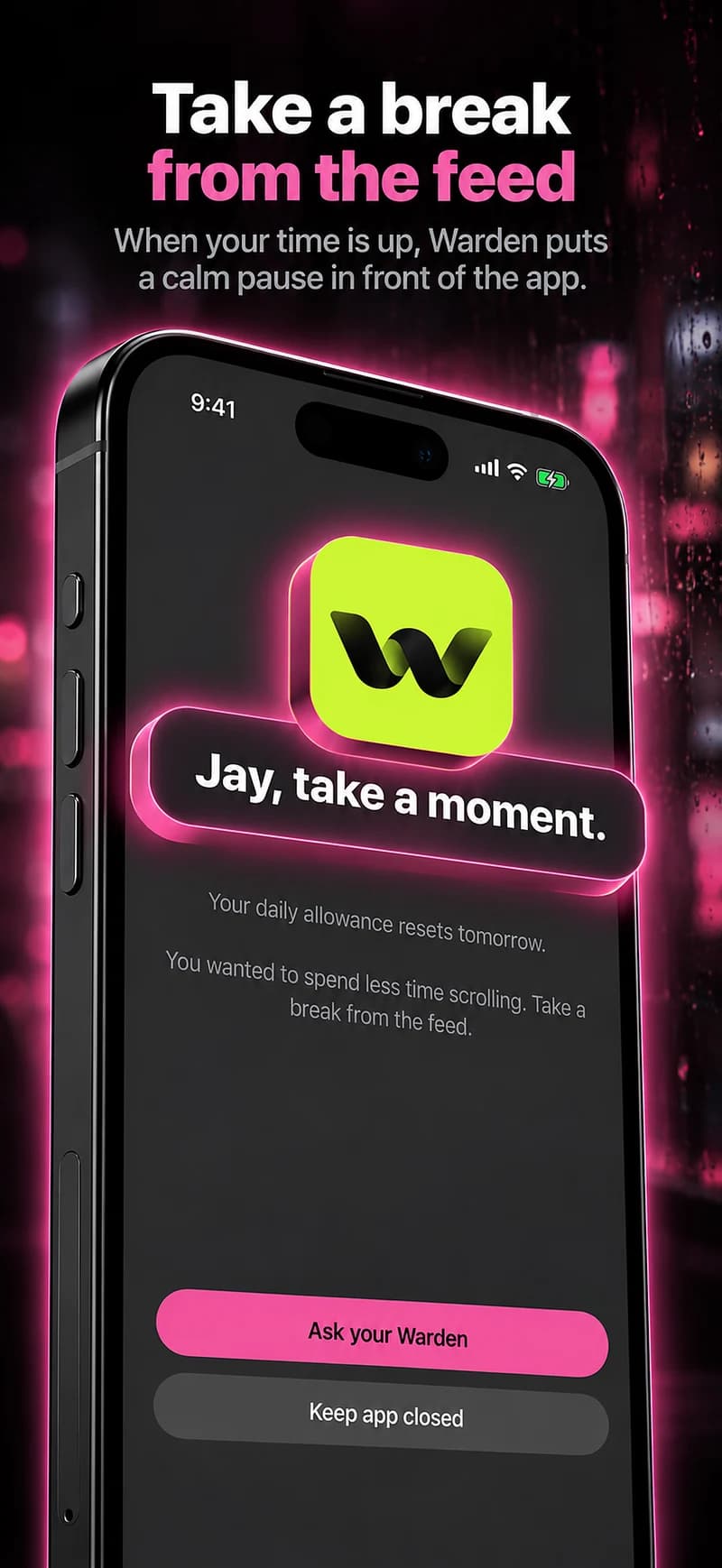
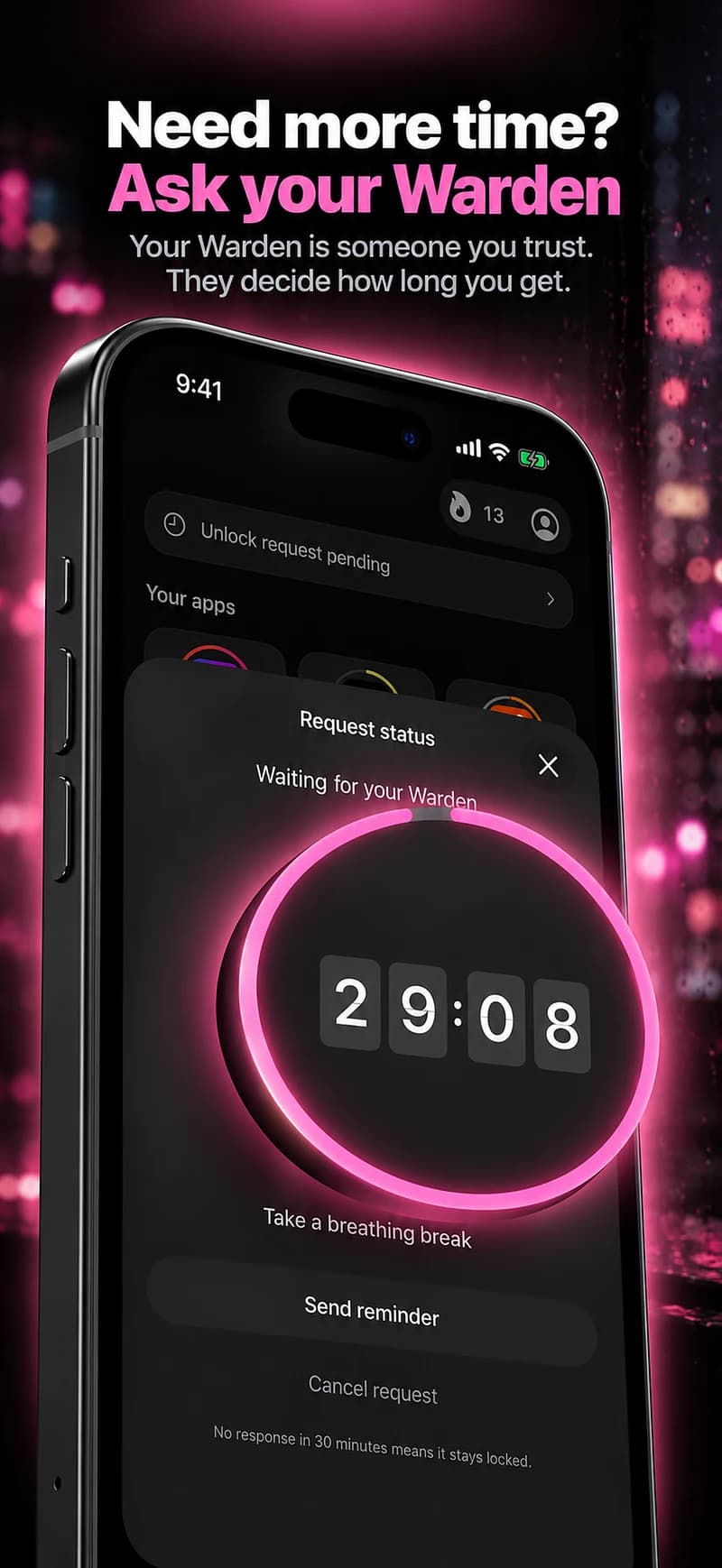
In Warden, that rule can use Lockdown or a trusted person's approval, so the evening block holds when a reminder alone would not. Check that the messages you need can wait until the window ends.
Other ways to make Reels less automatic
- Move Instagram off your Home Screen so opening it takes a search.
- Turn off the Instagram notifications that pull you back into the app.
- Post and reply at a set time of day instead of whenever the phone buzzes.
Turn off Instagram notifications without silencing every app
Example: messages by day, no Reels after 9 PM
You message friends on Instagram during the day, but Reels run from 9 PM until midnight. Keep the app, set Instagram's daily limit as a reminder, and schedule a Warden block from 9 PM to 7 AM. Tell the friends you message most that late replies will wait until morning.
After a week, check two things: did the evening block hold, and did you miss anything that genuinely could not wait? If nothing important was missed, the schedule is doing its job.