Warden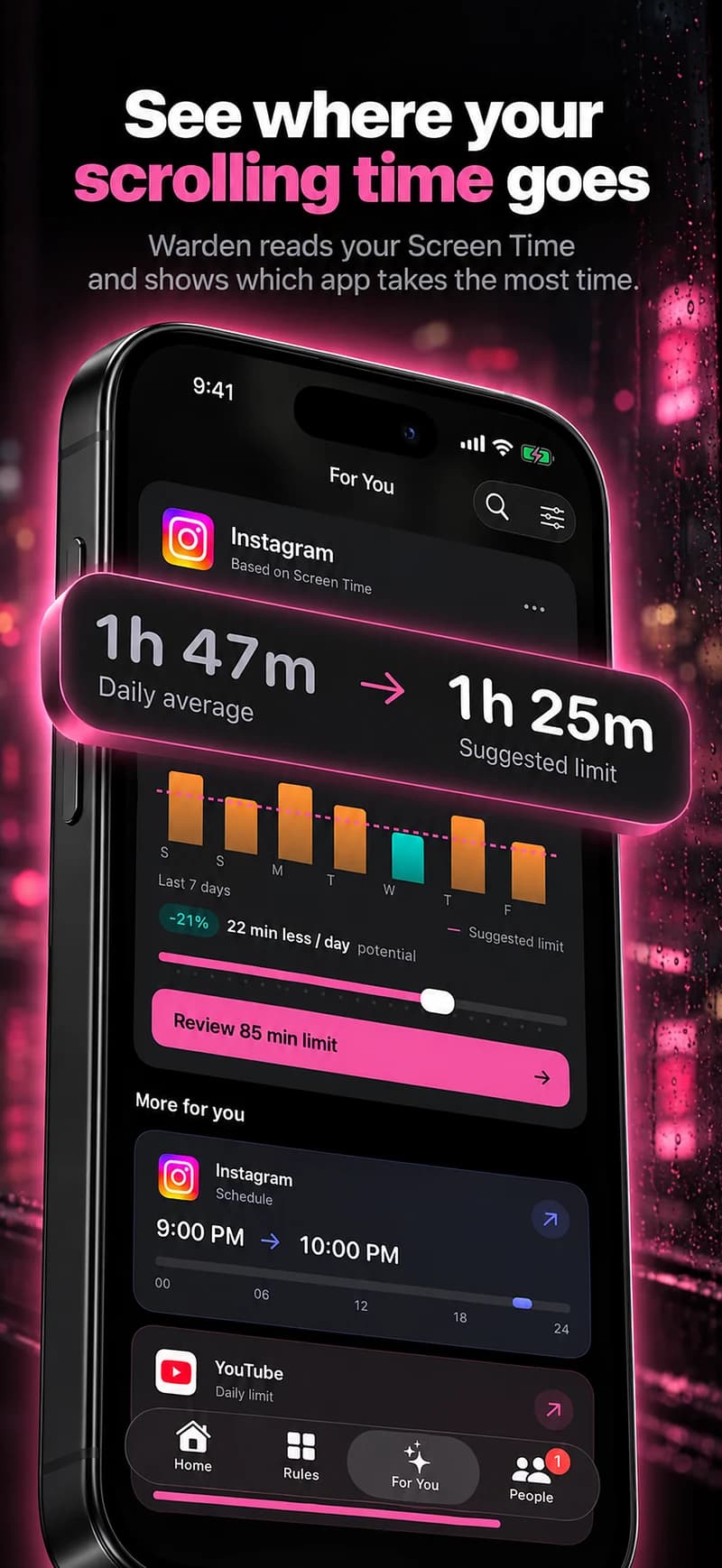
Choose between minutes per day and hours off
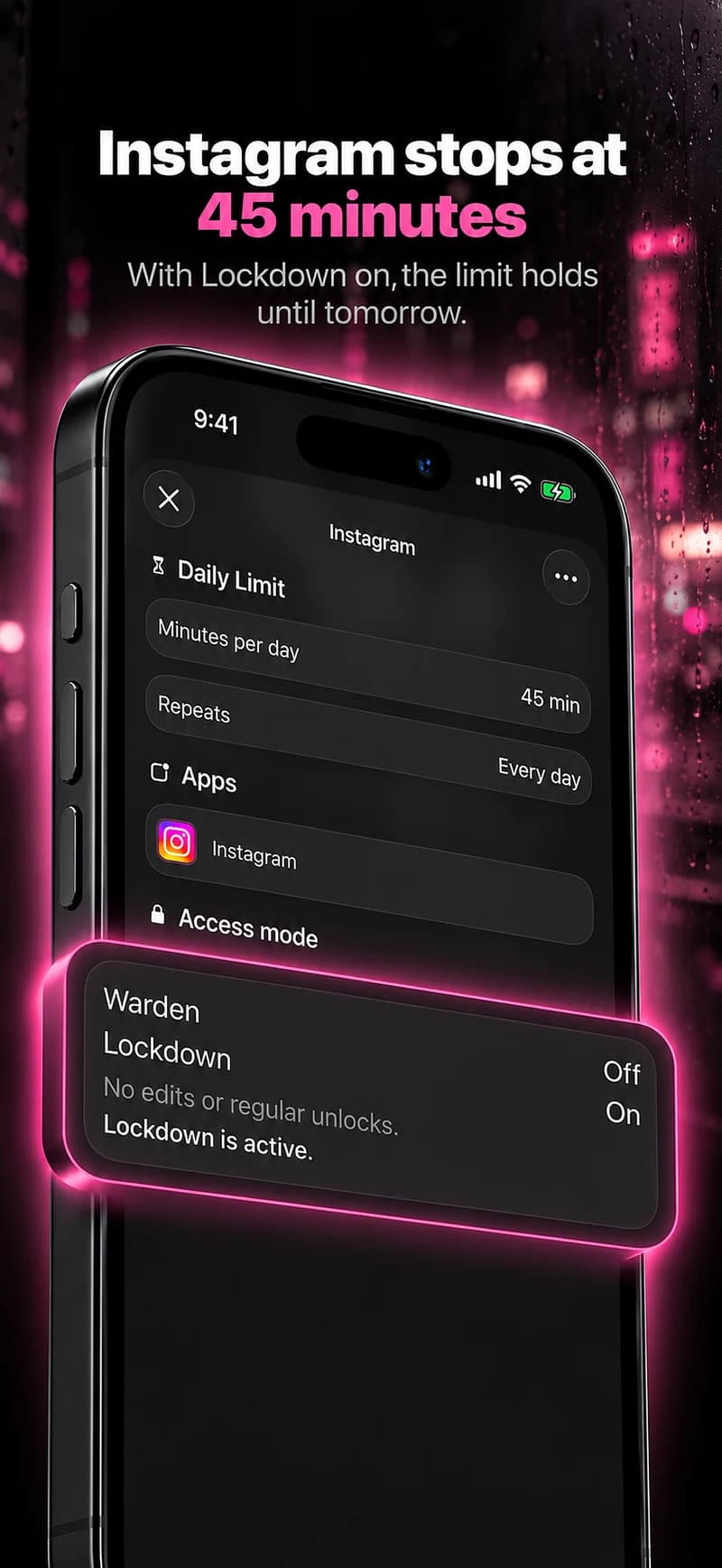
A daily allowance adds up use during the day. It suits short checks that keep accumulating. Decide whether Instagram has its own allowance or shares one with other selected apps.
A schedule blocks access during chosen hours, even if you have used the app for only a minute. It suits a specific task or a regular evening window. You can start with one approach and change it after trying a few days.
Find the settings for your iOS version
In iOS 27, open Settings > Screen Time. Time Allowances sets usage budgets, while Screen Time Schedule sets periods of restricted access. In iOS 26, the corresponding sections are App Limits and Downtime. Follow the instructions for the version installed on your phone.
Check which apps are included and how extra time is granted. A personal device and a child’s family-managed device do not have the same approval setup. The Apple guides below explain the built-in controls; the Instagram blocking guide also includes Warden steps.
How to block Instagram on iPhone
Reference: Apple: iOS 27 schedules and allowances
Reference: Apple: iOS 26 App Limits and Downtime
Decide who can approve extra time
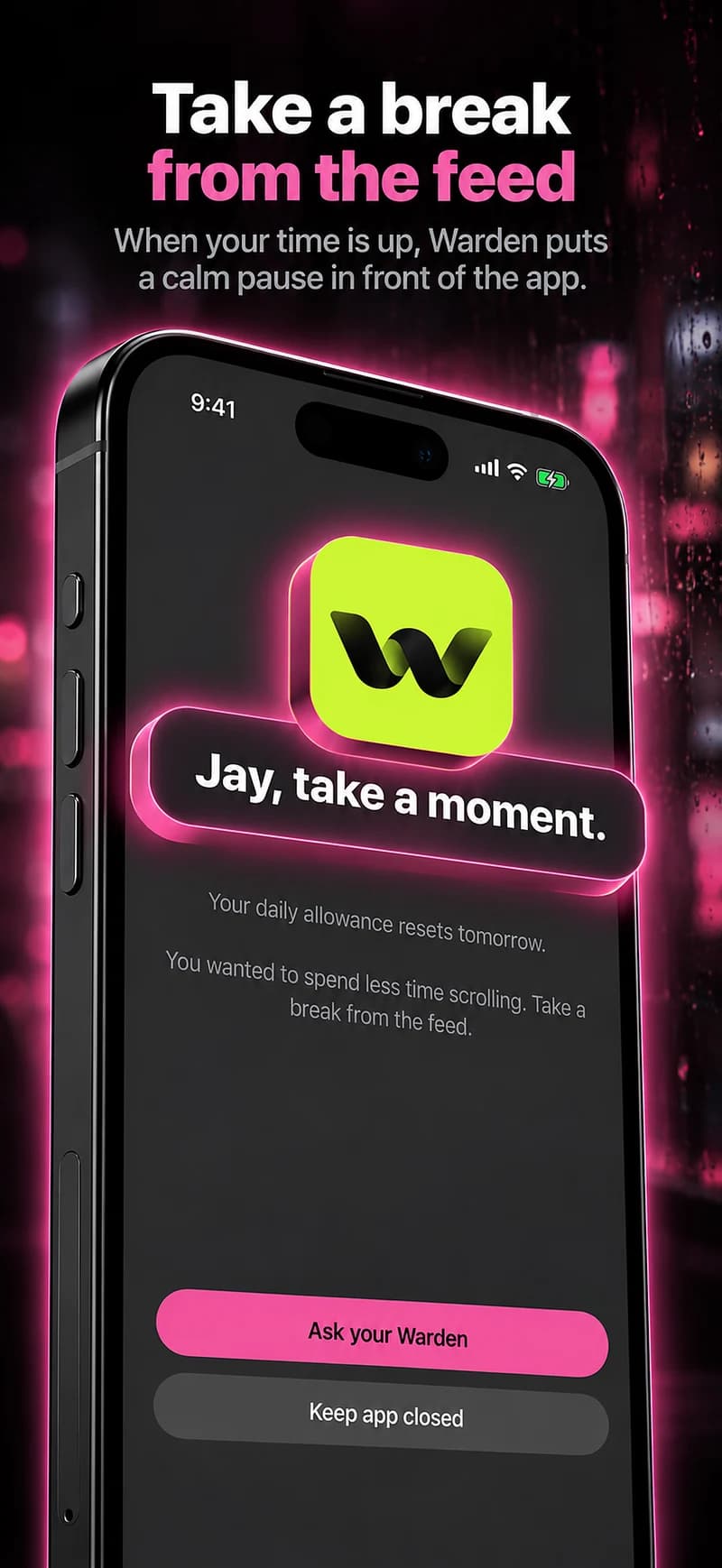
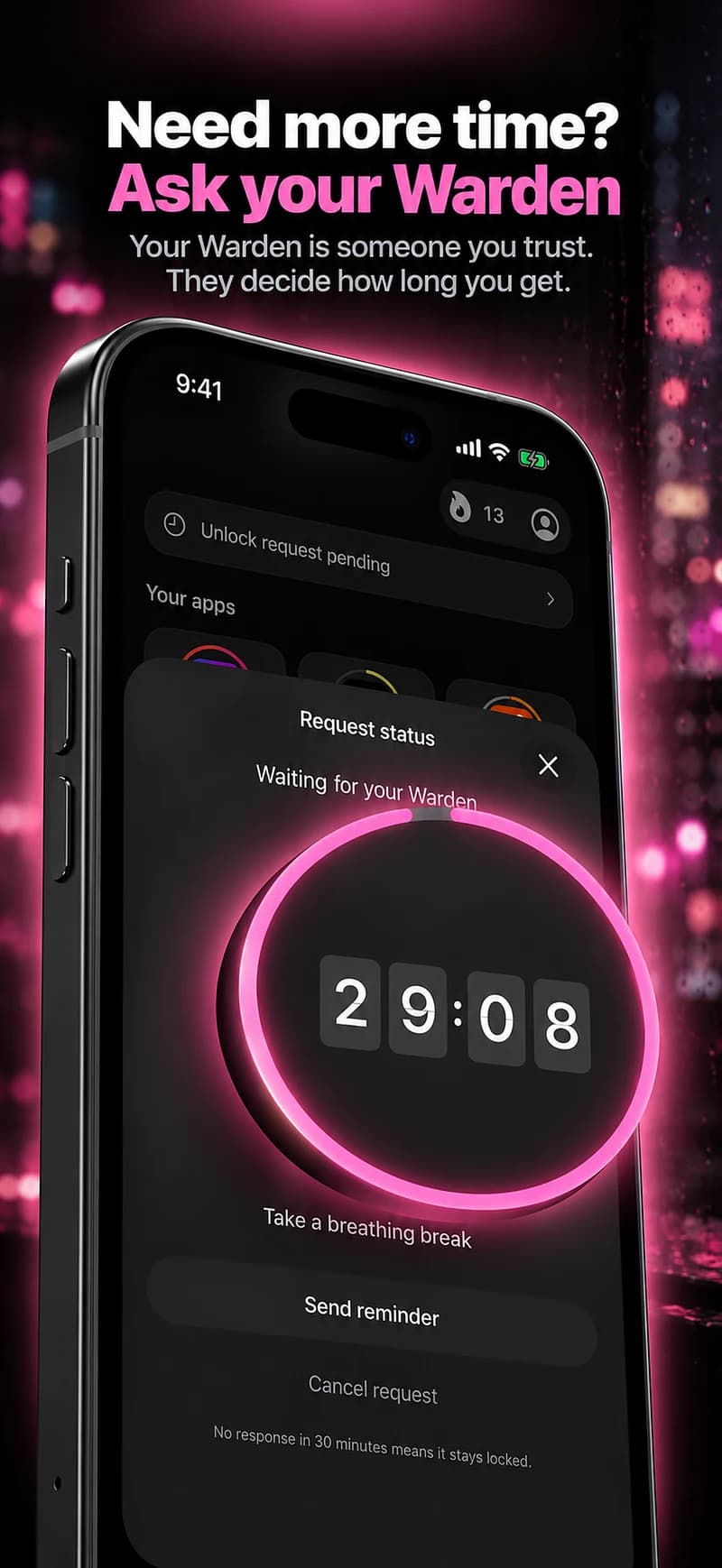
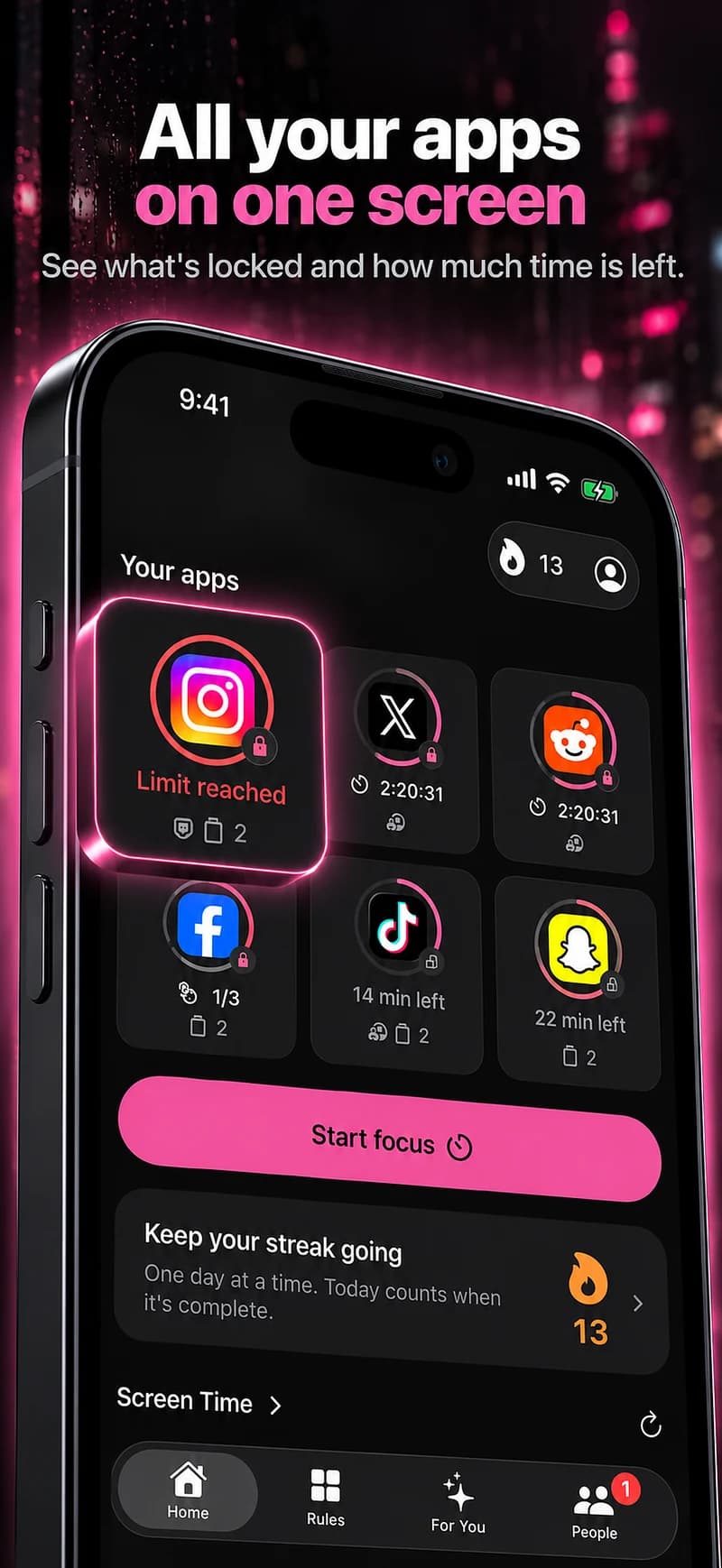
In Warden, Standard leaves ordinary access decisions with you. Warden mode sends early unlock requests to a connected person who has agreed to help. They can approve or decline the request; no reply does not count as approval.
Lockdown keeps ordinary early access unavailable until the rule ends. Emergency access is separate. Choose the mode before you need an exception, and try the request flow with a short block first.
Check messages and browser access
An app-level Instagram block does not distinguish Reels from direct messages. If you need Instagram for a conversation during the block, arrange a check beforehand or choose a shorter window. Blocking access does not delete your account or messages.
Test the way you actually open Instagram, including its website. In Warden, review the selected apps and website domains separately. Do not assume every browser route is covered just because the installed app is blocked.
Example: Instagram closed from 7 PM to 9 PM
Suppose you want to read after dinner but keep opening Reels. A 30-minute daily limit does not reserve that reading time. A recurring Instagram block from 7 PM to 9 PM describes the hours you want clear. Check messages before 7 and leave your reading app available.
Try one evening before repeating it all week. Open Instagram during the block, check browser access, and confirm that it opens after 9. With Warden mode, also send a short request and ask your helper to decline one and approve another. Adjust the plan if it keeps blocking something you need.