Skip to content

Everyday focus

How to stop playing games on your phone at night

Gaming at night rarely goes wrong at the start. It goes wrong at the end, when one more match, a friend still online or a daily reward keeps the session going. The fix is to decide the stop time before you start and make the late window unavailable, not to rely on stopping in the moment.

In this guide

Notice what keeps the session going

Look at the last few late nights. Was it one more match, waiting for friends, a reward that resets at midnight, or simply not wanting the evening to end? Each points to a different fix: a hard stop, a word with friends or a firmer boundary.

Set the stop time before you start

Decide the finish time while you are still fresh, not at 11 PM. Say it out loud to anyone you play with, and plan the last session so it can end at a natural break rather than in the middle of a match.

Block games for the late window

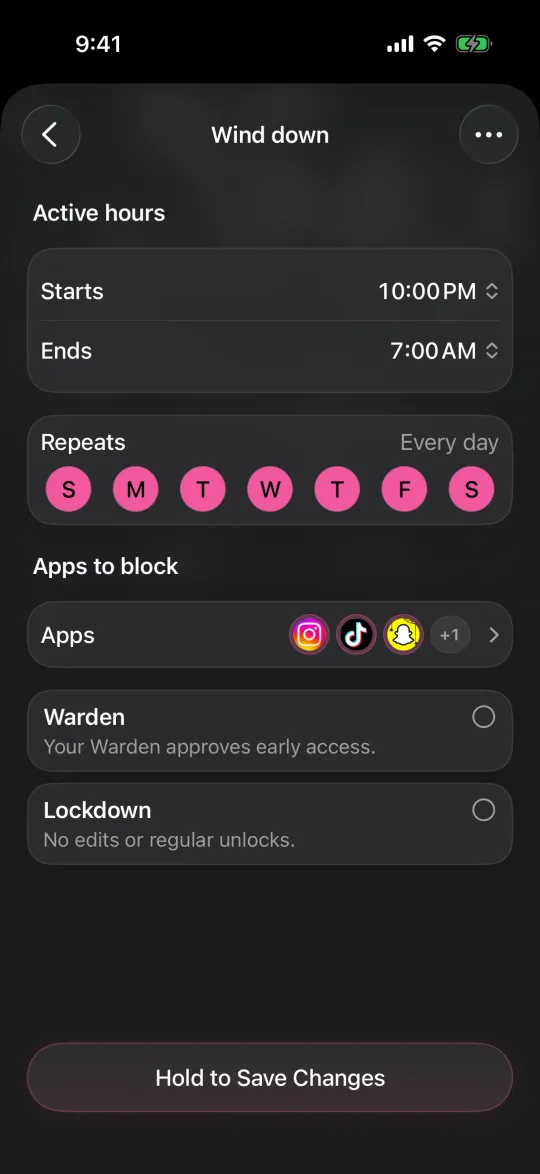
Use a schedule for the hours you want back, such as 11 PM to 7 AM, rather than a daily allowance you can spend all at once late at night. You can select the games individually or the Games category; a category covers more but may include apps you did not expect.

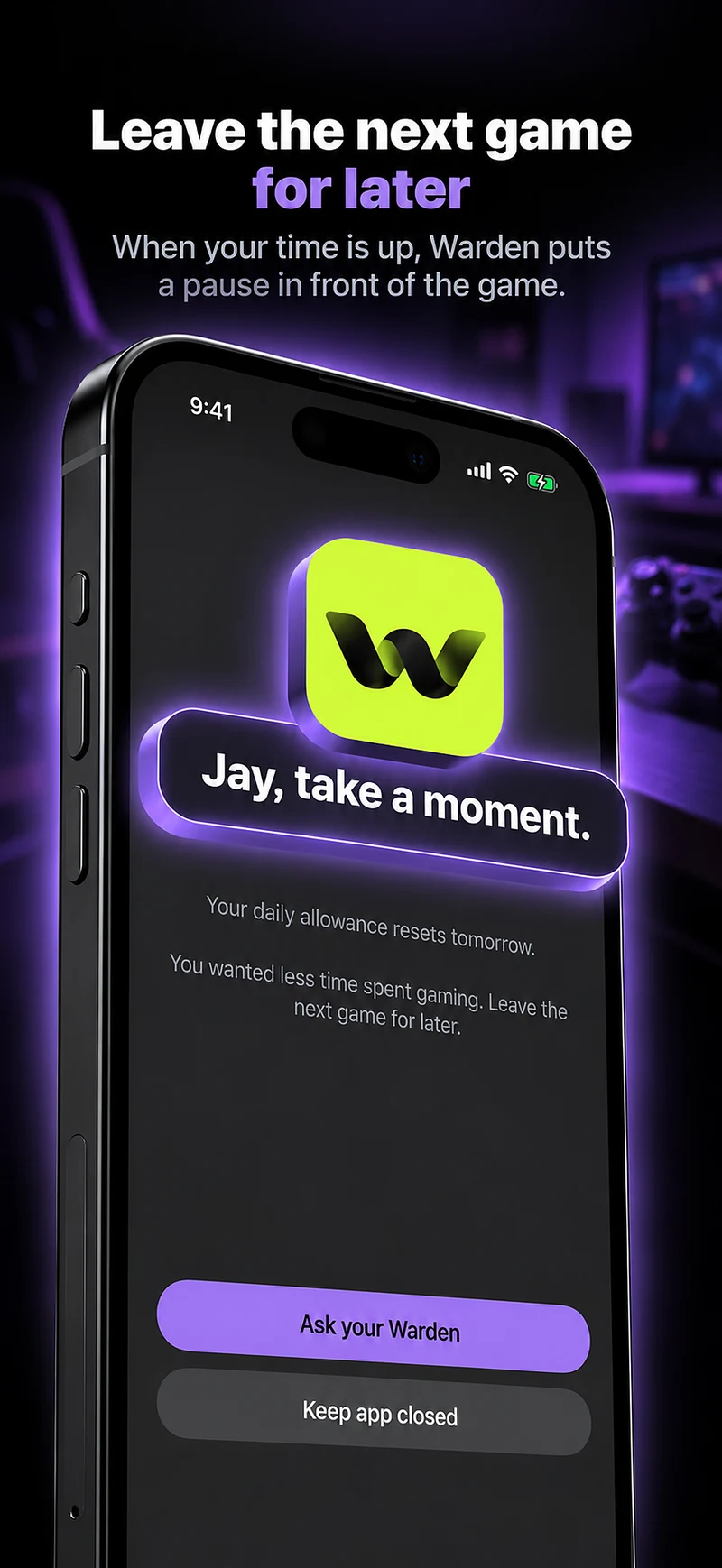
In iOS 27 this is a Screen Time Schedule; in iOS 26, Downtime. In Warden, the same rule can run in Lockdown so ordinary early unlocks stay off until morning, and emergency access stays available.
How to limit gaming time on iPhone

How to block games on iPhone

Reference: Apple: Screen Time Schedules and Time Allowances

Editing a schedule that blocks apps from 10:00 PM to 7:00 AM every day

Make stopping easier than continuing

  • Tell the people you play with when you log off, so leaving is not a surprise.
  • Turn off game notifications in the evening so rewards and invites do not pull you back.
  • Charge the phone outside the bedroom if the last match usually happens in bed.

For parents of younger players

A child's iPhone is set up through Family Sharing, where the parent manages Screen Time, including schedules and limits for games. Agree on the evening rule together and explain it, rather than switching it on without warning.

Reference: Apple: Screen Time for your child

Example: the midnight ranked match

Ranked matches start at 10 PM and end after midnight three nights a week. The plan: tell your squad you are off at 11 PM on weeknights, finish the last full match by then, and schedule the game from 11 PM to 7 AM in Lockdown on Sunday to Thursday nights, leaving weekends open.

After two weeks, count the weeknights that ended on time. If most did, keep it; if none did, move the stop to 11:30 PM rather than giving up the rule.
Set it up without adding unnecessary rules

Daily limits, schedules and focus sessions

Install Warden and connect Screen Time when iOS asks. Then open Rules and tap the plus button.

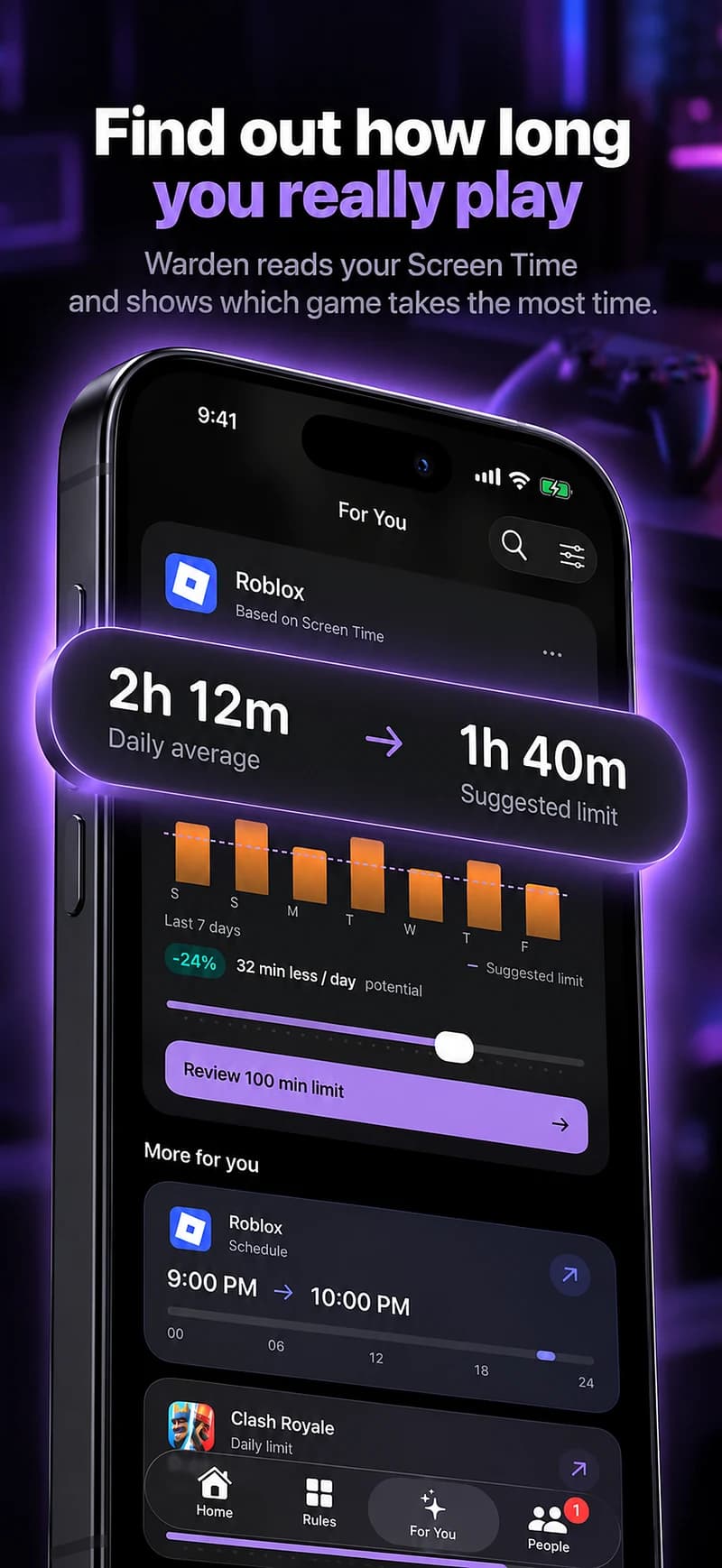
Choose the apps or scope involved in this particular interruption. Use an allowance for total use, a schedule for recurring hours, or a session for a one-off task.

What Standard, Warden and Lockdown do

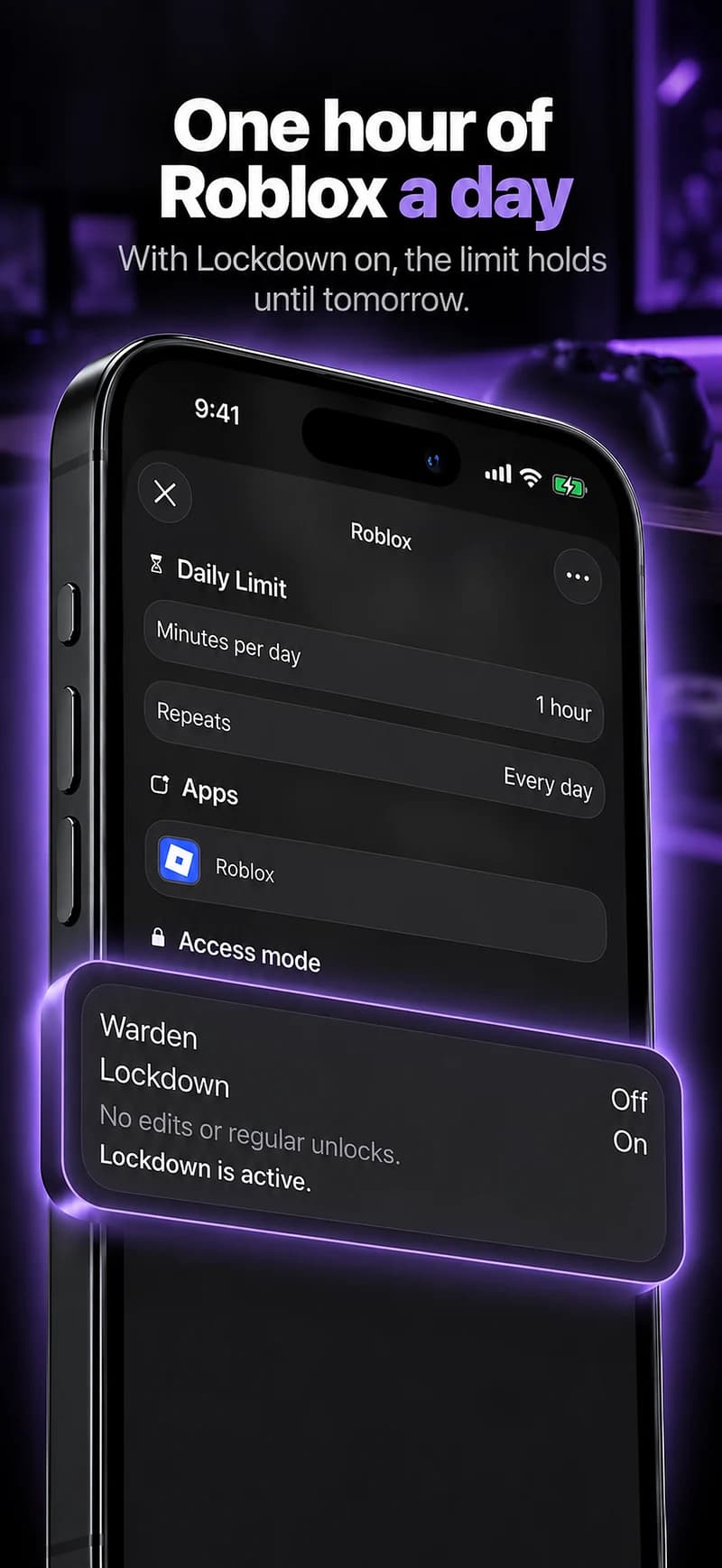
Choose Standard when you want to manage the limit yourself. Choose Warden when a person you trust should review early-access requests. Choose Lockdown to keep ordinary early unlocks off until the block ends.

Choose the access mode, then hold the save button to set the rule. Try a short block before using a long one. Emergency access remains separate from ordinary unlock requests.

How Warden approval works

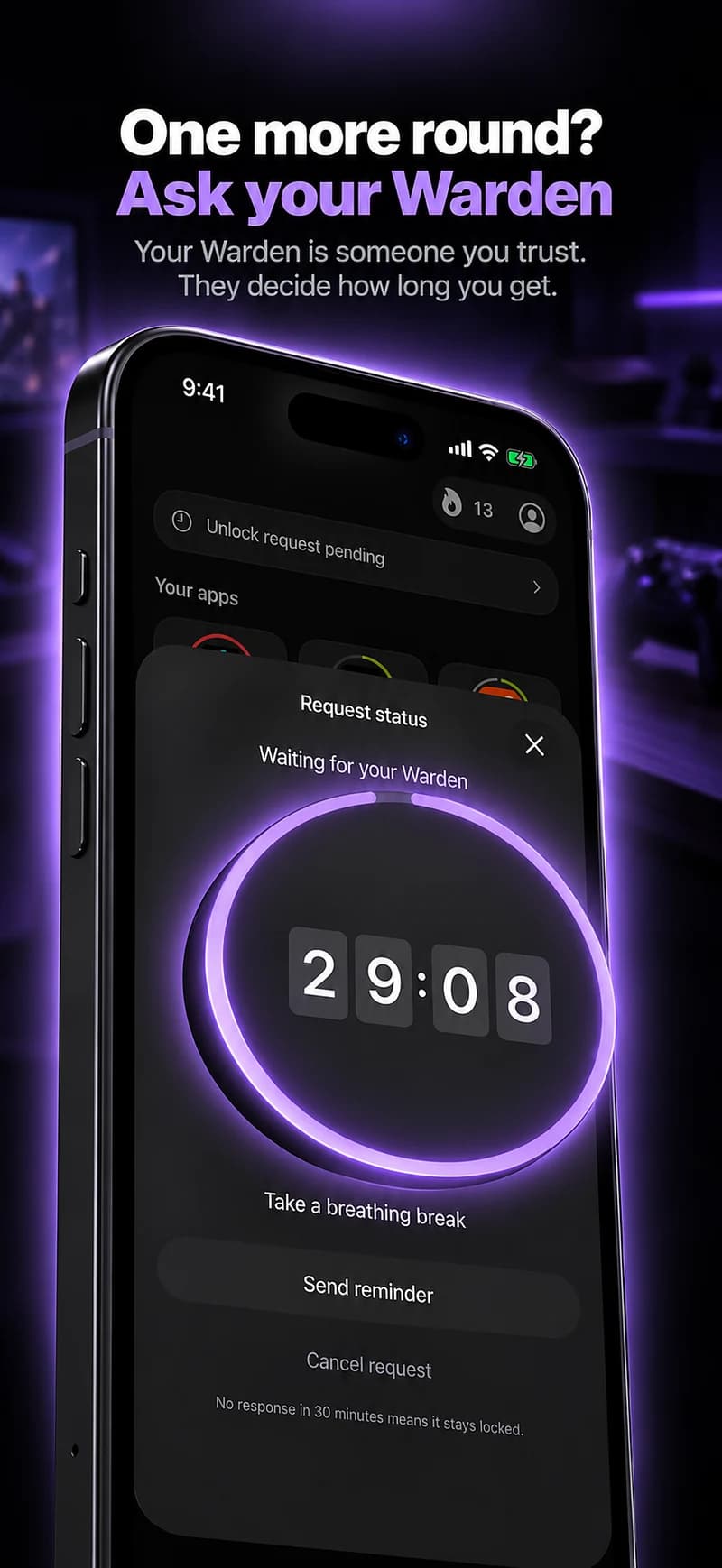
Choose how many minutes you need, add a note and hold to send. If nobody answers within 30 minutes, the request expires and the app stays locked.

An approval applies to the scope and time shown in the app. A declined or unanswered request does not lift the block. Emergency access remains a separate option on your device.

Common questions

Can I block games only at night?
Yes. A schedule makes selected games or the Games category unavailable for the hours you choose, such as 11 PM to 7 AM, and leaves them open the rest of the day.
Will blocking a game delete my progress?
No. Blocking stops the app opening during the rule; it does not delete the game or its data. How a game saves progress mid-match depends on the game.
Is a daily allowance or a schedule better for gaming?
For late nights, a schedule. An allowance caps the total but can be spent in one long evening session.