Warden
Why a full lock does not exist
An iPhone you could not unlock for an hour would also block emergency calls, maps and messages from the people who need you. Apple's tools and app blockers restrict apps instead of the whole device, and that is the safer design.
Guided Access: one app, nothing else
Guided Access keeps iPhone in a single app, such as a timer, a book or a study app, and can end after a time limit you set. Turn it on in Settings, Accessibility, Guided Access.
Apple notes that Crash Detection and Emergency Services are not available while Guided Access is on, so use it for short, planned sessions and not when you might need emergency help.
A schedule that blocks almost everything
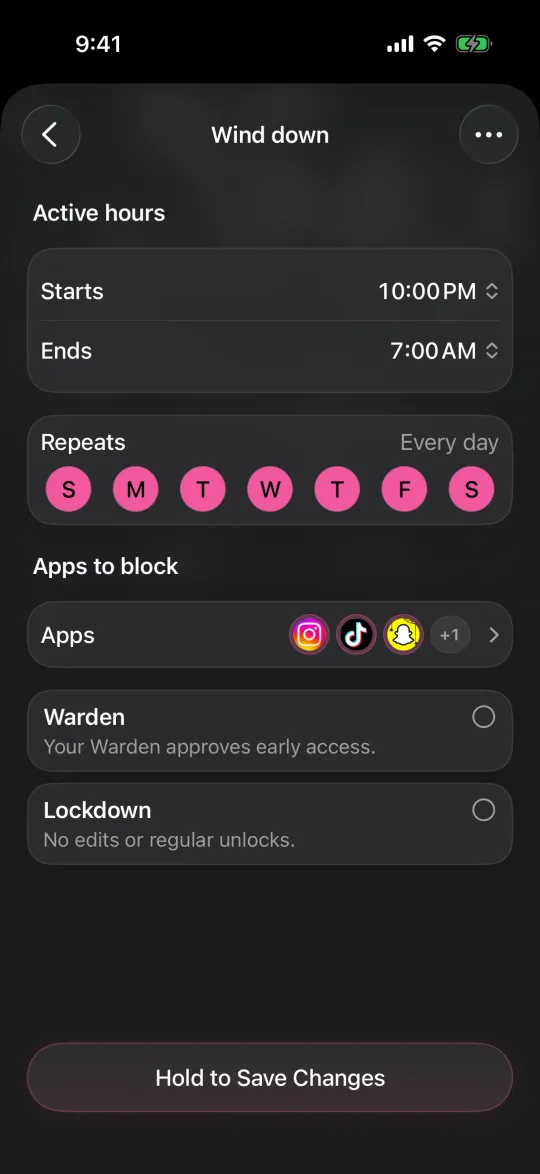
For an hour where you still want calls and a couple of tools, block categories instead, such as social, games and entertainment, and leave out the apps you need. Screen Time Schedules in iOS 27, or Downtime in iOS 26, can do this, but as an adult you know the passcode.
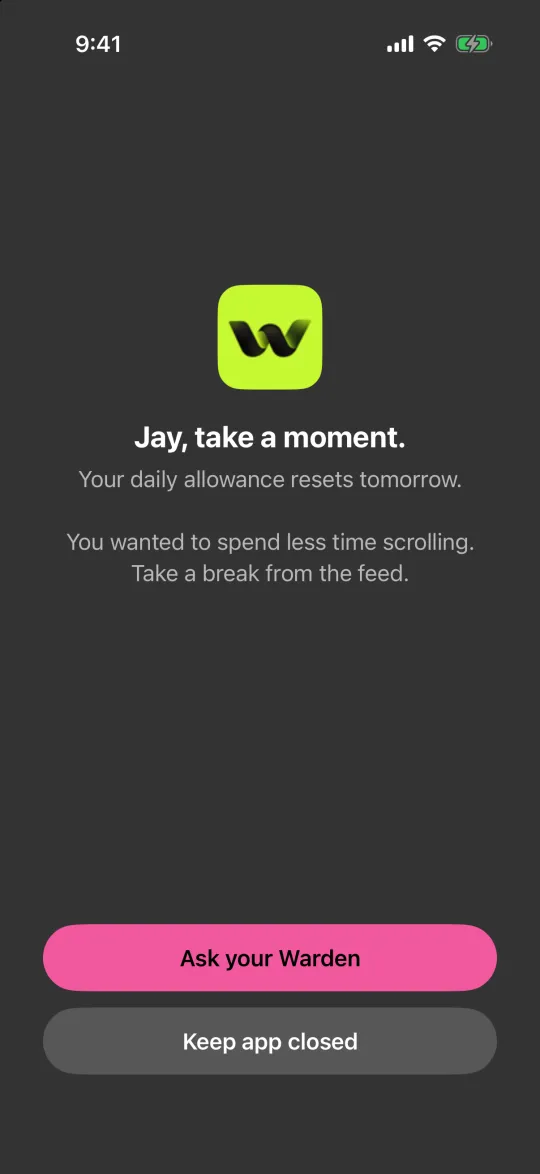
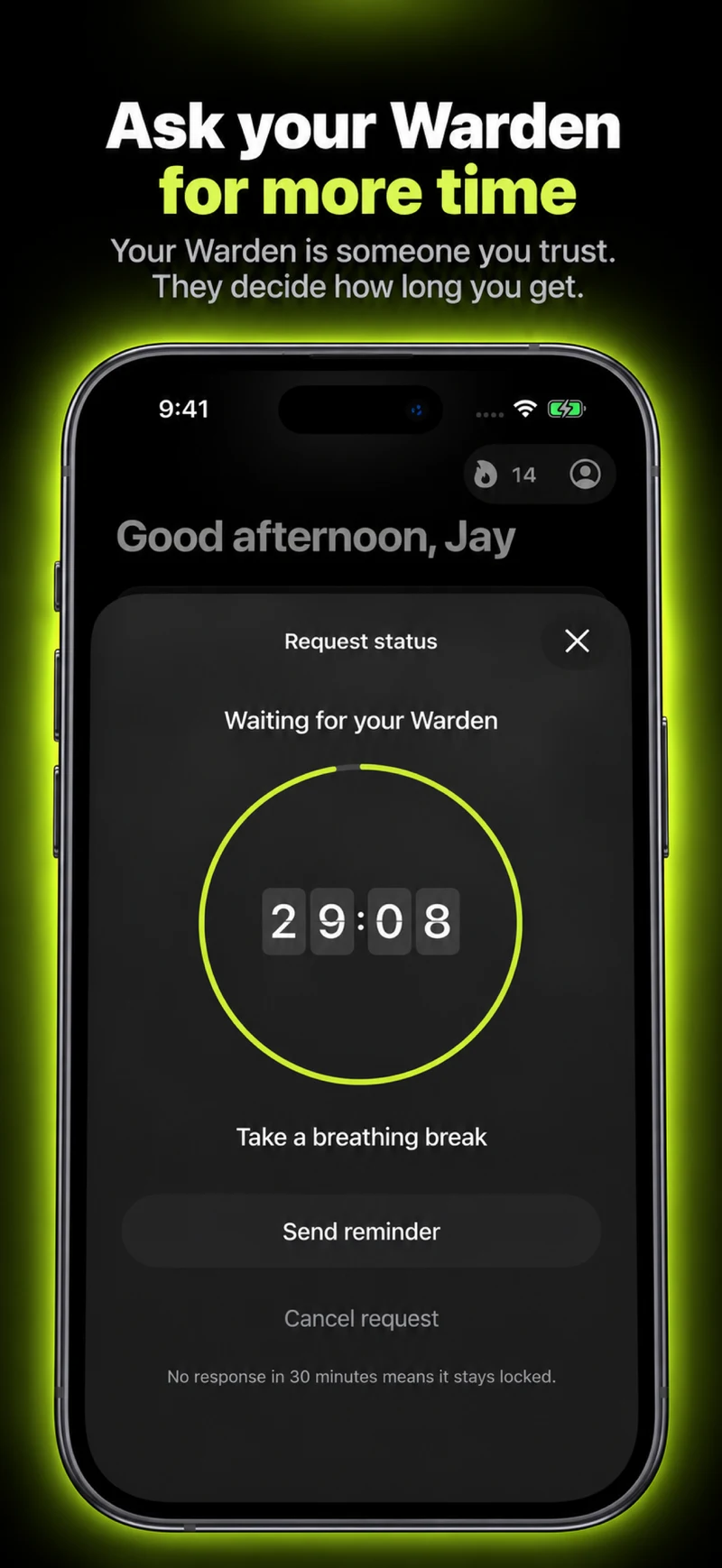
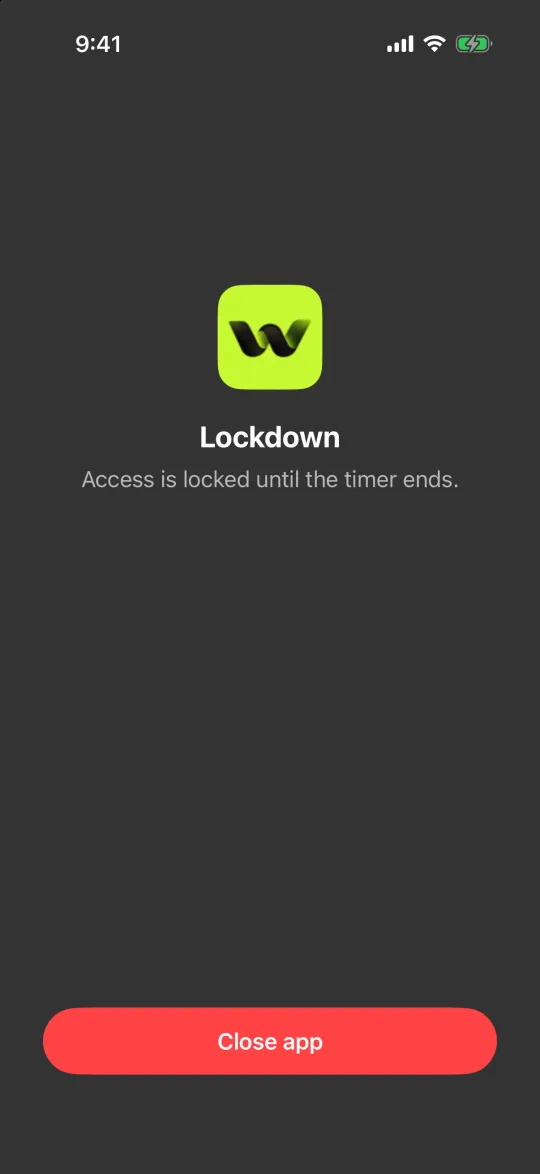
In Warden, the same kind of rule can run in Lockdown, so ordinary early unlocks and rule edits stay off until the hour ends. Emergency access remains available.
Block app categories on iPhone, not single apps
Put distance between you and the phone
- Leave it in another room for the hour and use a separate timer.
- Tell the people who might need you when you will be back.
- Keep an ordinary way to be reached, such as a phone call, for anything urgent.
Choose by what the hour is for
Reading, cooking or a workout: Guided Access with one app, or the phone in another room. Studying or deep work that needs a few tools: a category block in Lockdown. A whole evening: a schedule, reviewed after a week.
Example: one hour of reading before bed
At 9 PM you want to read for an hour and still receive necessary calls. Schedule only the distracting social and video apps from 9 PM to 10 PM, leave your needed communication tools out of the selection, and put the phone on the kitchen counter. Test those tools before using a stronger commitment mode.
Do not choose Guided Access for this example: Apple says emergency calls and Crash Detection require exiting it first. If you use Guided Access for a different single-app task, learn and test how to end the session before you start.