Warden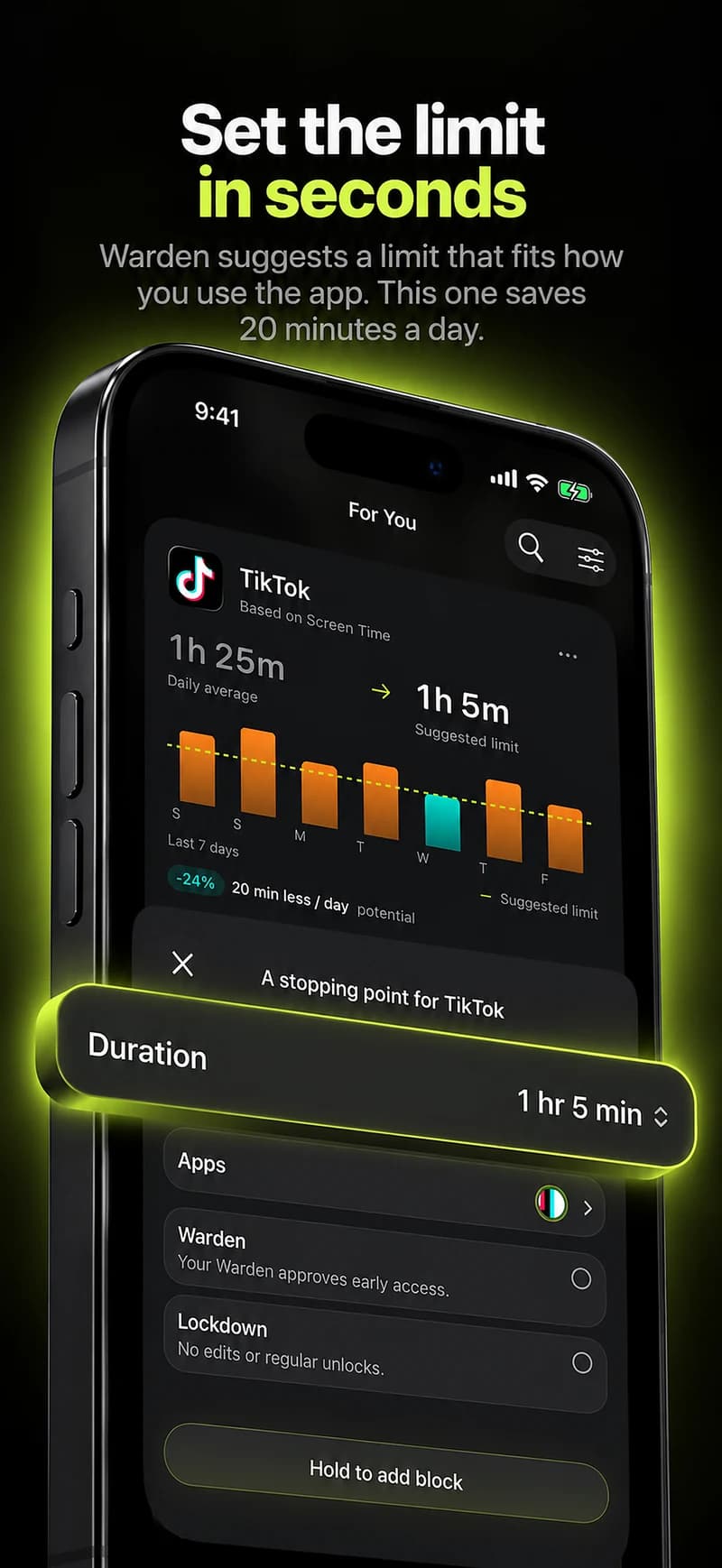
What Freedom offers
Freedom describes app and website blocking across supported phones and computers, with blocklists, advance and recurring schedules, and a Locked Mode intended to prevent quitting a running session. Its published scheduling tools mean a session does not depend on remembering to start it.
That makes it strongest when distraction moves between devices. The reasons to look elsewhere are usually about scope, cost or who is involved.
Reference: Freedom
If you still need your computer covered
Opal lists iPhone, Mac and Android and describes Focus Rules, a Focus Timer and Deep Focus. Jomo lists iPhone, iPad and Mac, with rules tied to set times, allowances or actions.
ScreenZen lists iOS, macOS, Windows and Android, with daily limits, scheduled blocks for apps and websites, and a lock mode intended to make limits harder to bypass.
Reference: Opal
Reference: Jomo
Reference: ScreenZen
If your iPhone is the real problem
Apple Screen Time is free and already on your phone. In iOS 27 it offers Time Allowances and Screen Time Schedules; in iOS 26, App Limits and Downtime. one sec adds a pause before a selected app opens, which suits reaching for an app without deciding to.
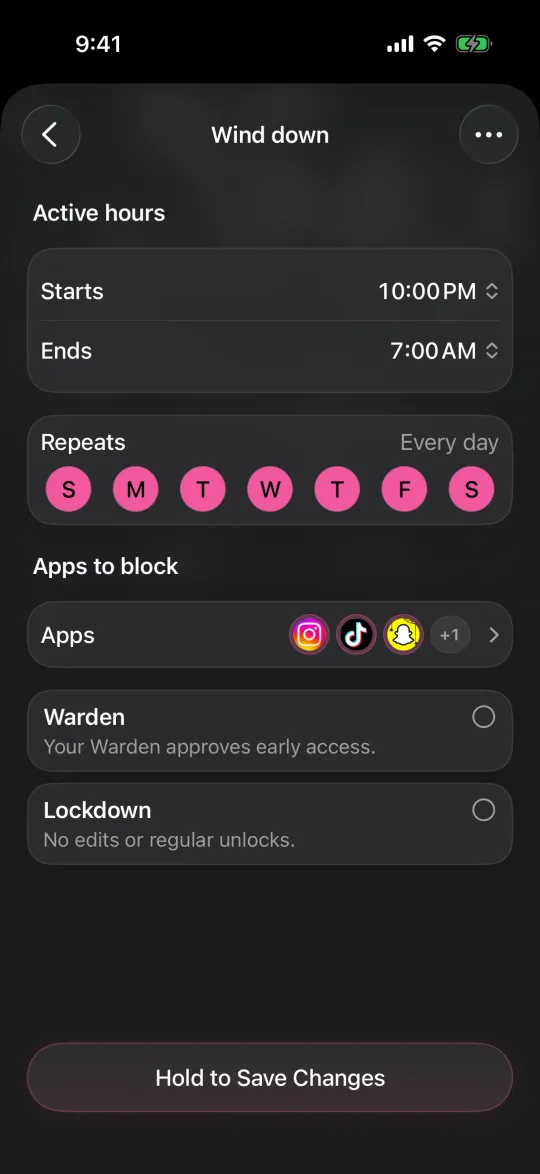
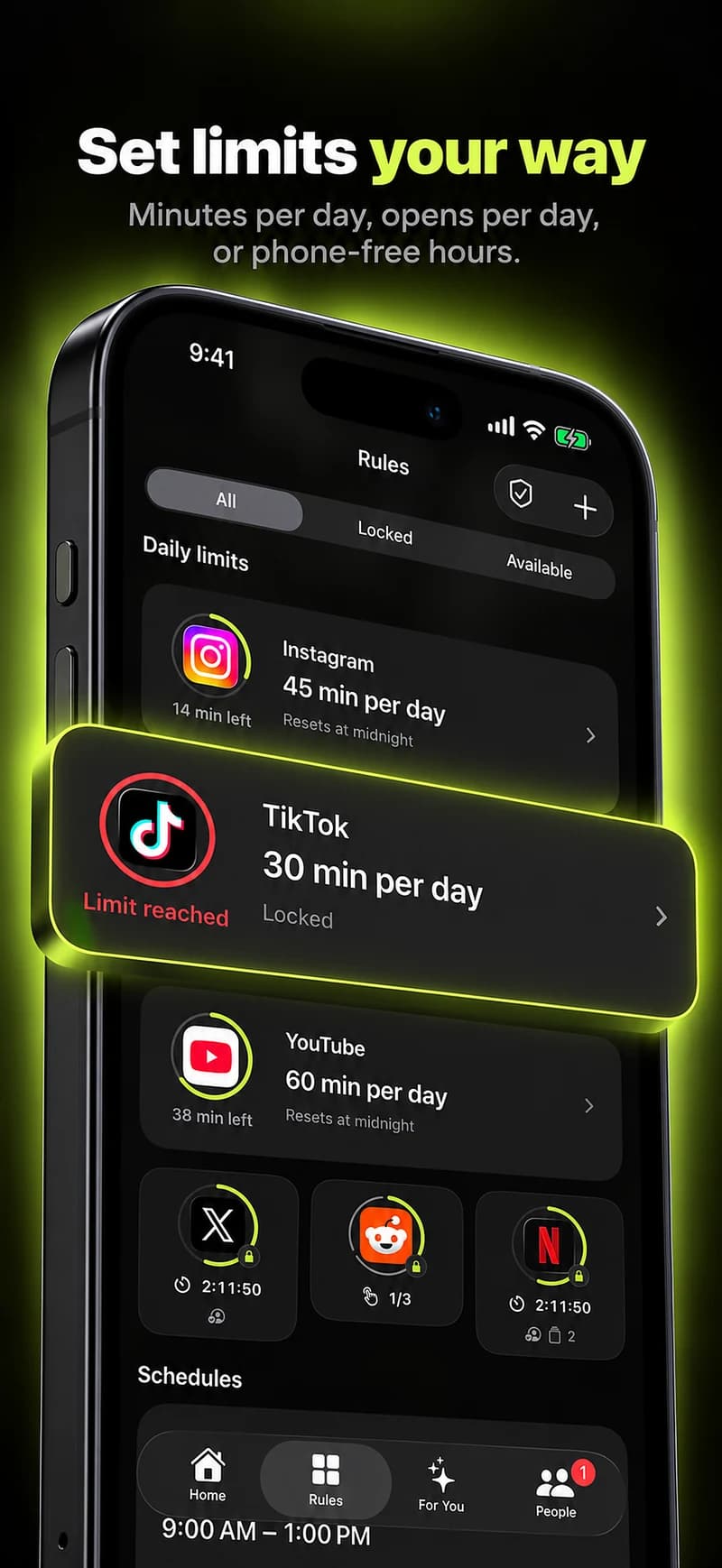
Warden is an iPhone app blocker. It can suggest apps, allowances and block times from your goals and available Screen Time patterns, and a rule that lets you choose websites can cover sites in Safari as well as apps.
Reference: Apple: Screen Time Schedules and Time Allowances
Reference: one sec
If you want someone else involved
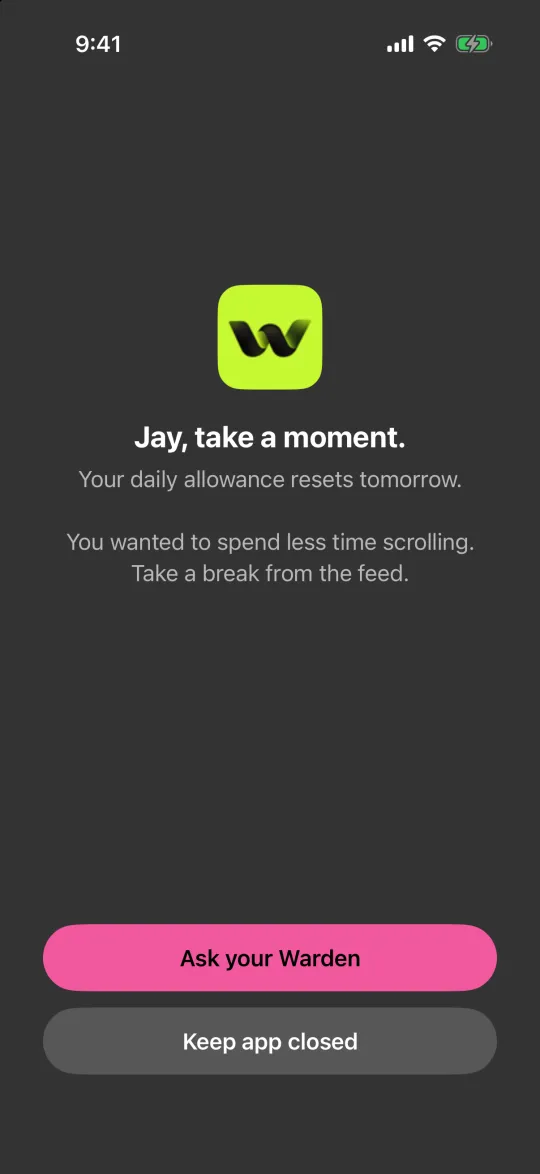
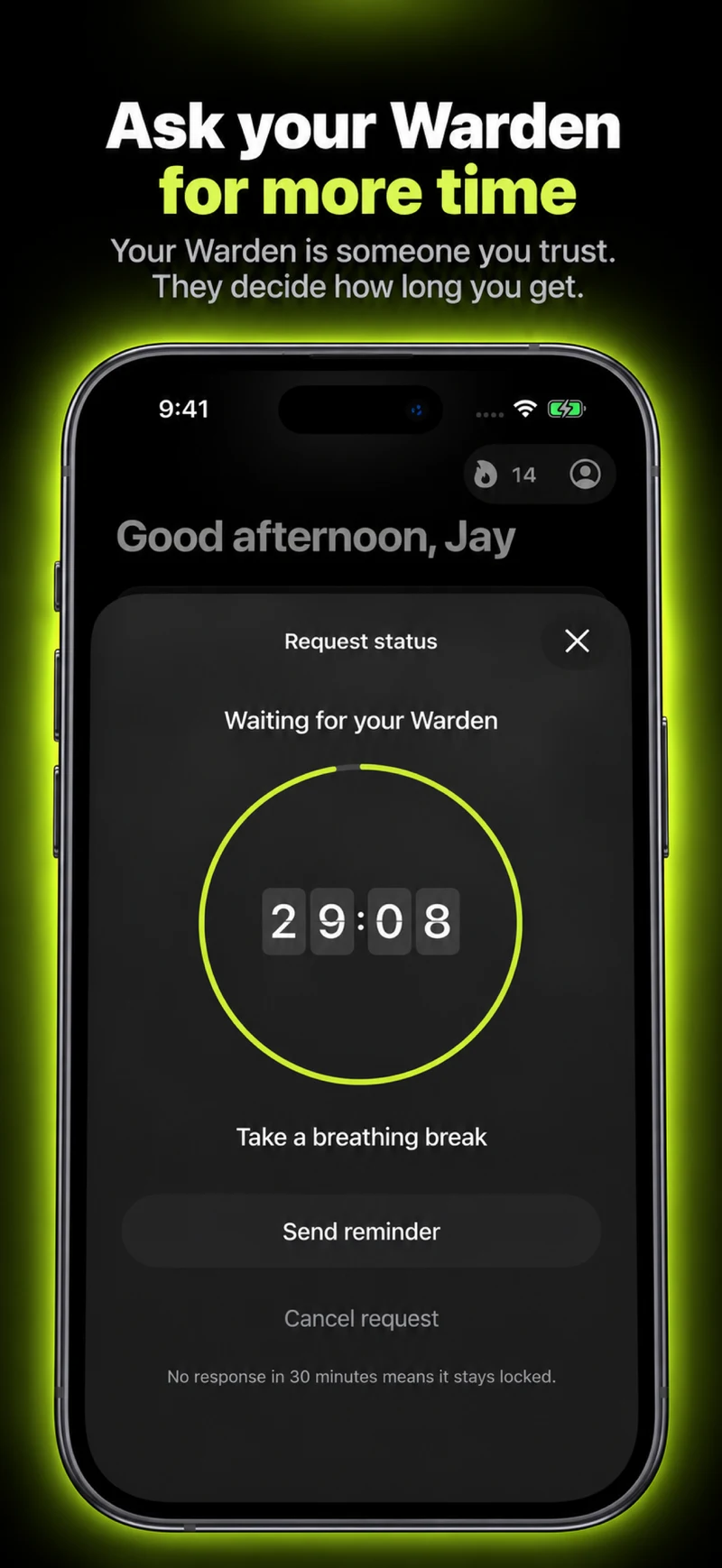
Freedom's Locked Mode is a commitment you make to yourself. If your plan breaks when you override your own limit, a second person can help. Warden lets you connect a trusted person, your Warden, who approves early access for the rules you choose.
Standard rules and Lockdown work without anyone else, and emergency access stays available.
If cost is the reason
Apple Screen Time is free. ScreenZen describes itself as free with optional donations, and Warden has a free plan. Other providers list paid tiers.
Check each provider's current plans rather than a comparison table, because prices and plan names change.
Example: the laptop is fine, the phone is not
Your work blocklist on the laptop holds all day, but your phone fills the gaps between tasks. You do not need to replace the laptop setup. Keep Freedom where it works and add an iPhone-only schedule for the hours your phone takes over, then compare the two weeks.
If the phone rule holds and the laptop rule rarely triggers, you have learned which device the problem lives on.