Warden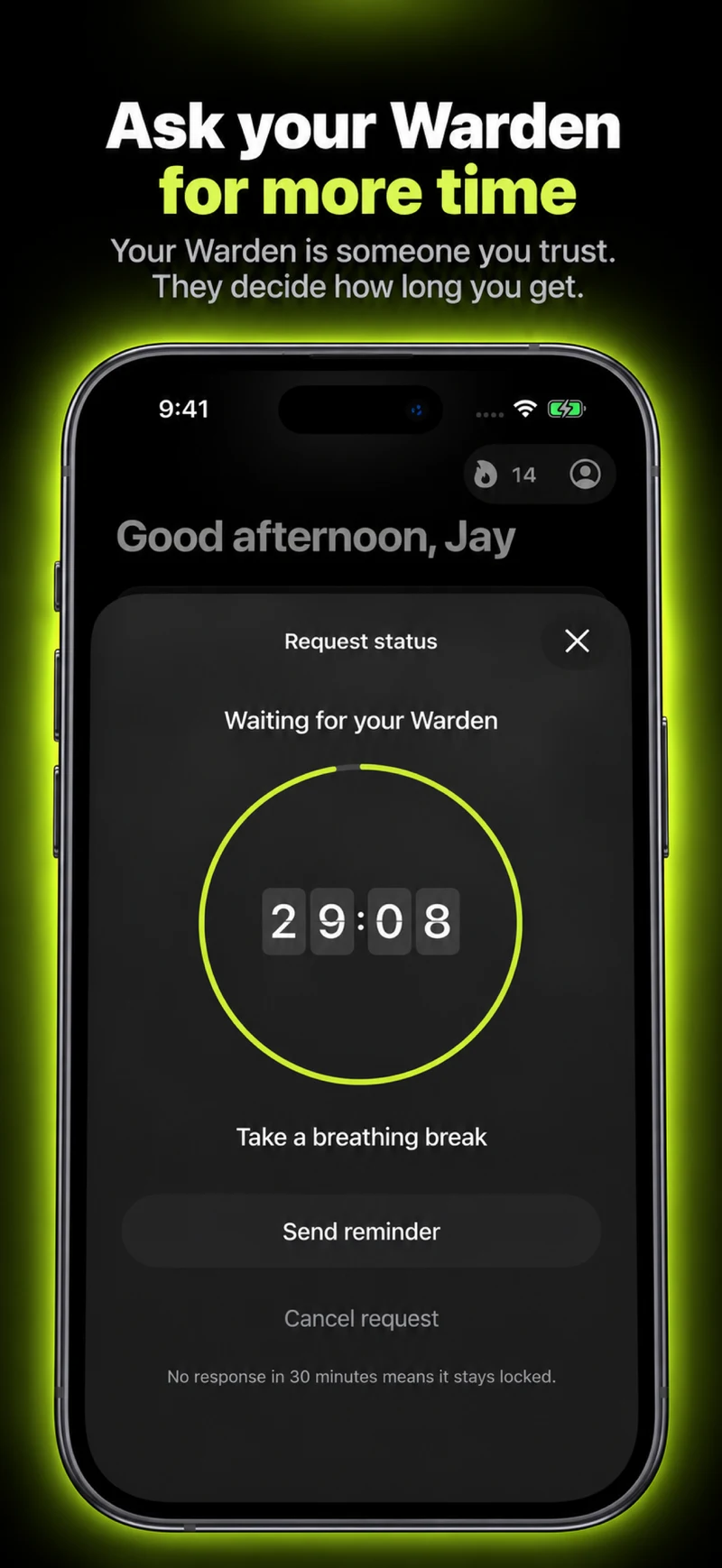
Explain the moment you want help with
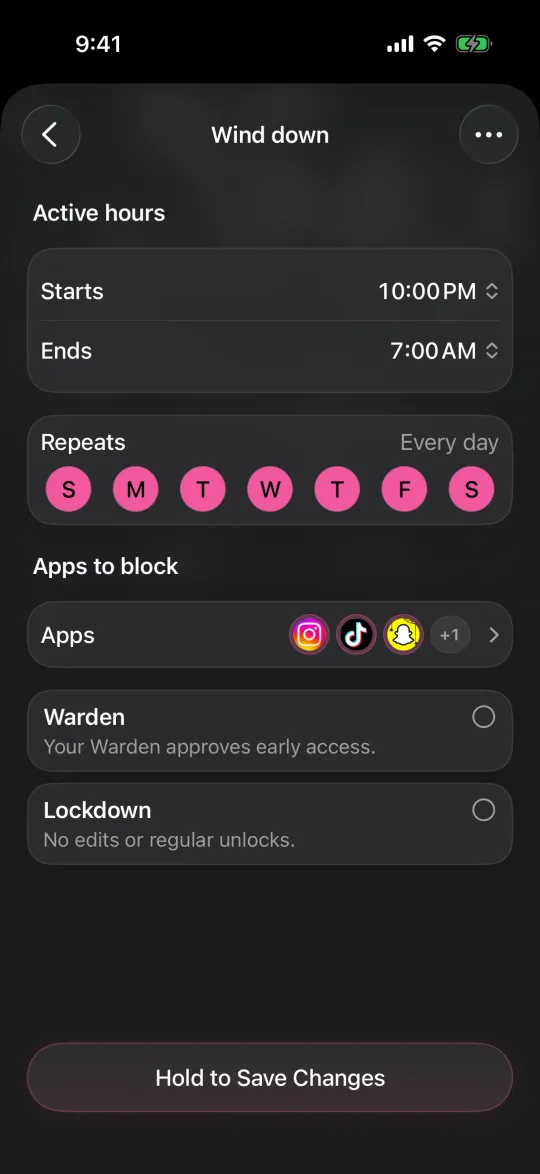
Tell your friend what the rule is for: revision, a bedtime window or finishing a particular project. Describe the apps and hours at a level they can understand without sharing more personal information than necessary.
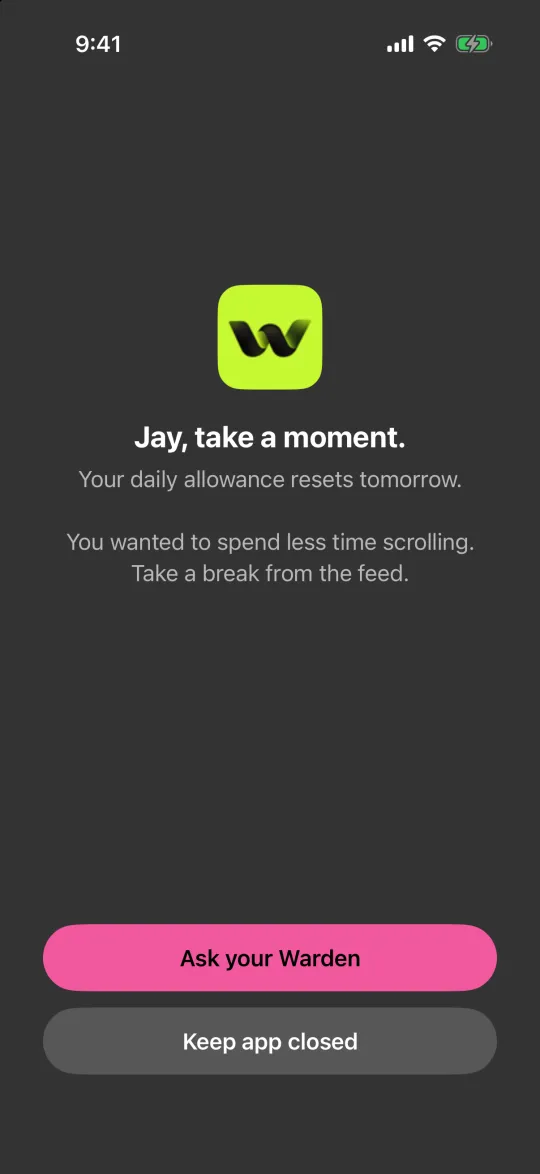
Instead of “stop me using my phone,” try “I’m keeping feeds closed during my 7 PM study hour, and I want early access to be a deliberate exception.” That gives your friend a decision they can actually make.
Ask about the cost to them
A friend may be happy to help but not available at your chosen time. Ask whether they want notifications, what response time is reasonable and when the arrangement would be inconvenient. Being willing once does not create an obligation to answer indefinitely.
Warden’s responder role does not require a paid subscription, but both people use the iPhone app for connected approvals. Explain that requirement up front rather than sending a link with no context and expecting them to complete a setup.
Choose one review point
Try the arrangement for a named period, then discuss whether it was useful. Did the rule catch the intended distraction? Were requests clear? Was the friend doing too much coordination? A short review prevents small misunderstandings becoming assumed rules.
Change the original block if legitimate requests keep recurring. A good setup should not require a friend to repair a poorly chosen app list every evening.
Keep the friendship outside the score
A refusal should refer to the agreement, not become a judgment about the person. An approval is not evidence that the friend is too soft. You are testing a practical arrangement, not either person’s loyalty.
If either person wants to stop, discuss how to end the connection safely. Essential communication and emergency access stay outside the challenge. A self-managed routine is a reasonable alternative when involving another person creates more pressure than help.
Ask a friend without assigning a second job
“Would you review an occasional request during my evening study hour? It is fine to be unavailable. I want help not casually reopening the selected apps, not someone checking my productivity.” Follow that with the time window, the trial length and how you will change or end the arrangement.
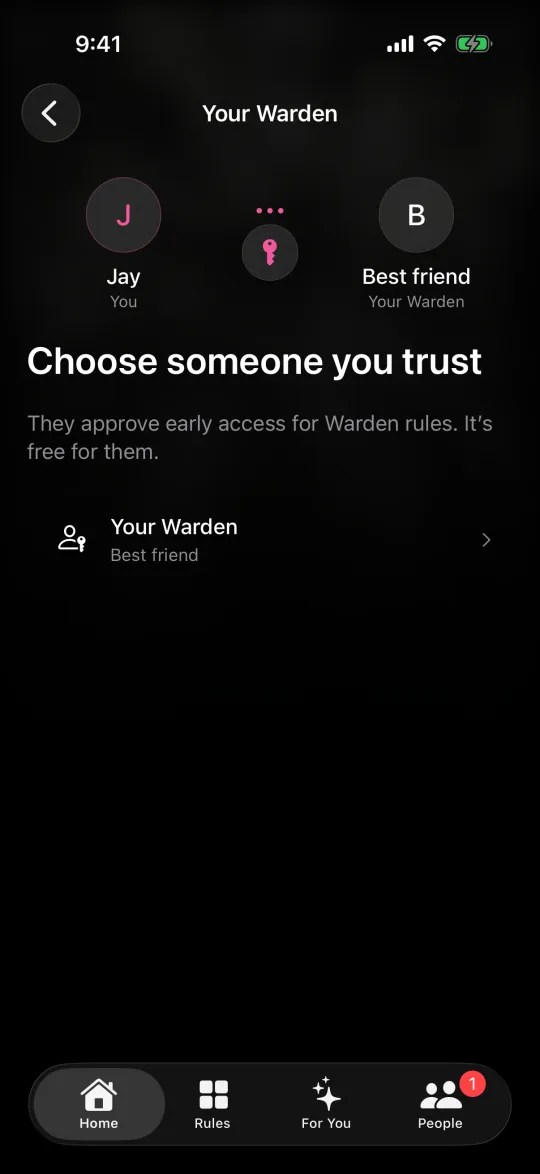
If they accept, start with a short rule and one test request together. Check that a pending invitation is not mistaken for a connected Warden. Later, if the requests become too frequent, revisit the selection or the agreed exceptions rather than expecting the friend to make increasingly difficult decisions.