Warden
Choose one situation you both want to change
Start with a concrete example: checking feeds throughout dinner, opening work chat during a conversation, or scrolling after you agreed to watch something together. Describe the behavior and the shared time affected rather than assigning a personality trait.
Ask whether both people want the same change. One person may need to remain reachable for care or work. An agreement that ignores that difference will generate exceptions immediately, even if both people genuinely want more uninterrupted time.
Write a short agreement
A useful draft could say: “During dinner we leave social feeds closed. Calls from family and anything urgent stay available. We can say when we need to check something, and we will review this next weekend.”
Add only what you need: the window, the apps, the exception and the review point. Avoid turning a modest boundary into a contract about the whole relationship. Each person should know how to pause the experiment or raise a concern without being punished.
Decide whether another person should approve access
You can both use self-managed schedules without approving one another’s phone use. A trusted-person arrangement is optional and should be chosen because that extra decision helps, not because it proves commitment to the relationship.
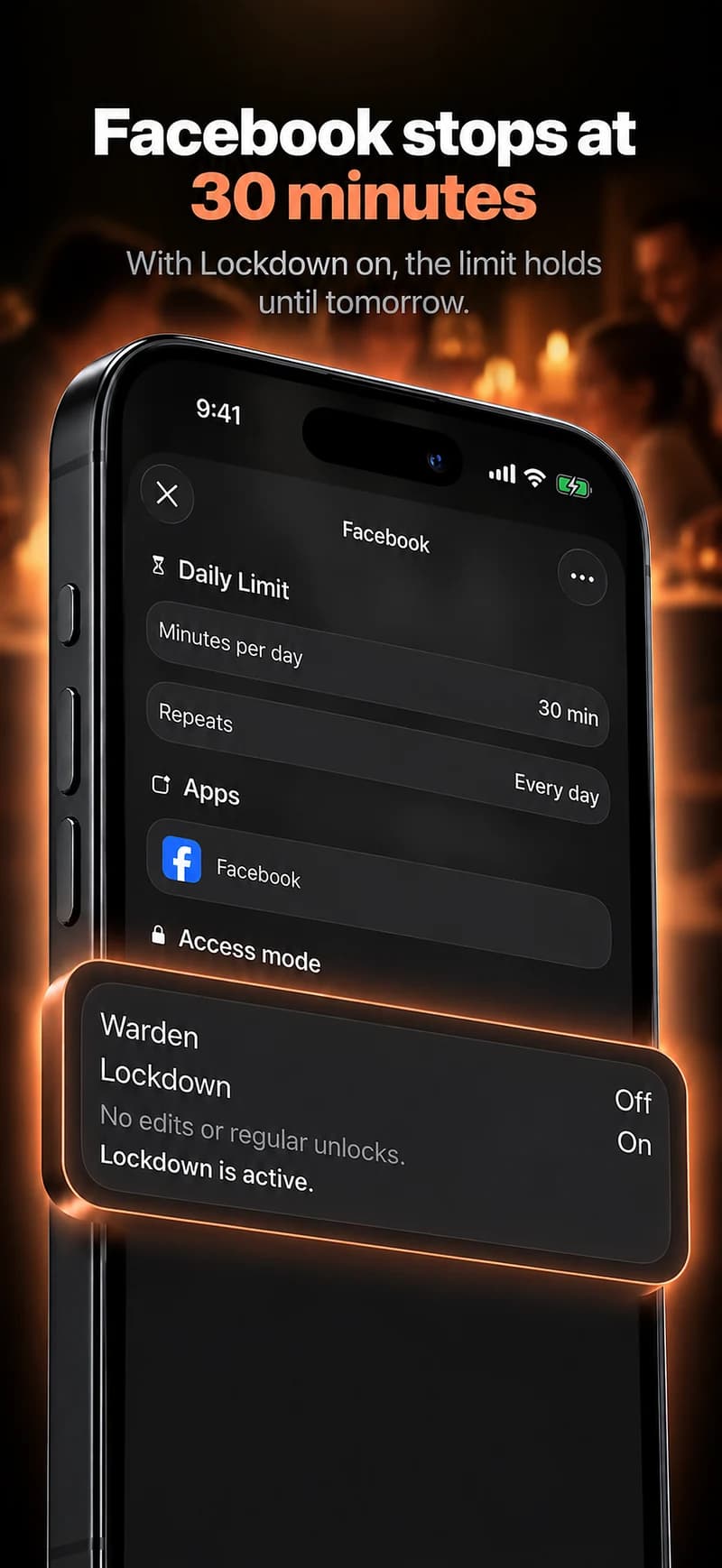
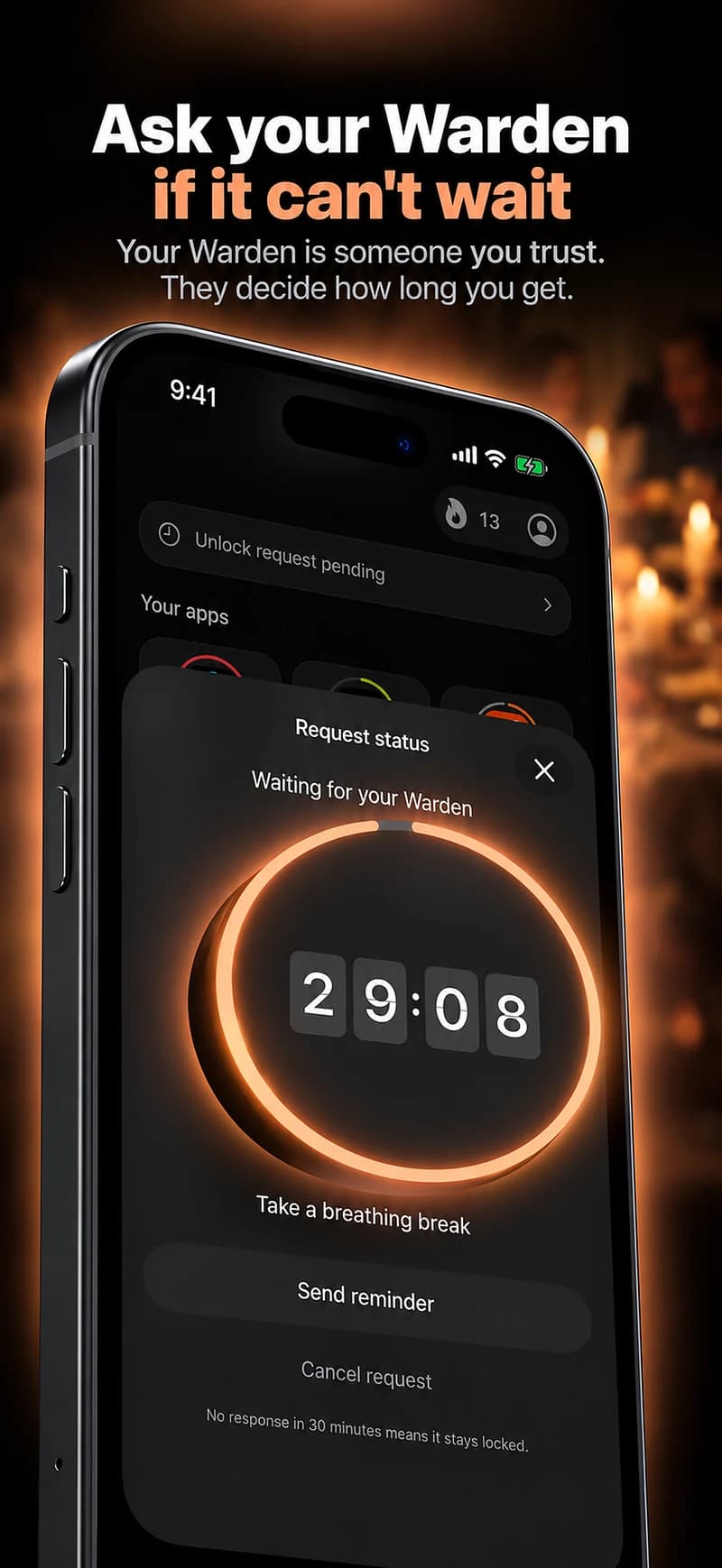
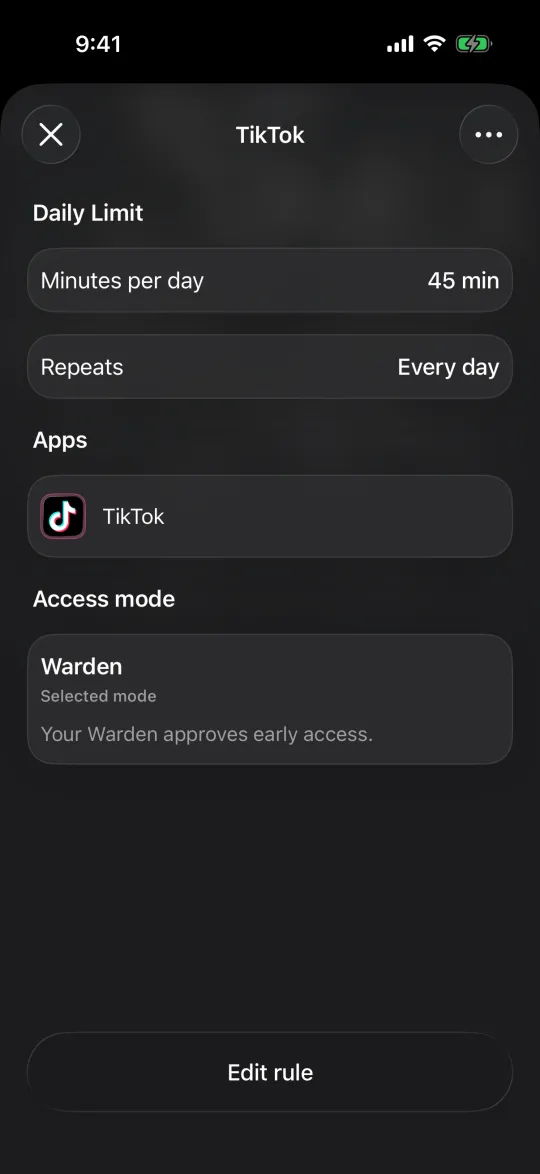
If you use Warden’s connected role, clarify whose rule is involved and how requests are answered. No one needs the other person’s account password. Sharing requests is not permission to inspect private messages or impose unrelated restrictions.
Review the experience without scoring each other
Ask whether the shared moment improved in the way you intended. Were interruptions reduced? Did exceptions make sense? Was one person doing more administration than expected? Those questions are more useful than comparing whose streak is longer.
Change the rule if it creates unnecessary friction. If the conversation reveals controlling behavior or fear of declining, a stricter app is not the solution. The arrangement must remain freely chosen, with safety and essential access outside the challenge.
A simple agreement for dinner
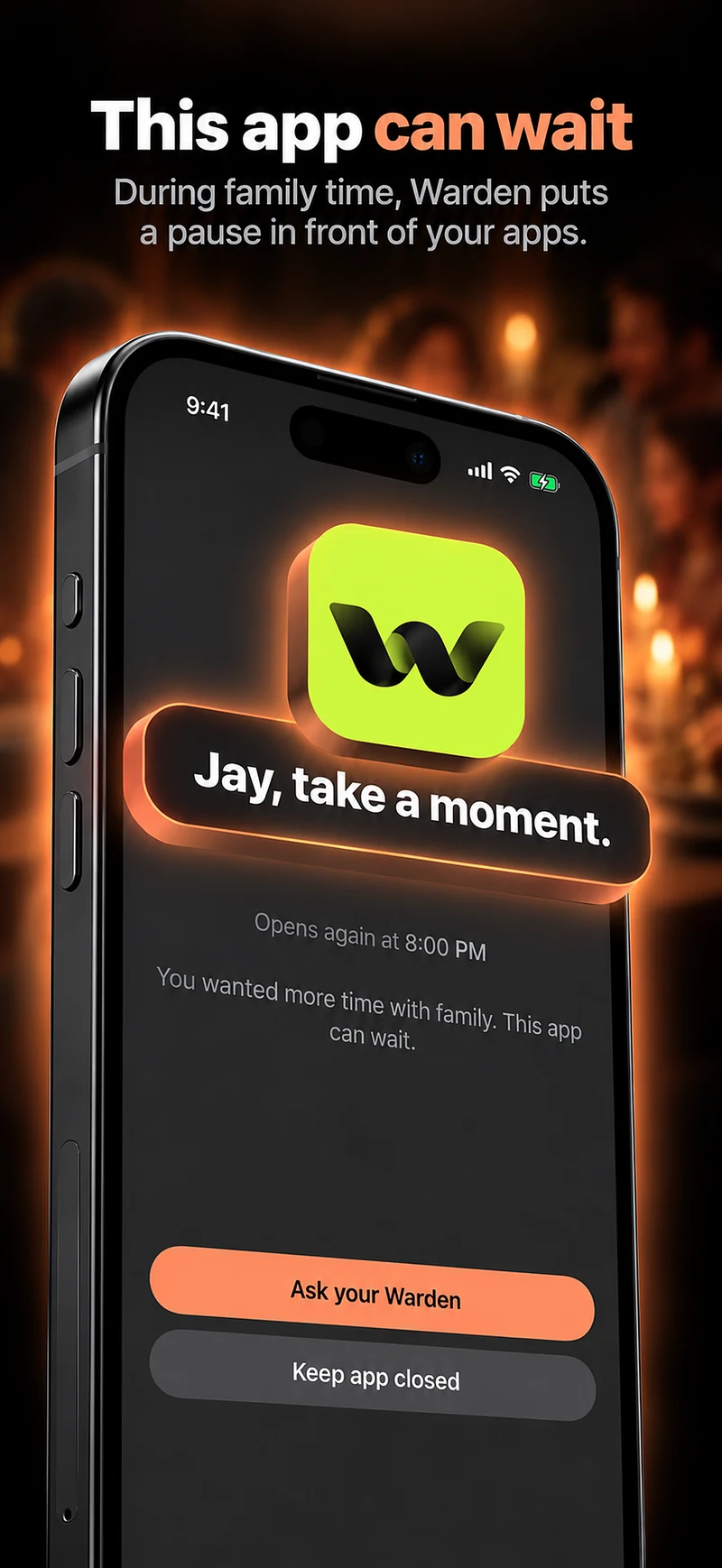
“From 7 to 8 PM, we will put the selected feeds aside while we eat. Calls from the people we care for remain available. If one of us is on call, we will say so before dinner. We will try this for a week and review whether the window fits.”
The example defines a moment and an exception without making one partner the other’s supervisor. Each person should control their own account and agree before becoming someone’s Warden. If the problem is feeling ignored, a technically stricter block is not a replacement for discussing what attention during the meal should look like.