Warden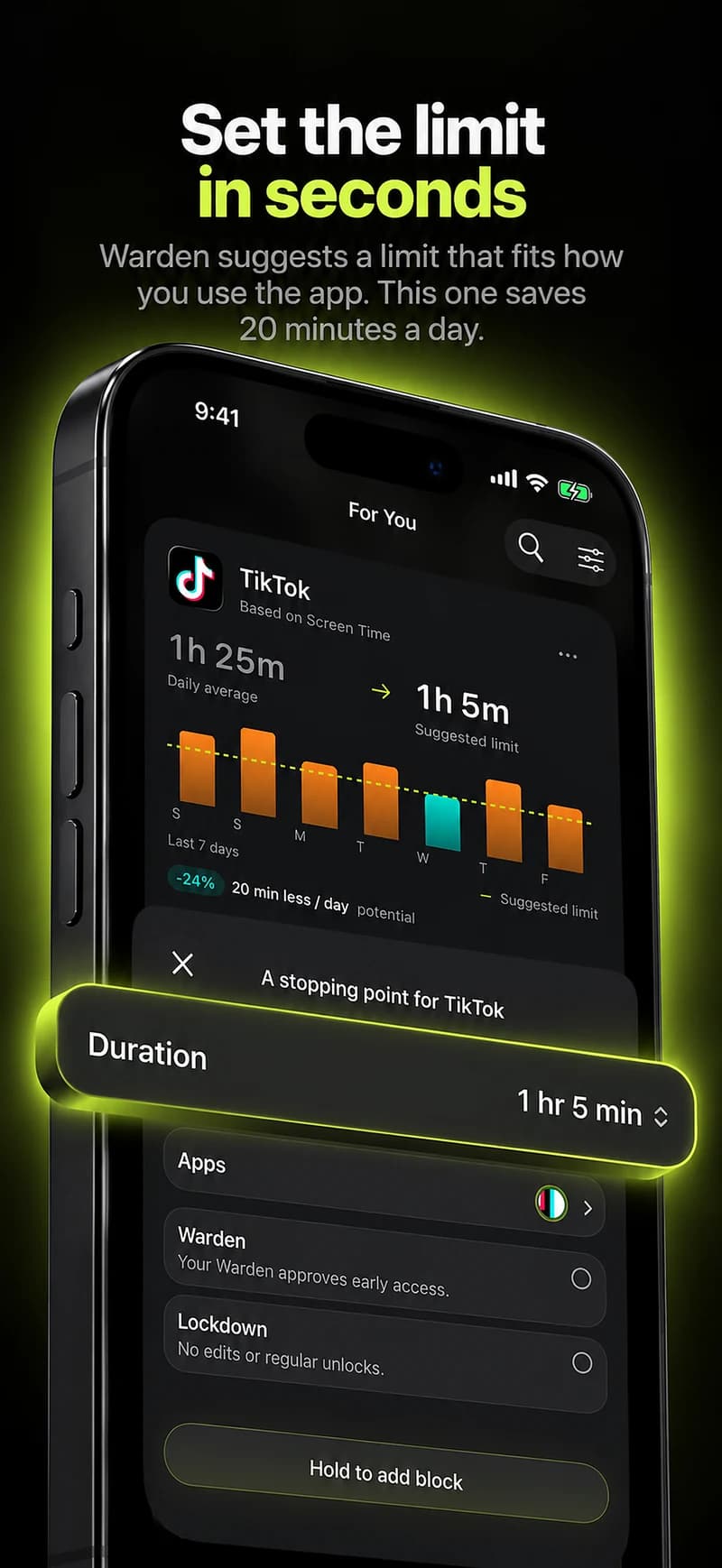
Choose a shared activity
Pick something with a natural beginning and end: a weekday dinner, an hour of shared revision, or watching a film together. Explain the interruption you want to reduce and ask whether others want the same change.
A household contains different shifts, family responsibilities and access needs. A phone-free dinner at a particular time may be easy for one person and impossible for another. Let people choose a version that fits instead of requiring identical app lists.
Name the exceptions
Calls about care, work obligations, tickets, transport and accessibility may need to remain available. Agree that someone can explain a necessary check without turning it into a public defense of their phone use.
For an ordinary example, everyone keeps feeds closed during dinner but can answer a call they identify as urgent. That is a shared routine, not permission to inspect another person’s messages.
Decide whether software adds anything
A physical charging spot or a simple self-managed schedule may be enough. An approval system is useful only when someone actively wants that extra support. Do not make one roommate the default phone administrator because they suggested the idea.
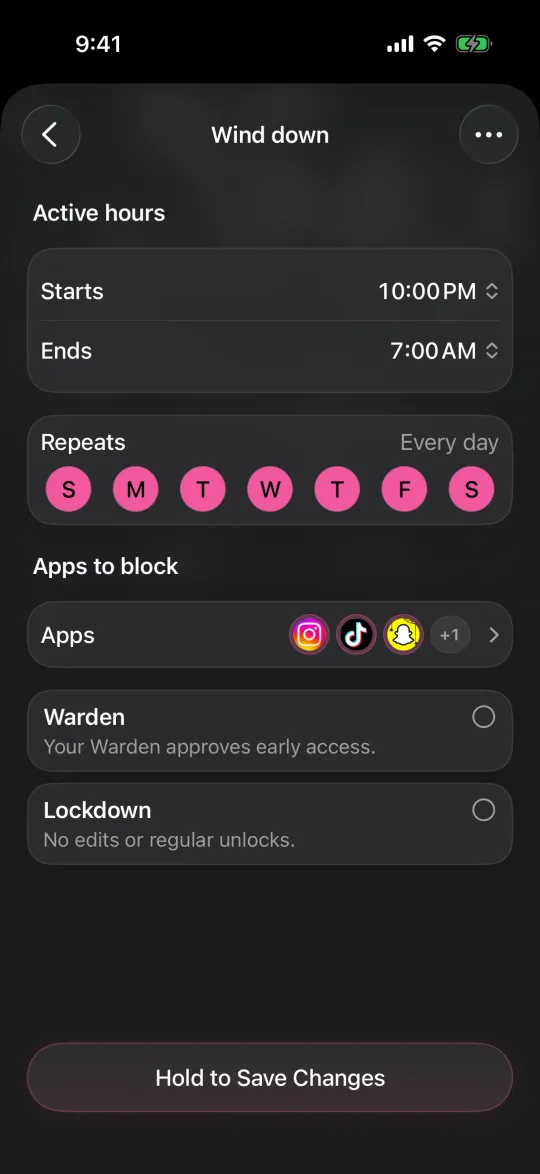
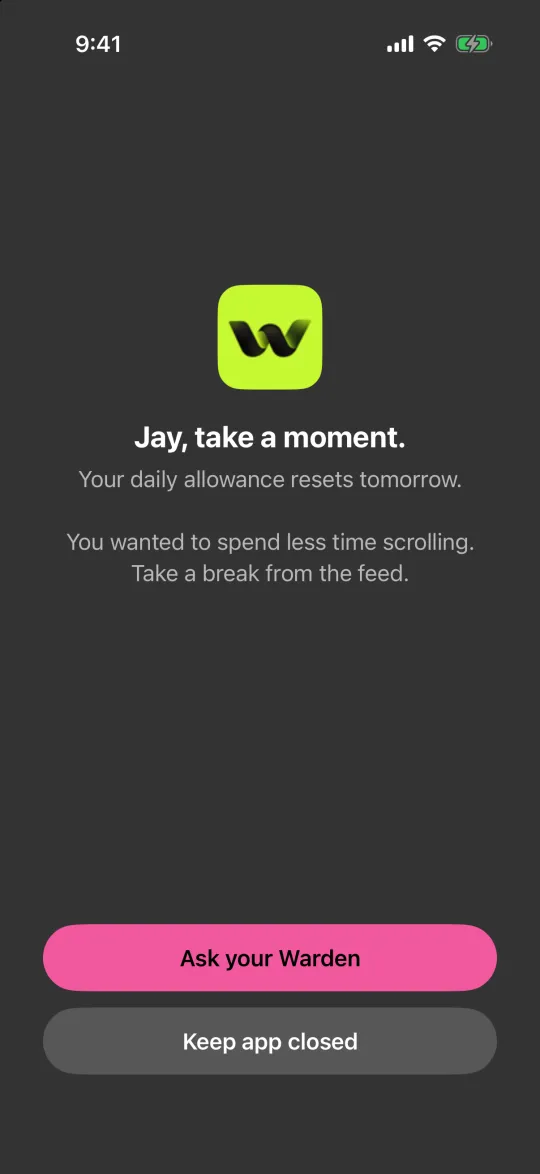
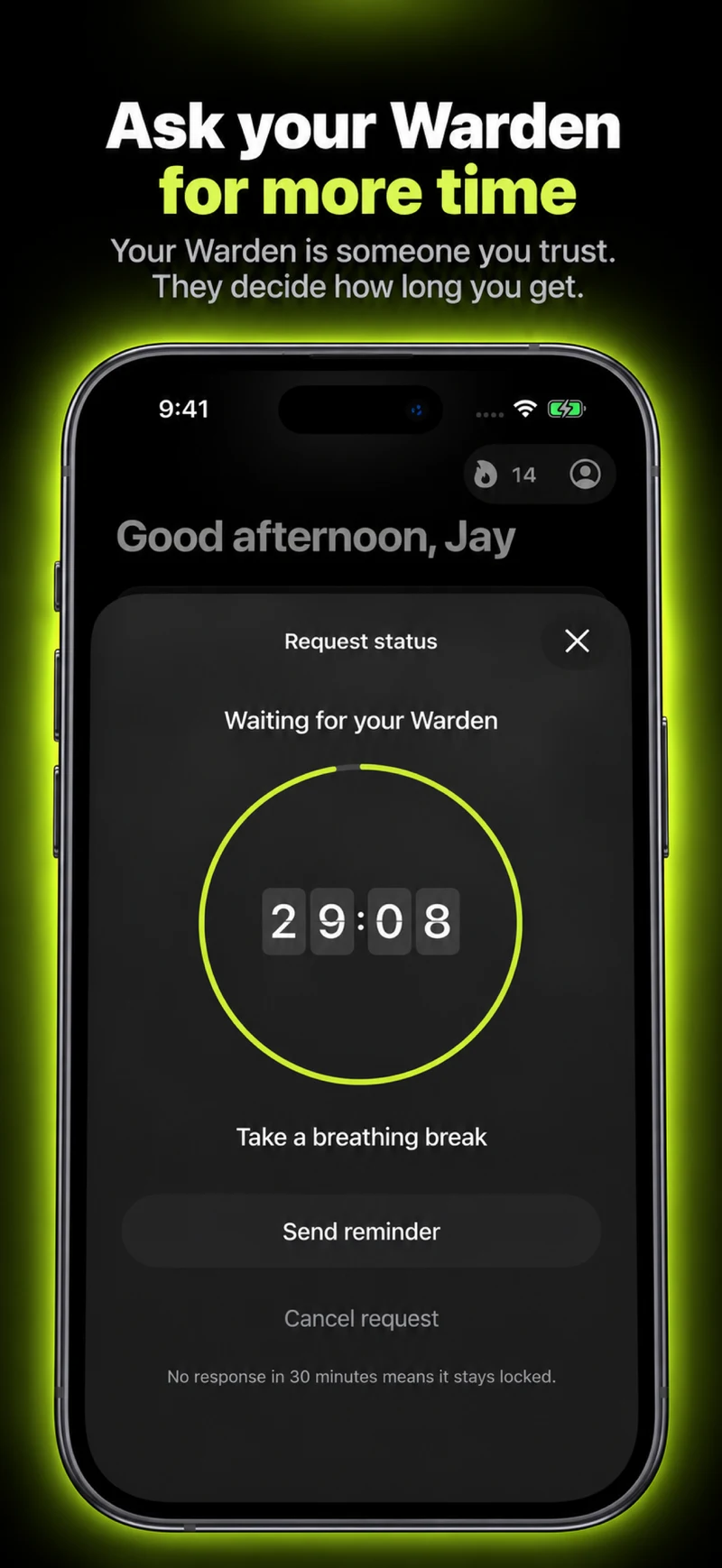
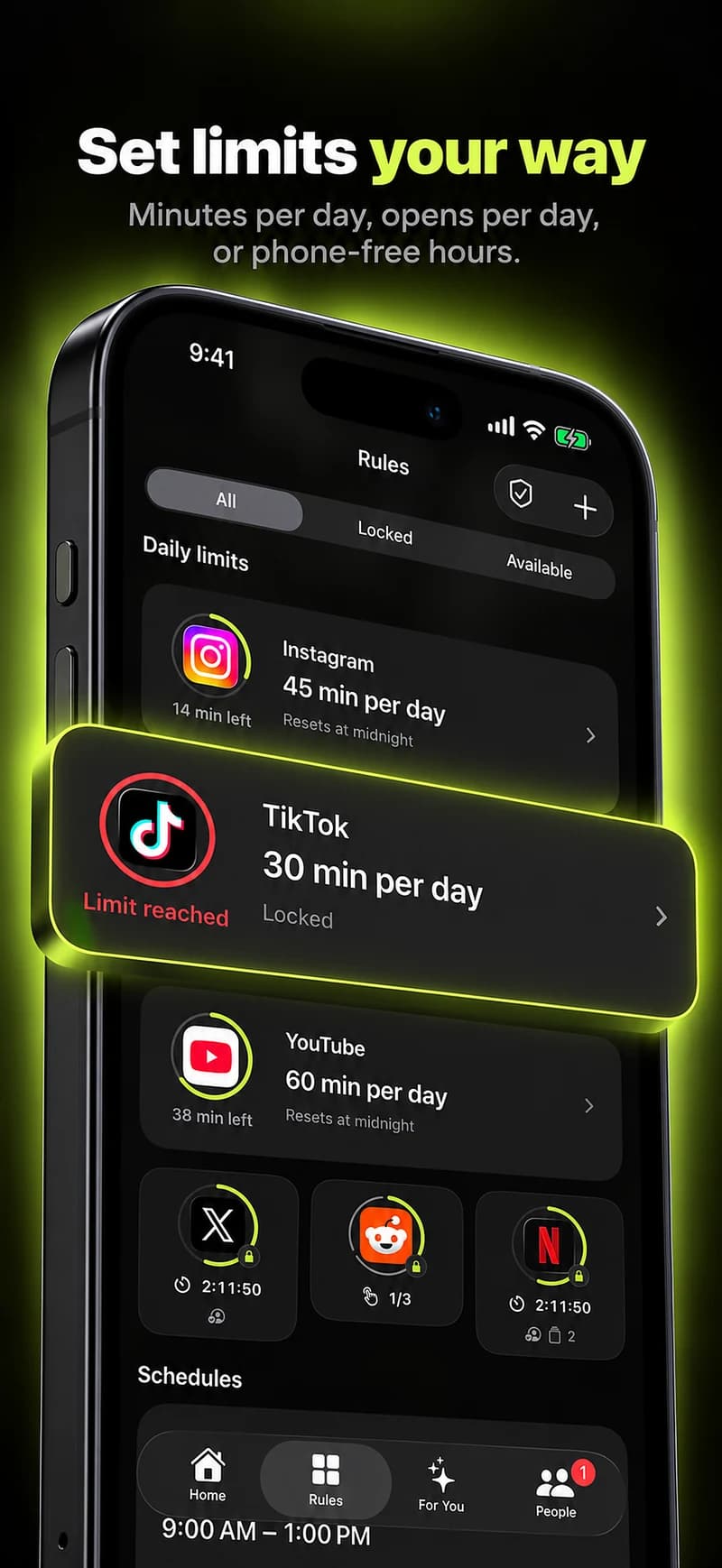
Warden can support selected routines or voluntary trusted-person requests. Start with one short window and inspect what is actually blocked. A new app should reduce coordination, not create another household chore.
Review without creating penalties
After a few sessions, ask what worked and what felt awkward. Consider moving the time, narrowing the apps or using a different arrangement for someone on call. Keep the purpose tied to the shared activity.
Avoid fines, public rankings or demands for private activity reports. Those are additional agreements with different risks, not necessary parts of a phone pact. Anyone should be able to say that the arrangement no longer suits them.
Keep the agreement within the shared space
A roommate agreement might cover dinner or a shared study session. It does not need to extend to a person’s private time. Say which hours you want to protect, which exceptions matter and whether everyone is making their own rule or only agreeing to put phones away.
Different work shifts, caring responsibilities and access needs can mean different arrangements. Avoid collecting another person’s device history to prove compliance. Review whether the shared activity felt easier to do, and let people revise or leave the agreement rather than turning a household routine into an enforcement system.