Warden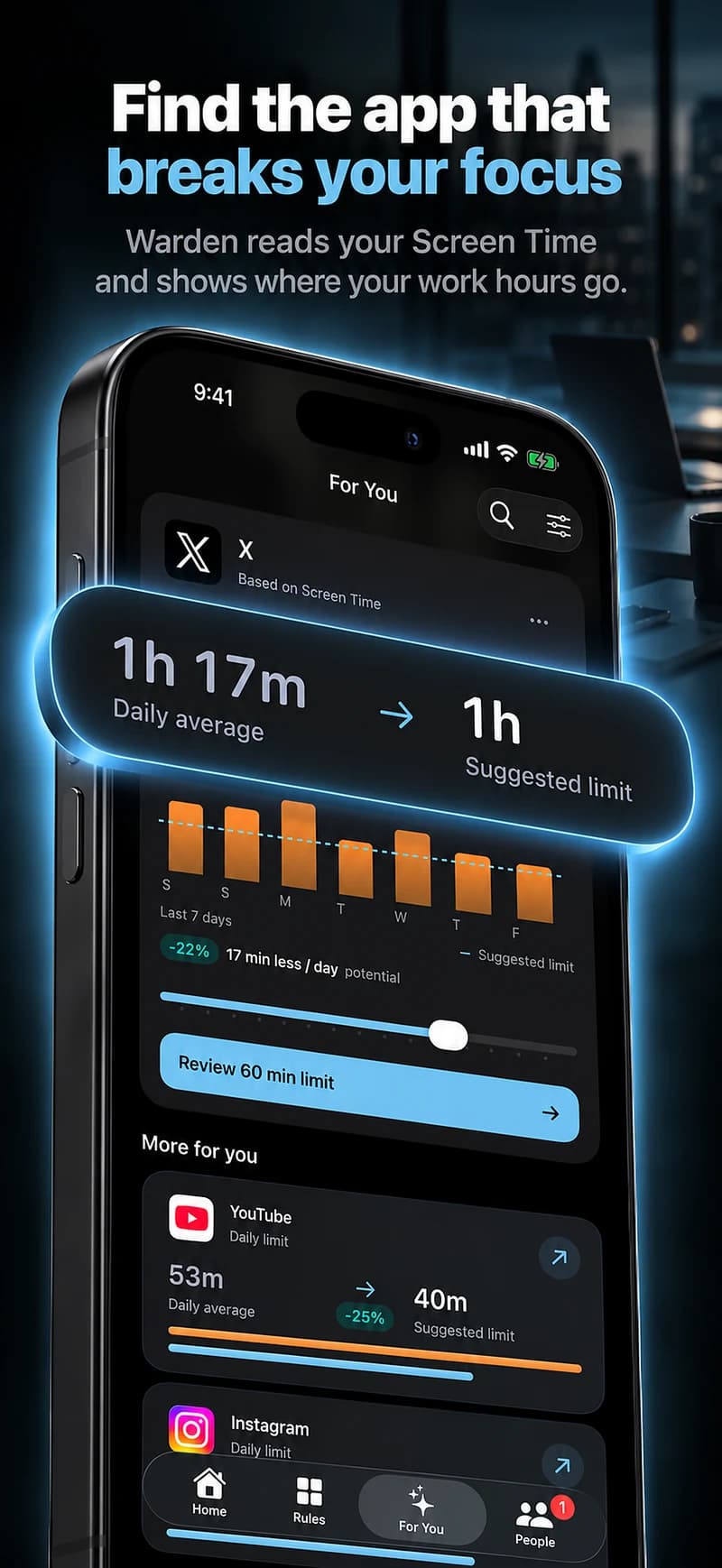
Give the first task a defined window
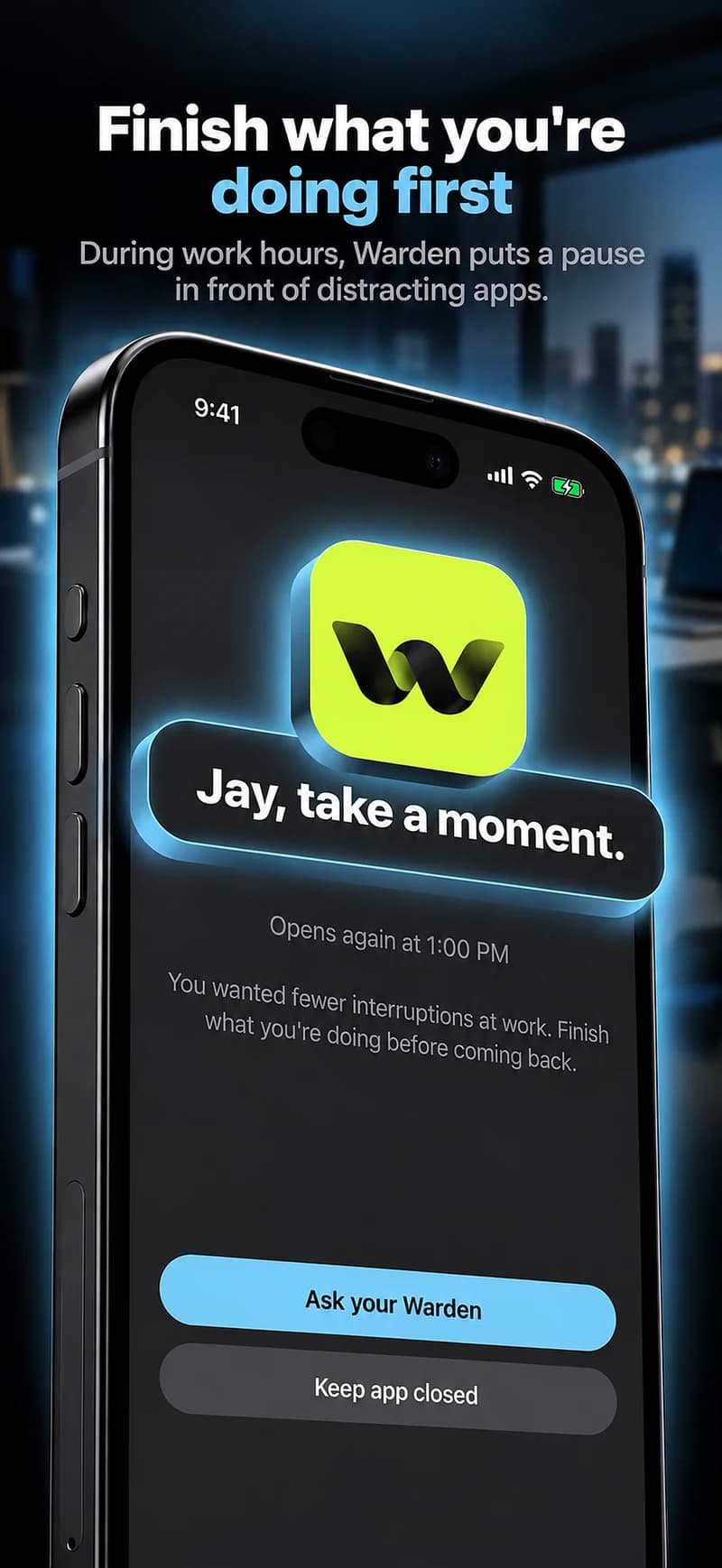
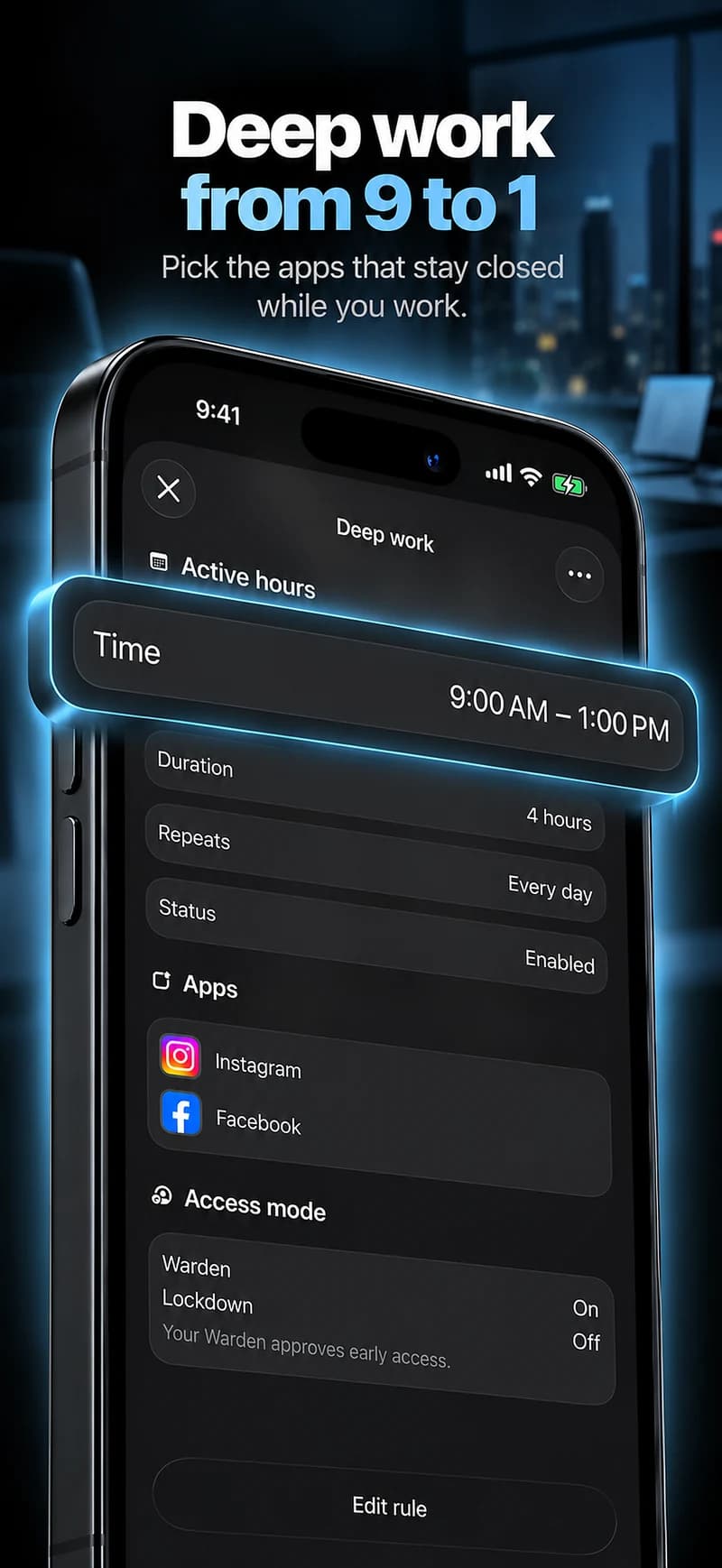
Before opening feeds, choose the task that needs your attention first. Set a focus session or recurring block around that work, with the selected distractions unavailable. Keep the period realistic enough to use on a normal day with meetings and messages.
An example is 45 minutes on the first task before checking nonessential apps. That number is a starting point, not a productivity rule. If mornings are dominated by care or calls, choose a later window instead of judging the day against an unsuitable plan.
Keep work access from becoming a loophole
A research browser, work chat or social account may be necessary for your job. Blocking all of them can force frequent exceptions, while exempting everything leaves the original distraction untouched. Identify the narrowest scope the tool can support.
Separate task-specific use where possible. Open the required document or conversation before starting, and define what you need from it. Do not assume an app-level blocker can distinguish every work message from casual browsing inside the same app.
Plan a break without extending it indefinitely
A break can be part of the day rather than a failure of the block. Decide how long the break is and what marks the return to work. If your chosen break app reliably takes longer than intended, use an allowance or choose a different break activity.
Keep one change at a time. An elaborate set of overlapping rules can make it difficult to tell whether the issue is the schedule, the app selection or a technical problem.
Give work an end as well
A home-work boundary can work in both directions. Decide when you no longer want nonurgent work activity and review appropriate notification settings. Protecting personal time should not require disabling emergency or on-call obligations.
At the end of the week, review one work window and one personal window. What was interrupted, what exceptions were legitimate and what needs changing? A full-phone total alone cannot answer those questions because some of that use may be the work itself.
Define the boundary around a task
Working from home can involve meetings, delivery messages and household responsibilities as well as uninterrupted tasks. Start with one predictable window, such as the first 45 minutes after a scheduled meeting, instead of a rule that assumes the whole day is free of exceptions.
Keep breaks explicit. If you want to browse during lunch, review how the daily allowance and schedule interact so that the break does not unexpectedly exhaust time needed later. At the end of the week, adjust the routine around what actually happened. Do not make it stricter solely because the original schedule was unrealistic.