Warden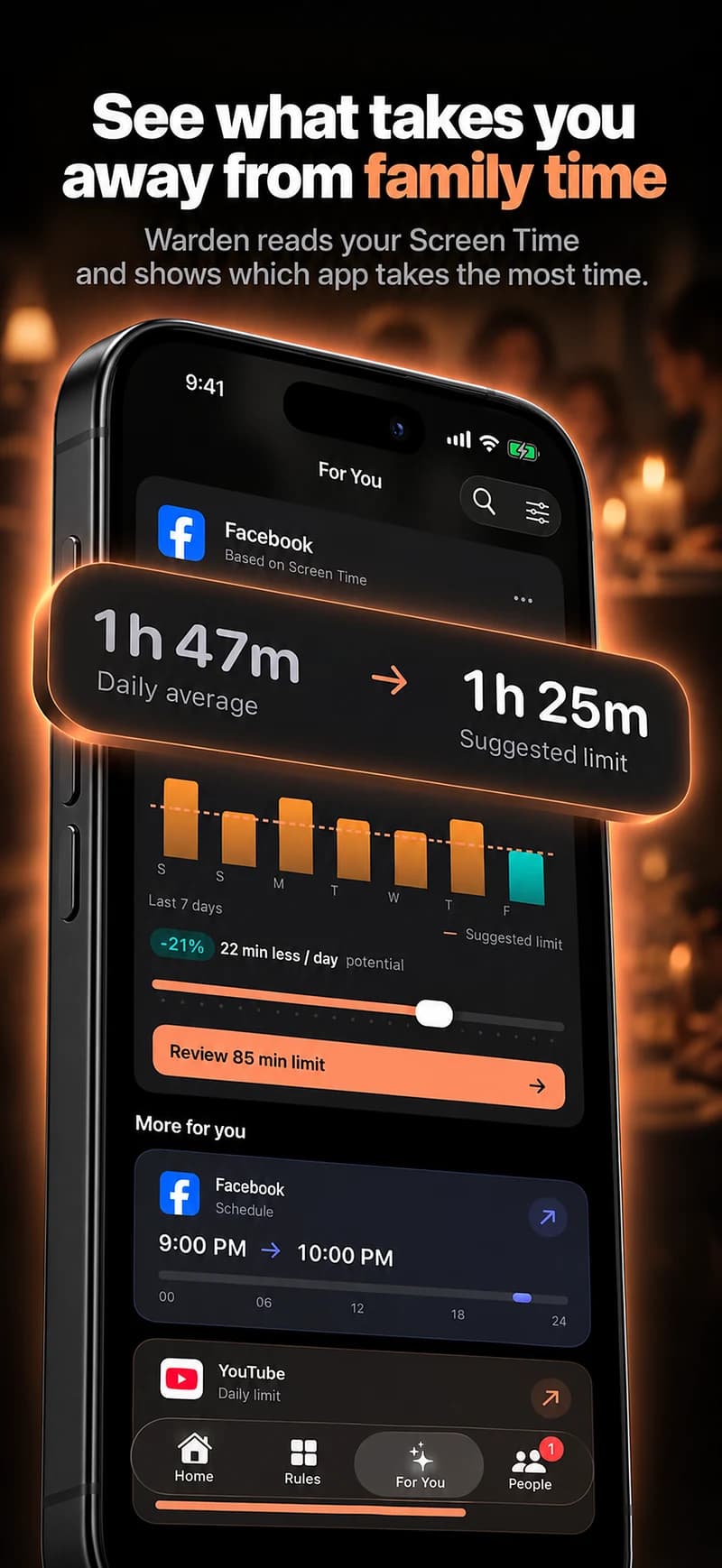
Describe what happened and what you want instead
Choose an ordinary moment, not the middle of an argument. “During dinner yesterday, we both kept returning to our phones” gives you something specific to discuss. “You are always on your phone” is harder to answer and can obscure legitimate uses.
Suggest a small alternative: one meal without feeds, a short conversation without notifications, or keeping work checks to an agreed break. Ask how that would fit their responsibilities before choosing a rule or installing an app.
Distinguish useful use from the interruption
A phone can contain work, care, accessibility tools, directions and social contact. The total for the day does not tell you which activity affected your shared time. Avoid treating a usage chart as proof of disinterest.
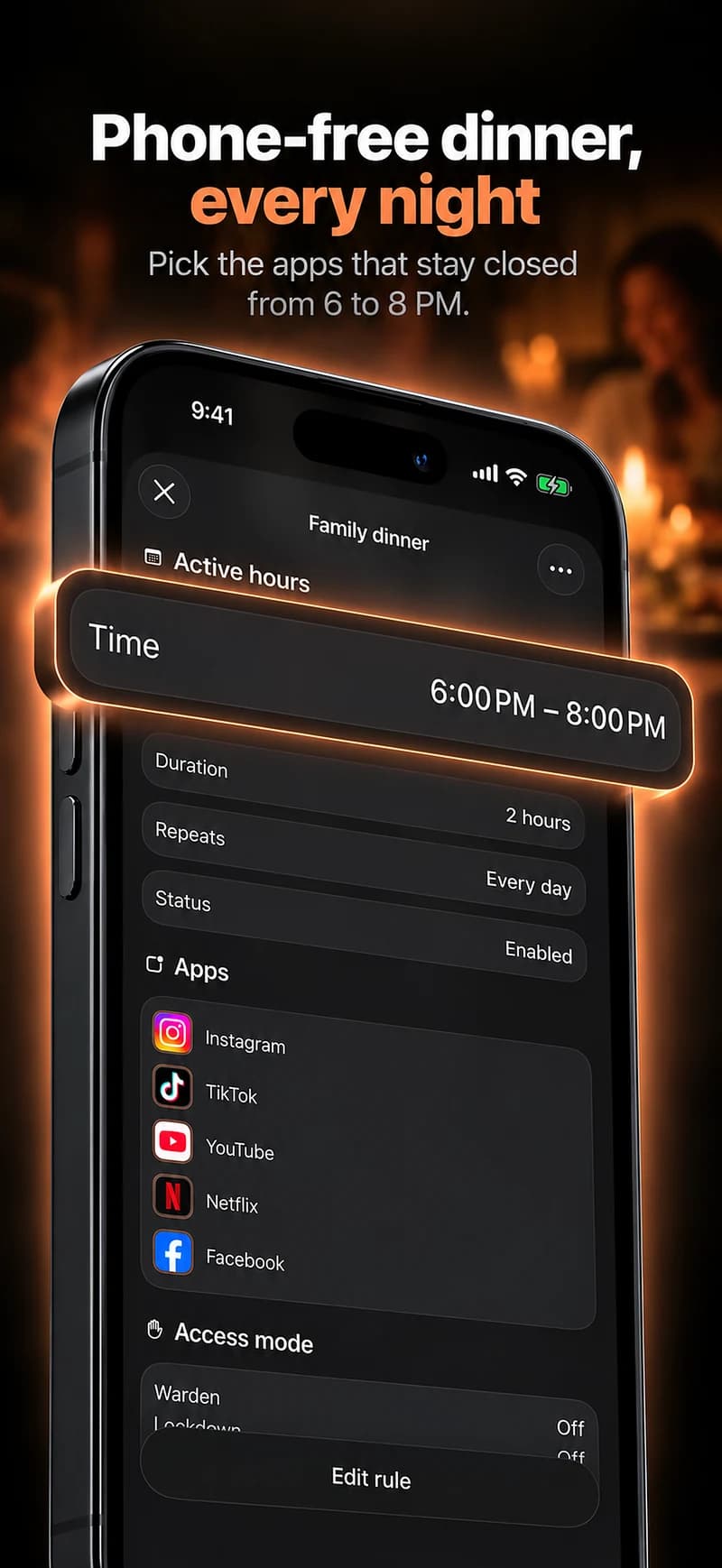
Focus on the apps and moments involved. If the issue is notifications, notification settings may help. If the issue is deliberately reopening a feed during a chosen window, a limit or schedule may be more relevant.
Make any technical arrangement voluntary
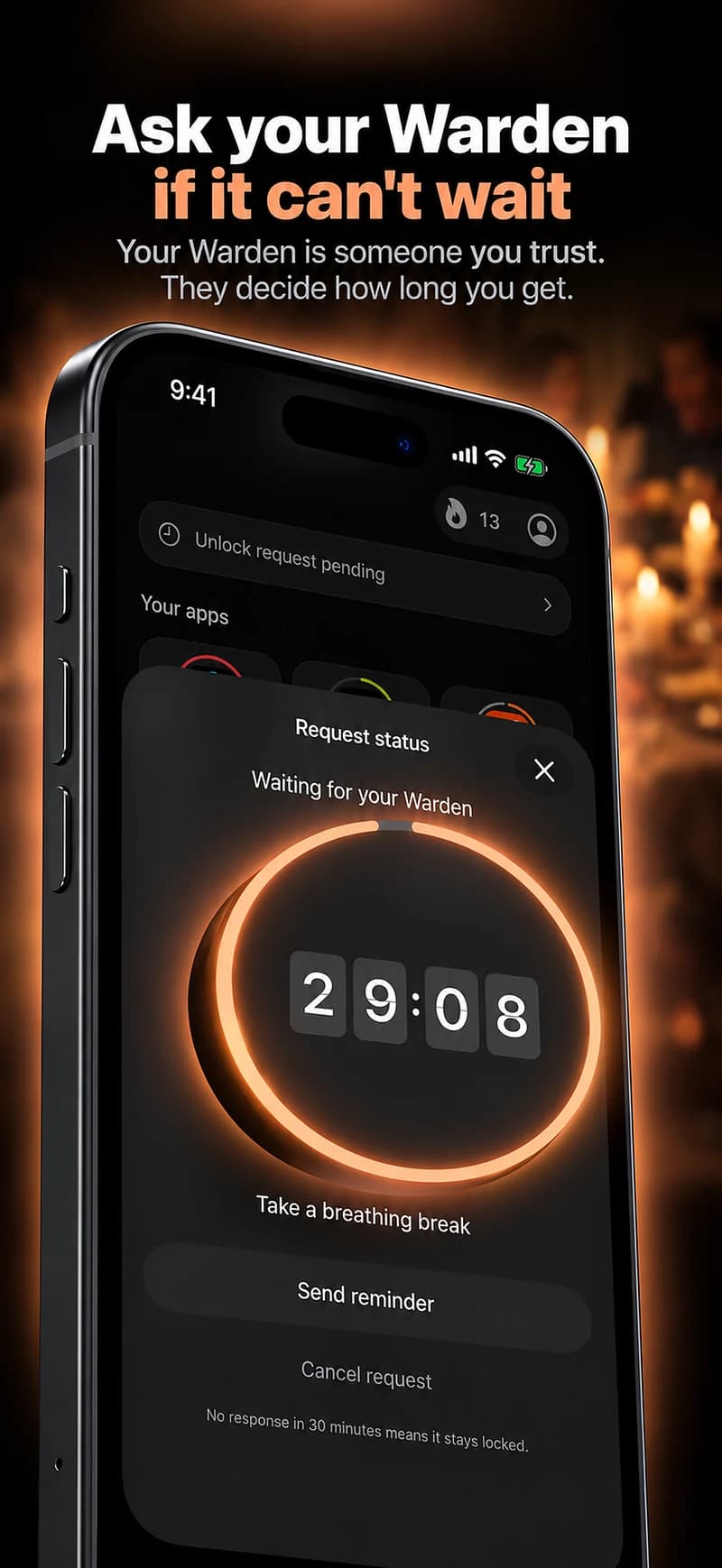
Offer a tool as an option, not a condition of trust. Each adult should control their own account and freely agree to any person reviewing early-access requests. Do not ask for passwords or use a setup process to gain access to private messages.
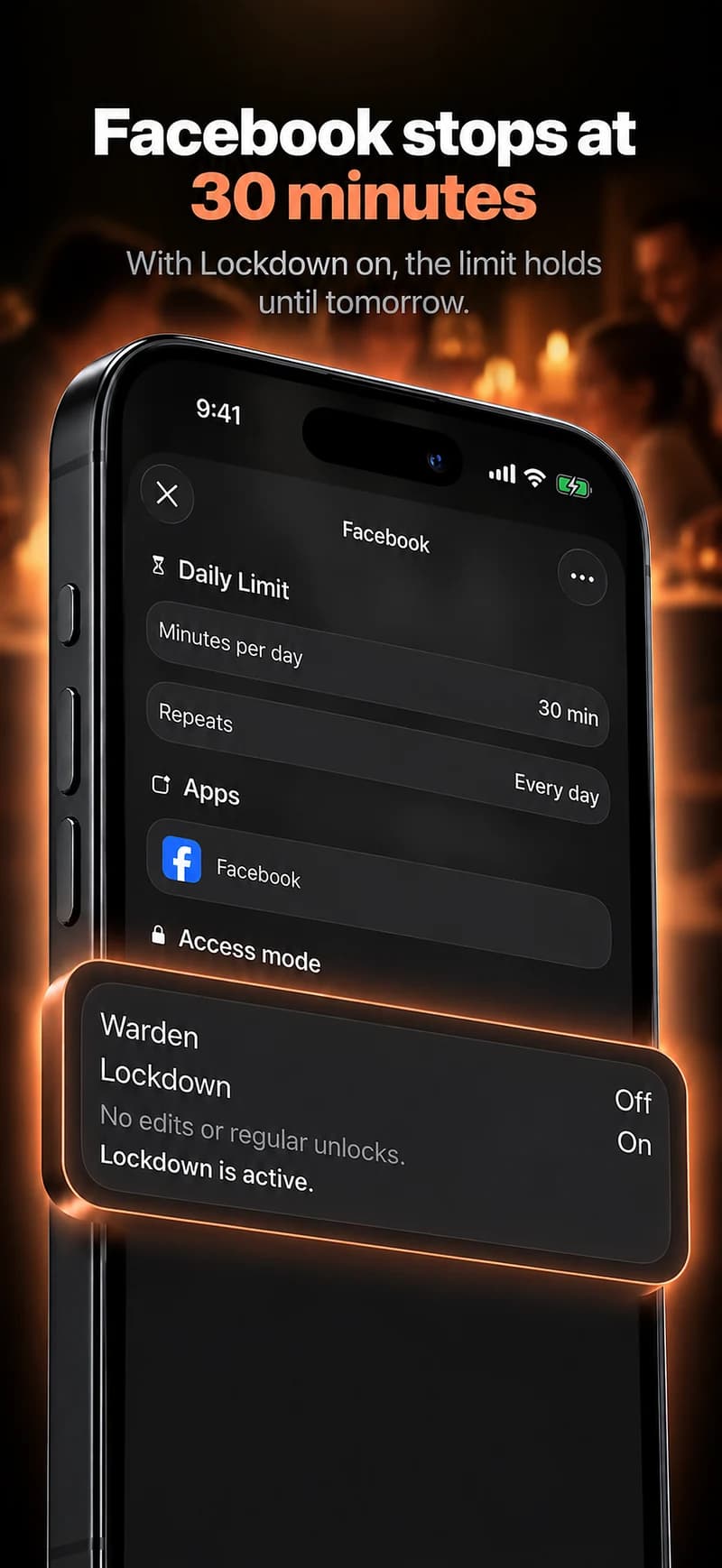
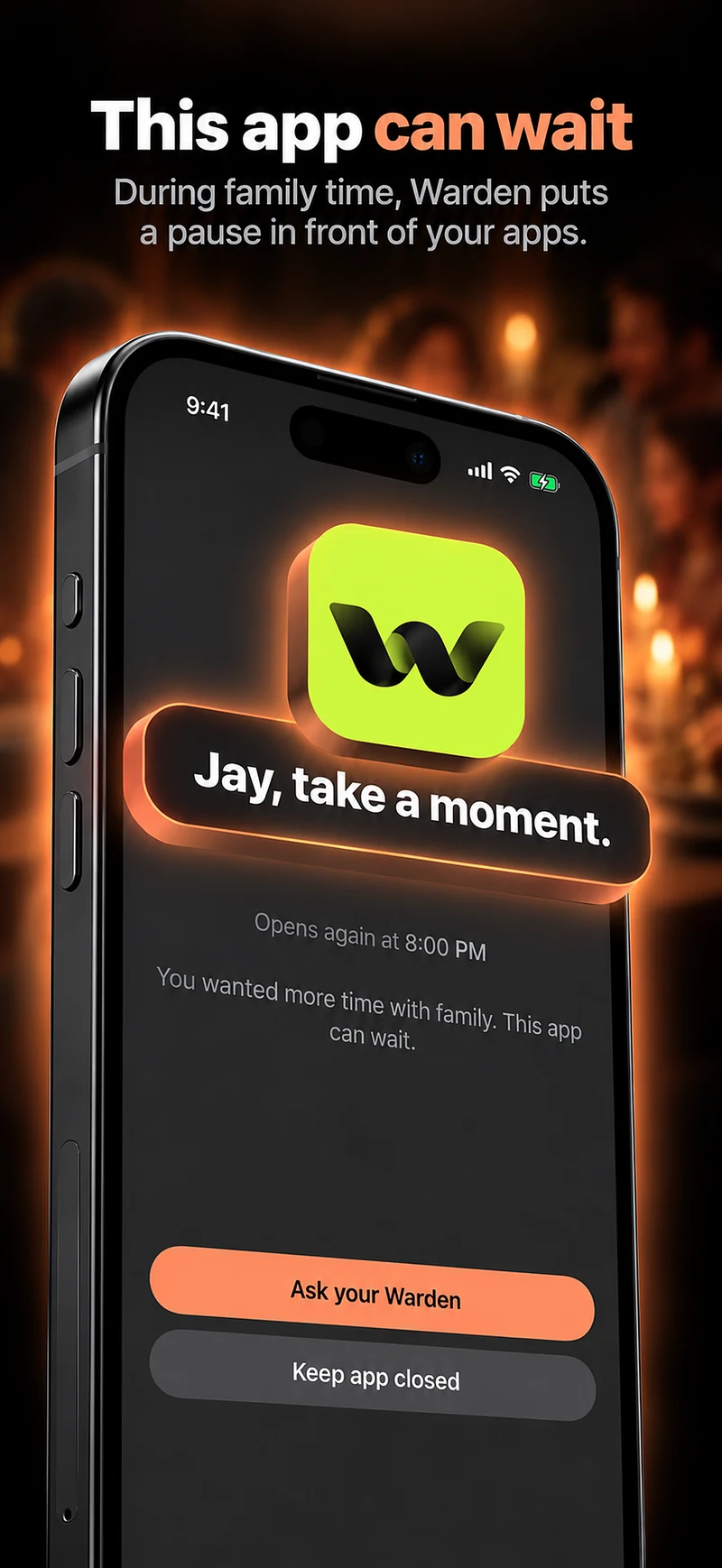
Warden’s connected role is intended to support a boundary the owner chose. It is not a surveillance console or a way to enforce one partner’s preferences over the other person’s objections.
Know what a product cannot fix
A recurring phone boundary may reduce a particular interruption, but it does not resolve a disagreement about attention, work or privacy by itself. Check whether the small experiment addresses the concern rather than collecting more data to win an argument.
If the arrangement becomes coercive or unsafe, stop treating it as a productivity experiment and seek appropriate support. A stricter block is not a substitute for consent, communication or help with a difficult relationship.
Make the request observable
Instead of “you are always on your phone,” describe one moment: “During our last two dinners, I found it hard to finish a conversation because we kept checking our phones. Could we try putting the feeds aside while we eat?” That gives the other person a specific request to consider.
Ask about work, care and other reasons they may need access. You can disagree about a boundary without treating their usage report as evidence of a diagnosis or a lack of care. Only introduce an app-based rule after you agree on the arrangement, not as a way to impose the outcome of the conversation.