Warden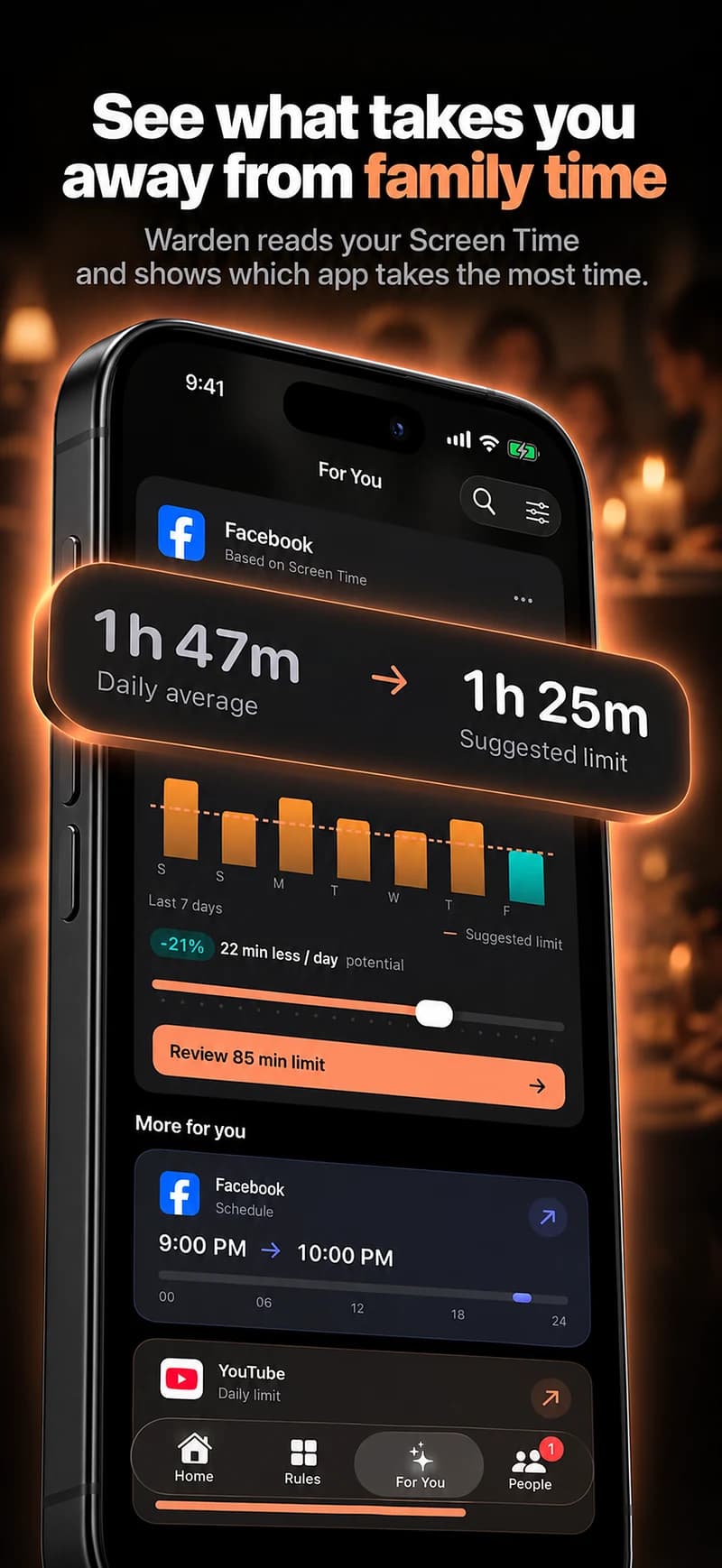
Name the interruption without blaming the device
A feed opened during a call is a different problem from time spent on that call. A daily screen-time total combines both, so it cannot tell you whether the phone supported the relationship or interrupted it.
Discuss a particular moment: checking social apps while talking, replying to work messages during a planned catch-up, or continuing to browse after saying goodnight. Decide which behavior each person actually wants to change.
Make room for different time zones
Agree on a realistic window for shared time and review the local hours on each device. A schedule that looks reasonable in one place may block a call in the other. A changing work shift or travel plan may require an adjustment.
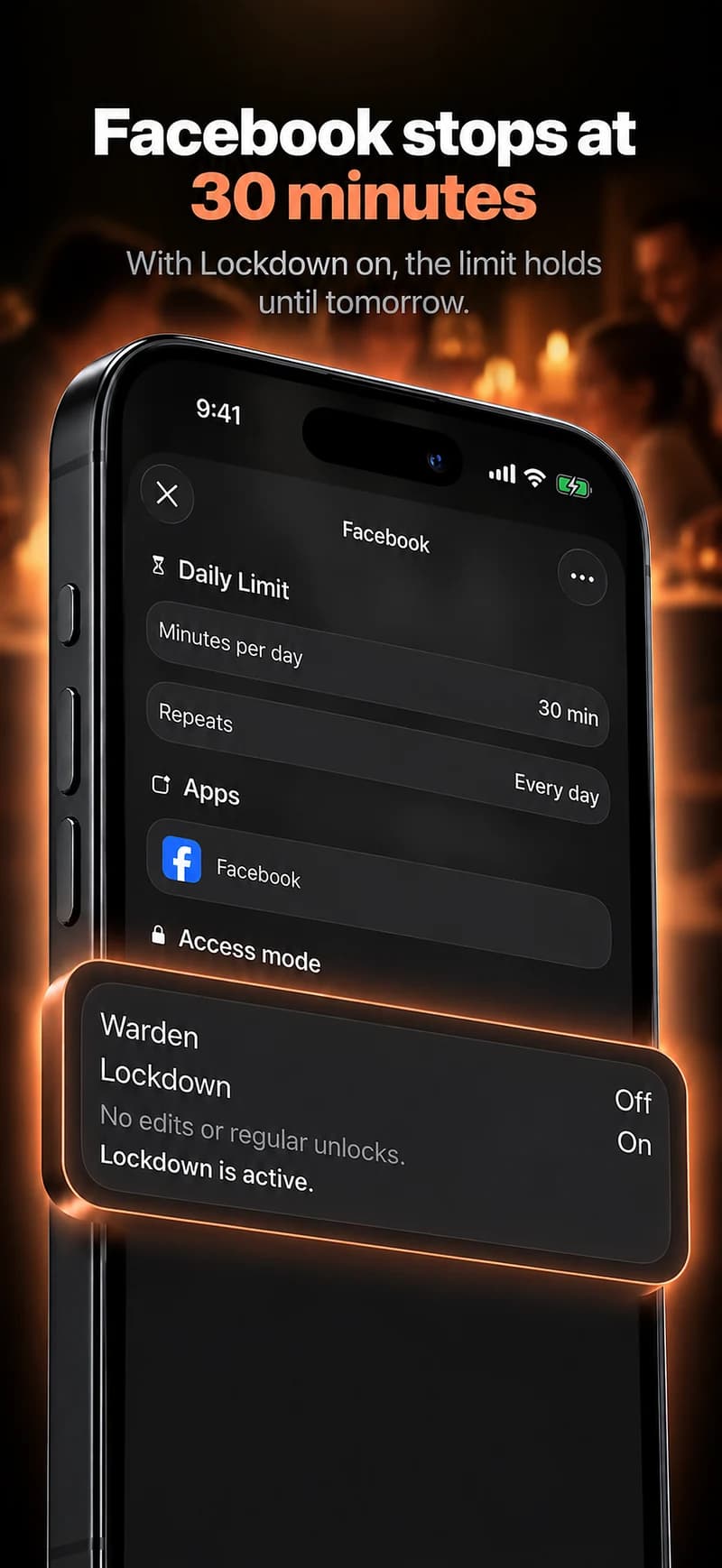
Keep the communication tool available during the intended call. The purpose can be to close other feeds while preserving the app you use to talk. Do not copy the same clock hours onto two devices and assume they represent the same moment.
Use voluntary boundaries for each person
Each adult should choose their own restrictions and freely agree to any trusted-person approval role. An app connection is not permission to inspect messages, share passwords or require a continuous account of the other person’s day.
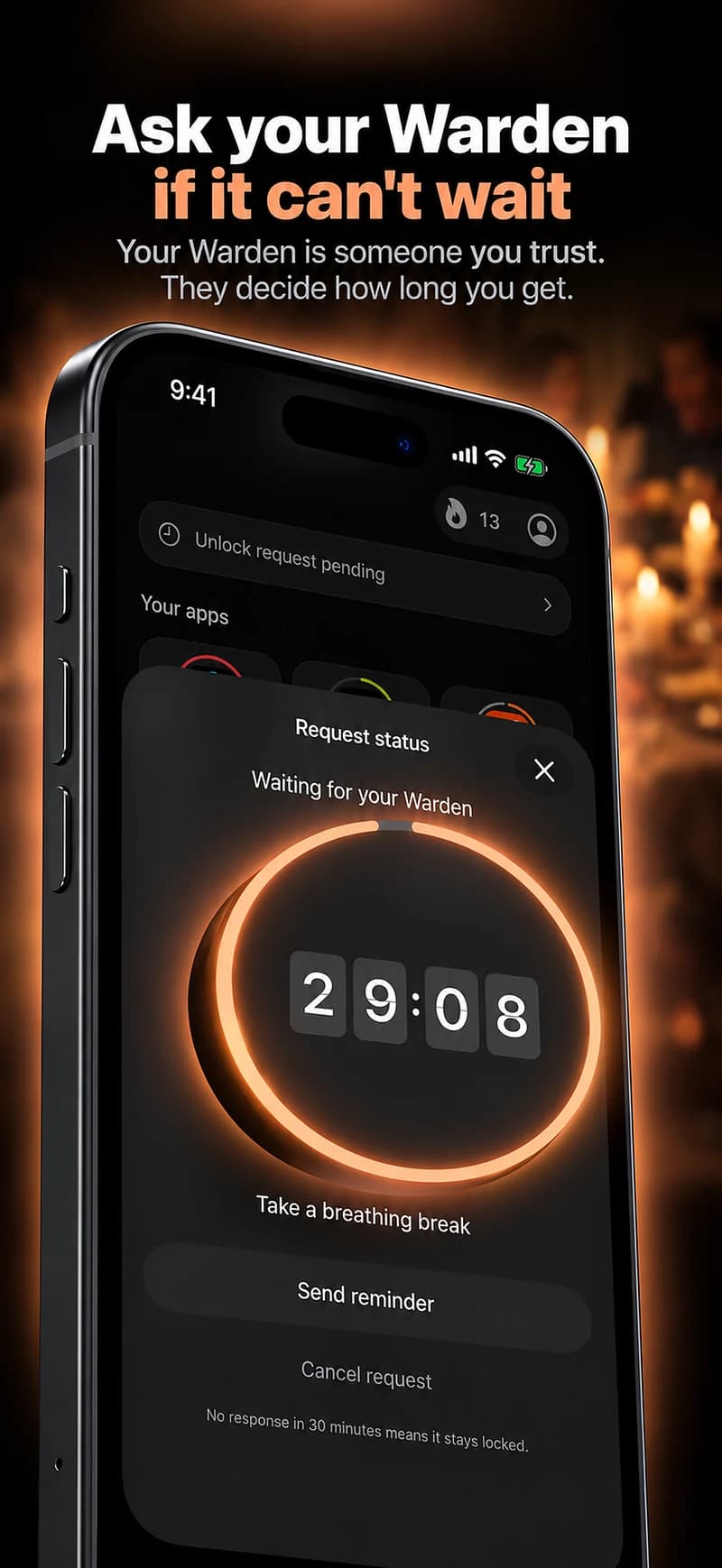
If you ask a partner to be a Warden, explain that role separately from the relationship. They may be unable to answer while sleeping or working. An unanswered request is not approval, and emergency access must not depend on the next scheduled conversation.
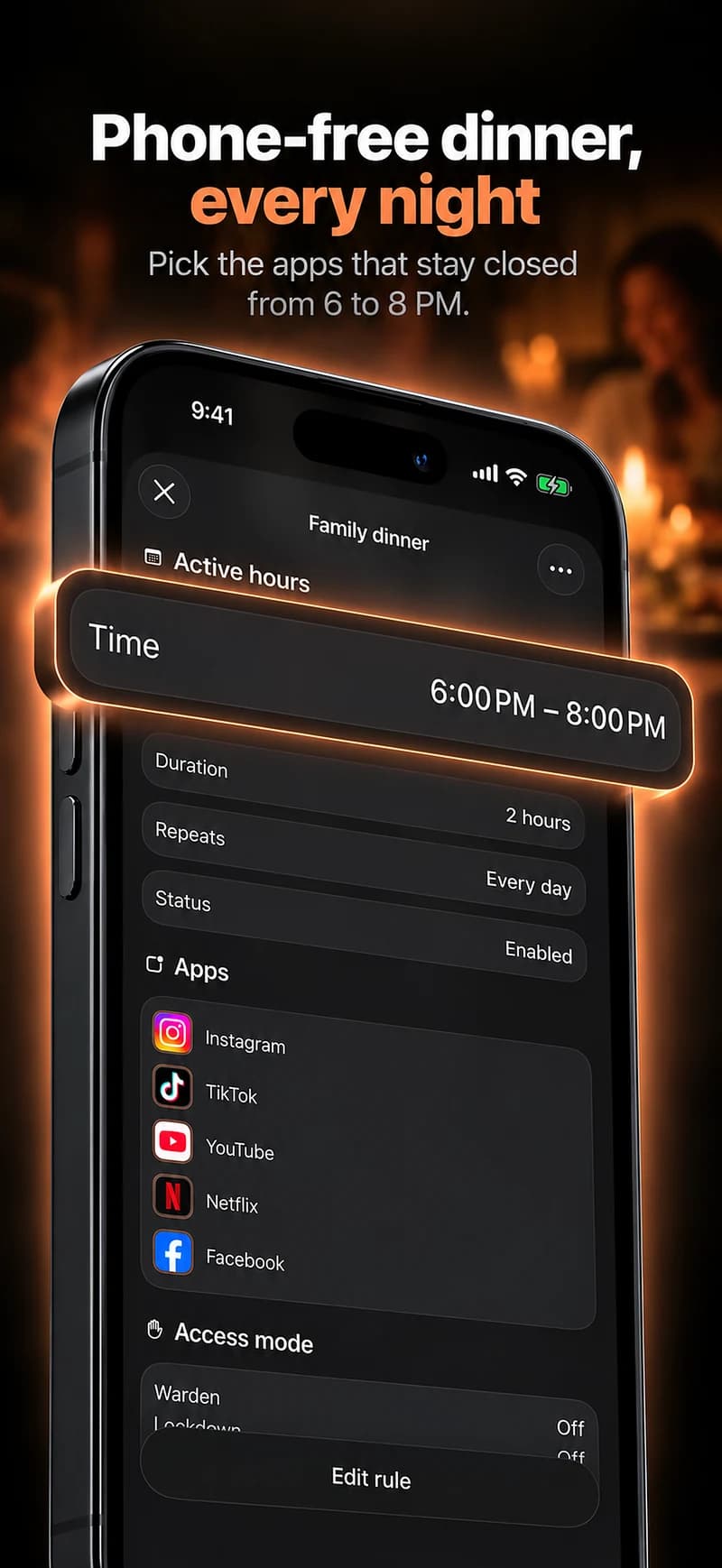
Review the quality of the shared moment
Ask whether the call or conversation had fewer interruptions and whether the schedule fit both people. Those are more useful questions than who spent fewer total minutes on a phone.
Keep the arrangement modest and adjustable. A blocking tool can support an agreed window; it cannot establish trust, explain a delayed reply or prove someone’s feelings. If it starts creating pressure instead of space, revisit whether you need the connection at all.
Protect the call rather than the whole phone
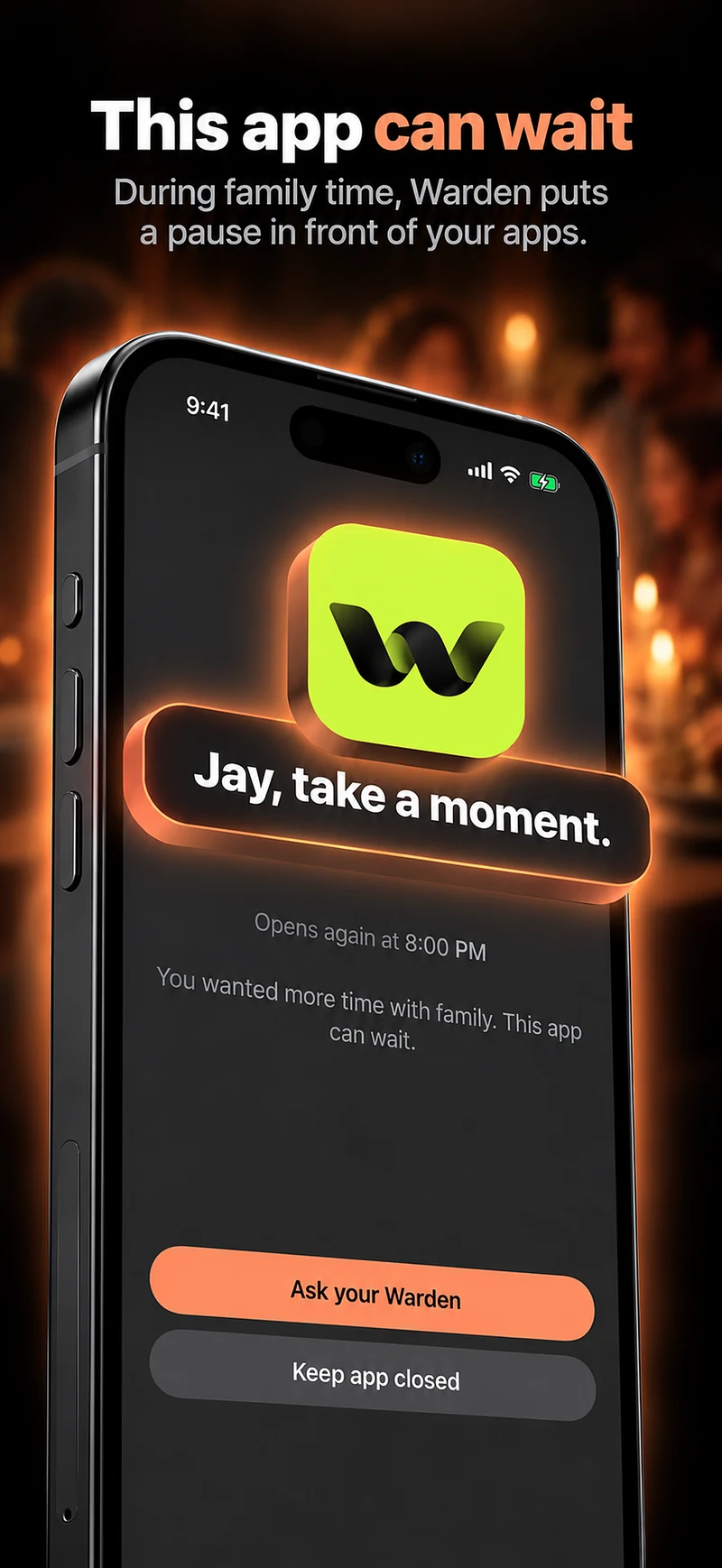
For a planned call, each person might put the feeds that interrupt them aside while leaving the calling app available. State the window and the exception before starting. The goal is an attentive conversation, not proving that either person used the phone less throughout the day.
If you connect as Wardens, agree what requests are appropriate when your time zones do not match. A delayed response is not evidence that someone does not care. Keep the arrangement voluntary and separate from demands to inspect private messages, location or full usage histories.