Skip to content

App limits

Alternatives to one sec for iPhone in 2026

one sec is built around a pause: a moment of friction before a chosen app opens. That works well for opening apps on autopilot. People look elsewhere when the pause becomes one more thing they tap through, or when they need a firmer stop at certain hours.

In this guide

What one sec does well

one sec's site describes a breathing pause and other actions before a selected app opens, plus scheduled app blocking, time limits and intention-related tools. It is more than a reminder, and the pause targets the exact moment a habit starts.

If the pause still makes you close the app most of the time, keep it. The alternatives below are for when it no longer does.

Warden vs one sec

Reference: one sec

If you now breathe and open it anyway

A pause asks a question; a block answers it in advance. Opal describes a Deep Focus option that restricts ending a session early. Freedom describes a Locked Mode intended to prevent quitting a running session. Jomo describes different block strengths for rules tied to set times, allowances or actions.

In Warden, Lockdown prevents ordinary early unlocks and edits to active rules until the block ends, with emergency access still available.

Reference: Opal

Reference: Freedom

Reference: Jomo
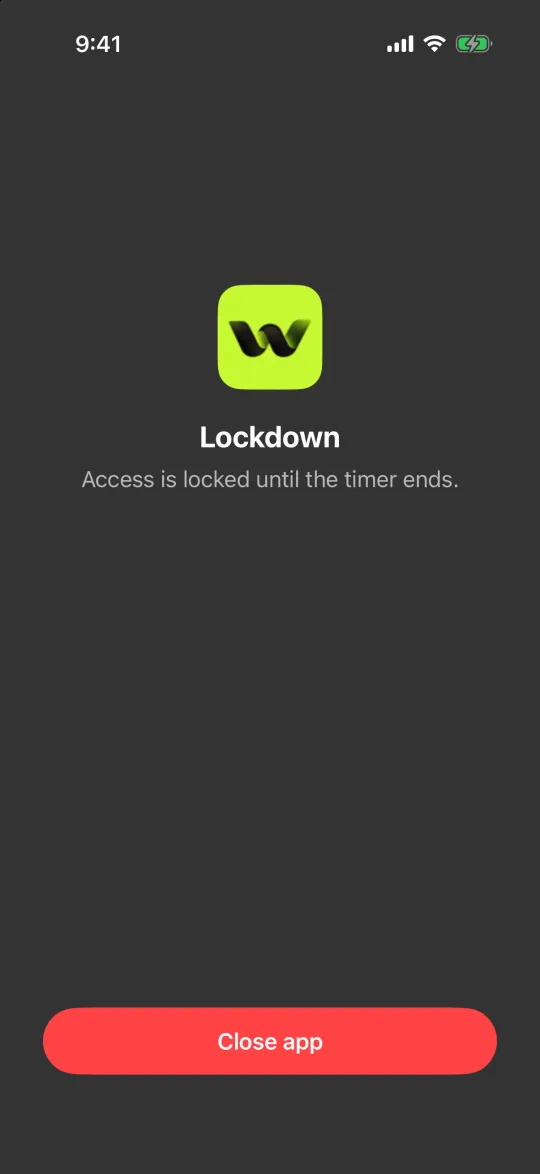
The Lockdown block screen with only a Close app button

If you want another person involved

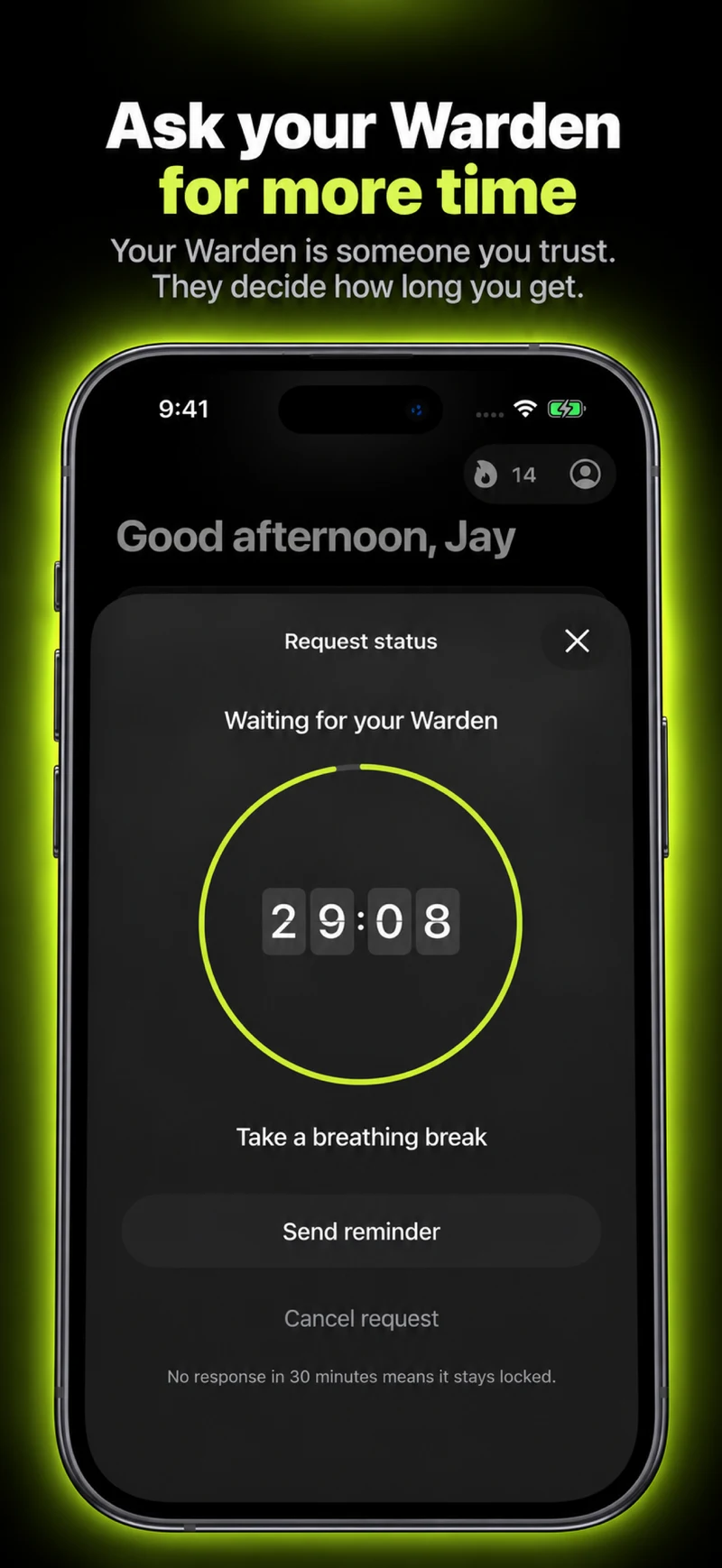
A pause and a lock both leave the decision with you. Warden lets you connect a trusted person, your Warden, who approves early access for the rules you choose, so ending a block early means asking someone rather than waiting out a timer.

How Warden unlock approval works

If you want it free or off the phone

Apple Screen Time is free and built in, with schedules and allowances. ScreenZen describes itself as free with optional donations and offers a lock mode intended to make limits harder to bypass.

Brick moves the stopping point to a physical device: you start a session by tapping your phone against it, and its site lists a strict option and emergency unbricks.

Reference: Apple: Screen Time Schedules and Time Allowances

Reference: ScreenZen

Reference: Brick

Example: the pause you now tap through

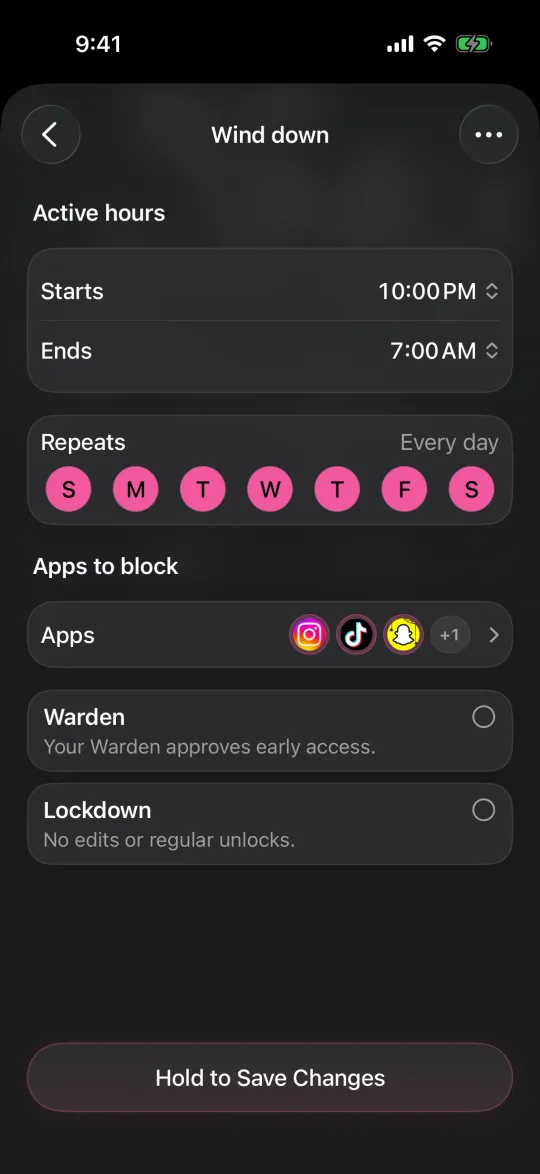
For a month the breathing pause worked, and now you wait out the seconds and open TikTok anyway, mostly after 10 PM. Keep the pause for the daytime, where it still helps, and add one firm rule for the late window: TikTok blocked from 10 PM to 7 AM in Lockdown.

After a week, look at the nights only. If the late window held, the pause and the block are doing different jobs, and that is fine.
Set it up without adding unnecessary rules

Daily limits, schedules and focus sessions

Install Warden and connect Screen Time when iOS asks. Then open Rules and tap the plus button.

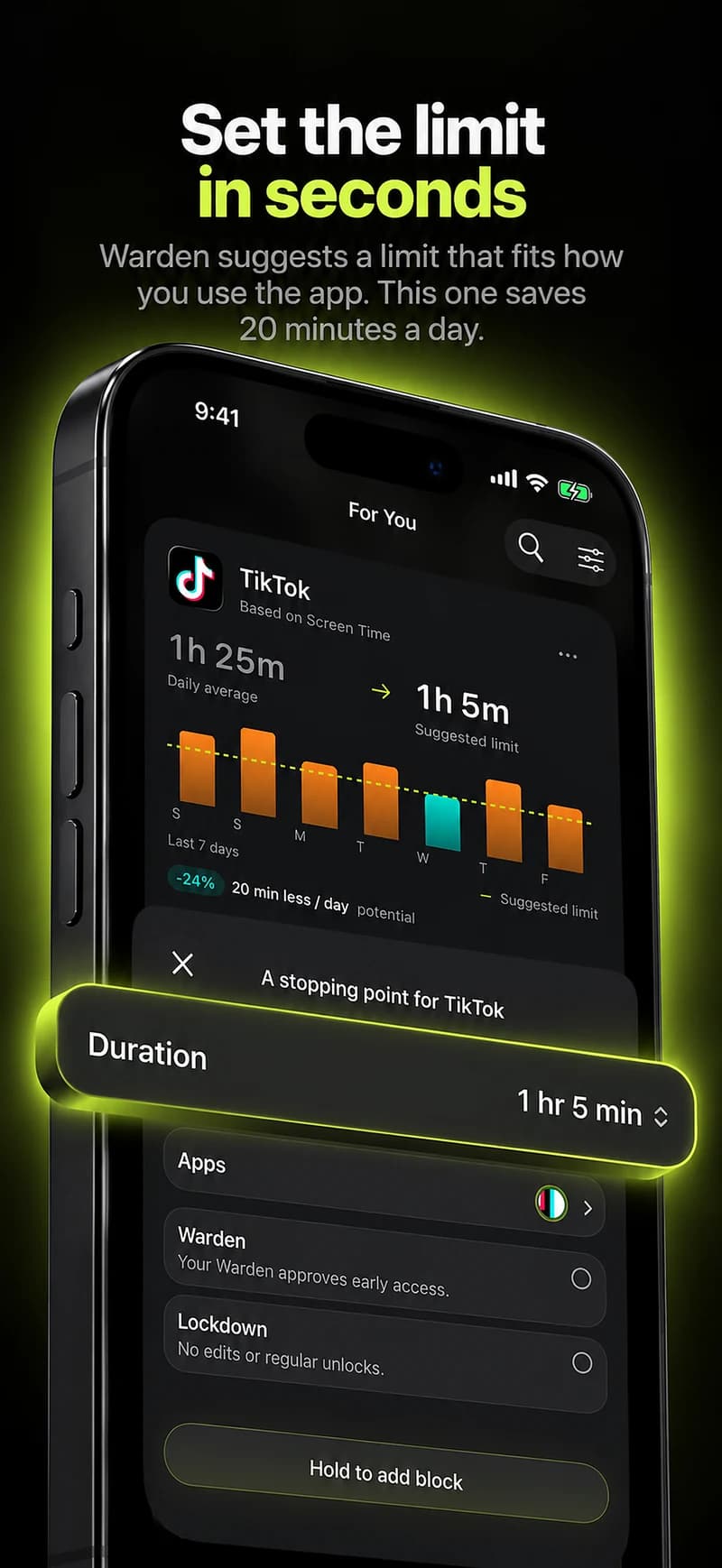
Choose the apps or scope involved in this particular interruption. Use an allowance for total use, a schedule for recurring hours, or a session for a one-off task.

Editing a schedule that blocks apps from 10:00 PM to 7:00 AM every day

What Standard, Warden and Lockdown do

Choose Standard when you want to manage the limit yourself. Choose Warden when a person you trust should review early-access requests. Choose Lockdown to keep ordinary early unlocks off until the block ends.

Choose the access mode, then hold the save button to set the rule. Try a short block before using a long one. Emergency access remains separate from ordinary unlock requests.

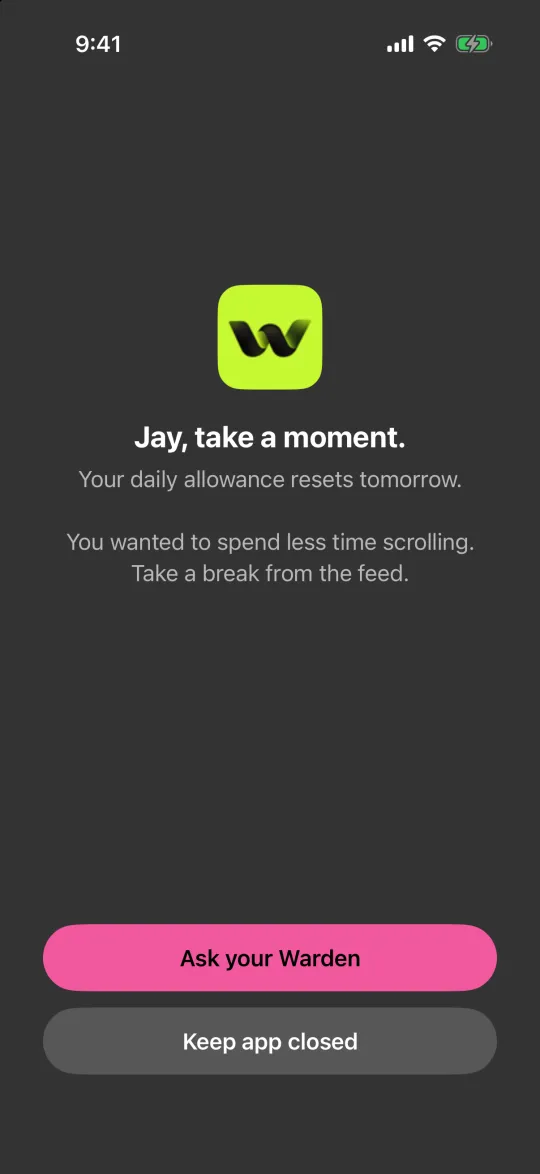
The block screen with Ask your Warden and Keep app closed buttons

How Warden approval works

Choose how many minutes you need, add a note and hold to send. If nobody answers within 30 minutes, the request expires and the app stays locked.

An approval applies to the scope and time shown in the app. A declined or unanswered request does not lift the block. Emergency access remains a separate option on your device.

Common questions

Is one sec only a reminder?
No. Its site describes scheduled app blocking and time limits as well as the pause before an app opens. The alternatives matter when the pause is the part that has stopped working.
Can I use a pause and a block together?
They target different moments: a pause targets the reach, a schedule targets the hours. Some people use a pause in the day and a stricter rule in the evening. Test any combination on your own phone before relying on it.