Skip to content

Wellbeing

How to stop overtrading and checking trading apps

If you open a trading app whenever you feel bored, anxious or eager to recover a loss, another notification setting may not be enough. Start by separating necessary account tasks from repeated checking and impulsive orders. A phone boundary can interrupt access; it cannot decide whether a trade is appropriate or manage your financial risk.

In this guide

Notice the trigger before choosing a rule

Write down what happened just before the last few unplanned checks: a price alert, a loss, a social post or an idle moment. Turn off promotional alerts and remove chart widgets if those are the prompts. Keep security and essential account notices reachable. If you immediately move to another trading app or Discord group, include that route in the plan rather than assuming the first app was the whole problem.

Discord blocking guide

Handle account obligations before restricting access

A blocked screen does not cancel a resting order or change an open position. Before a long block, review any time-sensitive account obligations with your provider and ask about available trading restrictions. Do not rely on a phone timer to manage exposure or prevent losses. This guide concerns access habits, not recommendations to buy, sell or hold an asset.

Taking a break from Kalshi or Polymarket

Make the pause wider than one app

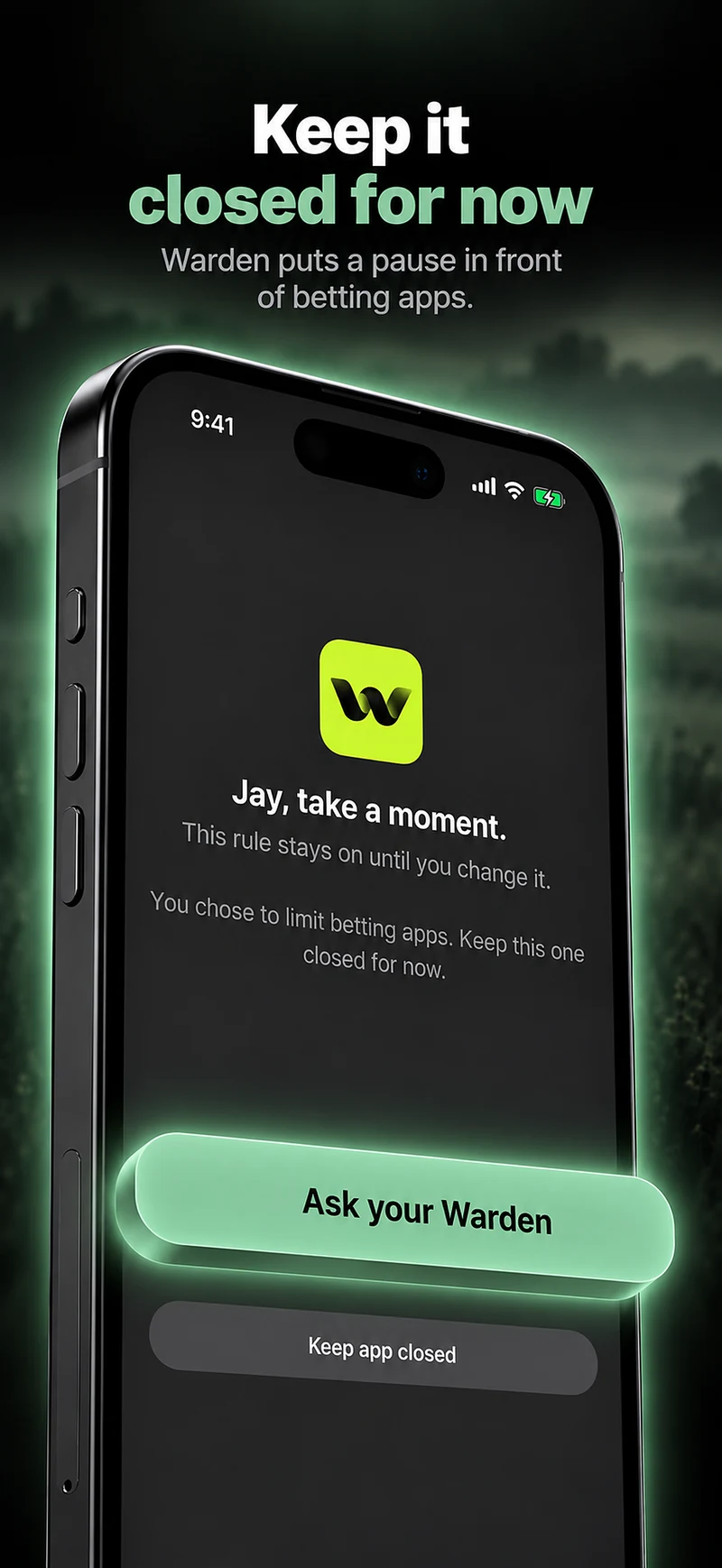
Once necessary account arrangements are in place, choose a specific phone-free activity and restrict the apps that interrupt it. Check browser and desktop routes separately. Warden can add an iPhone schedule or optional trusted-person approval for early access, but it does not control brokerage accounts or treat compulsive trading. If trading feels hard to control, involves chasing losses or is harming daily life, seek qualified local support. GamCare discusses trading-related gambling harms and provides support in Great Britain.

Reference: GamCare: gambling and trading

Reference: GamCare: support in Great Britain
Example: an evening without chart refreshes

After handling necessary account tasks, put the phone outside the room during dinner and a walk. Block the selected trading and market-discussion apps for that window and keep calls available. If the urge moves to a laptop, change the environment too. Review whether you completed the planned activity, not whether the market moved in your favour while you were away.
Set it up without adding unnecessary rules

Daily limits, schedules and focus sessions

Install Warden and connect Screen Time when iOS asks. Then open Rules and tap the plus button.

Choose the apps or scope involved in this particular interruption. Use an allowance for total use, a schedule for recurring hours, or a session for a one-off task.

What Standard, Warden and Lockdown do

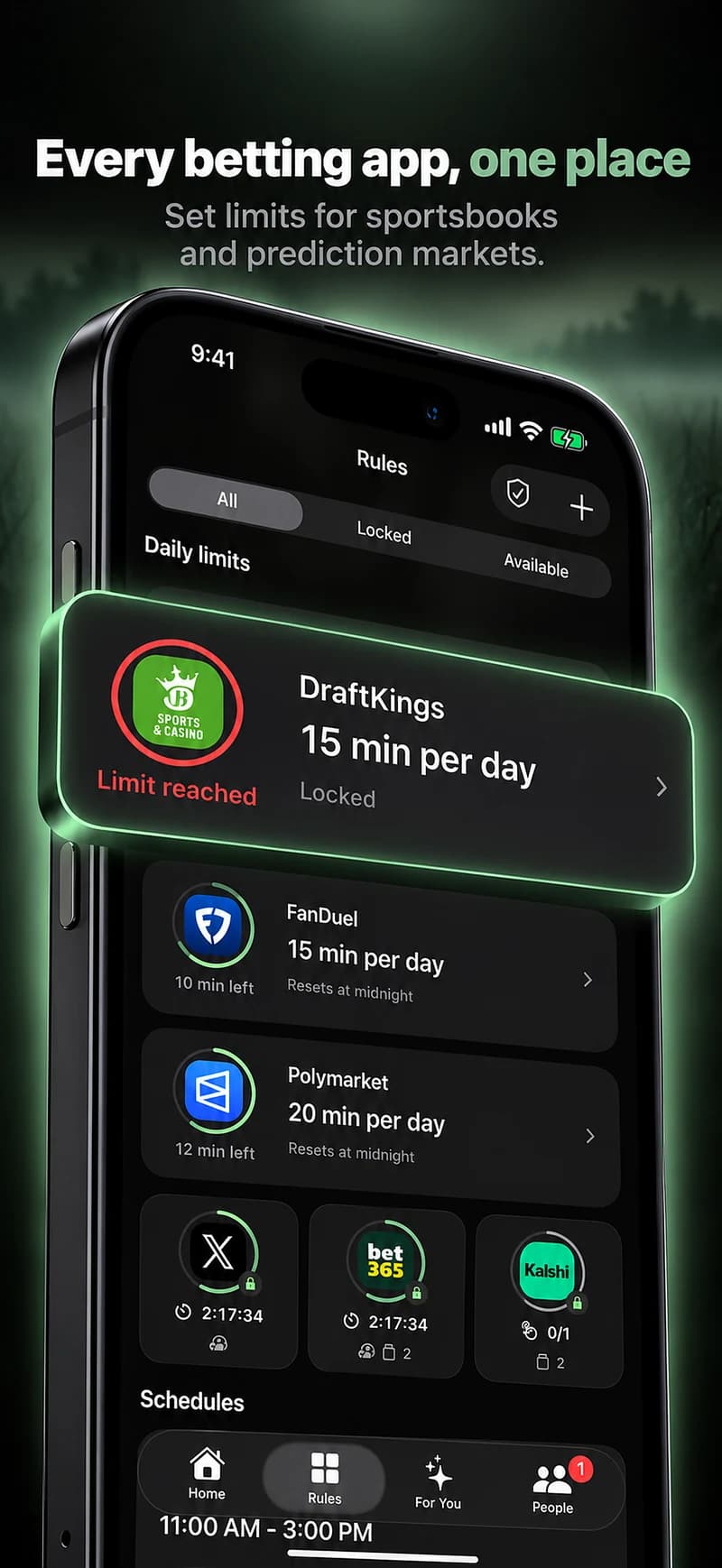
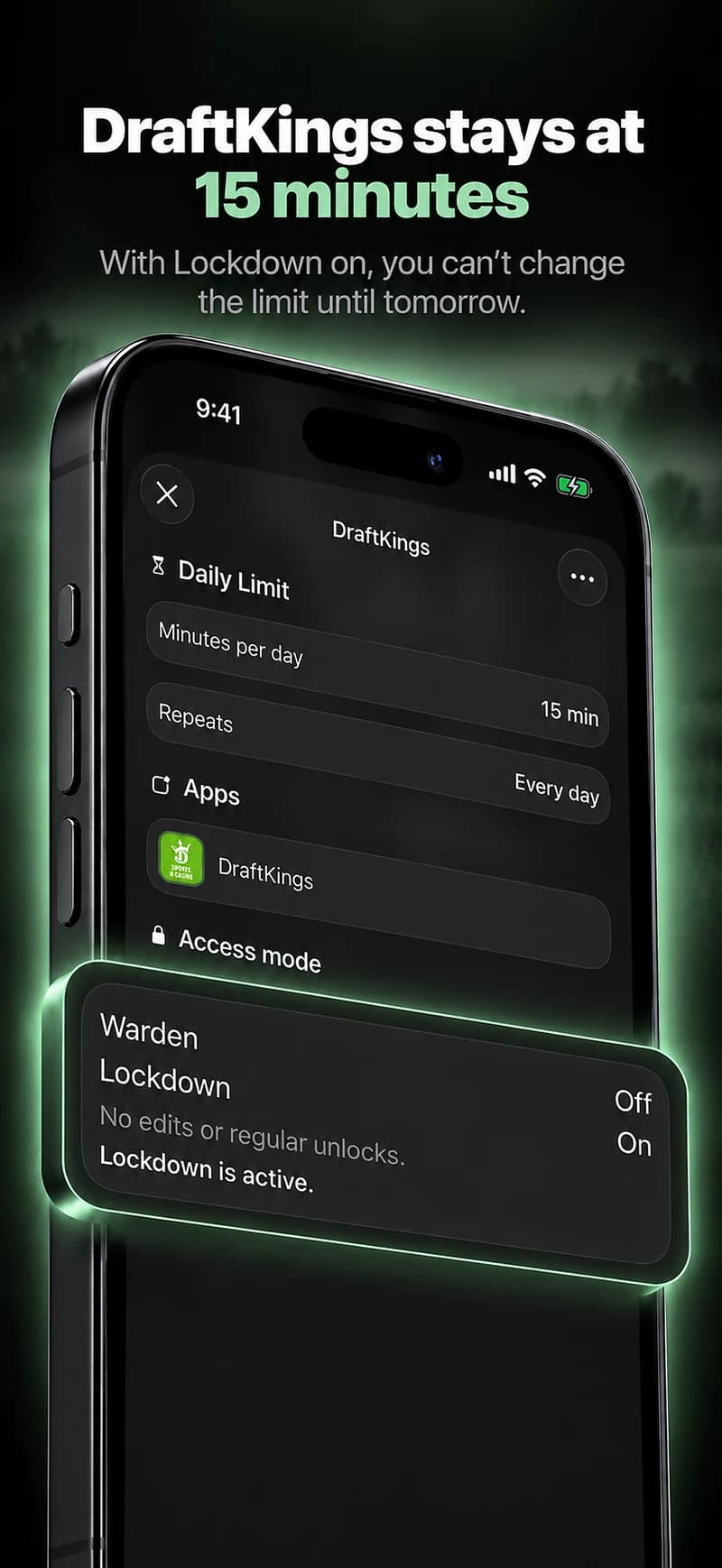
Choose Standard when you want to manage the limit yourself. Choose Warden when a person you trust should review early-access requests. Choose Lockdown to keep ordinary early unlocks off until the block ends.

Choose the access mode, then hold the save button to set the rule. Try a short block before using a long one. Emergency access remains separate from ordinary unlock requests.

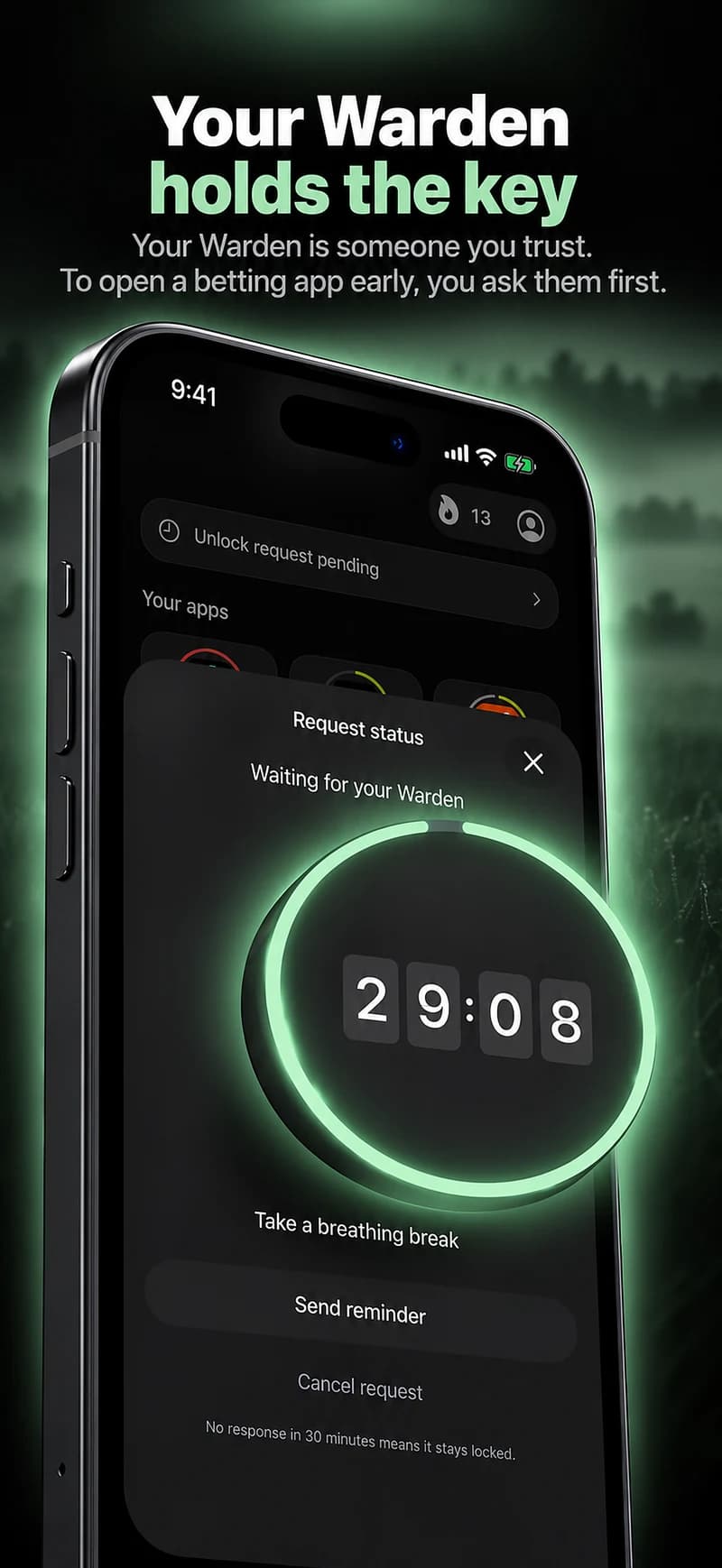
How Warden approval works

Choose how many minutes you need, add a note and hold to send. If nobody answers within 30 minutes, the request expires and the app stays locked.

An approval applies to the scope and time shown in the app. A declined or unanswered request does not lift the block. Emergency access remains a separate option on your device.

Common questions

Can an app blocker stop revenge trading?
It can interrupt access on the covered device, but it cannot guarantee that you will not trade elsewhere. Pair any phone boundary with the account restrictions and support appropriate to your situation.
Is checking prices often the same as a diagnosis?
No. A screen-time total cannot diagnose a condition. Consider the effect on your life and seek qualified help when the behaviour feels difficult to control.
