Warden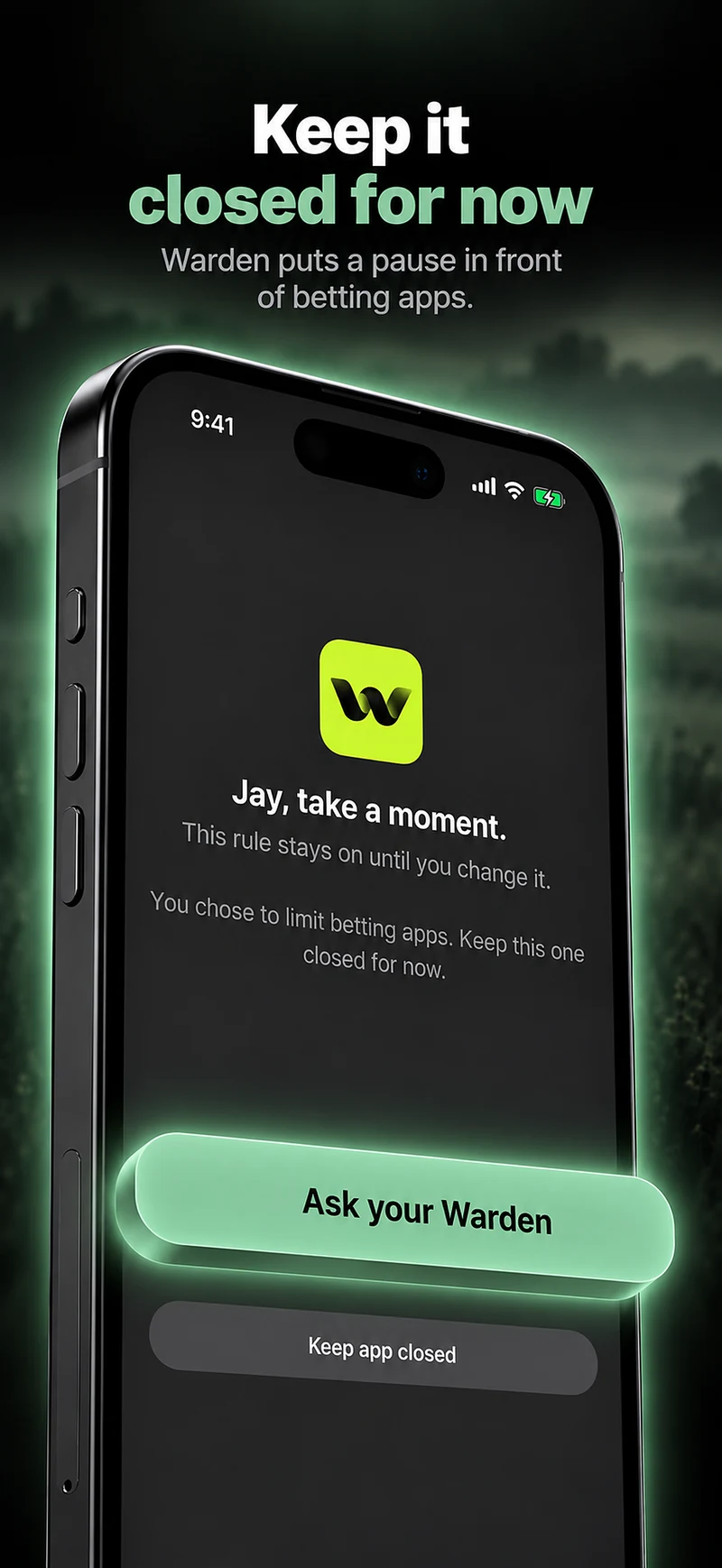
Start with self-exclusion, not just the phone
A phone block stops you opening an app. Self-exclusion stops gambling companies letting you in at all. In Great Britain, GAMSTOP is a free scheme that excludes you from gambling websites and apps licensed there for 6 months, 1 year or 5 years, and you cannot cancel it during the period you choose. It can take up to 24 hours to take effect.
Outside Great Britain, ask each operator for its self-exclusion and deposit-limit tools, and check whether your state or country runs a central scheme.
Block the apps and websites on your iPhone
Select the betting apps you use in an app blocker, and add their websites too, because many operators also work in Safari. In Warden, a rule that lets you choose websites can include them alongside the apps; selecting an app alone does not block its site. Test the rule in Safari before relying on it.
Dedicated gambling blockers cover sites you have never visited. BetBlocker is a free tool run as a charity that blocks gambling websites and apps for a period you choose.
Access boundaries for betting apps
Reference: BetBlocker: free gambling blocker
Make the block hard to undo on a bad night
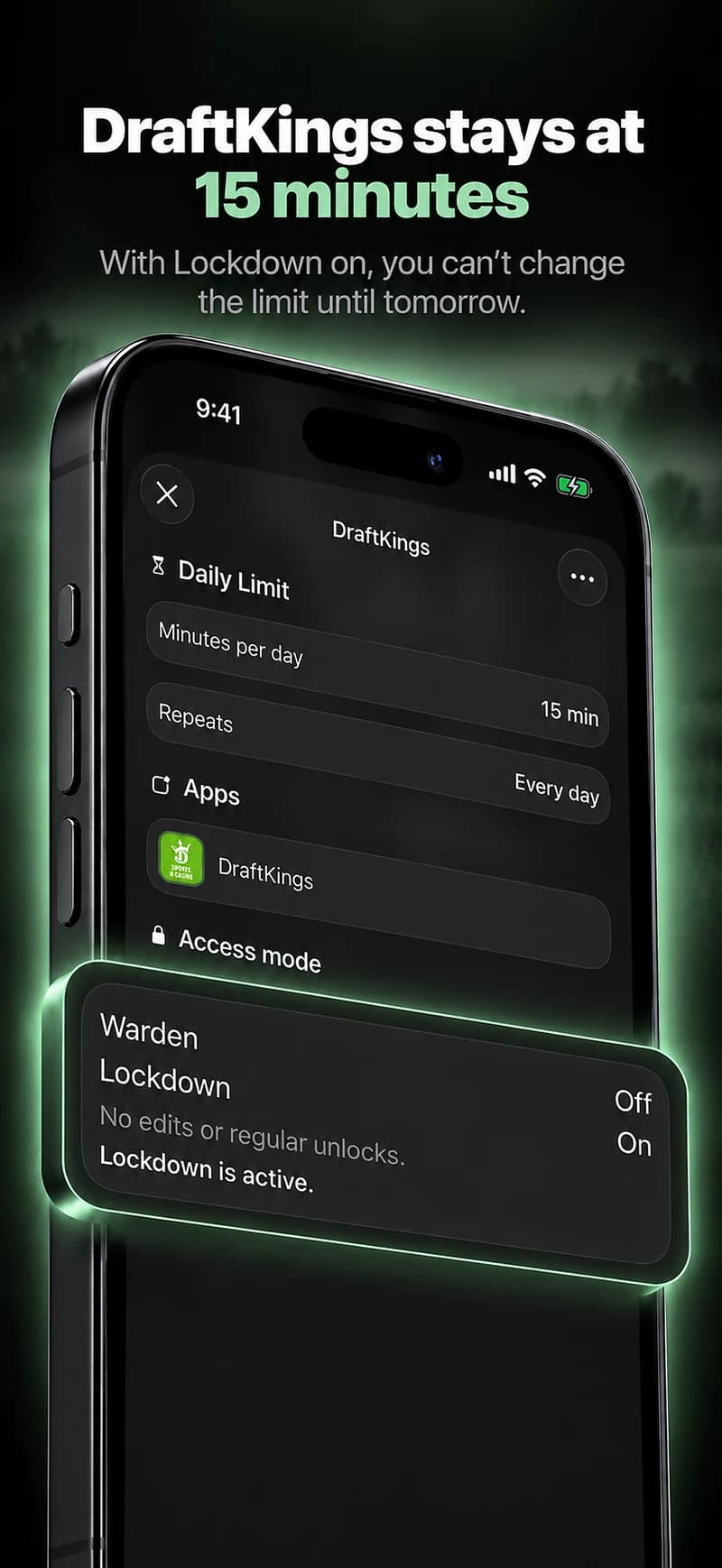
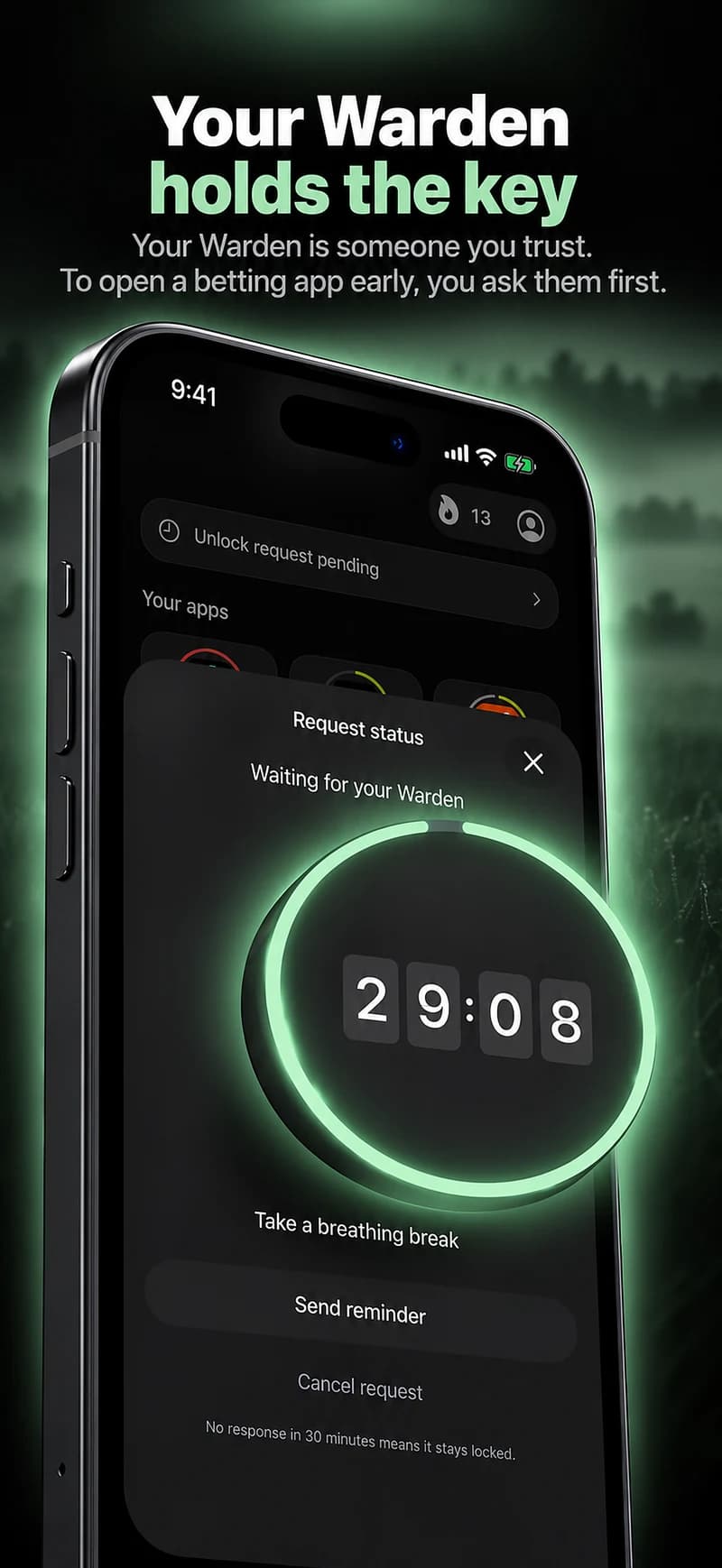
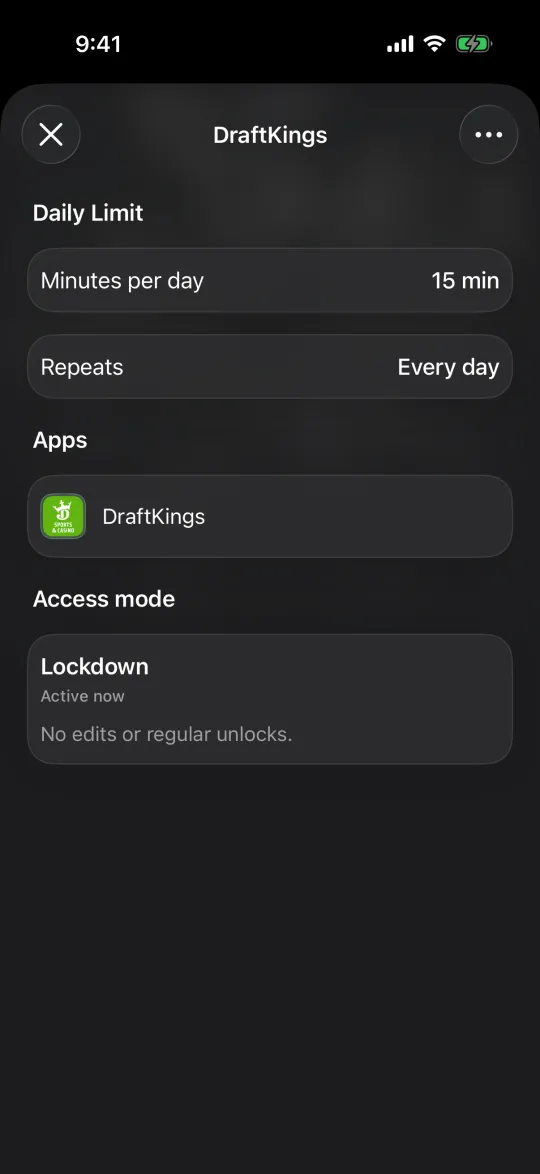
The moment a block matters most is the moment you most want it gone. Choose a setting you cannot switch off in a few taps. In Warden, Lockdown prevents ordinary early unlocks and edits to active rules until the block ends, and a trusted person, your Warden, can be the only way to get early access for the rules you choose. Emergency access remains available for genuine emergencies.
Tell someone you trust what you have set up. A block works better when another person knows it exists.
Close the other routes back
- Turn off notifications from betting apps before you block them, and unsubscribe from their emails and texts.
- Remove saved payment cards from betting accounts, and ask your bank whether it offers a gambling block on your card.
- Think about who sees a request rather than who sees your whole phone. Support should feel like help, not surveillance.
Free, confidential support
In Great Britain, the National Gambling Helpline, run by GamCare, is free and open 24 hours a day on 0808 8020 133, with chat and WhatsApp options. In the United States, the National Council on Problem Gambling runs a free, confidential helpline you can call, text or chat with at any hour; its website lists the current number.
An app blocker is a practical tool, not treatment. If gambling is affecting your money, relationships or mood, talking to one of these services is the step that matters most.
Reference: GamCare: National Gambling Helpline
Example: Saturday afternoon football
Betting happens most on Saturday afternoons during matches. The plan: register with the national self-exclusion scheme where one exists, install a gambling blocker, and set a Warden rule for the betting apps and their websites every Saturday from noon to 8 PM, with a brother as the Warden who approves any early unlock.
After a month, look at what actually happened: did the block hold, did requests come in, and did the afternoons feel different? Share that with a helpline adviser or counsellor if you are working with one.