Warden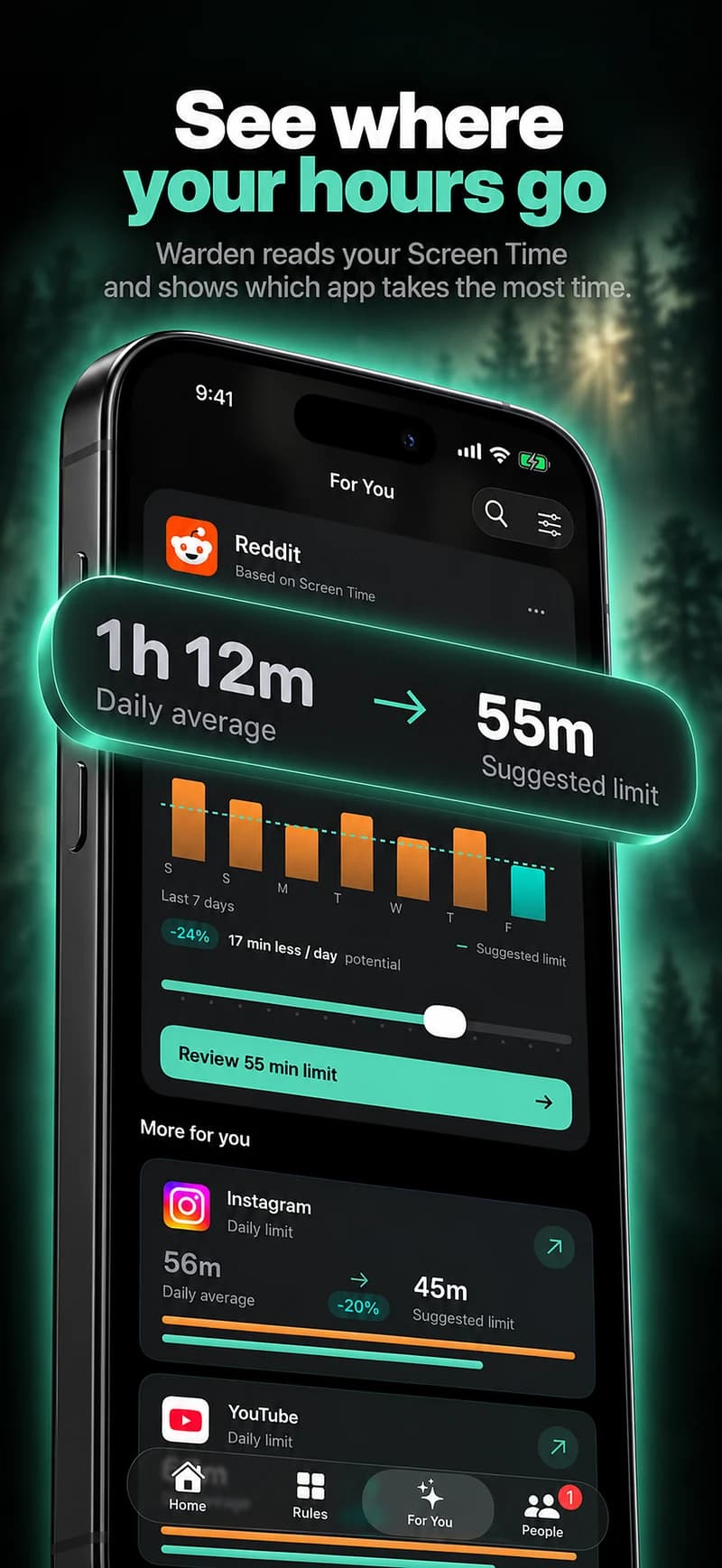
Notice what happens around the app check
Look at one ordinary example: opening news while waiting for a reply, checking several feeds after a stressful call, or returning to an app while avoiding an unfinished task. Describe what you were doing before and after, without trying to diagnose yourself from it.
A usage chart may show the time and app, but not the reason you opened it or how you felt. Your own observations add context that software should not invent. Keep that distinction clear when a product presents a personalized insight.
Choose a boundary that addresses the interruption
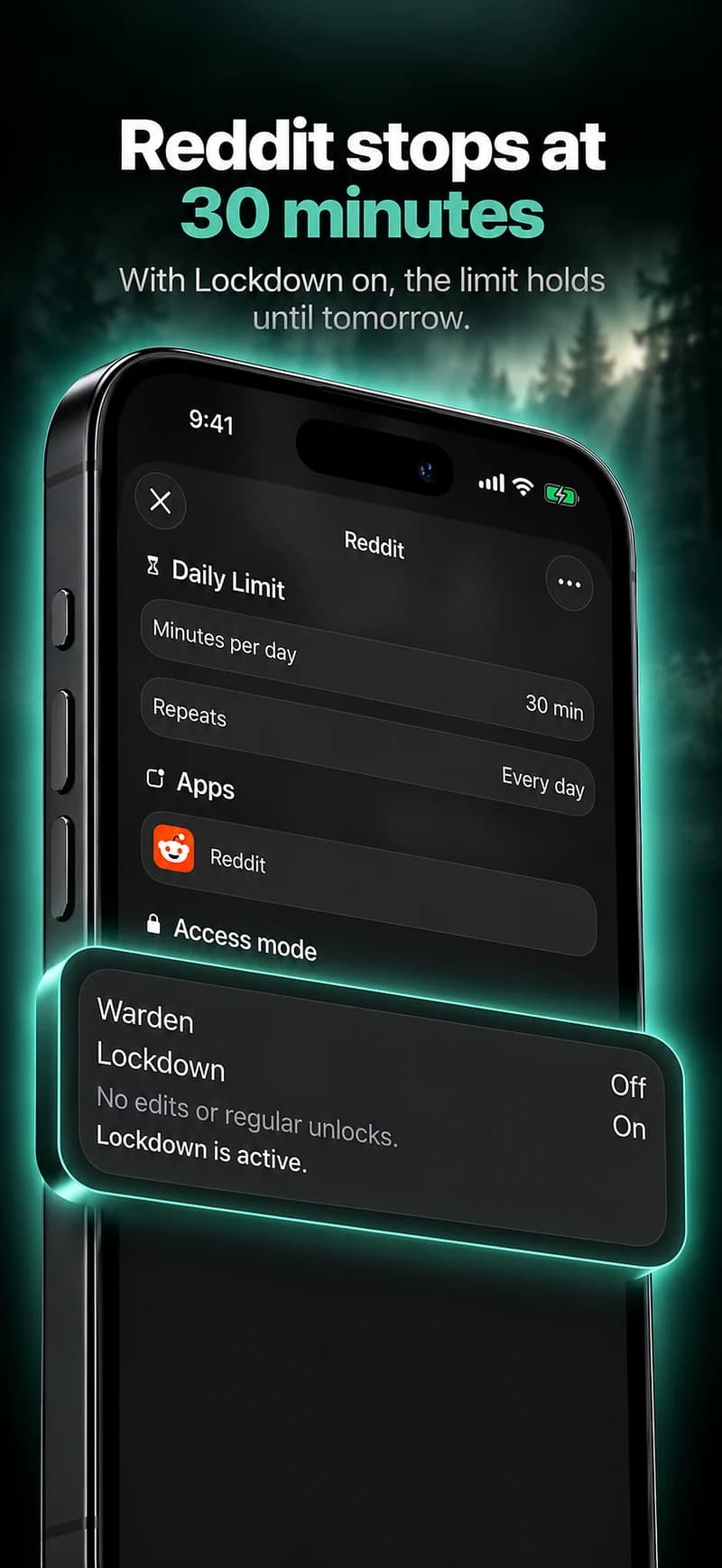
A short work window, an evening schedule or an allowance for a particular feed may be more suitable than blocking every app. Keep communication and support resources available. The plan should make the chosen next action clearer, not create a new problem when you need to reach someone.
Start with a small, reviewable change. For example, protect the next half-hour needed to finish one task, then look at whether the rule helped with that situation. This is a practical experiment, not treatment or proof of a psychological mechanism.
Avoid making the record another source of pressure
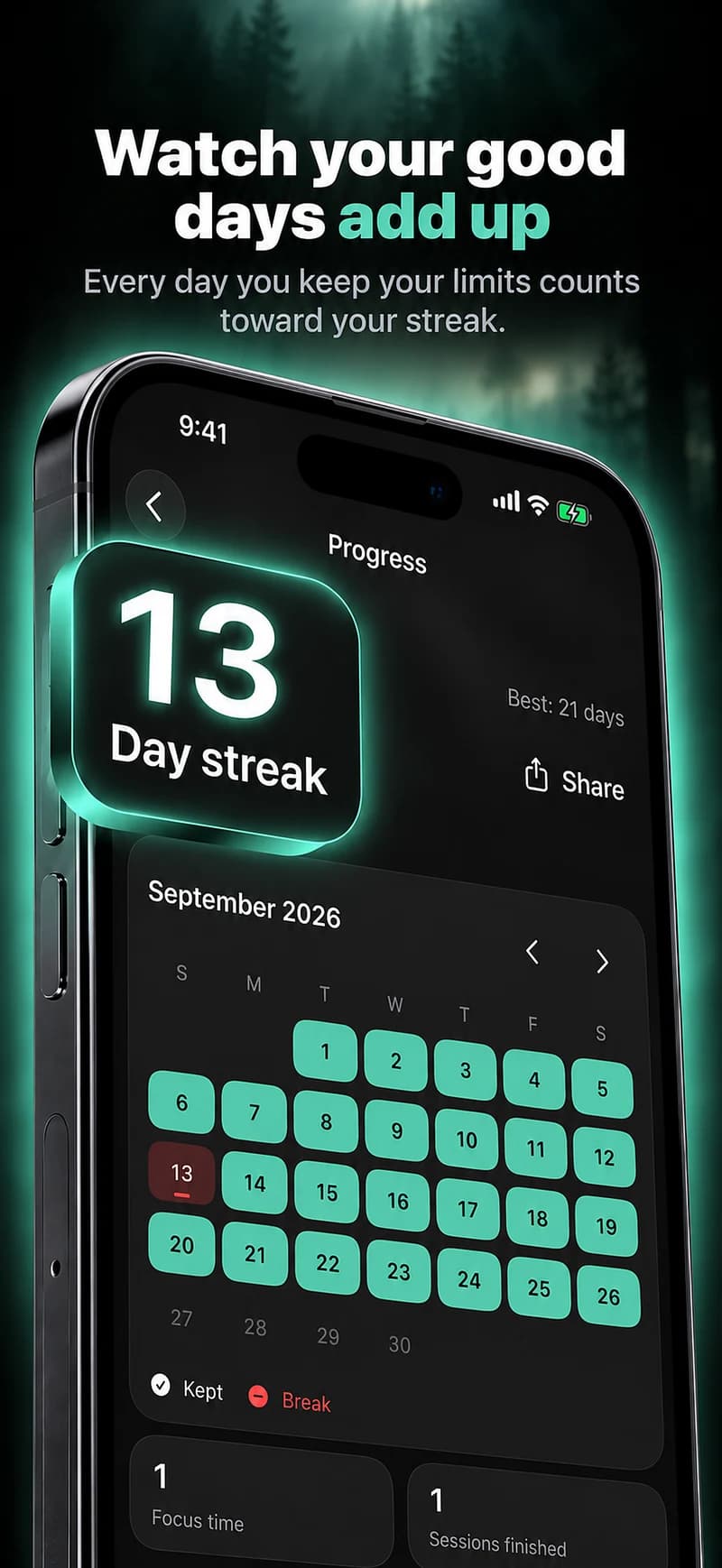
A streak or comparison can be useful feedback, but it should not become a measure of personal worth. A difficult day may need a different schedule or a reasonable exception. Missing data is not evidence of failure.
Warden should distinguish reported app use from recorded protection, and both from an activity completed offline. It should not label you anxious, recovered or productive based on a set of app readings. Those conclusions need more than a dashboard.
Seek help that fits the concern
If distress is persistent or affecting daily life, consider a qualified healthcare professional. A primary-care provider can help identify appropriate support. You do not need to prove that phone use caused the problem before asking for help.
NIMH provides information on caring for mental health and finding support. A blocker may sit alongside other steps you choose, but it should not replace professional care or restrict access to people you need.
Reference: NIMH: caring for your mental health
Distinguish a useful boundary from avoiding everything
Notice which situation led to opening the app and what you needed from it. You may be looking for work information, reassurance, social contact or a break. A broad phone block can interfere with those needs as well as with unwanted browsing, so choose the scope carefully.
Review whether the restriction makes the chosen activity easier or simply moves the checking to another place. A screen-time tool does not establish the cause of anxiety and cannot provide a clinical assessment. If the situation is persistent, distressing or affects your ability to function, talk to an appropriate professional instead of increasing restrictions indefinitely.