Warden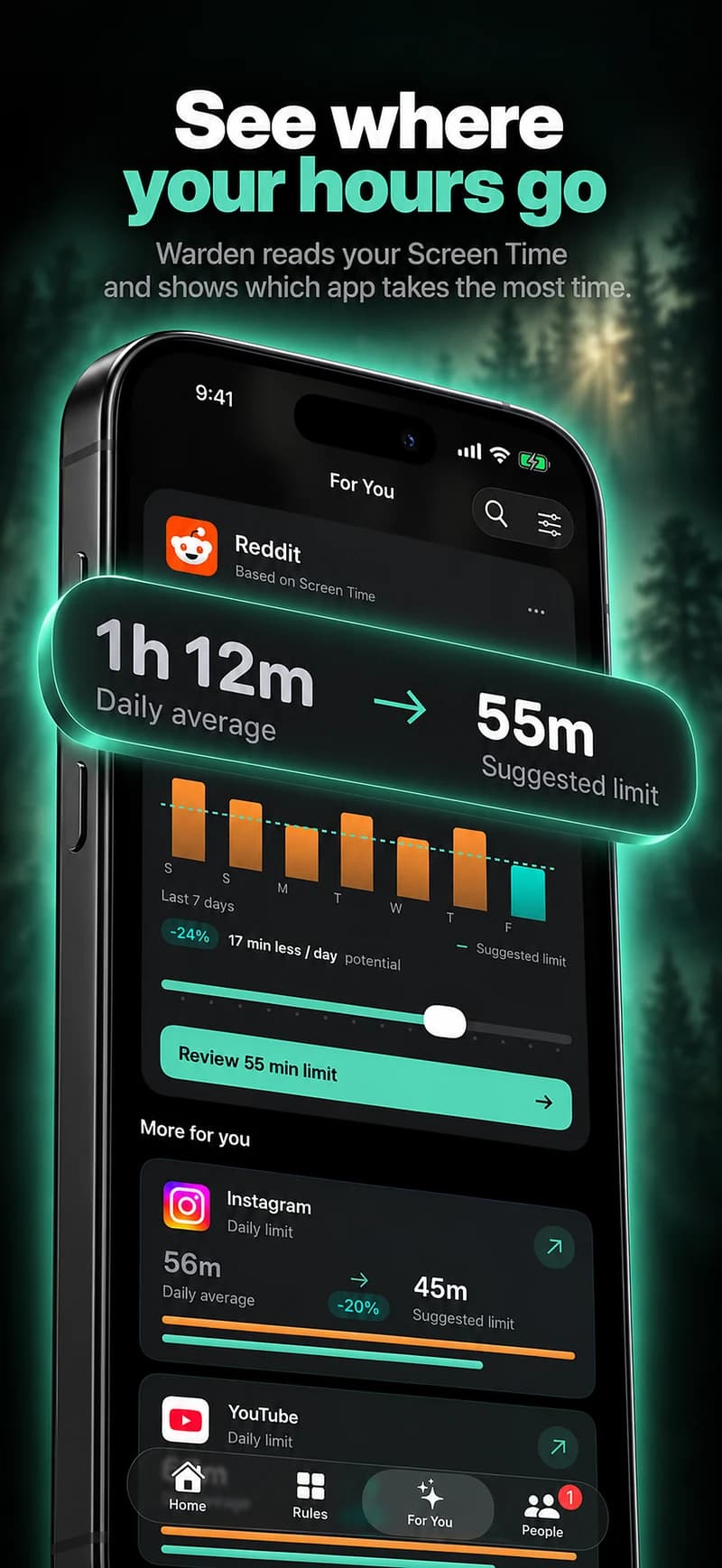
Look at the effect, not only the minutes
A long total may include work, accessibility tools, studying or contact with family. A shorter total may still involve an app interrupting a task you care about. Ask what the use is displacing and whether you feel able to follow the plan you chose.
For example, repeated browsing during a study hour is a concrete problem to address. The statement “my phone says four hours, so I have an addiction” makes a conclusion the dashboard cannot support. It does not tell you the purpose of all that time or assess your health.
Describe one change you can test
Choose an app and a situation where you want a different boundary: feeds during revision, shopping after bedtime, or work messages during a planned break. Pick a daily allowance or schedule that directly describes that change.
Test it briefly, keeping essential access available. Notice whether the rule catches the intended interruption or repeatedly blocks something legitimate. A useful product helps you adjust that plan without pretending its score explains everything about your behavior.
Recognize when a tool is not enough
A blocker can support a decision about access; it is not treatment or a substitute for a professional assessment. If the difficulty is persistent, distressing or affecting daily life, consider talking to a qualified healthcare professional. You do not need a particular dashboard number to ask for help.
NIMH explains that mental-health care and self-care have different roles and that a primary-care provider can help connect someone with appropriate support. Avoid letting an app label replace that conversation.
Reference: NIMH: caring for your mental health
Use records without turning them into a diagnosis
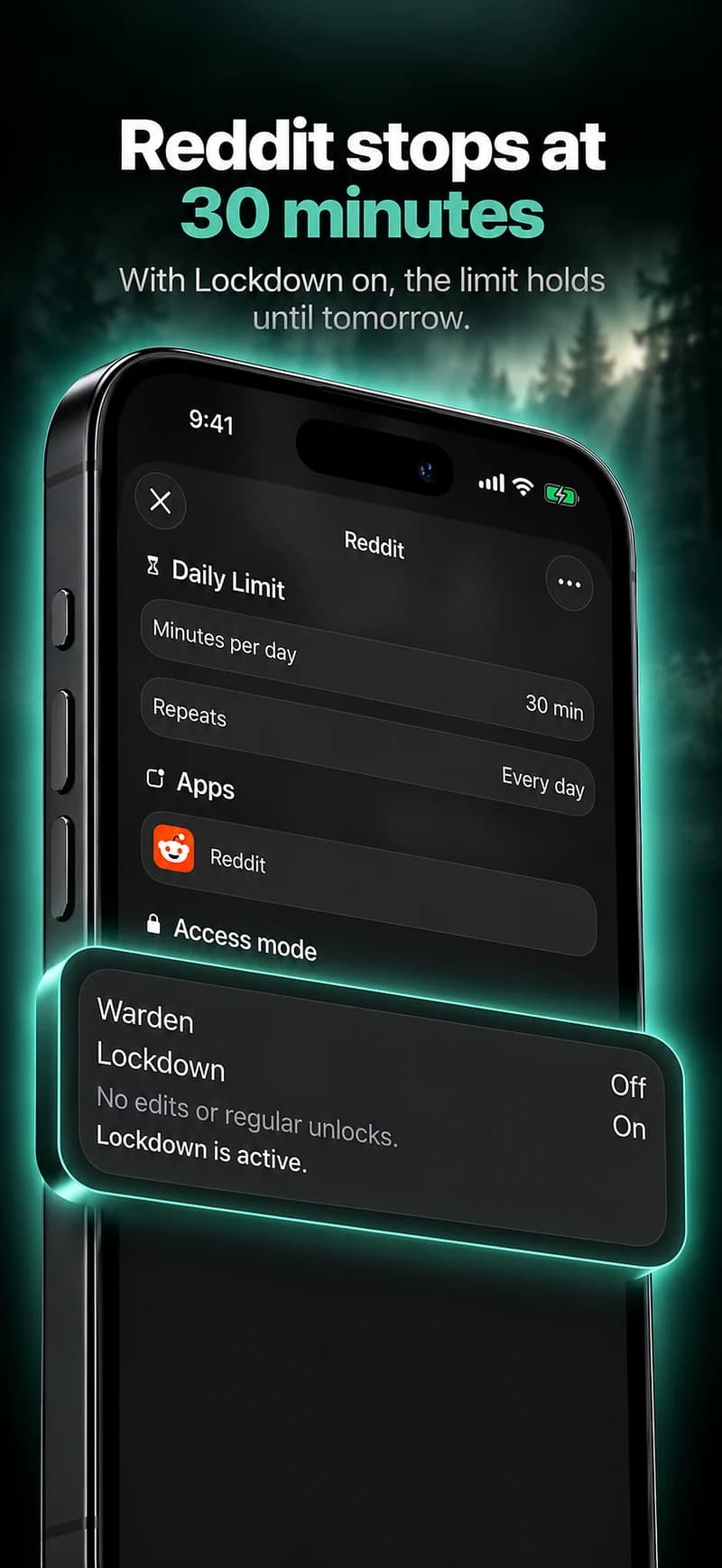
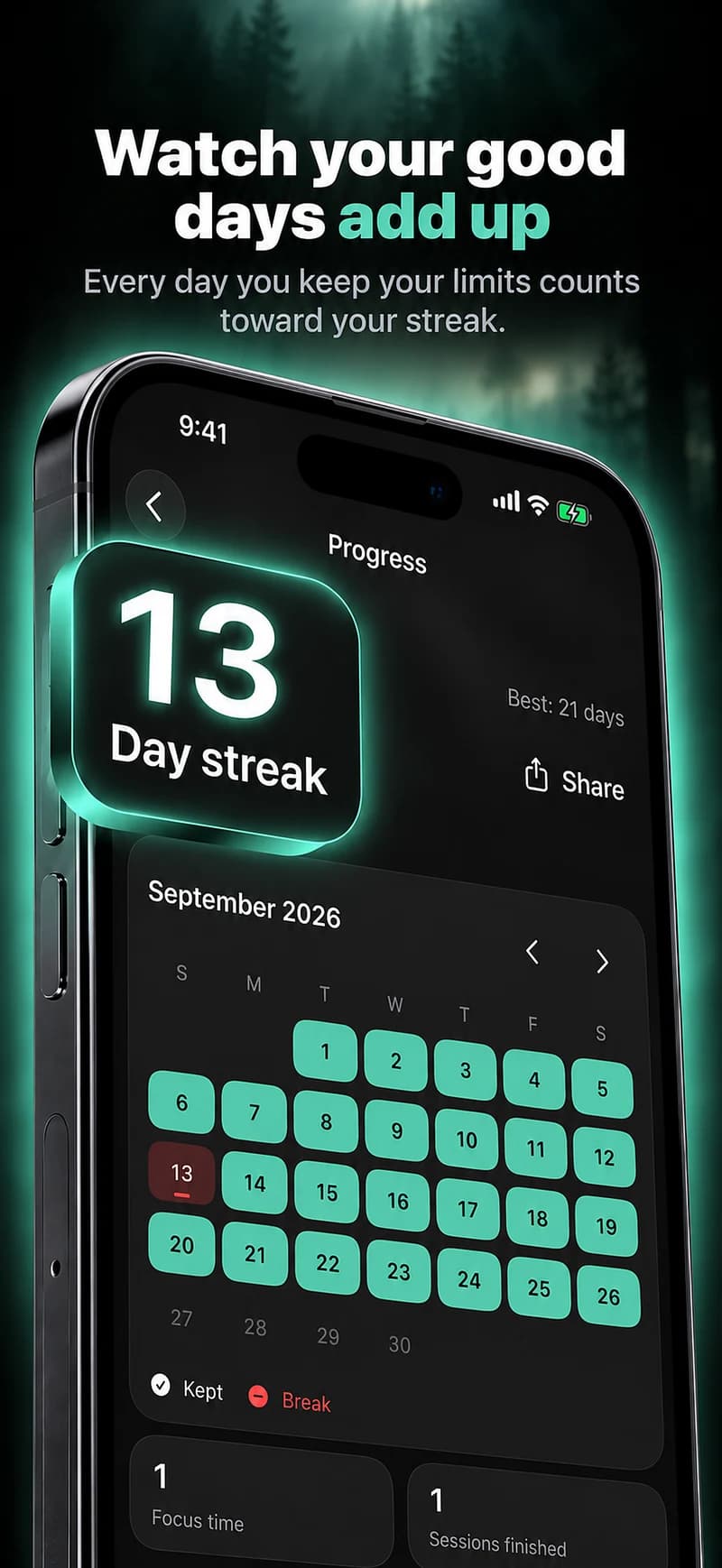
Warden can show recorded protection and available app-use comparisons. A lower usage figure is not proof of improved mental health, and a block that stayed active is not proof that another activity happened. Keep those statements separate when reviewing progress.
Look for practical outcomes you can describe yourself: completing the intended revision period with fewer app checks or keeping a chosen meal free of feeds. Review what is useful and seek the kind of help the problem actually requires.
Write down the difficulty without diagnosing it
Describe the behavior in everyday terms: reopening a feed during work, missing a planned bedtime or checking messages during a conversation. Note how often it happens and what it interferes with. A large usage total alone does not explain the reason, and different activities can produce similar totals.
A practical boundary can be one part of responding to that difficulty. It should not become a self-diagnosis or a promise that a blocker will treat distress. If the pattern is significantly affecting daily life or you feel unable to manage it, seek appropriate qualified support rather than relying on a product score.