Warden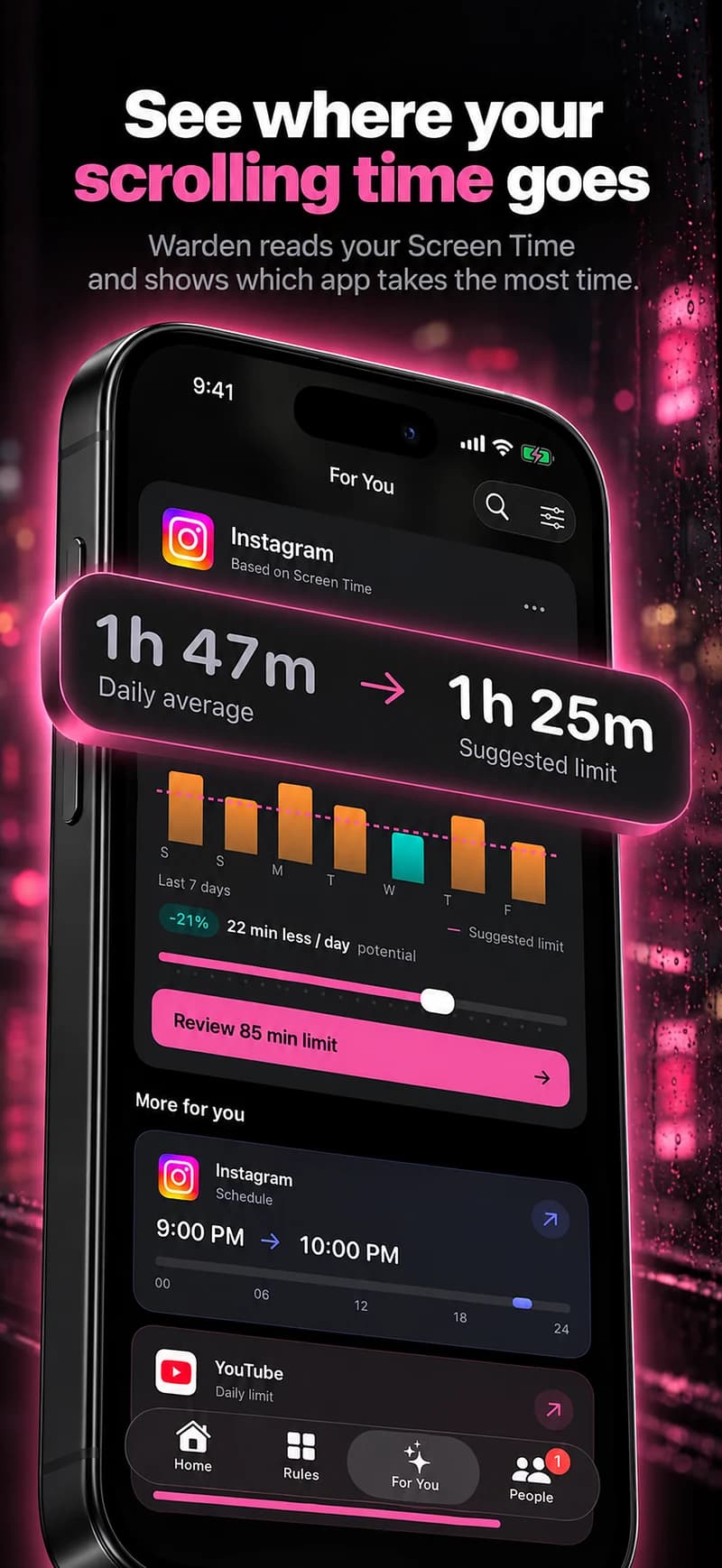
Give the break a precise scope
Decide whether you are avoiding one feed, all short-video apps, or certain hours of social browsing. A vague “detox” can leave you unsure whether necessary messages, work posts or an educational video count as breaking it.
An example is keeping selected feeds closed after dinner for one week, while leaving direct communication available where possible. The duration is an experiment you choose, not a clinically established reset period or a guarantee of a new habit.
Prepare for the tasks you still need
Check whether a selected app holds event details, contacts, work obligations or group coordination. Arrange a practical alternative before starting. If an exception is likely every day, the selection may need to be narrower.
A scheduled block can preserve useful access outside the chosen window. Deleting an app is another option, but account content, sign-in and communication needs should be considered separately. Avoid deleting an account when you only intend to change access temporarily.
Choose what the gap is for
Pick a simple activity or situation you would prefer to protect, such as a meal, reading or time on a project. You do not need to fill every minute with a new productivity routine. Making room for an ordinary evening can be enough.
If you move immediately to another unselected feed, note that in the review. It may show that the original app was only one route into the same interruption. Change the scope deliberately rather than treating every substitution as a reason to block everything.
Review the experiment without inventing an outcome
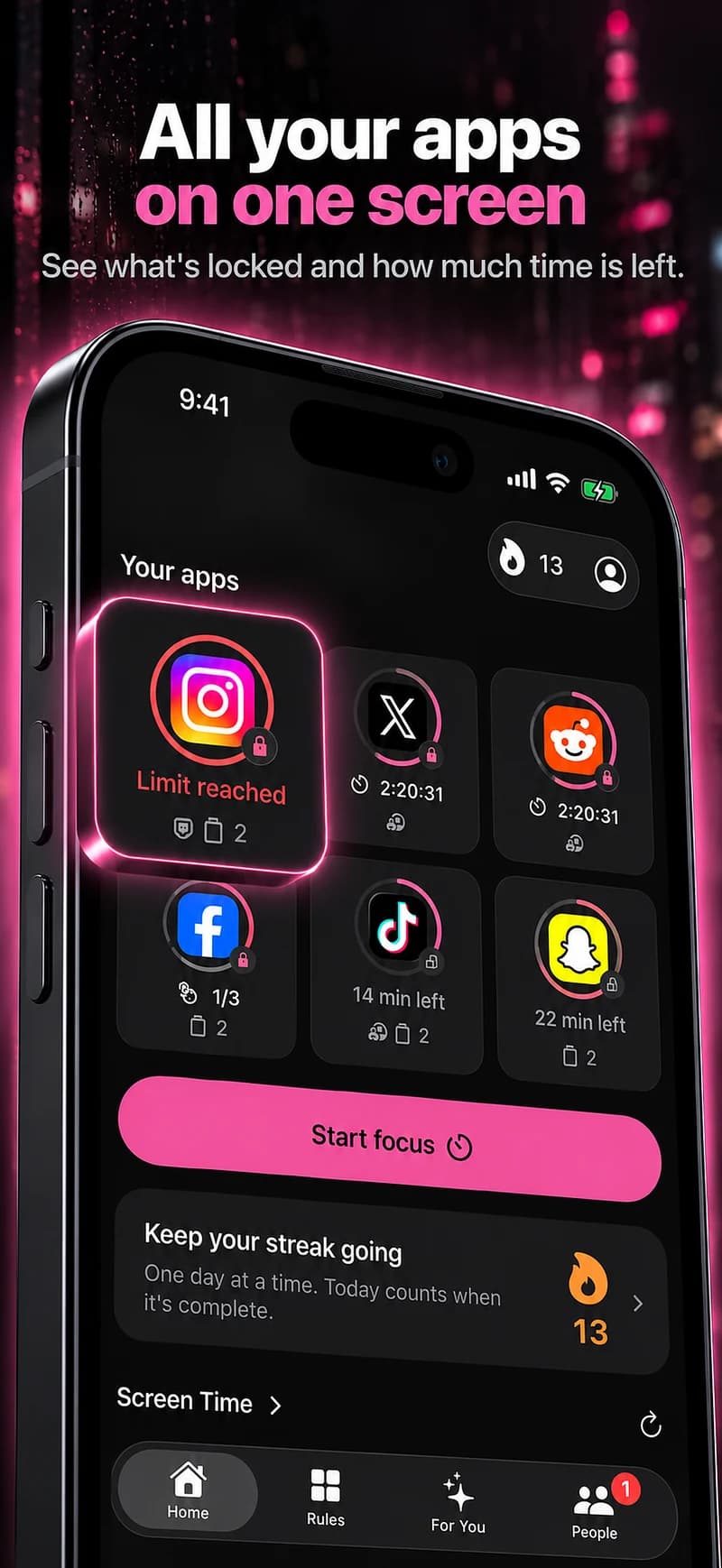
After the agreed period, compare available readings for the relevant apps and hours, then ask what changed in your own experience. Were exceptions reasonable? Did the plan fit work and family needs? Which part would be worth keeping?
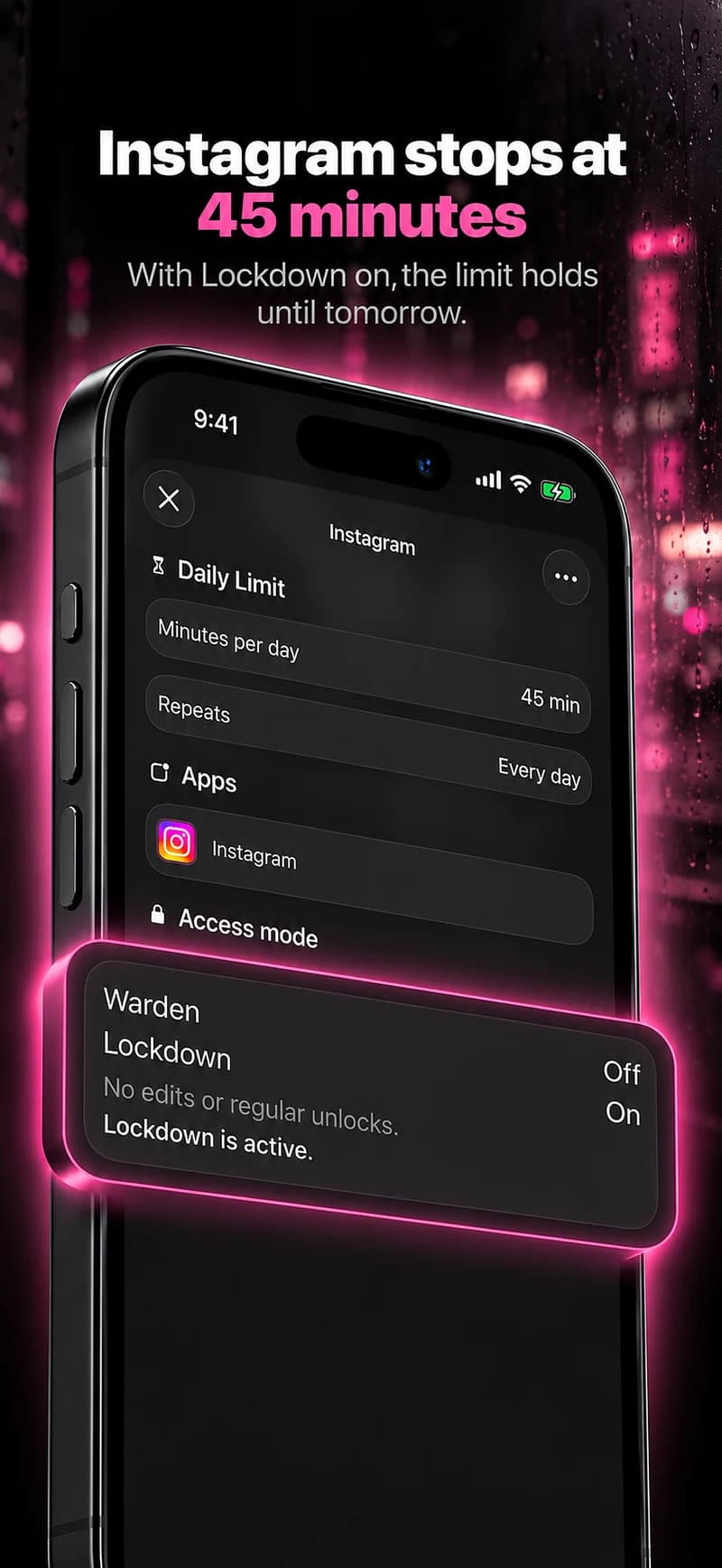
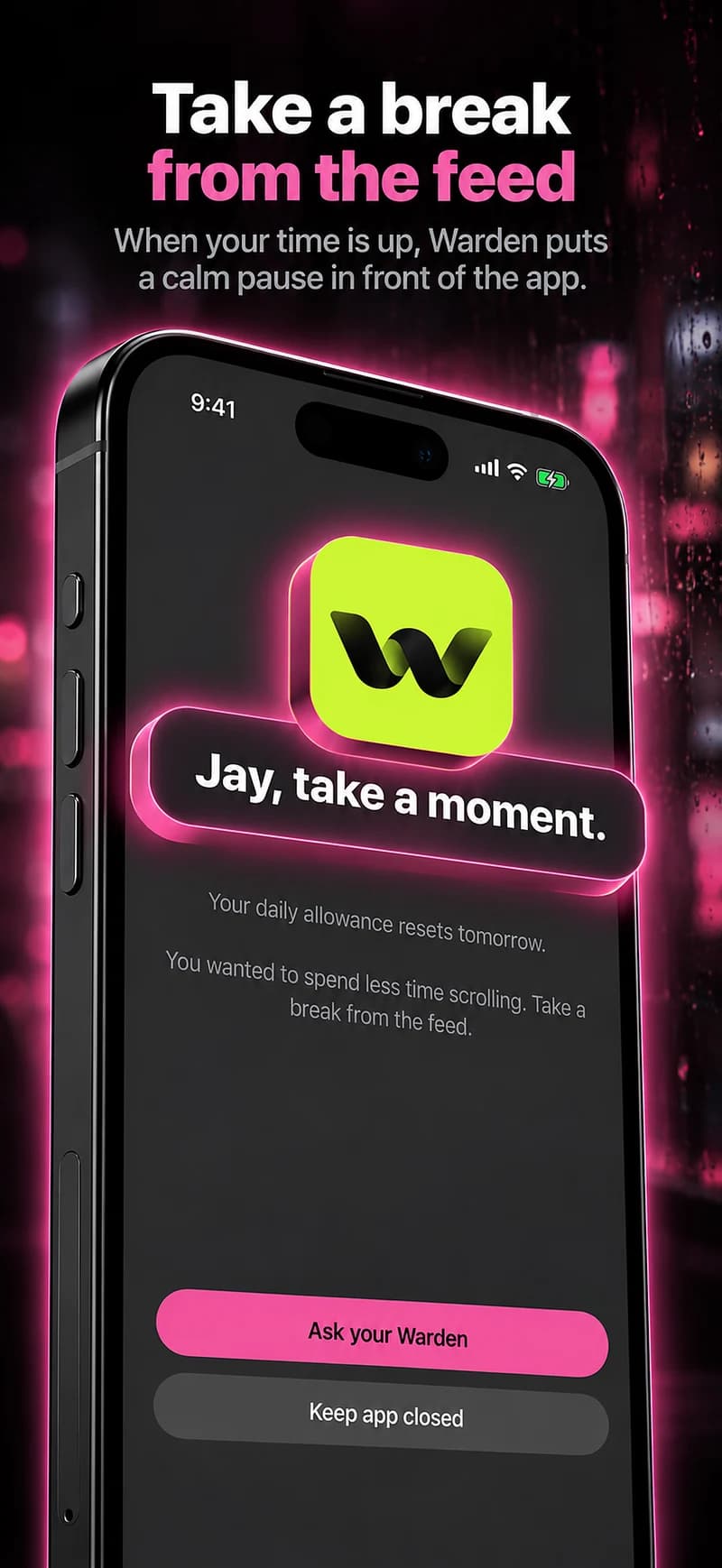
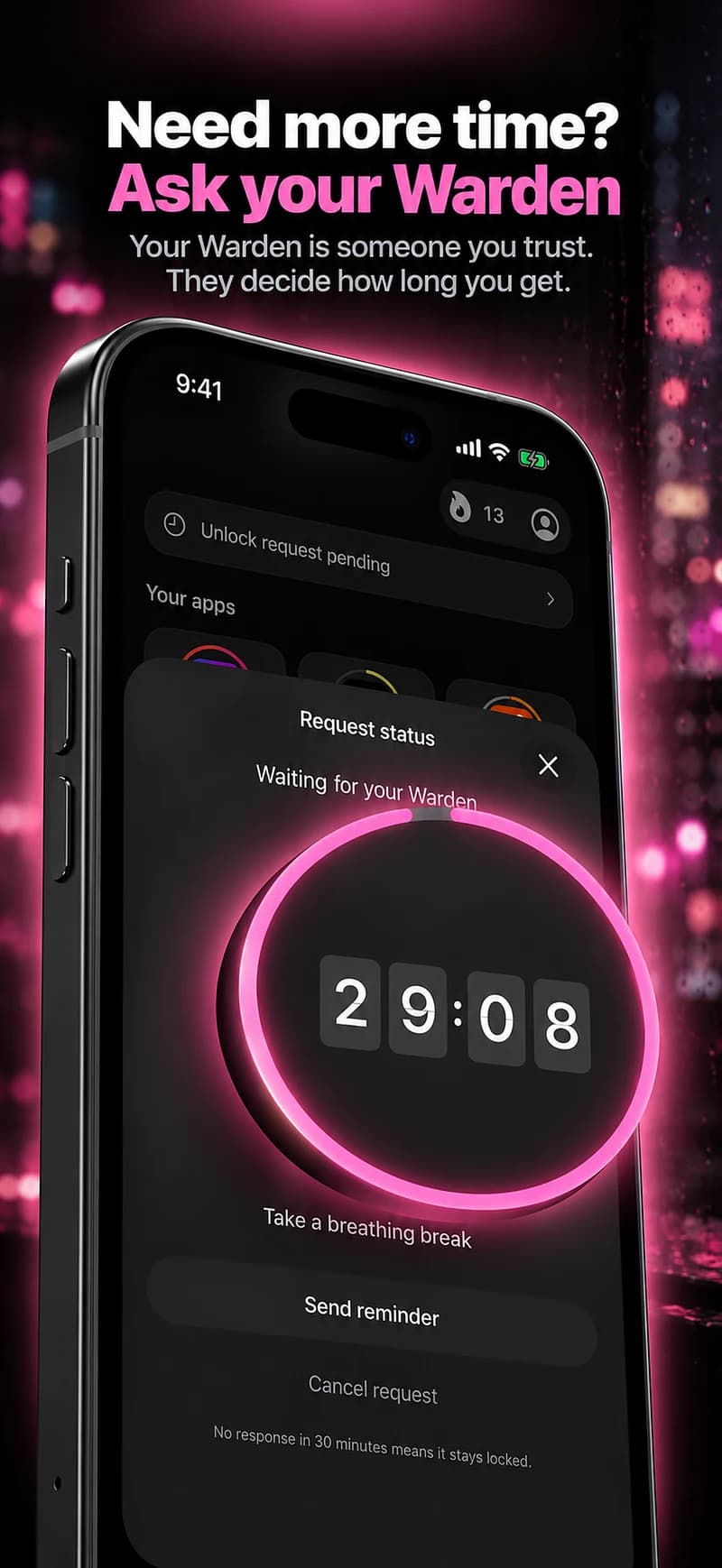
Do not turn a reduced total into a claim that the break improved sleep, anxiety or attention without appropriate evidence. Warden can record blocks and display authorized activity; it cannot verify a general wellbeing benefit simply because a countdown ended.
Give the experiment a beginning and an end
Choose one service or group of apps, a realistic period and a question you want to answer. For example: “For three evenings, I will keep these feeds out of my reading hour. Did the arrangement help me stay with the book?” That is a small experiment, not a claim that a detox will reset your brain.
Keep essential communication available and decide what will happen when the period ends. Review the reported use separately from your own experience of the evenings. If the experiment was useful, choose a repeatable routine; if it was not, change the conditions before making a longer or more restrictive commitment.